
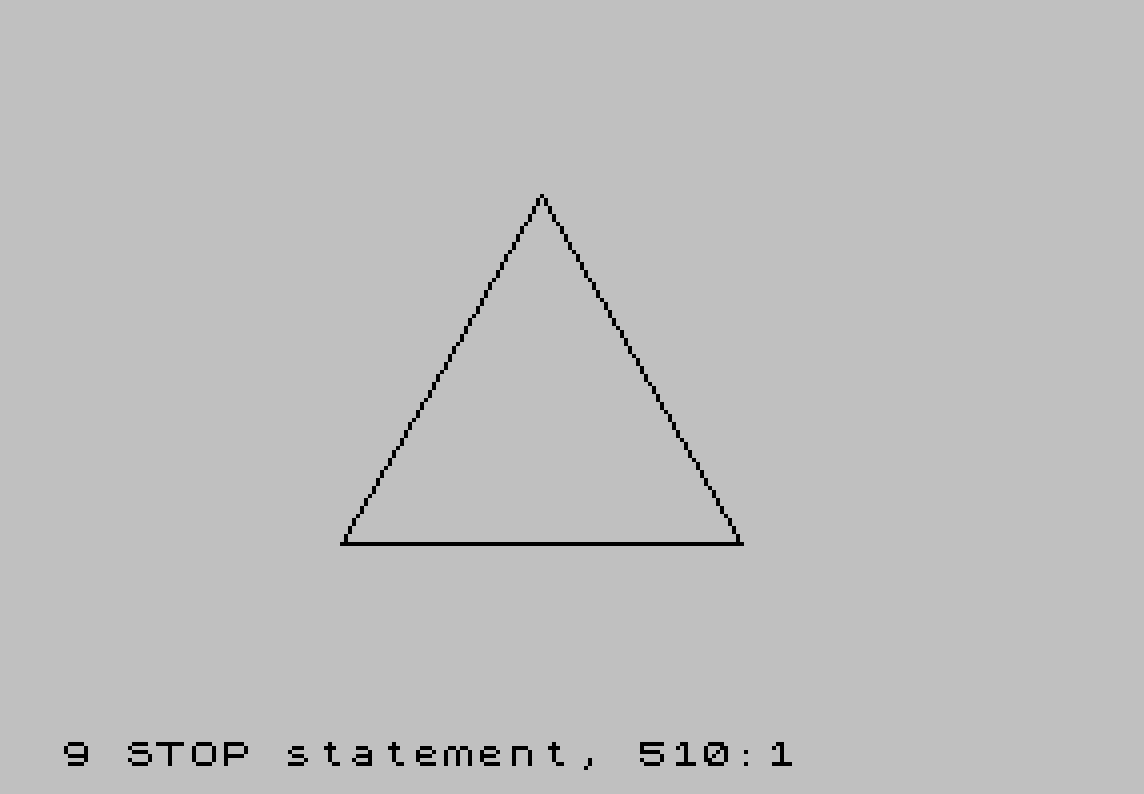
This program animates a morphing shape that transitions from a triangle to a square over 20 frames by interpolating PLOT/DRAW coordinates stored in DATA statements. Each frame’s coordinates are computed by dividing the difference between the start and end positions by the number of frames minus one, accumulating the offset each iteration. A machine code routine (53 bytes, POKEd to address 60000) is used to implement a dual-screen buffer mechanism, with port 255 toggled via OUT instructions to flip between display pages, producing flicker-free animation. The checksum of the machine code bytes is verified against 7805 before execution begins, providing a basic integrity check.
Program Analysis
Program Structure
The program is divided into four logical phases:
- Machine code setup (lines 140, 520–600): POKEs 53 bytes of M/C into address 60000 and verifies a checksum.
- Initialisation (lines 160–280): Enters dual-screen mode, reads frame/point counts and starting coordinates into array
a(), reads ending coordinates intob(). - Offset computation (lines 290–350): Overwrites
b()with per-frame increments (the difference divided byframes-1). - Animation loop (lines 370–500): Draws each frame, flips the display buffer, then advances coordinates by the precomputed offsets.
DATA Layout
| Line | Contents |
|---|---|
100 | frames=20, points=4 (incremented to 5 at line 205) |
110 | Starting shape coordinates: PLOT origin + 4 DRAW vectors (triangle/square start) |
120 | Ending shape coordinates: PLOT origin + 4 DRAW vectors (destination shape) |
610 | 53 machine code bytes for the dual-screen routine |
Coordinate Initialisation Bug
Line 240 reads two values but mixes up the arrays: READ a(a,1): READ b(a,2). The second READ should populate a(a,2), not b(a,2). As written, the first pass deposits the starting Y-coordinates directly into the b() array, which is then overwritten during the offset computation phase (lines 300–350). Whether the animation still produces the intended morphing depends on the specific values, but it is a clear coding error.
Variable Name Reuse
The program reuses the scalar variable b (lines 310, 330) as a temporary while b() is a two-dimensional array. This is valid BASIC because scalars and arrays occupy separate namespaces, but it makes the code harder to follow. Similarly, the loop counter a (a scalar) coexists with the array a().
Machine Code Dual-Screen Mechanism
The 53-byte routine POKEd to address 60000 implements a page-flipping display buffer. Key OUT/IN port usage:
OUT 255,1/OUT 255,0— selects which of two video pages is visible.RANDOMIZE USR 60000at line 160 initialises the dual-screen mode.RANDOMIZE USR 60041at line 430 (mid-loop) performs the page flip after drawing, eliminating flicker by never displaying a partially-drawn frame.
The routine also copies 27×256 bytes (the display file) using the Z80 LDIR instruction, visible from the byte sequence 33,0,64,17,0,96,1,0,27,237,176 (LD HL,16384 / LD DE,24576 / LD BC,6912 / LDIR), which copies one screen buffer to the other.
Checksum Verification
Lines 540–590 accumulate the sum of all 53 POKEd bytes into c and halt with STOP if the total does not equal 7805. This is a simple but effective guard against DATA entry errors corrupting the machine code before execution.
Animation Interpolation
The morphing is achieved by linear interpolation: for each of the 5 points, the per-frame step is (end − start) / (frames − 1), stored back into b(). During the draw loop the step is added to a() each frame, so over 20 frames the shape moves smoothly from its starting to its ending geometry. Using frames-1 as the divisor ensures the final frame exactly reaches the target coordinates.
RESTORE Usage
RESTORE 100 at line 170 resets the DATA pointer to line 100 after the machine code subroutine has consumed the DATA at line 610 via its own RESTORE 600 at line 530. This ensures the animation setup reads from the correct DATA lines without conflict.
Image Gallery
Source Code
    1 REM triangle to square
    2 REM By John Bell-May/June  1986 T-S Horizons
  100 DATA 20,4
  105 REM DATA statements contain the coordinates of the PLOT and DRAW statements
  110 DATA 70,40,100,0,0,100,-100,0,0,-100
  120 DATA 70,40,100,0,-50,87,-25,-44,-25,-43
  130 REM set up M/C
  140 GO SUB 520
  150 REM DUAL SCREEN MODE
  160 RANDOMIZE USR 60000: OUT 255,1
  170 RESTORE 100
  180 REM Initalizes variables
  190 READ frames
  200 READ points
  205 LET points=points+1
  210 DIM a(points,2)
  220 DIM b(points,2)
  230 FOR a=1 TO points
  240 READ a(a,1): READ b(a,2)
  250 NEXT a
  260 FOR a=1 TO points
  270 READ b(a,1): READ b(a,2)
  280 NEXT a
  290 REM Makes the "B" array     contain the offset of offset of each PLOT-DRAW point
  300 FOR a=1 TO points
  310 LET b=(b(a,1)-a(a,1))
  320 LET b(a,1)=b/(frames-1)
  330 LET b=(b(a,2)-a(a,2))
  340 LET b(a,2)=b/(frames-1)
  350 NEXT a
  360 REM Draws each frame of the picture
  370 FOR a=1 TO frames
  380 CLS
  390 PLOT a(1,1),a(1,2)
  400 FOR c=2 TO points
  410 DRAW a(c,1),a(c,2)
  420 NEXT c
  430 OUT 255,0: RANDOMIZE USR 60041: OUT 255,1
  440 REM Changes coordinates for next frame
  450 FOR b=1 TO points
  460 LET a(b,1)=a(b,1)+b(b,1)
  470 LET a(b,2)=a(b,2)+b(b,2)
  480 NEXT b
  490 NEXT a
  500 OUT 255,0
  510 STOP
  520 REM POKEs M/C
  530 RESTORE 600
  540 LET c=0
  550 FOR a=60000 TO 60052
  560 READ b: POKE a,b
  570 LET c=c+b
  580 NEXT a
  590 IF c<>7805 THEN STOP
  600 RETURN
  610 DATA 62,128,243,245,219,255,203,255,211,255,219,244,50,72,238,62,1,211,244,241,205,142,14,62,128,50,194,92,58,72,238,211,244,219,255,203,191,211,255,251,0,33,0,64,17,0,96,1,0,27,237,176,201
 9998 STOP
 9999 SAVE "ANIM" LINE 1
Note: Type-in program listings on this website use ZMAKEBAS notation for graphics characters.