
Mass data storage is accomplished more efficiently by a disc system than by a cassette recorder. However, until such a system is available for the ZX80/1 computers, Sinclair owners will have to rely on the cassette system. This article offers a program for a modest inventory system based on the 8K ROM and 16K RAM.
For the sake of illustration, a “pantry” inventory is used, but the program can be adapted to any inventory you might want to use it for. The program will handle up to 150 separate items (Figure 1), but it can be easily modified for the individual user (lines 305, 307, 3044, and all the “B=1 TO 150” statements).
       **************
     PANTRY INVENTORY-10
       **************
THIS PROGRAM HANDLES 150 ITEMS
       **************

DO YOU WANT TO:
  1)START A NEW INVENTORY LIST?
  2)SEARCH FOR AN ITEM?
  3)CHECK INVENTORY?
  4)ADD NEW ITEM TO LIST?
  5)CHANGE QUANTITY OF AN ITEM?
  6)DELETE AN ITEM?
  7)EXIT PROGRAM?

ENTER YOUR CHOICE,1-7.

1
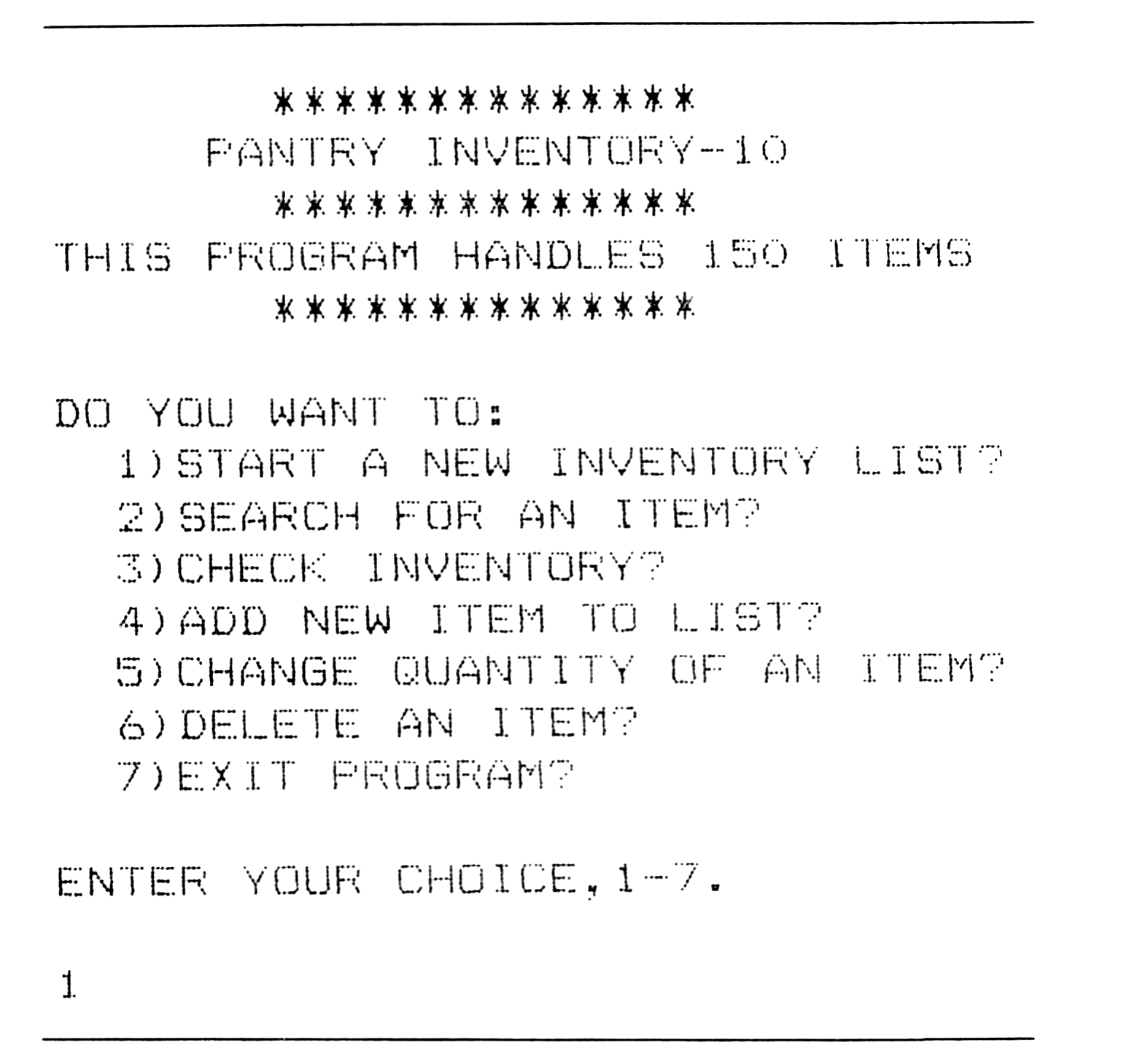
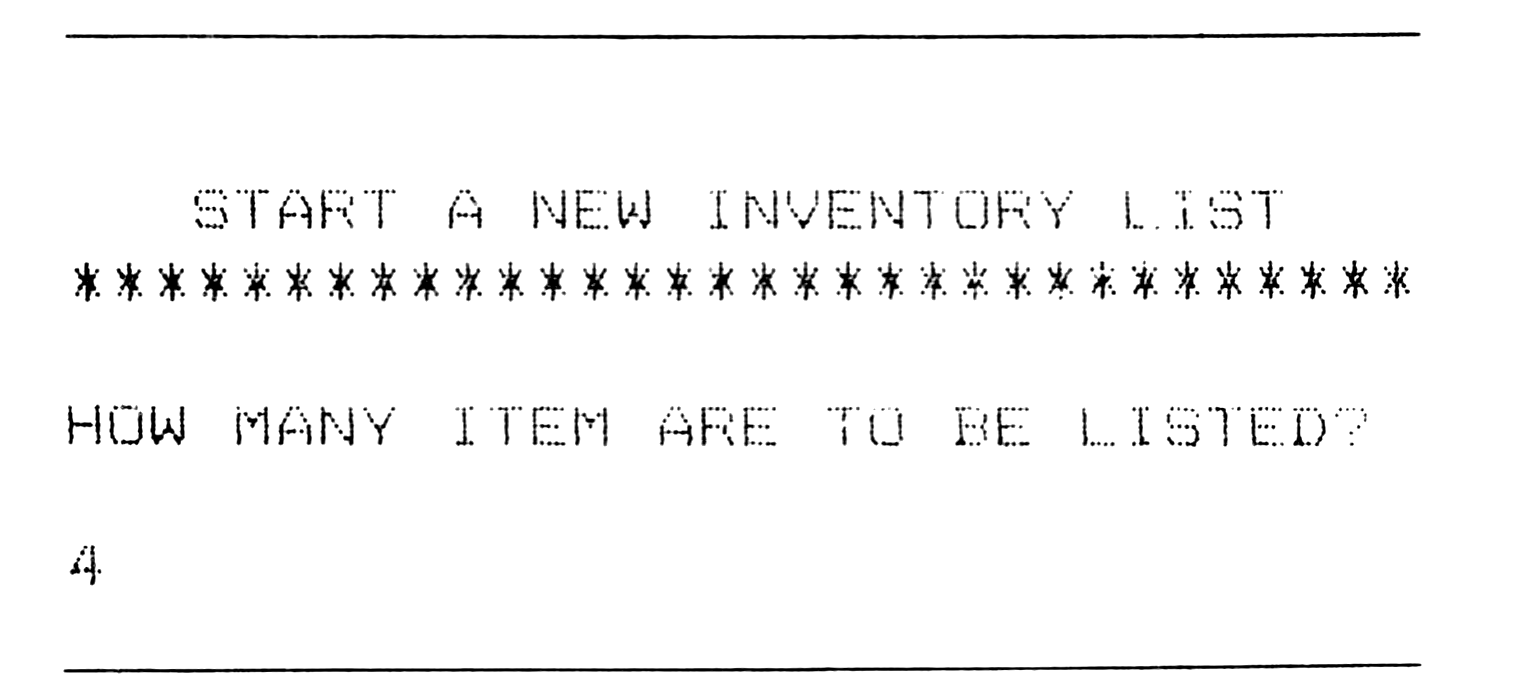
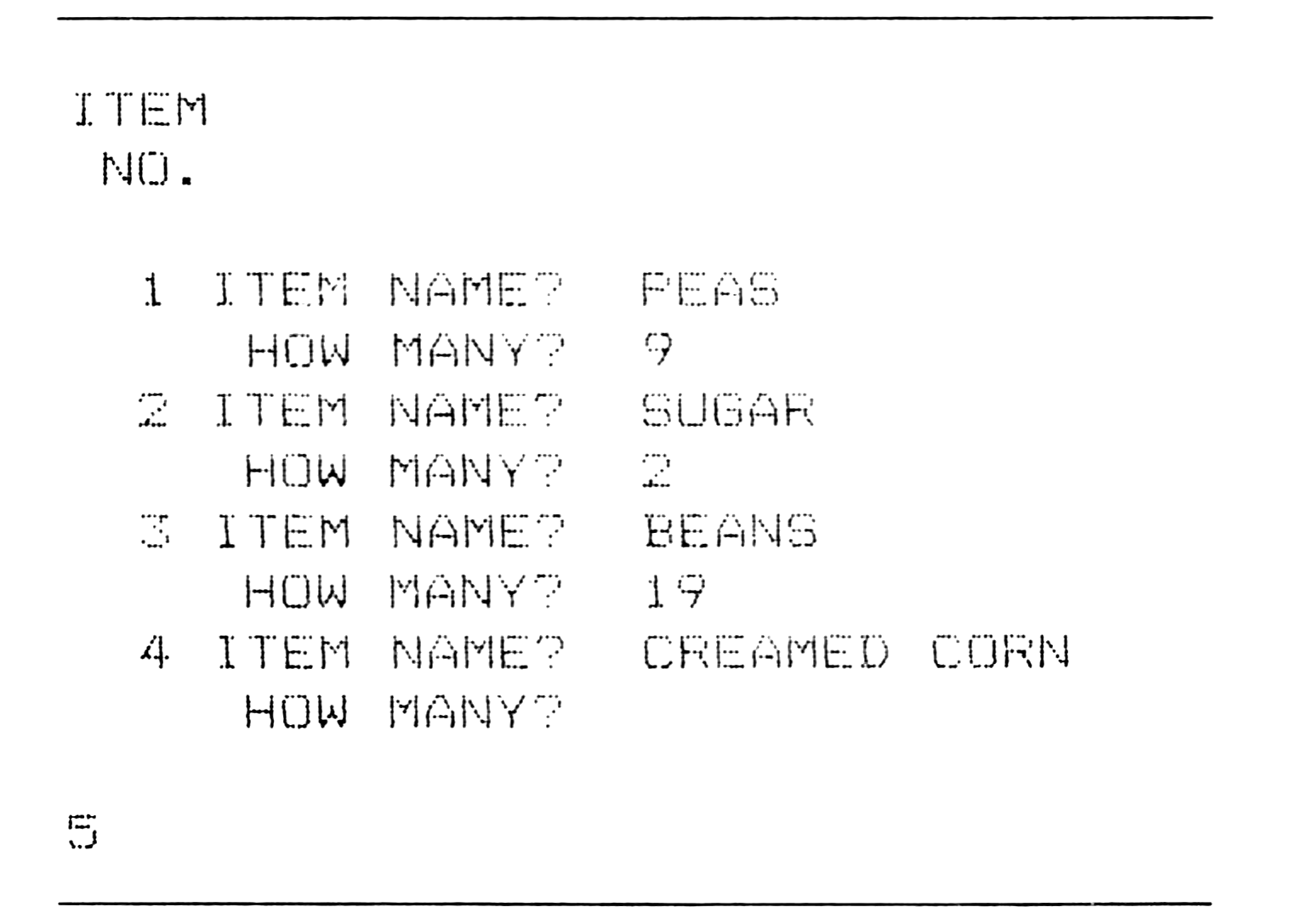
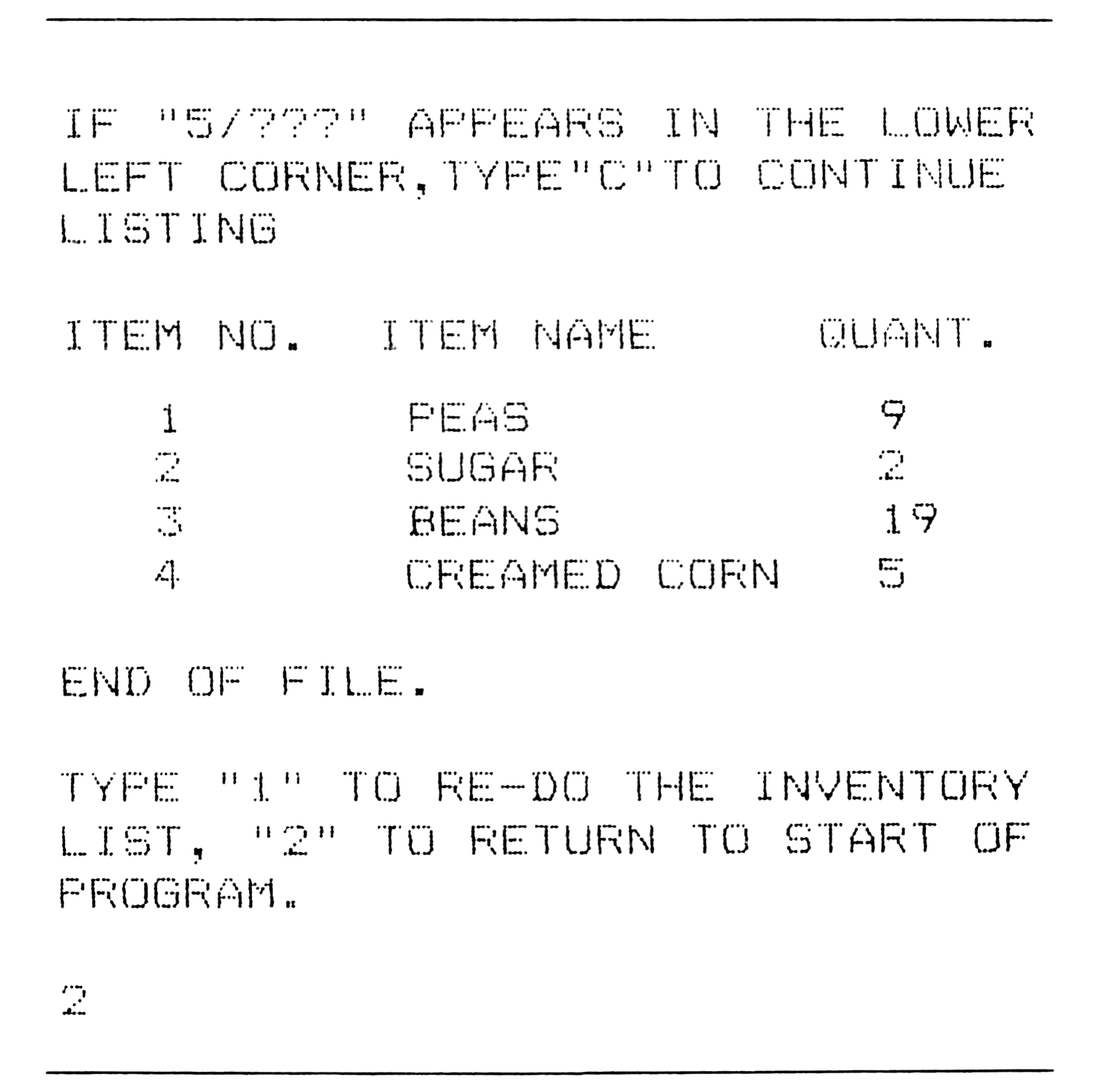
One begins by selecting choice 1, indicating the total number of items to be entered (Figure 2), and INPUTing the item name and quantity in response to prompts (Figures 3 and 4). Once an inventory list is entered, the user has several options.
   START A NEW INVENTORY LIST
********************************

HOW MANY ITEM ARE TO BE LISTED?

4
ITEM
 NO.

  1 ITEM NAME?  PEAS
     HOW MANY?  9
  2 ITEM NAME?  SUGAR
     HOW MANY?  2
  3 ITEM NAME?  BEANS
     HOW MANY?  19
  4 ITEM NAME?  CREAMED CORN
     HOW MANY?

5
IF "5/???" APPEARS IN THE LOWER
LEFT CORNER,TYPE"C"TO CONTINUE
LISTING

ITEM NO.  ITEM NAME      QUANT.

   1        PEAS            9
   2        SUGAR           2
   3        BEANS           19
   4        CREAMED CORN    5

END OF FILE.

TYPE "1" TO RE-DO THE INVENTORY
LIST, "2" TO RETURN TO START OF
PROGRAM.

2
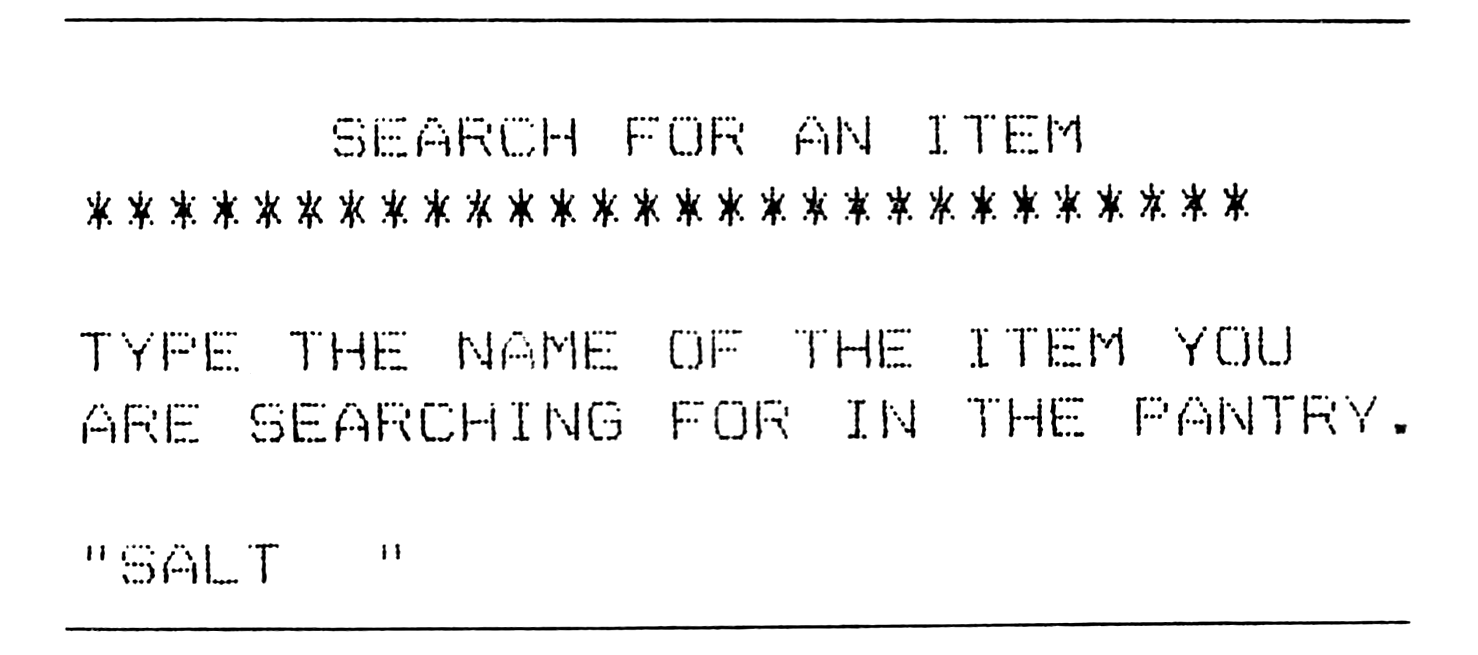
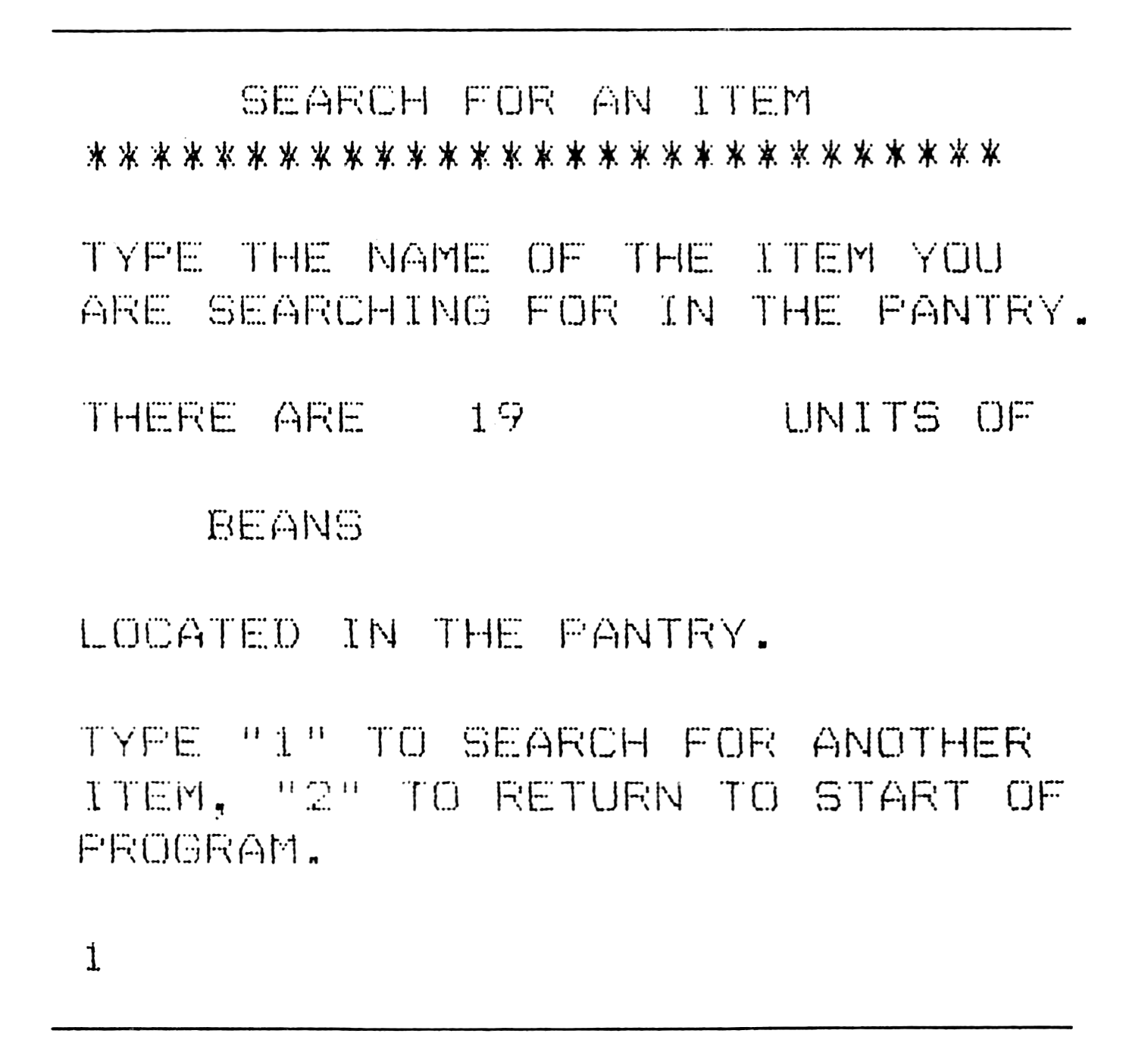
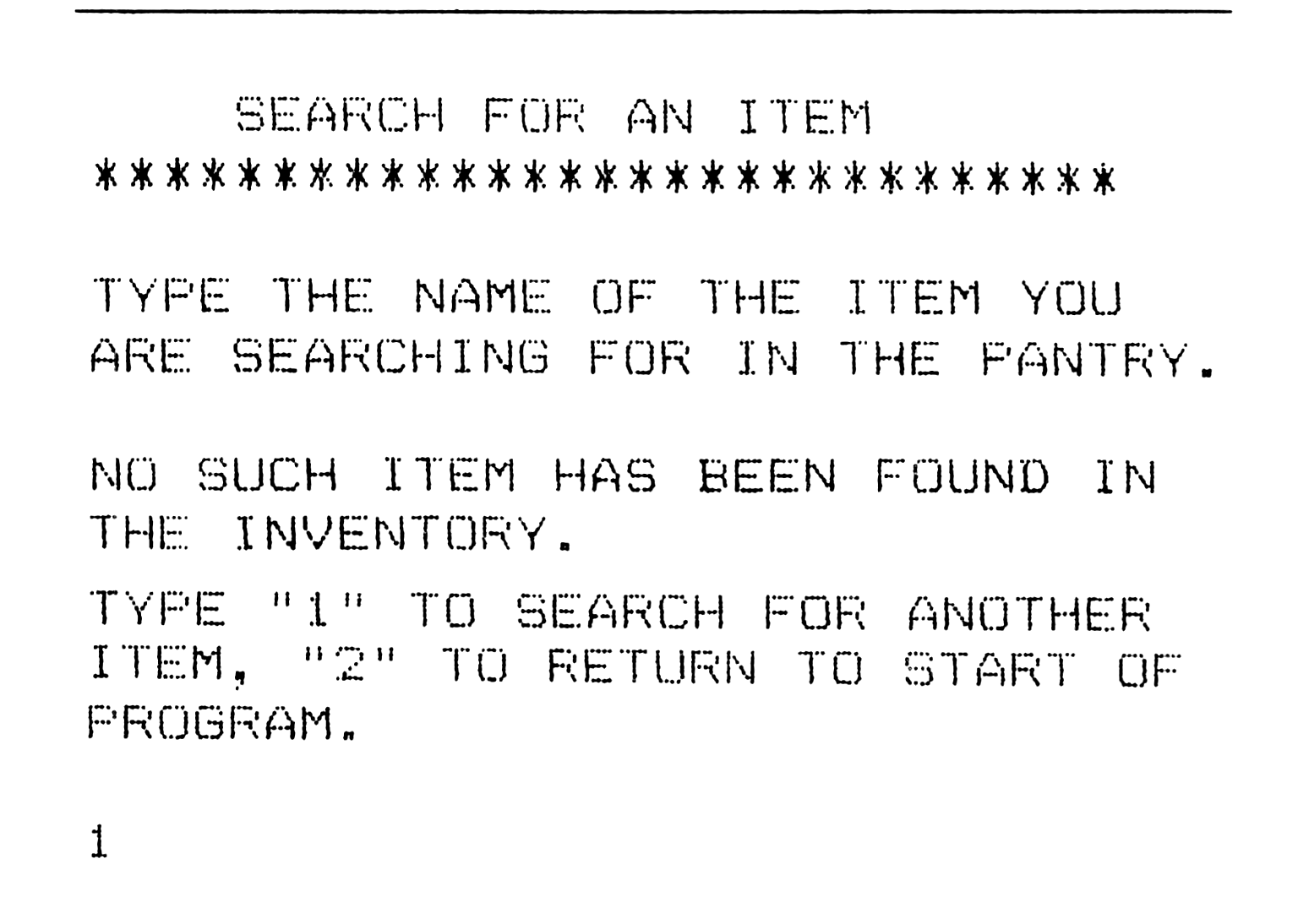
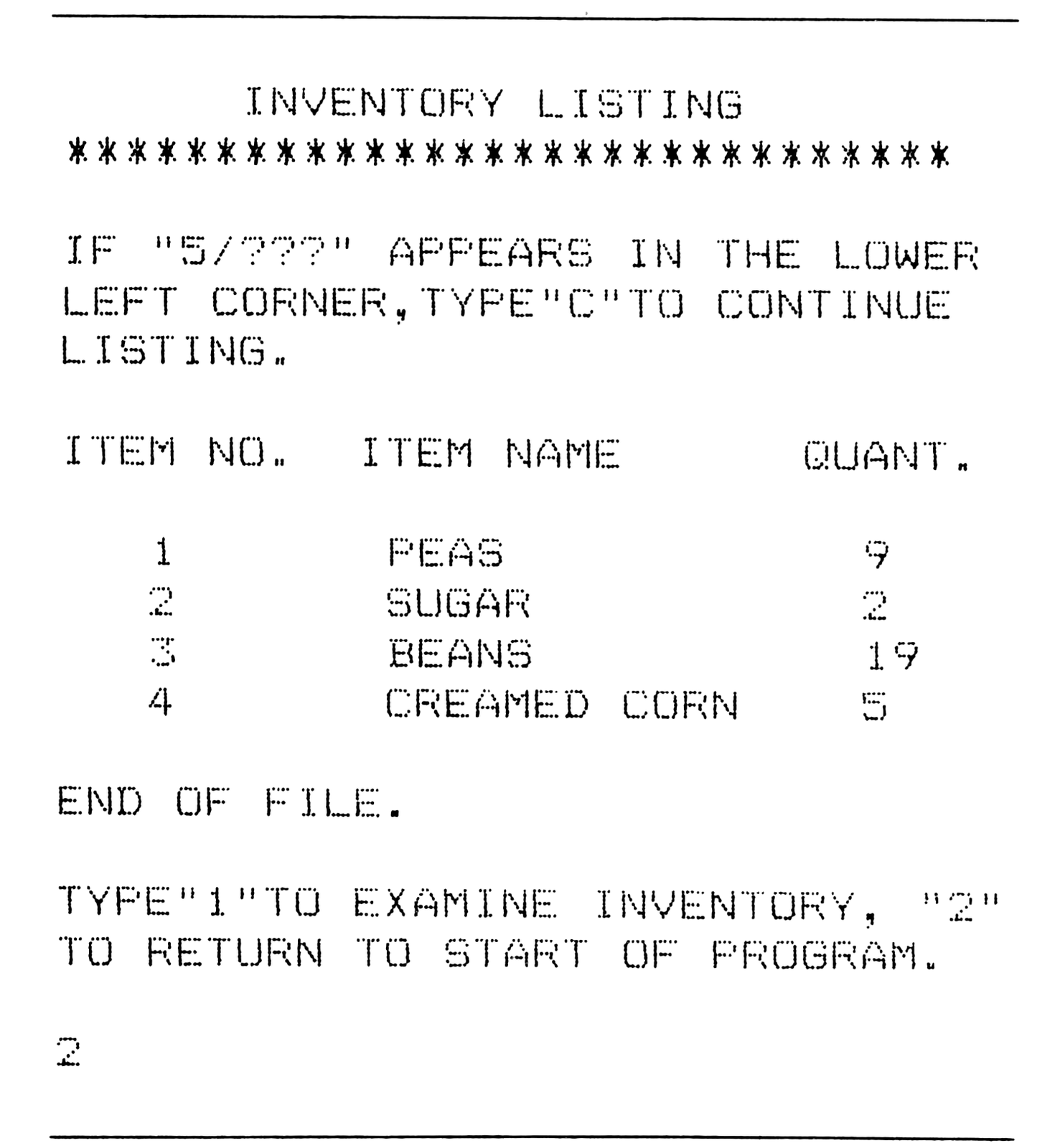
The search routine accepts a string input (Figure 5) and searches the inventory to ascertain if the item is in the listing. After searching, the computer replies with either a report on the item it has located (Figure 6) or a statement indicating that the item is not in the inventory (Figure 7). A complete inventory listing is available with the third option. The program lists each entry by item number, name, and quantity (Figure 8). If the list is long, there is an option at the end of the program to recheck the listing.
     SEARCH FOR AN ITEM
****************************

TYPE THE NAME OF THE ITEM YOU
ARE SEARCHING FOR IN THE PANTRY.

"SALT     "
     SEARCH FOR AN ITEM
****************************

TYPE THE NAME OF THE ITEM YOU
ARE SEARCHING FOR IN THE PANTRY.

THERE ARE    19        UNITS OF

    BEANS

LOCATED IN THE PANTRY.

TYPE "1" TO SEARCH FOR ANOTHER
ITEM, "2" TO RETURN TO START OF
PROGRAM.

1
     SEARCH FOR AN ITEM
****************************

TYPE THE NAME OF THE ITEM YOU
ARE SEARCHING FOR IN THE PANTRY.

NO SUCH ITEM HAS BEEN FOUND IN
THE INVENTORY.
TYPE "1" TO SEARCH FOR ANOTHER
ITEM, "2" TO RETURN TO START OF
PROGRAM.

1
     INVENTORY LISTING
****************************

IF "5/???" APPEARS IN THE LOWER
LEFT CORNER,TYPE"C"TO CONTINUE
LISTING.

ITEM NO.  ITEM NAME      QUANT.

   1        PEAS            9
   2        SUGAR           2
   3        BEANS           19
   4        CREAMED CORN    5

END OF FILE.

TYPE"1"TO EXAMINE INVENTORY, "2"
TO RETURN TO START OF PROGRAM.

2
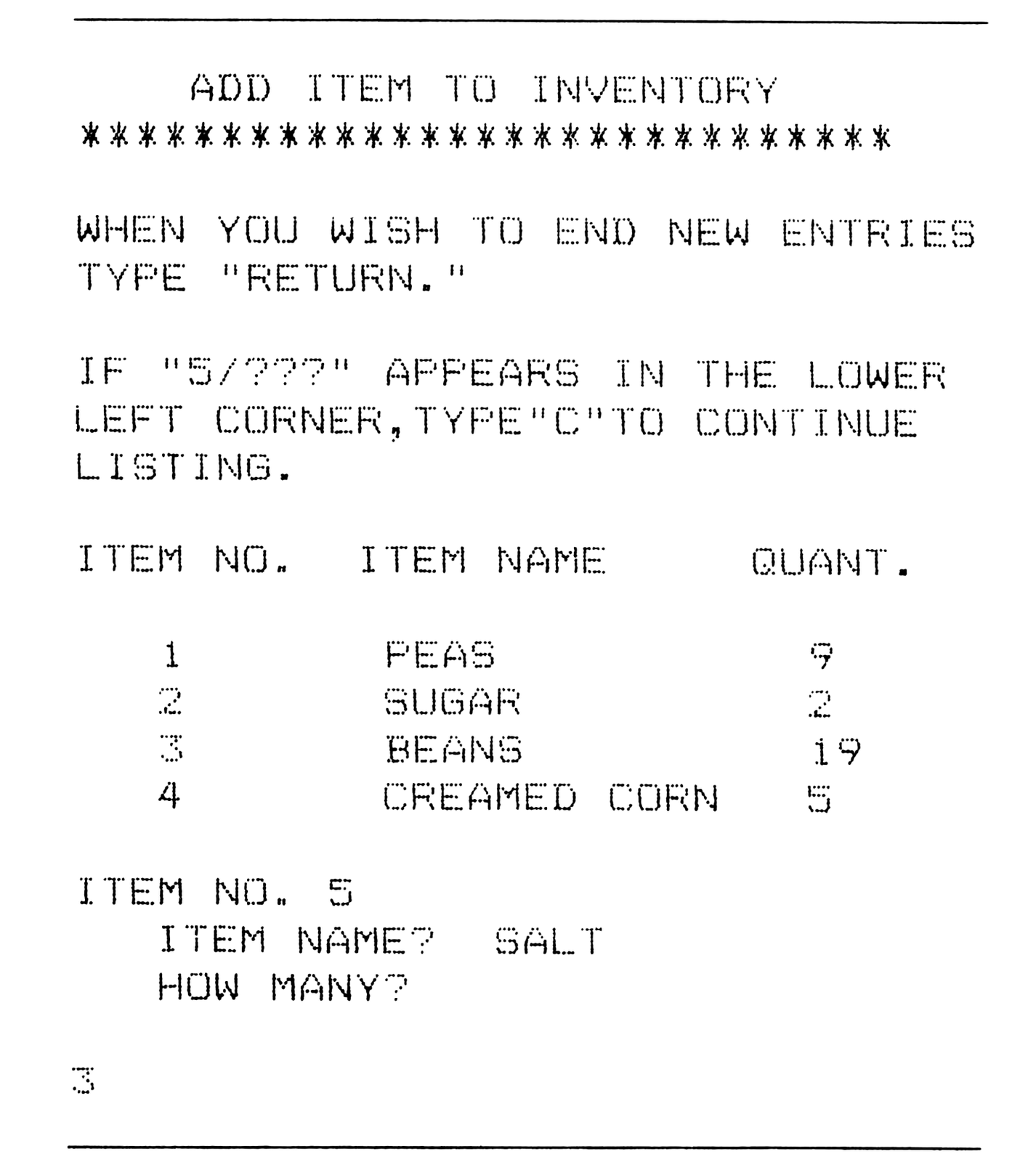
New items are added to the inventory by the fourth option. The current inventory is listed and a prompt requests the new item name and quantity (Figure 9). When the addition of items is completed “RETURN” is typed to send the program back to the menu at the beginning of the program.
    ADD ITEM TO INVENTORY
****************************

WHEN YOU WISH TO END NEW ENTRIES
TYPE "RETURN."

IF "5/???" APPEARS IN THE LOWER
LEFT CORNER,TYPE"C"TO CONTINUE
LISTING.

ITEM NO.  ITEM NAME      QUANT.

   1        PEAS            9
   2        SUGAR           2
   3        BEANS           19
   4        CREAMED CORN    5

ITEM NO. 5
   ITEM NAME?  SALT
   HOW MANY?

3
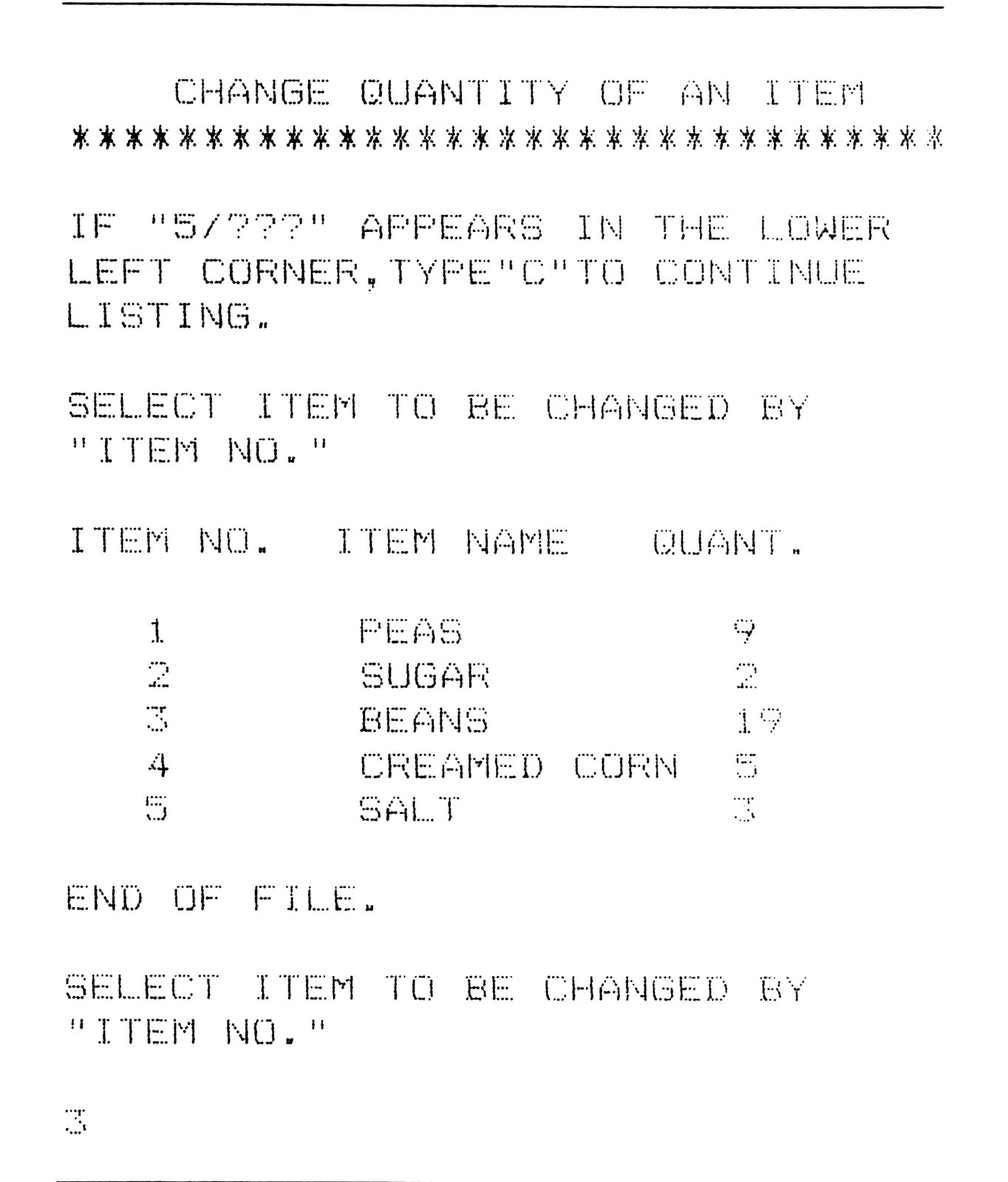
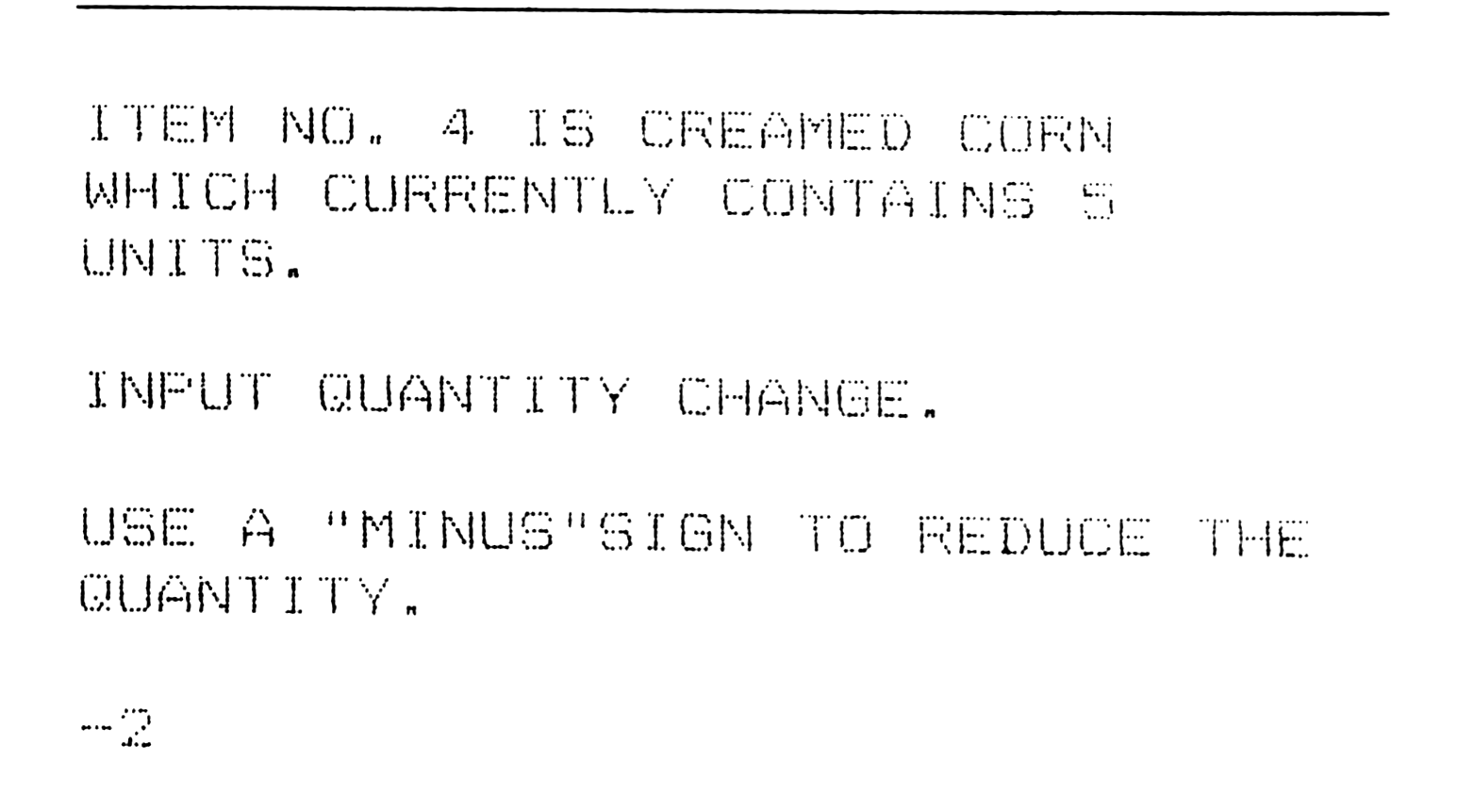
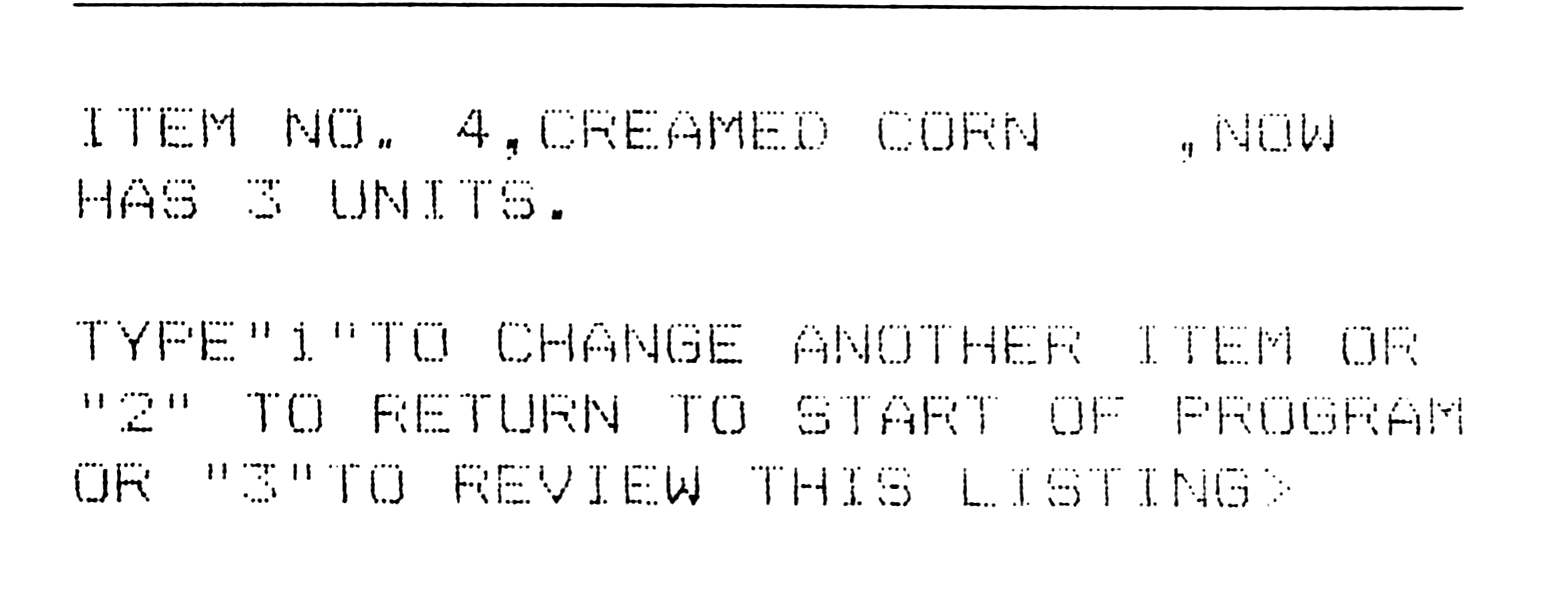
Since an inventory must always accommodate changes in the quantity of the items, the quantity change routine is very important. Option five, which first prints the complete inventory, asks for the item number of the item to be changed (Figure 10). After the item is selected, it is detailed and the change is requested (Figure 11). Finally, the item number, name, and quantity change are printed out. The user can then return to the start of the routine to change another item (Figure 12).
   CHANGE QUANTITY OF AN ITEM
********************************

IF "5/???" APPEARS IN THE LOWER
LEFT CORNER,TYPE"C"TO CONTINUE
LISTING.

SELECT ITEM TO BE CHANGED BY
"ITEM NO."

ITEM NO.  ITEM NAME   QUANT.

   1        PEAS         9
   2        SUGAR        2
   3        BEANS        19
   4        CREAMED CORN 5
   5        SALT         3

END OF FILE.

SELECT ITEM TO BE CHANGED BY
"ITEM NO."

3
ITEM NO. 4 IS CREAMED CORN
WHICH CURRENTLY CONTAINS 5
UNITS.

INPUT QUANTITY CHANGE.

USE A "MINUS"SIGN TO REDUCE THE
QUANTITY.

-2
ITEM NO. 4,CREAMED CORN    ,NOW
HAS 3 UNITS.

TYPE"1"TO CHANGE ANOTHER ITEM OR
"2" TO RETURN TO START OF PROGRAM
OR "3"TO REVIEW THIS LISTING>
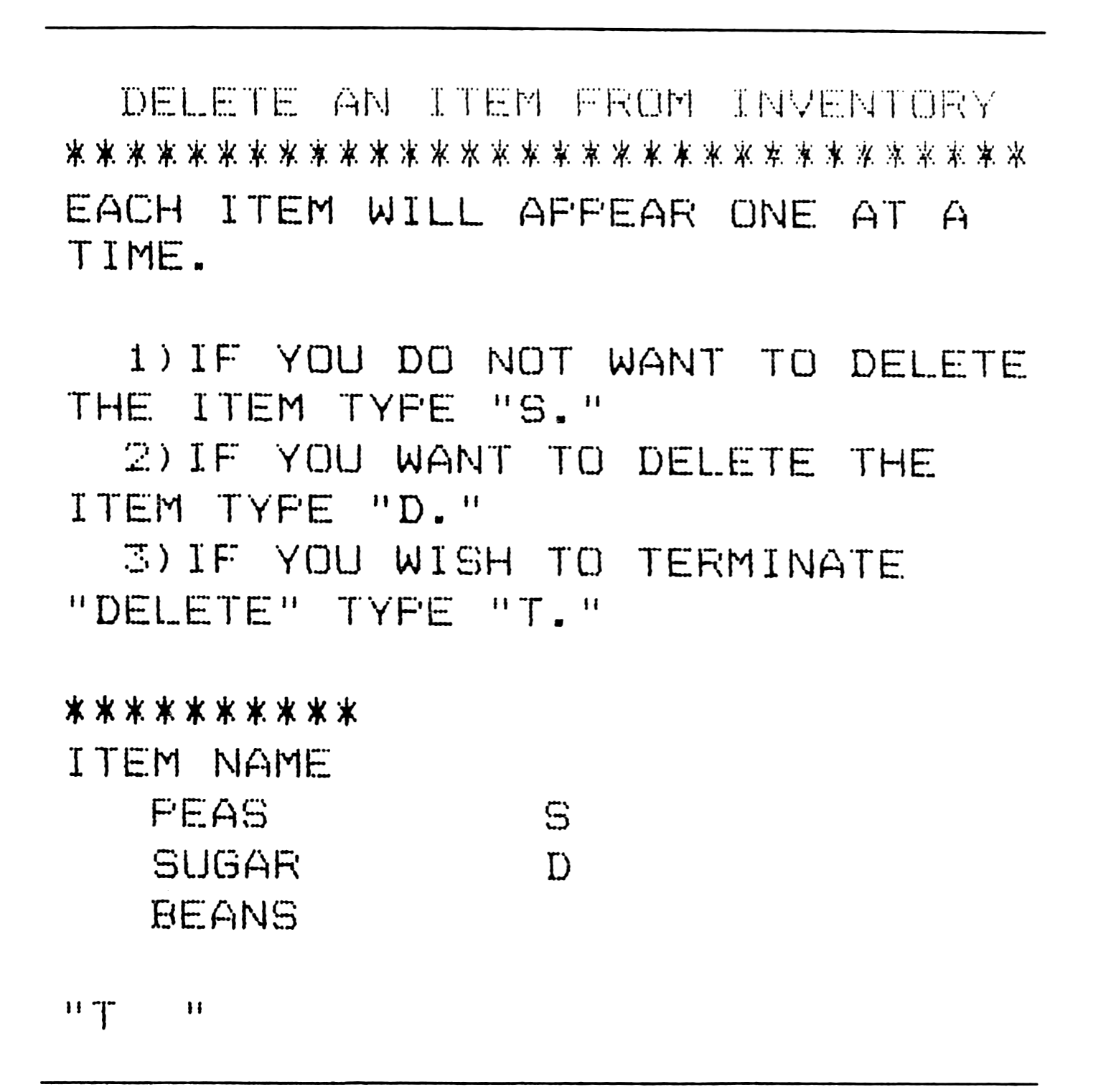
The last option, aside from exiting the program, permits the deletion of an item from the inventory list. An item is printed and the user inputs one of three choices: save, delete, or terminate the routine (Figure 13).
  DELETE AN ITEM FROM INVENTORY
********************************
EACH ITEM WILL APPEAR ONE AT A
TIME.

  1)IF YOU DO NOT WANT TO DELETE
THE ITEM TYPE "S."
  2)IF YOU WANT TO DELETE THE
ITEM TYPE "D."
  3)IF YOU WISH TO TERMINATE
"DELETE" TYPE "T."

**********
ITEM NAME
  PEAS          S
  SUGAR         D
  BEANS

"T   "
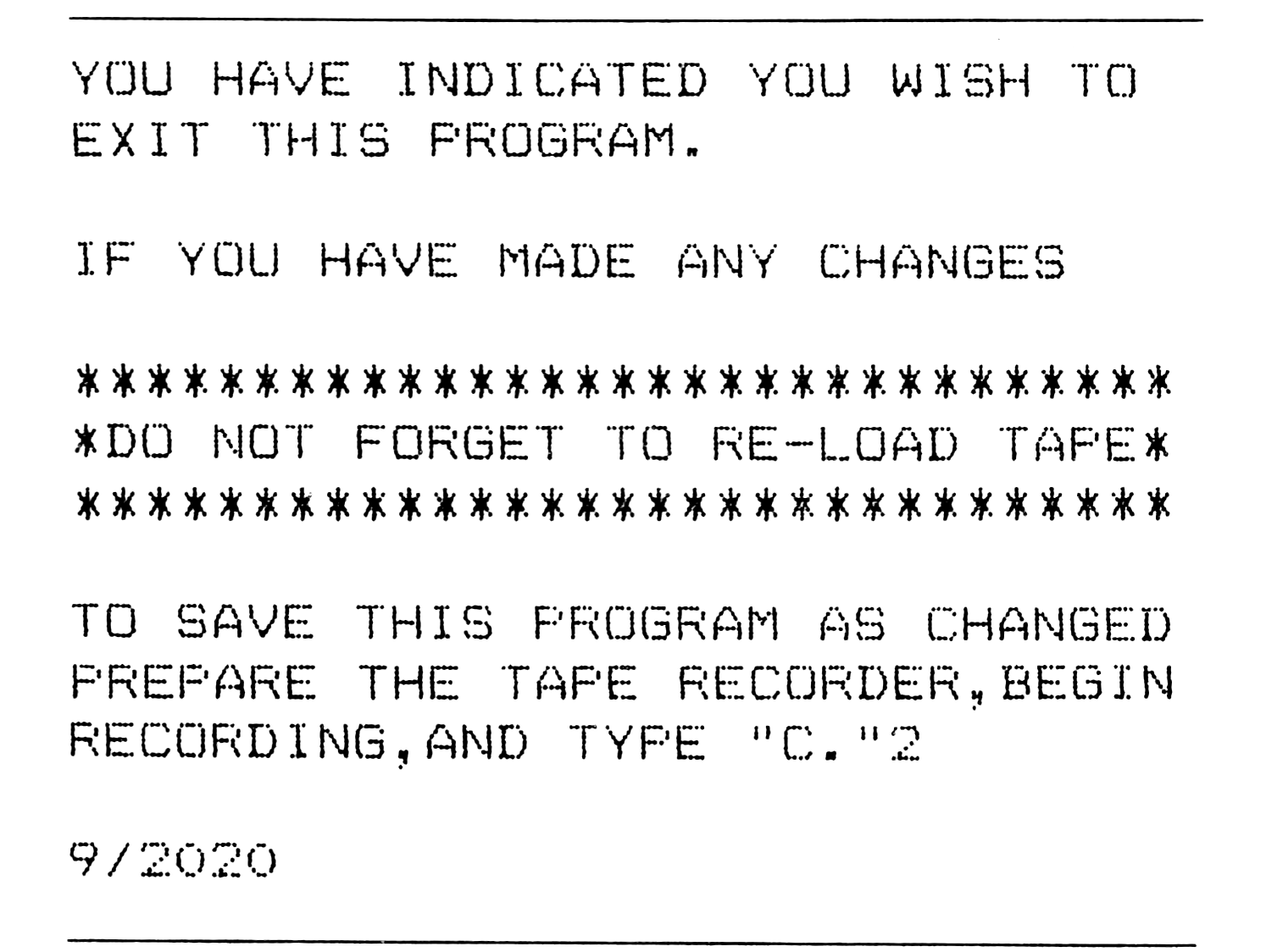
Exiting from the program and SAVEing the program are combined in the last option. The prompts remind the user to re-load the tape with the up-dated inventory list (Figure 14).
YOU HAVE INDICATED YOU WISH TO
EXIT THIS PROGRAM.

IF YOU HAVE MADE ANY CHANGES

********************************
*DO NOT FORGET TO RE-LOAD TAPE*
********************************

TO SAVE THIS PROGRAM AS CHANGED
PREPARE THE TAPE RECORDER,BEGIN
RECORDING,AND TYPE "C."2

9/2020
Several minor problems were encountered in attempting to develop a workable inventory-type program for the ZX80/1. Most notable of the “minor” problems involved the way the 8K ROM handles string arrays. This problem can to light when the “SEARCH” routine was first (and second, and third, and …) attempted. Finally, the attempt to use a “SEARCH” routine was set aside. The solution to the problem, which involved INPUTing an “ITEM NAME,” having the inventory checked by the computer and then reporting whether or not the item appears in the inventory came from a technique used in another part of the program, lines 1080-1084.
The difficulty involved in using the two-dimension array is in the second dimension. Once set (or simply using the 8K Basic ROM’s own setting of 10 characters in length) the ZX80 only recognizes an item with the same number of second dimension characters. For example, if an array statement reads DIM (5,5), then five items, five characters in length may be input. If “PEAS” is typed in as an inventory item the computer will store it as “PEAS blank space.” In the search routine one must type “PEAS blank space” in order to find the item in the inventory. Typing “PEAS” will not be accepted as “PEAS blank space.” Lines 3040-3068 overcome this problem, mainly through the LEN function used in conjunction with a string and the one-time use of a string array.
The “DELETE” routine also proved to be something of a programming challenge. Originally an item could be deleted, but the item number remained with a blank for the item name and an “O” for the quantity. An associated problem involved the fact that the items were not moved 1, 2,…., or n places (depending upon the number of items deleted), but were clipped from the end of the list. These cumulative difficulties were overcome by introducing several variables, lines 1610-1618, and then using them at appropriate places throughout the routine; notably lines 1820, 1840, and 1908. Other manipulations such as found in lines 1830, 1835, 1900, 1909, and 1920 were employed to achieve the desired deletion and renumbering results.
Many “frills” have been used in the program and may be easily eliminated if so desired. For instance, the asterisks and many PRINT statements may be removed without affecting the program. These frill lines are marked by an * in the program. The total number of items may also be reduced. (NOTE: be sure to keep the first dimension of the two-dimension arrays one more than the total number desired, otherwise problems may occur in the deletion routine if the total number of items possible is used.) In all cases, it has been assumed that the user will know when to hit NEWLINE, therefore, this does not appear in any PRINT statement.
Other routines or data variables may also be added to the program. If location is important this variable may easily be included possibly as a string variable. More generally, this program may be readily adapted to any type of inventory situation.
Program Notes:
5,7     "PANTRY" may be changed to whatever inventory you want.
160     If a number other than 1-7 is typed, this sends the computer
        back to 90 to start over again.
305     Sets the first dimension of the two dimension array equal to
        one more than necessary for the "DELETE" routine to function
        properly. The second dimension may be changed to meet
        individual needs.
332     Starts a loop that continues until told to leave—line 390—or
        the maximum "B"—150—is reached.
370     "X" equated to "B" in order to
375     evaluate "N" without involving "B" directly.
400     This and similar lines may be removed if the prompt is not
        needed.
490     Any INPUT other than "P" starts the program over.
960     These are necessary in order to
965     increase the number of items INPUT at the start of the program
        in line 310.
1040    Increases "B" by one each time a new item is INPUT.
1080    C$ is used and handled in this
1081    manner; otherwise the ZX80/1 will
1082    not read the "RETURN" order in line 1084. This involves the way
        in which two dimension string arrays are handled.
1125    This line removes the "ITEM NO.," "ITEM NAME," and "QUANT."
        line on which "RETURN" is typed, otherwise "RETURN" shows up
        as an item in the program.
1370    Increases or decreases (if minus sign is used) the quantity of
        the item.
1610    Used to accommodate the mani-
1615    pulations employed later to handle
1618    the "DELETE" aspects of this routine.
1800    Removes the deleted item from the
1810    file then sets the quantity to 0.
1830    Increments "B" by one to continue
1835    printing of the file after an item has been deleted.
1900    Decrements "N" by one for each item deleted.
1908    Re-sets "B" equal to what it had been originally, for
        renumbering purposes following a deletion.
3040    Because of the manner in which
3042    the ZX80 handles two dimension
3044    string arrays the only way (at least
3048    to the author's knowledge) to
3052    initiate a search is to INPUT a simple string array—line 3040—
        equate the array to its numerical length—LEN in line 3042—set
        up a new two dimension array with a variable second
        dimension—"J" in line 3044—start a loop—line 3048—equate the
        new string to the item—line 3052—and compare the INPUT, C$, to
        M$(B) (which is the same as I$(B)). If C$ is the same as M$(B),
        then the computer jumps to line 3100 and reports that the item
        is in the inventory and tells how many units are present.
Listing:
   2 REM STEPHEN A.> JUSTHAM,.8-5-81
   5 REM "PANTRY INVENTORY-10"
  *6 PRINT TAB 7;"**************
     "
   7 PRINT TAB 5;"PANTRY INVENTO
     RY-10"
  *9 PRINT TAB 7;"**************
     "
  10 PRINT "THIS PROGRAM HANDLES
      150 ITEMS"
 *11 PRINT TAB 7;"**************
     "
  15 PRINT
  20 PRINT "DO YOU WANT TO:"
 *25 PRINT
  30 PRINT TAB 2;"1)START A NEW
     INVENTORY LIST?"
  40 PRINT TAB 2;"2)SEARCH FOR A
     N ITEM?"
  65 PRINT TAB 2;"3)CHECK INVENT
     ORY?"
  70 PRINT TAB 2;"4)ADD NEW ITEM
     TO LIST?"
  75 PRINT TAB 2;"5)CHANGE QUANT
     ITY OF AN ITEM?"
  80 PRINT TAB 2;"6)DELETE AN IT
     EM?"
  86 PRINT TAB 2;"7)EXIT PROGRAM
     ?"
 *90 PRINT
  92 PRINT "ENTER YOUR CHOICE,1-
     7."
  96 INPUT A
  99 CLS
*100 IF A=1 THEN GOTO 300
 110 IF A=2 THEN GOTO 3000
 120 IF A=3 THEN GOTO 600
 130 IF A=4 THEN GOTO 900
 140 IF A=5 THEN GOTO 1200
 150 IF A=6 THEN GOTO 1500
 155 IF A=7 THEN GOTO 2000
 160 GOTO 90
 300 PRINT TAB 3;"START A NEW IN
     VENTORY LIST"
*301 PRINT "********************
     ***********"
 302 PRINT
 304 PRINT "HOW MANY ITEMS ARE T
     O BE LISTED?"
 305 DIM I$(151,15)
 307 DIM Q(151)
 310 INPUT N
 315 CLS
 322 PRINT
 324 PRINT "ITEM"
 326 PRINT TAB 1;"NO."
 328 PRINT
 332 FOR B=1 TO 150
 334 PRINT TAB 2;B;"#";
 340 PRINT "ITEM NAME?",
 350 INPUT I$(B)
 355 PRINT I$(B)
 360 PRINT TAB 5;"HOW MANY?",
 365 INPUT Q(B)
 368 PRINT Q(B)
 370 LET X=B
 375 IF X=N THEN GOTO 390
 380 NEXT B
 390 CLS
 400 PRINT "IF ""5/???"" APPEARS
     IN THE LOWER LEFT CORNER TY
     PE""C"" TO CONTINUE LISTING."
     [Note: "" is on shift Q]
 402 PRINT
 410 PRINT "ITEM NO.";TAB 10;"IT
     EM NAME"; TAB 24;"QUANT."
 420 FOR B=1 TO 150
 430 PRINT TAB 3;B; TAB 11;I$(B)
     ; TAB 26;Q(B)
 440 LET X=B
 455 IF X=N THEN GOTO 470
 460 NEXT B
 470 PRINT
 471 PRINT "END OF FILE."
 472 PRINT
 475 PRINT "TYPE ""1"" TO RE-DO
     THE INVENTORY LIST, ""2"" TO
     RETURN TO START OF PROGRAM."
 480 INPUT P
 482 CLS
 485 IF P=1 THEN GOTO 300
 490 IF P<>1 THEN GOTO 6
 600 PRINT TAB 7;"INVENTORY LIST
     ING"
*601 PRINT "********************
     ************"
 602 PRINT
 603 PRINT "IF ""5/??"" APPEARS
     IN THE LOWER LEFT CORNER
     TYPE""C""TO CONTINUE##
     LISTING."
 605 PRINT
 610 PRINT "ITEM NO."; TAB 10;"I
     TEM NAME"; TAB 24;"QUANT."
 615 PRINT
 620 FO B=1 TO 150
 622 LET X=B
 630 PRINT TAB 3;B; TAB 11;I$(B)
     ; TAB 26;Q(B)
 635 IF X<>N THEN GOTO 645
 638 PRINT
 640 PRINT "END OF FILE."
 641 GOTO 650
 645 NEXT B
 650 PRINT
 660 PRINT "TYPE""1""TO EXAMINE
     INVENTORY, ""2""TO RETURN TO
     START OF PROGRAM."
 670 INPUT D
 672 CLS
 680 IF D=1 THEN GOTO 600
 690 IF D<>1 THEN GOTO 6
 900 PRINT TAB 6;"ADD ITEM TO IN
     VENTORY"
*901 PRINT "********************
     ************"
 902 PRINT
 906 PRINT "WHEN YOU WISH TO END
     NEW ENTRIESTYPE ""RETURN."""
 910 PRINT
 920 PRINT "IF ""5/???"" APPEARS
     IN THE LOWER LEFT CORNER TYPE
     ""C"" TO CONTINUE##LISTING."
 925 PRINT
 930 PRINT "ITEM NO."; TAB 10;"I
     TEM NAME"; TAB 24;"QUANT."
 935 PRINT
 940 FOR B=1 TO 150
 950 PRINT TAB 3;B; TAB 11;I$(B)
     ; TAB 26;Q(B)
 960 LET X=B
 965 LET G=N
 970 IF B=150 THEN GOTO 1000
 980 IF X=N THEN GOTO 1040
 990 NEXT B
1000 PRINT "SORRY,FILE IS FULL."
1010 PRINT "TYPE ""C"" TO RETURN
     TO START OF PROGRAM."
1020 STOP
1030 GOTO 6
1040 LET B=B+1
1045 LET N=B
1048 IF G=B THEN GOTO 1000
1050 PRINT
1060 PRINT "ITEM NO.";B
1070 PRINT TAB 3;"ITEM NAME? ";
1080 INPUT C$
1081 PRINT C$
1082 LET I$(B)=C$
1084 IF C$="RETURN" THEN GOTO 11
     20
1090 PRINT TAB 3;"HOW MANY? ";
1100 INPUT Q(B)
1105 CLS
1100 GOTO 1040
1120 CLS
1125 LET N=B-1
1130 GOTO 6
1200 PRINT TAB 3;"CHANGE QUANTIT
     Y OF AN ITEM"
*1202 PRINT "********************
     ***************"
1210 PRINT
1212 PRINT "IF ""5/???"" APPEARS
     IN THE LOWER LEFT CORNER TYPE
     ""C"" TO CONTINUE LISTING."
1214 PRINT
1220 PRINT "SELECT ITEM TO BE CH
     ANGED BY ""ITEM NO."""
1222 PRINT
1230 PRINT "ITEM NO."; TAB 10;"I
     TEM NAME"; TAB 24;"QUANT."
1235 PRINT
1240 FOR B=1 TO 150
1260 LET X=B
1270 PRINT TAB 3;B; TAB 11;I$(B)
     ; TAB 26;Q(B)
1280 IF X<>N THEN GOTO 1300
1285 PRINT
1290 PRINT "END OF FILE."
1292 GOTO 1310
1300 NEXT B
1310 PRINT
1320 PRINT "SELECT ITEM TO BE CH
     ANGED BY ""ITEM NO."""
1330 INPUT B
1335 CLS
*1340 PRINT "ITEM NO.#";B;"#IS#";
     I$(B);"#WHICH CURRENTLY
     CONTAINS #";Q(B);"###UNITS."
*1342 PRINT
1350 PRINT "INPUT QUANTITY CHANG
     E."
1351 PRINT
*1352 PRINT "USE A ""MINUS""SIGN
     TO REDUCE THE QUANTITY."
1360 INPUT K
1362 CLS
1370 LET Q(B)=Q(B)+K
*1380 PRINT "ITEM NO.#";B;",#";I$
     (B);",";"NOW HAS#";Q(B);"#U
     NITS.
     "
*1382 PRINT
1390 PRINT "TYPE""1""TO CHANGE A
     NOTHER ITEM OR""2""TO RETUR
     N TO START OF PROGRAM OR ""
     3"" TO REVIEW THIS LISTING."
1400 INPUT R
1405 CLS
1410 IF R=1 THEN GOTO 1320
1420 IF R=2 THEN GOTO 6
1425 IF R=3 THEN GOTO 1200
1500 PRINT TAB 2;"DELETE AN ITEM
     FROM INVENTORY"
*1501 PRINT "********************
     ***********
1510 PRINT
1520 PRINT "EACH ITEM WILL APPEA
     R ONE AT A TIME."""
1530 PRINT
1540 PRINT TAB 2;"1) IF YOU DO NO
     T WANT TO DELETE THE ITEM
     TYPE""S."""
1545 PRINT
1550 PRINT TAB 2;"2)IF YOU WANT
     TO DELETE THE ITEM TYPE ""
     D."""
1555 PRINT
1560 PRINT TAB 2;"3)IF YOU WISH
     TO TERMINATE ""DELETE"" TY
     PE ""T."""
1562 PRINT
*1565 PRINT "**********"
*1567 PRINT
*1570 PRINT "ITEM NAME"
*1575 PRINT
1580 LET X=1
1590 FOR B=X TO 150
1600 IF I$(B)="" THEN GOTO 1710
1610 LET Y=B
1615 LET X=B
1618 LET Z=N
1620 PRINT TAB 3;I$(B);"#";
1630 INPUT Z$
1635 PRINT Z$
1640 IF Z$="S" THEN GOTO 1710
1650 IF Z$="D" THEN GOTO 1800
1660 IF Z$="T" THEN GOTO 1675
1665 CLS
1670 GOTO 1520
1675 CLS
1680 GOTO 6
1710 IF B=N THEN GOTO 1730
1720 NEXT B
1725 PRINT
1730 PRINT
1735 PRINT "END OF FILE."
1740 PRINT
1750 PRINT "TYPE ""1"" IF YOU WI
     SH TO DELETE OTHER ITEMS,TY
     PE ""2 "" TO RETURN TO
     START OF PROGRAM."
1760 INPUT W
1765 CLS
1770 IF W=1 THEN GOTO 1500
1780 IF<>1 THEN GOTO 6
1800 LET I$(B)=""
1810 LET Q(B)=0
1815 IF N=B THEN GOTO 1920
1820 FOR B=Y TO 150
1830 LET I$(B)=I(B+1)
1835 LET Q(B)=Q(B+1)
1840 IF Z=B THEN GOTO 1900
1850 NEXT B
1900 LET N=N-1
1908 LET B=X
1909 IF N=B THEN GOTO 1730
1910 GOTO 1590
1920 LET N=N-1
1930 GOTO 1730
2000 PRINT "YOU HAVE INDICATED Y
     OU WISH TO##EXIT THIS PROGR
     AM."
*2005 PRINT
2010 PRINT "IF YOU HAVE MADE ANY
     CHANGES"
*2012 PRINT
*2013 PRINT "********************
     *********"
2015 PRINT "*DO NOT FORGET TO RE
     -LOAD TAPE*"
*2016 PRINT "********************
     ************"
*2017 PRINT
2018 PRINT "TO SAVE THIS PROGRAM
     AS CHANGED PREPARE THE TAPE
     RECORDER, BEGIN RECORDING,
     AND TYPE ""C."""
2020 STOP
2030 SAVE "PANTRY INVENTORY-10"
2040 GOTO 6
3000 PRINT TAB 7;"SEARCH FOR AN
     ITEM"
*3010 PRINT "********************
     **********"
3020 PRINT
3030 PRINT "TYPE THE NAME OF THE
     ITEM YOU##ARE SEARCHING FOR
     IN THE PANTRY."
3040 INPUT C$
3042 LET J=LEN C$
3044 DIM M$(151,J)
3048 FOR B=1 TO 150
3052 LET M$(B)=I$(B)
3068 C$=M$(B) THEN GOTO 3100
3070 NEXT B
3075 PRINT
3080 PRINT "NO SUCH ITEM HAS BEE
     N FOUND IN##THE INVENTORY."
3090 GOTO 3120
*3100 PRINT
*3102 PRINT
*3104 PRINT
3110 PRINT "THERE ARE#";Q(B);"#
     UNITS OF"
*3114 PRINT
3115 PRINT TAB 5:C$
*3119 PRINT "LOCATED IN THE PANTR
     Y"
*3120 PRINT
*3122 PRINT
*3124 PRINT
3130 PRINT "TYPE ""1"" TO SEARCH
     FOR ANOTHER ITEM, ""2"" TO
     RETURN TO START OF PROGRAM."
3140 INPUT U
3145 CLS
3150 IF U=1 THEN GOTO 3000
3160 IF U<>1 THEN GOTO 6
Note: Type-in program listings on this website use ZMAKEBAS notation for graphics characters.