
No QL graphics discussion would be complete without mention of the QL’s marvelous windowing abilities. With the power allowed by virtue of SuperBASIC, the QL can handle many windows, treating each almost as separate screens. With all the window-specific commands available to the programmer, he (or she) can have control only dreamed of in other Sinclair machines.
But during programming, the actual DESIGNING of a window usually goes something like this: 1) type in WINDOW command with the four parameters set; 2) realize it isn’t long enough on the screen; 3)type in another WINDOW command; 4) now it is way too long; 5) type in another WINDOW command with an in-between parameter…now what was the original value? 6) start throwing things.
A couple of years ago, I ran across a little program written by James Lucy in the British publication, QL WORLD. QL WORLD is great for QL lovers and is still worth the rather steep “poor-exchange-rate-induced” price of four bucks an issue from the few U.S. dealers who stock it. James Lucy’s program was a quick little window editor for monitor owners. I have modified it quite a bit from the original (Listing 1).
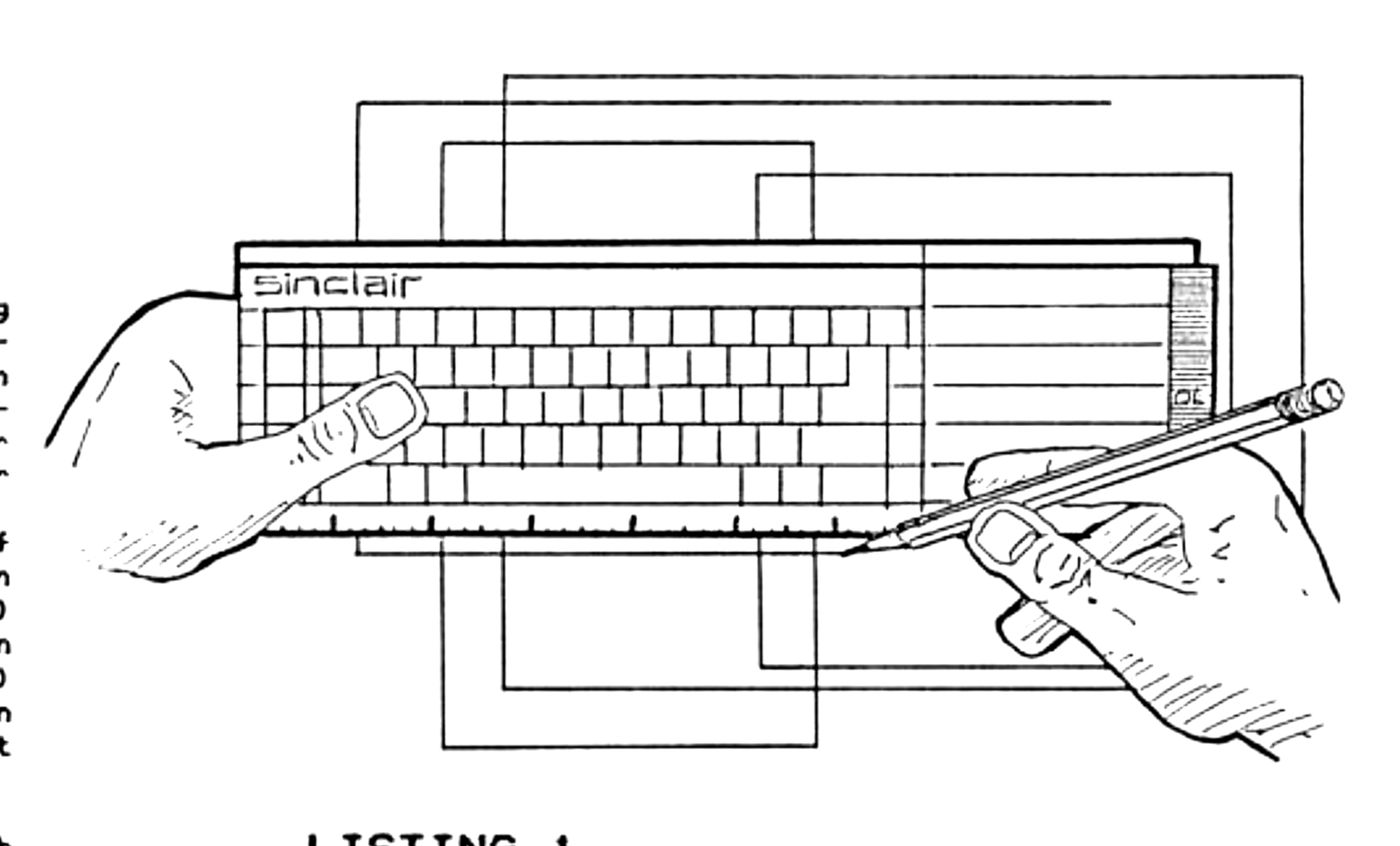
The program is simple. Just type it in as is and run it. It will draw the outlines of a window. Then by using the arrow keys, this window frame can be moved around the screen. (If you bump into the screen edge it won’t go any further.) By holding the CONTROL key down, the arrow keys will cause the box to shrink or swell to the desired size. The program moves the frame in steps of seven, but for fine tuning, just hit F1 and you may proceed a pixel at a time. To set it back to seven just hit F3. When you have what you want, hit the TABULATE key and the exact WINDOW parameters will be printed for you in the center of the screen. You may keep drawing various sized window frames over each other, or just hit ESC and the screen will clear ready to go again. The program alters each subsequent frame color so you can distinguish each more easily. Once in a while, two overlapping lines cancel each other. Not to worry, just hit an arrow key or TABULATE.
Well, fire up those QLs and start some fancy window programming again now that you have no excuses! This program will help with header blocks and thin shadow line parameters as well, so go do something to make that black and white MACINTOSH screen next door turn green with envy and your cousin’s BIG BLUE turn even bluer.
LISTING 1
10  REMark DESIGNING WINDOWS
20  :
30  MODE 512:WINDOW 512,256,0,0:PAPER 4:OVER-1:CLS:i=3:o=7
40  REPeat new_window
50  x=440:y=210:p=30:q=20:windows
60  REPeat outline
70  z=CODE(INKEY$(-1))
80  windows
90  SElect ON z
100 =240:o=7
110 =232:o=1
120 =208:q=q-o:IF q<0:q=0
130 =216:q=q+o:IF q+y>256:q=q-o
140 =192:p=p-o:IF p<0:p=0
150 =200:p=p+o:IF p+x>512:p=p-o
160 =218:q=q+o:y=y-o:IF y<2:q=q-o:y=y+o
170 =210:q=q-o:y=y+o:IF q<0:q=q+o:y=y-o
180 =202:p=p+o:x=x-o:IF x<2:p=p-o:x=x+o
190 =194:p=p-o:x=x+o:IF p<0:p=p+o:x=x-o
200 =27:RUN
210 =9:windows
220 WINDOW 95,10,200,125:INK 7:CLS:PRINT x!y!p!q!
230 WINDOW 512,256,0,0:o=7:i=i+2:IF i=9:i=3
240 NEXT new_window
250 END SElect
260 windows
270 END REPeat outline
280 DEFine PROCedure windows
290 BLOCK x,1,p,q,i:BLOCK x,1,p,q+y-1,i
300 BLOCK 1,y-2,p,q+1,i:BLOCK 1,y-2,p+x-1,q+1,i
310 END DEFine windows
Note: Type-in program listings on this website use ZMAKEBAS notation for graphics characters.