
Since the Sinclair computers have an internal timing feature, they can be used to make a clock display which will give you the time. Two basic programs are given below to do just that.
A Digital Clock
The first program provides you with a digital clock. The display will show the time in digits about three inches high and extending all across the screen.
Lines 130 and 140 control the timing. Line 130 counts the number of frames sent to the television since the last PAUSE and then holds until a specified number is reached. The PAUSE in the next line is used to fine tune things and also reset the frame counter for the next minute’s cycle.
If your computer is capable of SLOW mode, you will see a display which stays rock steady until a minute passes and the last digit slowly changes itself into the next appropriate number. In the SLOW mode it does not always take exactly the same amount of time to update the display. I have noticed that, if the memory is nearly full, the computer seems to take longer to compute.
In the FAST mode, this trick will not work since no frames are sent during the compute cycle. So change line 130 to a PAUSE 3288 and line 140 to POKE 16437,255. The large numbers themselves are generated by PEEKing into the ROM’s own character generating routine and enlarging it eight times. For faster updating, only the middle six lines are used. There are blank lines above and below each character so there is no reason to waste time reproducing these.
After you have typed in the program, use GOTO 700 to SAVE. The program will then run itself.
Listing 1. Digital Clock.
  10 REM "DIGITAL CLOCK" TO SAVE GOTO 700
  15 PRINT " INPUT TIME"
  20 INPUT TIME
  25 CLS
  30 LET M=INT (TIME/100)*60+TIME-INT (TIME/100)*100
  35 GOTO 140
  40 LET T=0
  50 LET D=INT ((INT (M/60))/10)
  55 GOSUB 500
  60 LET T=7
  65 LET D=(INT (M/60))-10*D
  70 GOSUB 500
  75 PLOT 31,20
  80 PLOT 31,27
  85 LET T=16
  90 LET D=INT (60*(M/60-INT (M/60))/10+.05)
  95 GOSUB 500
 100 LET T=23
 110 LET D=M-INT (M/10)*10
 120 GOSUB 500
 130 IF PEEK 16437<>245 THEN GOTO 130
 140 PAUSE 1248
 150 LET M=M+1
 160 IF M=1440 THEN LET M=0
 170 GOTO 40
 500 LET N=7905+D*8
 505 PRINT AT 7,T;
 510 FOR N=N TO N+5
 515 LET X=PEEK N
 520 FOR L=1 TO 7
 525 LET C=0
 530 IF X<128 THEN GOTO 560
 540 LET C=128
 550 LET X=X-128
 560 LET X=X*2
 570 PRINT CHR$ C;
 580 NEXT L
 585 PRINT TAB T;
 590 NEXT N
 600 RETURN
 700 SAVE "DIGITAL CLOCK"
 710 RUN

 160 IF M=780 THEN LET M=60
 502 IF T=0 AND D=0 THEN LET N=7681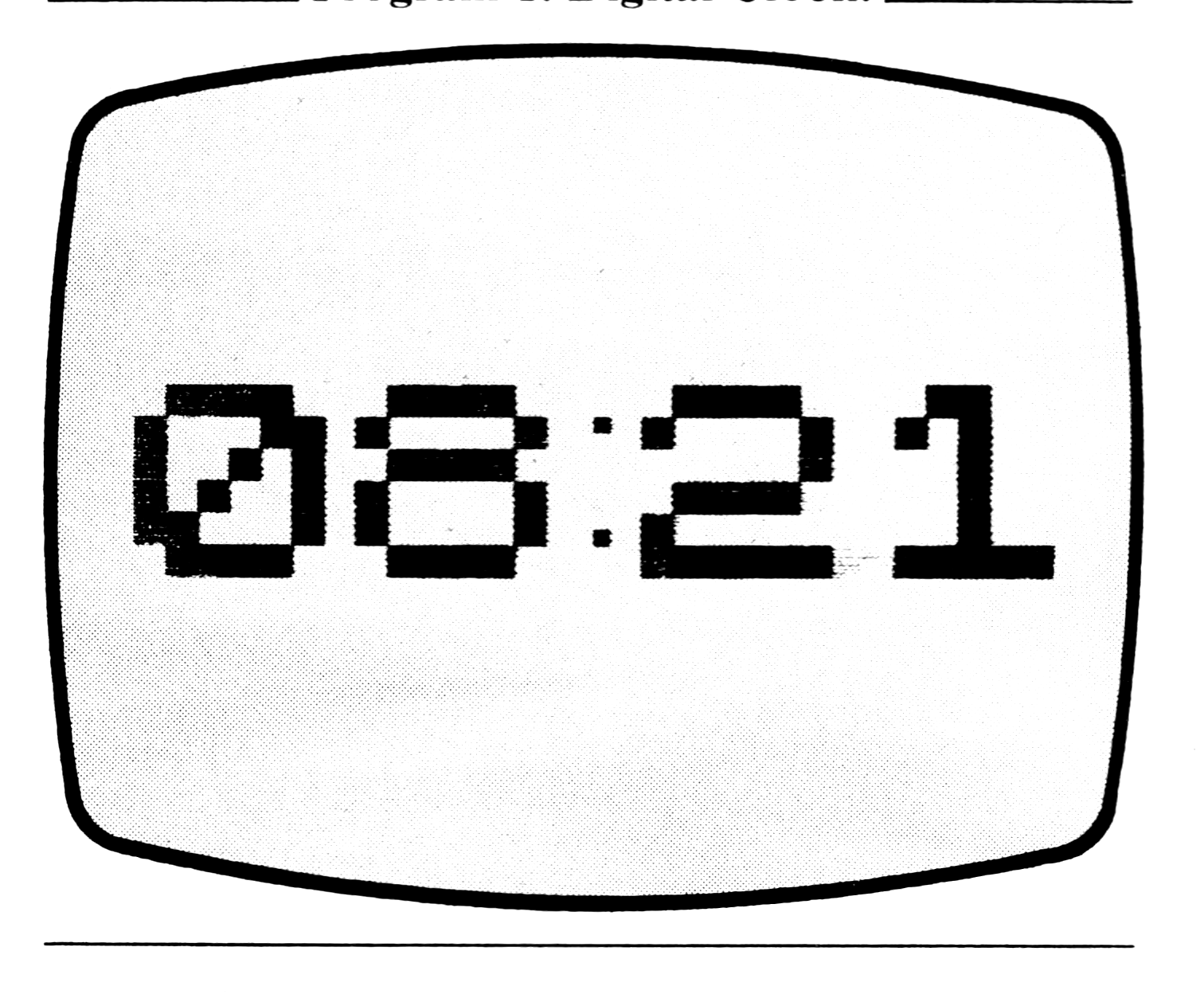
The Face Clock
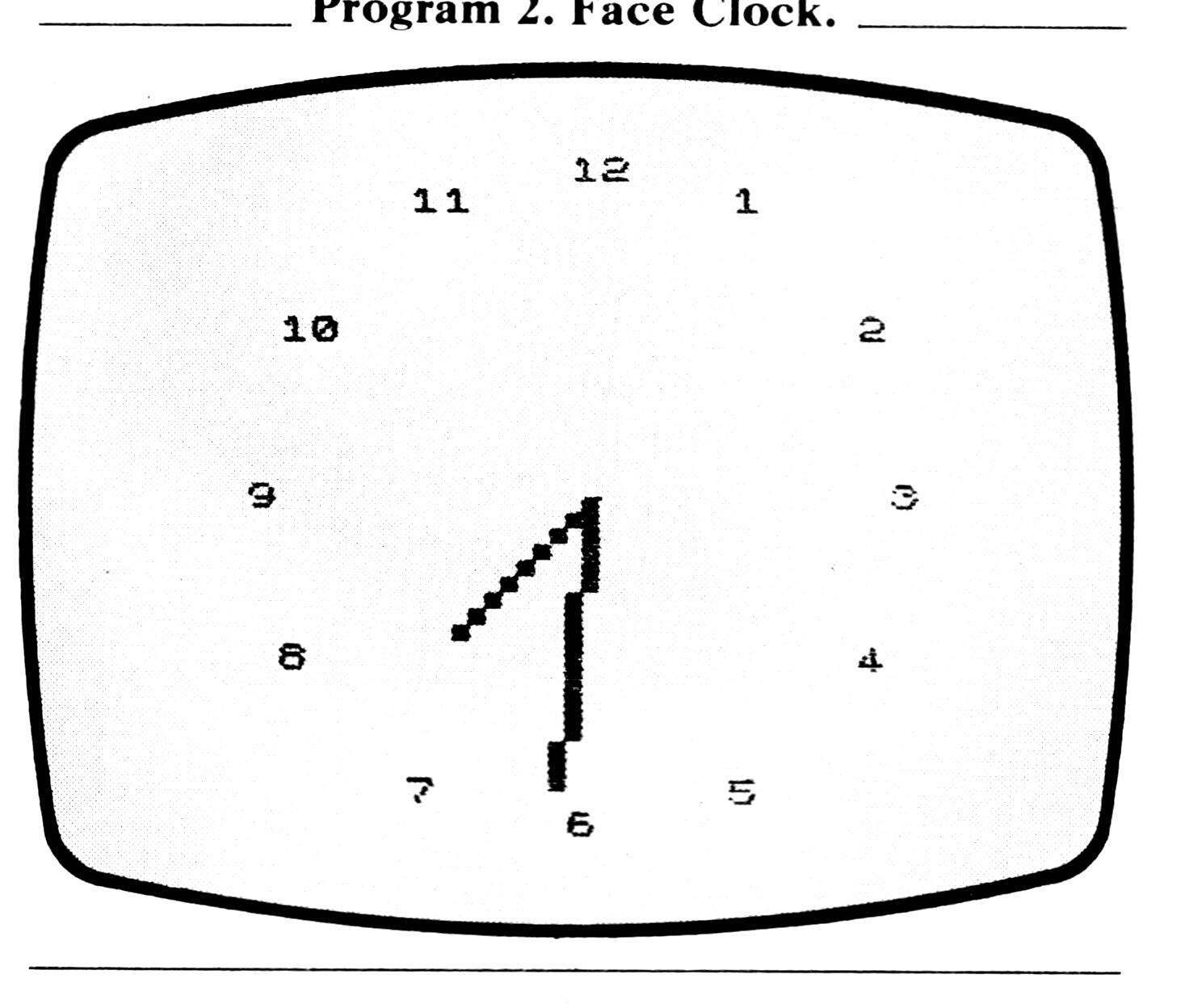
The second program will give a display with the traditional face clock. The face is drawn only once and then the hands are PLOTed in and UNPLOTed when no longer needed. This program is suggested by an exercise in the chapter on time and motion in the ZX81 manual.
Listing 2. Hand Clock.
  10 REM "FACE CLOCK" TO SAVE GOTO 500
  12 PRINT " INPUT TIME"
  14 INPUT T
  16 LET H=2*INT (T/100)
  18 LET T=T-100*INT (T/100)
  20 IF T>15 THEN LET H=H+1
  22 IF T>45 THEN LET H=H+1
  24 CLS
  26 FAST
  30 FOR D=1 TO 12
  40 PRINT AT 10-10*COS (D/6*PI),13+10*SIN (D/6*PI);D
  50 NEXT D
  60 SLOW
  65 POKE 16437,250
  70 GOTO 150
  80 LET P=0
  90 LET C=X
 100 LET D=Y
 110 GOSUB 1000
 120 LET T=T+1
 130 IF T=60 THEN LET T=0
 140 IF T=16 OR T=46 THEN GOTO 250
 150 LET P=1
 160 LET L=T/30*PI
 170 LET X=27+18*SIN L
 180 LET Y=22+18*COS L
 190 LET C=X
 200 LET D=Y
 210 GOSUB 1000
 220 GOSUB 310
 230 IF PEEK 16437>241 THEN GOTO 230
 235 PAUSE 219
 240 GOTO 80
 250 LET H=H+1
 260 GOTO 24
 310 LET P=1
 320 LET A=27
 330 LET B=22
 340 LET G=H/12*PI
 350 LET C=27+12*SIN G
 360 LET D=22+12*COS G
 370 GOSUB 1000
 380 RETURN
 500 SAVE "FACE CLOCK"
 510 RUN
1000 LET A=27
1002 LET B=22
1008 LET U=C-A
1010 LET V=D-B
1020 LET O=SGN U
1030 LET L=SGN V
1040 LET Z=SGN U
1050 LET Q=0
1060 LET M=ABS U
1070 LET N=ABS V
1080 IF M>N THEN GOTO 1130
1090 LET Z=0
1100 LET Q=SGN V
1110 LET M=ABS V
1120 LET N=ABS U
1140 LET S=INT (M/2)
1150 FOR I=0 TO M
1160 IF P=1 THEN PLOT A,B
1165 IF P=0 THEN UNPLOT A,B
1170 LET S=S+N
1180 IF S<M THEN GOTO 1230
1190 LET S=S-M
1200 LET A=A+O
1210 LET B=B+L
1220 GOTO 1250
1230 LET A=A+Z
1240 LET B=B+Q
1250 NEXT I
1260 RETURN
If you have only 2K RAM, you will find that this program fills up almost all available space. If you have a 16K module, you can add the second hand and other decorative touches.
After you have typed in the program, use GOTO 500 to SAVE. The program will then run itself.
Setting Your Clock
In both programs, after the program is running, you are asked to input the time. Do not use a colon; just enter the figures: Not 3:45 but 345.
A Calendar
From time to time we want to see how a certain month falls in the calendar or what day of the week a certain date is on. Most calendars show only one year on either side of the calendar year. Thus dates beyond the printed calendar have to be calculated laboriously by hand with the danger that we may have overlooked a day in an irregular month. This program provides the solution to the problem.
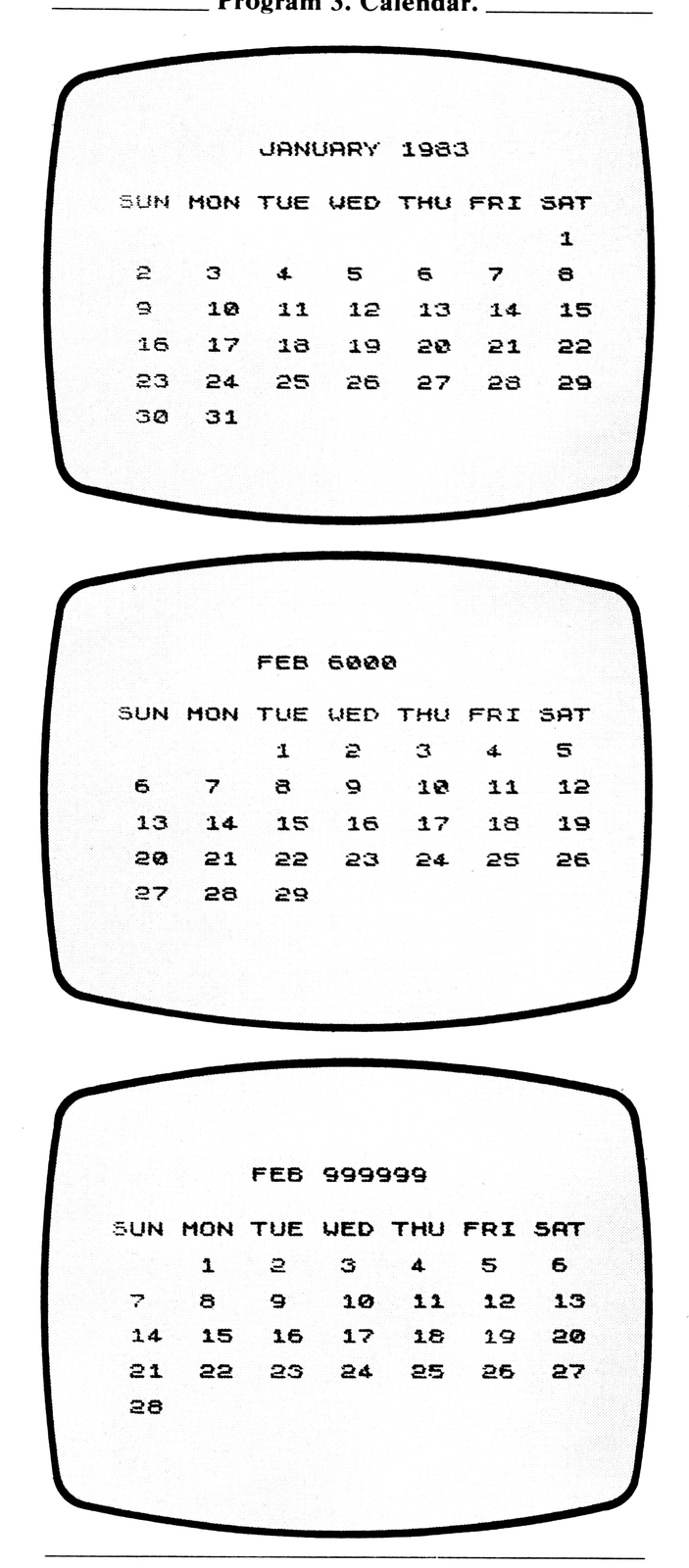
With this program you can enter any month and any year, and the computer will show you the calendar for that month. Well, not exactly any year. It has to be between September 14, 1752, and February 28, 2200. Nevertheless that range covers most dates of interest.
After you have typed in the program, use GOTO 300 to SAVE. The program will then run itself. The prompts will call for inputting the month and year. Type in at least the first three letters of the month and hit ENTER; then type in the year and hit ENTER. The computer will then display the calendar for that month. You can use either FAST or SLOW mode but remember that it takes much longer to produce the calendar in the SLOW mode.
To test whether the program is working right, try DECEMBER 1941. We remember that the 7th was on a Sunday. Now try some other dates. Try your birth month and year. I use this program to plan business trips and vacations for the coming year even before I start getting those free calendars in the mail in December.
This is a good program for showing off your computer to your friends. Try it at your next party.
Listing 3. Calendar.
   5 REM "CALENDAR" TO SAVE GOTO 300
  10 LET A$="CDJANFEBMARAPRMAYJUNJULAUGSEPOCTNOVDECSUN MON TUE WED THU FRI SAT"
  15 PRINT " INPUT MONTH"
  20 INPUT B$
  25 FOR M=1 TO 12
  30 IF B$(1 TO 3)=A$(3*M TO 3*M+2) THEN GOTO 45
  35 NEXT M
  40 GOTO 20
  45 PRINT " INPUT YEAR"
  50 INPUT Y
  55 IF Y<1752 THEN GOTO 50
  60 CLS
  65 PRINT AT 3,8;B$;" ";Y
  70 PRINT AT 6,0;A$(39 TO )
  75 GOSUB 200
  80 PRINT AT 8,Z*4;
  85 LET M=M+1
  90 GOSUB 200
  95 IF Z=0 THEN LET Z=7
 100 FOR I=1 TO 31
 110 PRINT " ";I;" ";
 120 IF I<10 THEN PRINT " ";
 130 IF I>27 AND 33-PEEK 16441=Z*4 THEN STOP
 140 IF PEEK 16441=5 THEN PRINT ,,
 150 NEXT I
 200 LET X=0
 210 IF M=1 OR M=2 THEN LET X=1
 220 LET L=Y-X
 230 LET X=M+X*12
 240 LET P=INT (L/100)
 250 LET Z=INT (13*(X+1)/5)+INT (5*L/4)+INT (P/4)-P
 260 LET Z=Z-7*INT (Z/7)
 270 RETURN
 300 SAVE "CALENDAR"
 310 RUN
Note: Type-in program listings on this website use ZMAKEBAS notation for graphics characters.