
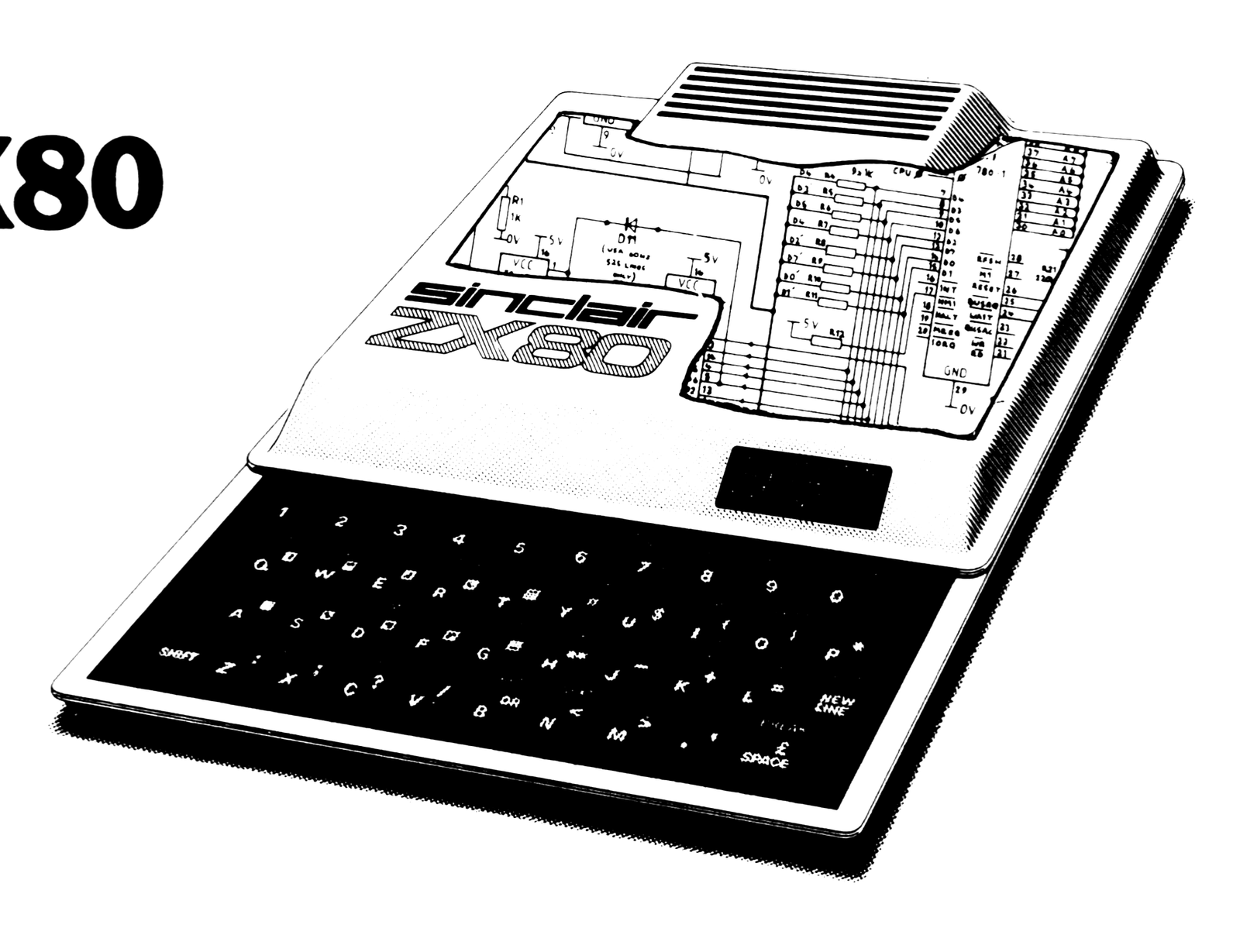
Since the materials supplied with the ZX80 had no machine language examples, I decided to write routines to let Basic show me the ROM contents. These routines resulted from that effort; later they were combined to permit switching from one mode to another.
The object code routine OBJ allowed me to generate a ‘hand-disassembled’ listing of the 4K ROM, and SYMB to see the ‘printables’—this allows locating the Basic statement look-up table, single key codes expansion, and the ‘integral function’ expressions. CODE allows a look into the details of how the Basic lines are stored (note: constants are stored in decimal form as entered, unlike some Basic’s) and permits easy counting of the number of bytes consumed by each line.
Use of the program is straightforward. After RUN, the selection is displayed. The operation and keyboard activity are as follows:
Selection:  Enter number (1 to 3) of desired listing (plus
            NEWLINE); the address is then requested—enter
            decimal value of address beginning.
Continue:   Hit NEWLINE.
Change:     To change selection, hit any other key (except
            SPACE or NEWLINE) plus NEWLINE to return
            to selection mode.
Exit:       After listing and cursor returns, hit SPACE then
            NEWLINE twice.
The display is in standard format, with the address in hex at the left and data contents to the right. OBJ presents a cluttered display. Since the program uses about 1/2 K and the displayed information uses 336 bytes, formatting with spaces between bytes (hex-pairs) can only be done by either displaying fewer lines or using OBJ as a stand-alone program to increase readability. SYMB is better as it is textual. Look at ROM beginning at 006C (108 decimal) for the keyboard matrix decoder, 00BD (189) for the single-key code expansion, 0BC0 (3008) for the integral function decoder, or at RAM at 4028 (16424) to see this program as stored by the ZX80. Use of CODE at 4028+ details exactly each byte of the program.
zx80--looking inside the zx80

               ZX80 (1K) MEMORY LISTER        Selection

 10 PRINT "1=OBJ 2=SYMB 3=CODE"
 15 REM BY H SHANKO-22FEB81
 20 INPUT S
 22 CLS
 24 IF S>3 THEN GO TO 10
 26 PRINT "ADDR="
 28 INPUT N                              Test if selection OK
 30 LET P=S*100                          Enter beginning address now
 52 CLS
 54 FOR A=1 TO 16                        Set selection GOSUB address
 56 IF S=3 THEN FOR A=1 TO 20
 60 LET X=N                              Set #lines to 16
 62 GO SUB 80                                     or 20 lines
 64 PRINT " ";                           Get address
 66 GO SUB P                                and display it
 68 PRINT                                   plus SPACE
 70 NEXT A                               Go to selection subroutine
 72 INPUT N$                               do "CRLF" for each line
 74 IF N$="" THEN GO TO 52                 until done
 75 IF N$=" " THEN STOP                  Get keyboard entry
 76 GO TO 10                                test if "continue"
                                            or "stop"
 80 PRINT CHR$(X/4096+28)                Otherwise is "new selection"
 82 LET X=X-(X/4096)*4096
 84 PRINT CHR$(X/256+28);                4-hex entry for decimal-hex conv.
 86 LET X=X-(X/256)*256                    calculate next hex digit
 88 PRINT CHR$(X/16+28);                 3-hex entry
 90 LET X=X-(X/16)*16
 92 PRINT CHR$(X+28);                    2-hex entry
 94 RETURN
 95 LET X=PEEK(N)                        1-hex entry
 97 GO TO 88
                                         Get byte at address
100 FOR L=1 TO 8
110 GO SUB 95                            Set for 8 bytes/line
120 GO TO 250                              get byte
                                           and loop until done
200 FOR L=1 TO 16
210 LET X=PEEK(N)                        Set for 16 char/line
220 IF X>127 THEN LET X=X-128            Get byte
230 IF X<12 OR X>63 THEN LET X=0           remove if "inverted video"
240 PRINT CHR$(X)                          exclude non-textual char.
250 LET N=N+1                            Display char.
260 NEXT L                               Increment address
270 RETURN                                 and loop until done

300 GO SUB 95
310 PRINT,CHR$(PEEK(N));                 Get byte at address, display it
320 LET N=N+1                              do SPACE and display CODE
330 RETURN                               Get next address
A byte-search routine BYT was used before disassmebling the ROM to locate data, such as Z80 unconditional CALL, JumP, RETurn addresses, although it will search for any byte. Unfortunately, adding BYT, like most other routines to the program, will cause OBJ and SYMB selections to bomb-out with “4” type errors, not enough memory, before completing the display. However, CODE and BYT will still be usable. An alternate solution is to make a second file by deleting a selection and its routine and substituting BYT. To add BYT, follow printout labeled Figure 1.
Figure 1.

change   10     add ...4=BYT... to print statement
         24     change ...S>3... to ...S>4...
         56     change ...S=3... to ... S>2...
add      36 IF S<4 THEN GO TO 52
         38 PRINT "BYTE=";
         40 INPUT B
         42 GO SUB 410
        400 LET N=N+1                Incr. address
        410 IF NOT PEEK(N)=B THEN GO TO 400   Loop until match
        420 RETURN
Another routine generated was a ZX80 dot-matrix routine DOT to study the characters at an 8x scale; the characters are 7 x 6 in an 8 x 8 box and DOT forms a SPACE or inverted one for each dot in the character. As a fifth selection, modify the program so that printout will appear as in Figure 2.
Figure 2.

change   10  add ...5=BYT...
         24  change ...S>3 (or 4)... to S>5...
add     500 LET X=PEEK(N)                 Get byte
        510 FOR L=1 TO 8                  Do 8 dots/line
        520 LET C=27                      "space"
        530 IF X<128 THEN GO TO 560       Test ms bit
        540 LET C=128                     If ONE, invert
                                                 "space"
        550 LET X=X-128                   Remove msb, if
                                                 ONE
        560 LET X=X*2                     Do left shift
        570 PRINT CHR$(C);                Display dot/no dot
        580 NEXT L                        Loop until done
        585 LET N=N+1                     Then incr. address
        590 RETURN
Line 520 displays a ‘period’ for the character dot location where the dot should be OFF; this provides a reference for the character location in the box. For a true representation, change 520 to LET C=0. If a 0,1 type (binary) display is desired, change C=28 at 520 and C=29 at 540.
The ZX80 dot matrix is located at 0E00 through 0FFF; thus to see the characters enter decimal 3584 (=0E00). Because of their size, only two characters per display are possible.
Note: Type-in program listings on this website use ZMAKEBAS notation for graphics characters.