
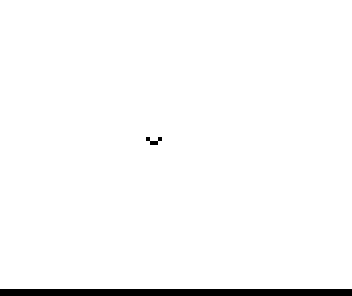
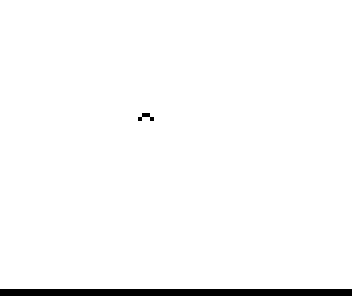
The bird is drawn with two graphic characters that alternate to make it flap, and it moves a step in a random direction each time. As printed it does not check the screen edges, so sooner or later it flies off and the program stops with report B; RUN starts it again.
The listing was printed on CAI’s 40-column printer, which adds leading zeros to the line numbers and extra spaces; those are left out of the download.
Published in Syntax July 1982 (Flying Bird).
Image Gallery
Source Code
   5 REM FLYING BIRD
  10 LET A=10
  20 LET B=11
  30 REM USE SHIFTED GRAPHIC "T" AND "Y" FOR BIRD
  40 PRINT AT A,B;" ▞▚ "
  45 PAUSE 15
  50 PRINT AT A,B;" ▚▞ "
  55 PAUSE 15
  60 PRINT AT A,B;"    "
  70 LET C=INT (RND*2+1)
  80 LET D=INT (RND*2+1)
  90 IF C=1 THEN LET A=A+1
 100 IF D=1 THEN LET B=B+1
 110 IF C=2 THEN LET A=A-1
 120 IF D=2 THEN LET B=B-1
 130 GOTO 40
Note: Type-in program listings on this website use ZMAKEBAS notation for graphics characters.