
Enter a number from 35 to 99, and the program prints a 4 by 4 square of numbers whose rows, columns and diagonals all add up to it. The pattern of the square is held as graphics characters in the REM in line 10; the program reads them back with PEEK and adjusts them for your number, with a random shift so the same number can give different squares. It runs in 1K.
The article gives the keystrokes for typing line 10, since its characters are graphics. The printed listing shows a pound sign where the keystrokes say Space: the shifted space is the inverse pound sign, and the download uses it, which is what makes the square come out magic.
Published in Syntax May 1984 (Magic Square).
Image Gallery
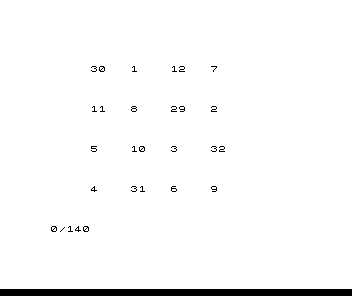
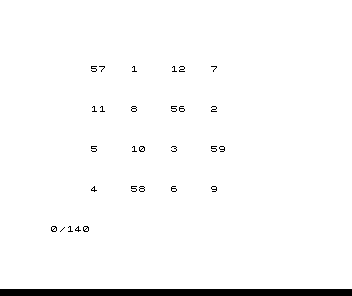
Source Code
  10 REM ▟▘£▛"▒█▝▌▓▀▄▖▙▞▓
  20 PRINT "INPUT A NUMBER BETWEEN 35 AND 99"
  30 INPUT A
  40 LET A=INT A
  50 IF A<35 OR A>99 THEN GOTO 30
  60 CLS
  70 LET B=INT (RND*10)
  80 IF A-22-B*3<1 THEN GOTO 70
  90 FOR N=16514 TO 16529
 100 LET C=A-149-3*B+PEEK N
 110 IF PEEK N<100 THEN LET C=PEEK N+B
 120 LET E=N-16514
 130 PRINT AT INT (E/4)*5+3,(E-4*INT (E/4)+1)*5;C
 140 NEXT N
Note: Type-in program listings on this website use ZMAKEBAS notation for graphics characters.