
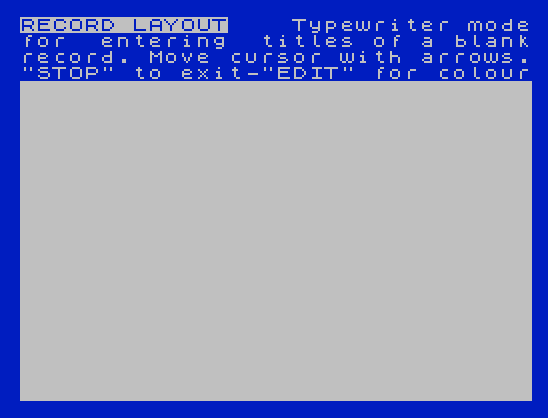
Use electronic filing to store your lists. VU-File lets you design your own record layout on the screen, typing the field titles in typewriter mode, marking where each data field starts and choosing paper and ink colours for each field. You then enter records, page forward and back, alter and delete them, sort them on any field, search with a selecting string, list them, and print them through a separate printer layout. The main menu also saves and loads data files on tape and erases the current file, and a status screen shows the fields, bytes used and remaining, number of records and the order field.
The program text includes the name “PSION”. Timex Computer Corporation released VU-File for the TS2068 in 1983.
This is the cassette version. It includes a sample data file, a “COUNTRIES OF THE WORLD” gazetteer with each country’s continent, capital, languages, currency, population, GNP per capita and land area. The cartridge version, which the related product post says was never released, is #51812.
Program Analysis
Structure
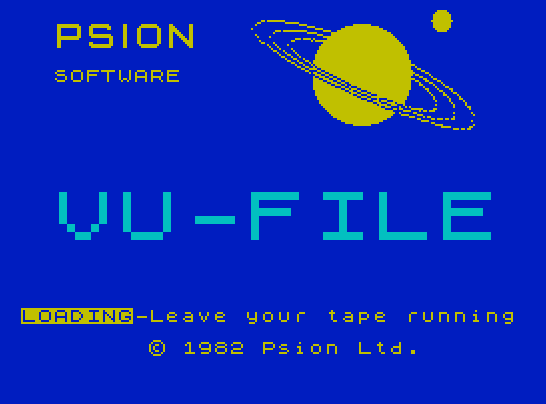
vfile: BASIC, auto-running at line 50. It setsCLEAR 28287, loads the screen and code and jumps to the machine code withGO TO USR 28288.T: loading screen, 6,912 bytes at 16384.c: 7,216 bytes of machine code at 28288.gazeteer,c,WORLD: a second loader that loads the program and then the 9,788-byteWORLDdata file at 34069, entering at 32960.
Notable Techniques
- The BASIC lines are services for the machine code: save and verify (1000–1200), load (2000) and
LPRINT(3000). The code puts the file’s start and length in bytes 11–14 off$, and BASIC returns to the code withGO TO USR a. - If a tape error drops you into BASIC, the program tells you to type
GO TO USR ato get back into VU-File with your data intact.
Image Gallery
Note: Type-in program listings on this website use ZMAKEBAS notation for graphics characters.