
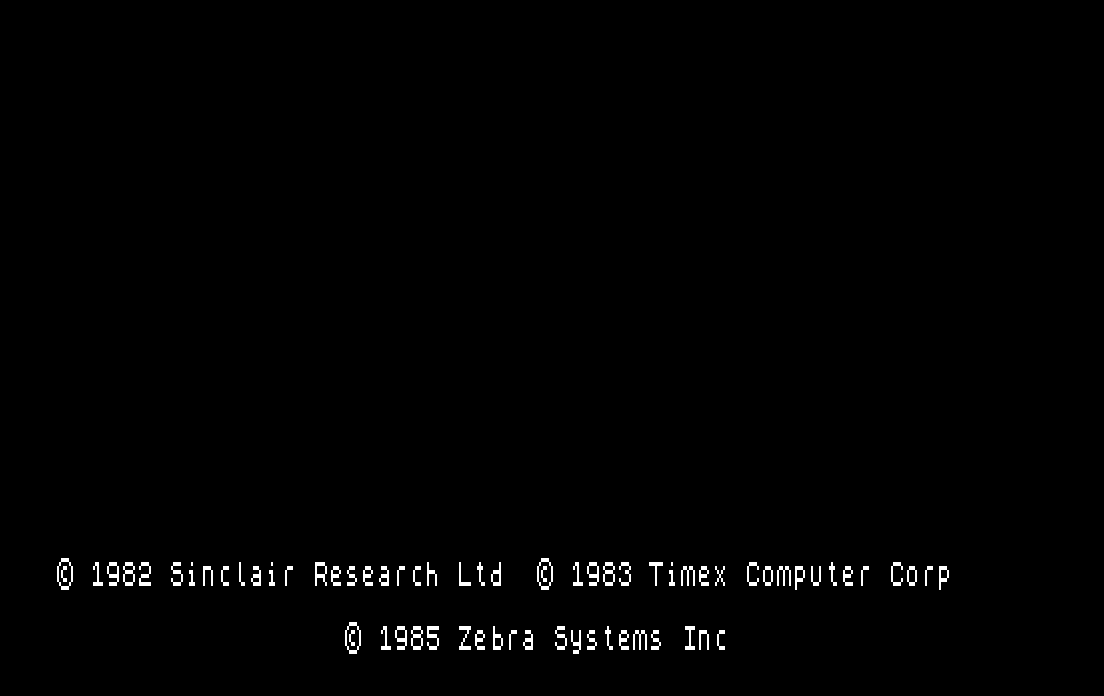
OS-64 is supplied on cartridge. Insert in the TS2068’s cartridge slot (with the power turned off), then turn your computer on. The boot screen will be black with white characters and the OS64 copyright message will be displayed along with the Sinclair and Timex messages.
- PRINT, PRINT AT, PRINT TAB, LIST, LLIST, LPRINT and program editing commands work in 64 columns.
- You lose nearly 5K of free memory at the bottom of BASIC.
- Loading programs larger than 33K will crash the 2068.
- FLASH, BRIGHT and INVERSE do not work with OS-64.
- OS-64 uses Display File 2, so a normal SCREEN$ will not work to SAVE or LOAD. You must SAVE/LOAD two separate CODE files in order to deal with a SCREEN in 64 column mode.
- If you have a TS 2040 printer, LPRINTs and LLISTs to the printer will be in 64 columns.
Image Gallery
Note: Type-in program listings on this website use ZMAKEBAS notation for graphics characters.