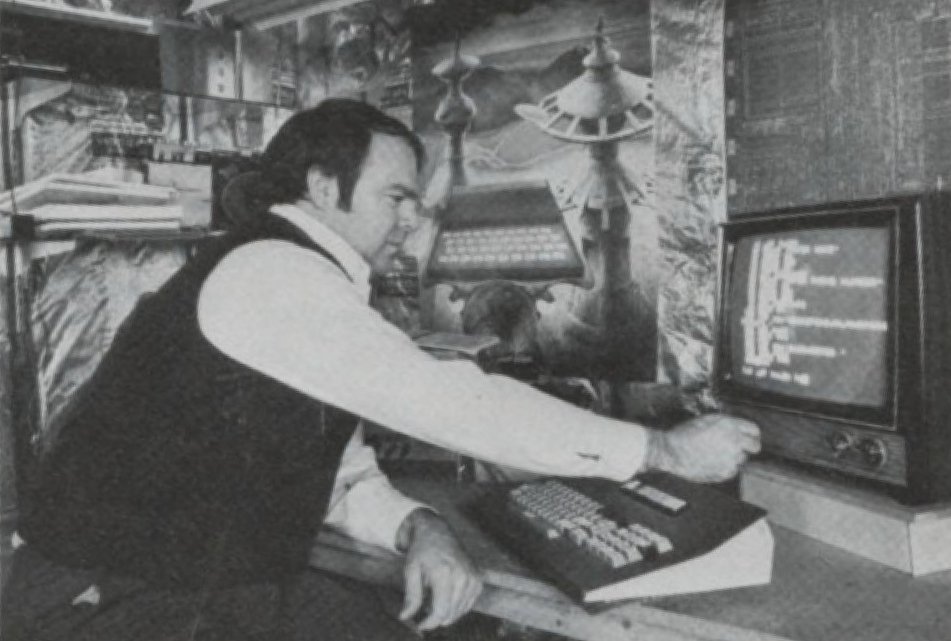
To many of you, MicroAce may be a new term, and you may ask how it relates to Timex Sinclair technology. Let me give you a short history.
Sinclair’s first computer, the ZX80, is similar in size and operation to the ZX81 and T/S1000, but limited in capability. Because it has no capability to handle decimal fractions and no SLOW mode, a smaller ROM was possible than that needed with the ZX81 and T/S1000 — 4K bytes in the ZX8G versus 8K bytes in the ZX81.
Shortly after the ZX80 was introduced, MicroAce began offering by mail a copy of the ZX80 at a much reduced price. I bought a Micro Ace kit for $100 when the ZX80 was selling for $199.95. Functionally, the MicroAce is the same as the ZX80: just the board layout and packaging were changed, and two pins of the ROM socket were interchanged, necessitating a different ROM. In addition to being cheaper, the MicroAce offered 2K onboard RAM, compared with 1K in the ZX80. Via mutual agreement, shortly after Sinclair began offering the ZX81, MicroAce ceased selling the computer.
Introduced in January 1981, the ZX81 corrected numerous shortcomings of the ZX80, provided floating point arithmetic, a SLOW mode (the capability of maintaining the television display without flicker) and a few other features. An 8K ROM (twice the size of the ZX80) was included. (Note that there were two versions of the ZX81, one with bag and a corrected version. Sinclair replaced all of the problem ROMs which were returned to them.)
Finally, in June 1981, Timex introduced the T/S1000. This computer was electrically and functionally the same as the ZX81, except for an extra 1K RAM memory — the T/S1000 contains 2K ram. Soon, however, Timex modified the ZX81, replacing twelve computer glue chips with one LSI (large scale integration) chip. Computer glue refers to all the decoding, buffering, timing and other support functions required by a microprocessor chip. Thus the newest Timex computer has only four integrated circuits where the ZX80 and ZX81 have 18.
Why I Bought the MicroAce
In October 1979, after many months of dreaming about owning a computer and much talk about how to design one, I went out and purchased a number of integrated circuits. My first project was a flashing led using a 555 timer chip and a few resistors and capacitors in a standard configuration. It worked! I still remember the satisfaction this gave me. (My wife wasn’t impressed, it didn’t do win¬ dows — a problem I still have.)
After the flashing LED came experimenting with various ics to determine how each worked. Circuits in every increasing complexity were required. It doesn’t take long to realize there isn’t really anything mystical about hardware — it just takes time to learn how each component works.
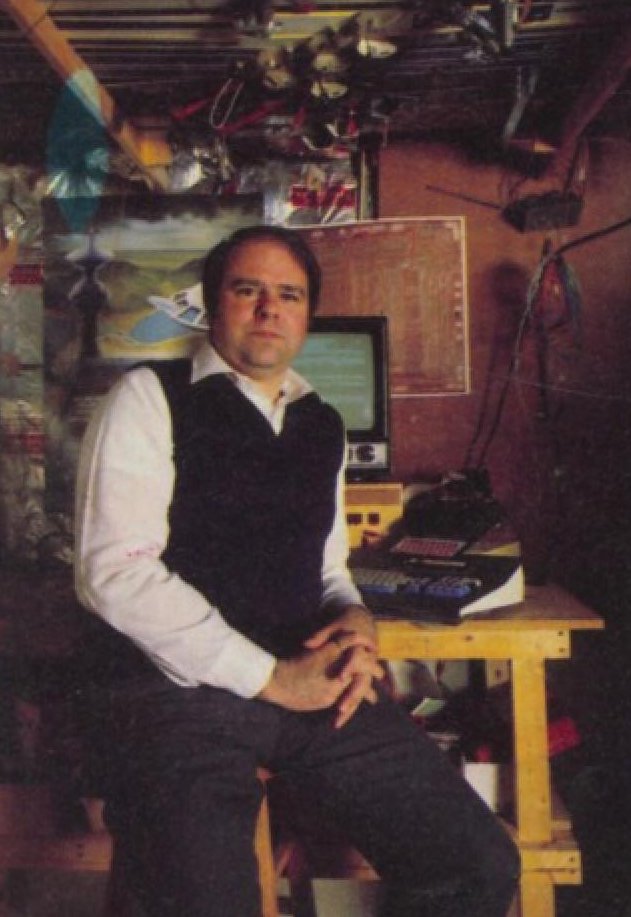
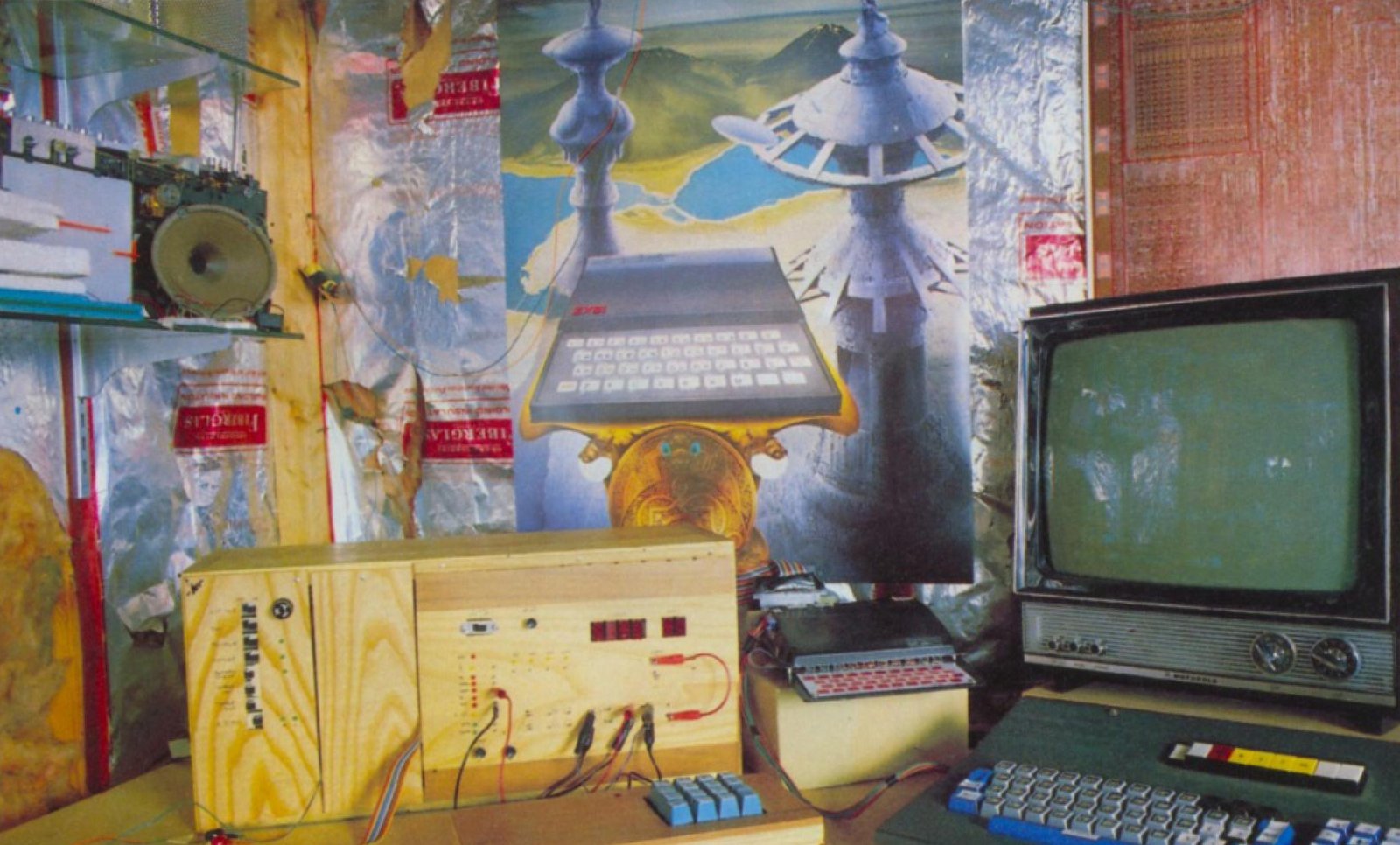
On the recommendation of a friend, I purchased a Z-80 microprocessor chip and began to assemble a computer. Pieces of the design were copied from various books and articles. Parts came from local electronics surplus stores and mail-order parts suppliers. I fabricated a wooden box for the computer. (Another hobby of mine is woodworking, one that has been much neglected since the computer’s arrival.) Wiring the back plane and building power supplies took time, but weren’t difficult. I made many mistakes, such as burning out components and inverting power and ground leads, and learned to solder and to fabricate PC boards. Then came time to make the computer work.
My first program was the opcode 76 hex, the halt instruction. This computer instruction was wired into the back plan so that when the computer was reset the opcode was executed, and then a LED connected to the halt pin of the computer chip would illuminate. Again a flashing LED marked a milestone only two months after the start of the project.
For almost a year, I built upon my computer – adding a hex keyboard, hex displays, memory, and parallel input/output. Machine language programs exercised all the parts of the system. The hex display (four characters for address and two for data) worked very nicely as a 24-hour clock. Soon I had over 2K of machine language program. Unfortunately, each time there was a power failure, which seemed frequent, the system crashed. Hand-loading over 2,000 bytes takes a long time. A scheme to back up memory with a motorcycle battery solved the problem regarding power failures, but did nothing for human error.
In November 1980, I got the opportunity to participate in a group purchase of MicroAce, and made the plunge into Sinclair technology. Initially, the MicroAce was to serve as a smart front-end to the homebrew computer. It would display information on the televi- sion and provide cassette tape storage of machine code to eliminate the machine code loading drudgery.
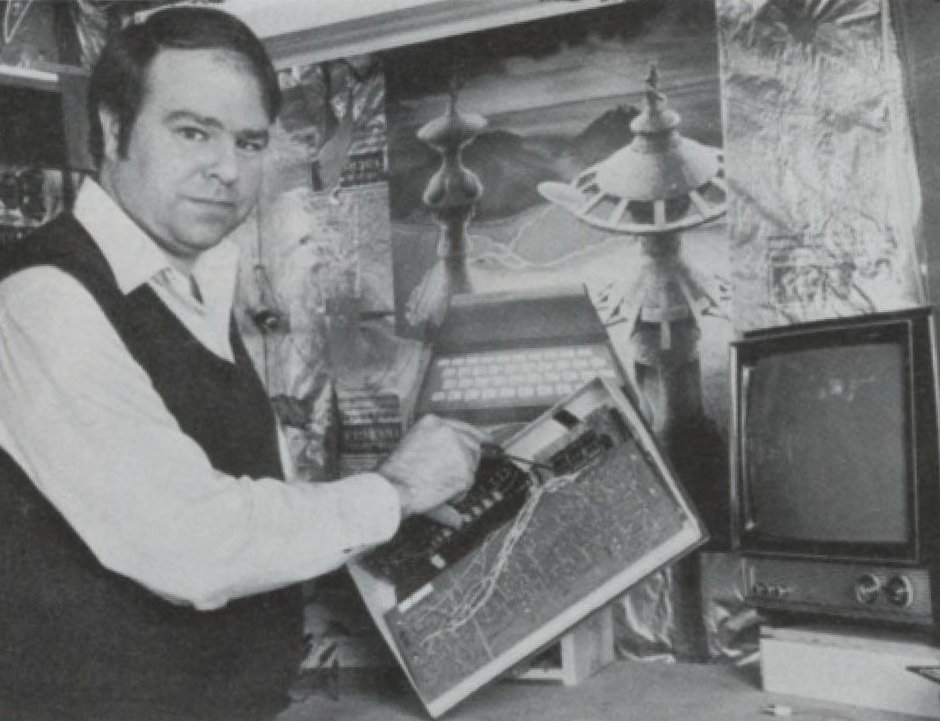
Well, now the MicroAce is the heart of my system. The homebrew computer is just a smart interface unit. The homebrew provides interface to a printer, to the furnace (to collect usage data in winter), and many planned functions. The power in the BASIC ROM is far beyond anything in the homebrew.
Keeping Up with Sinclair
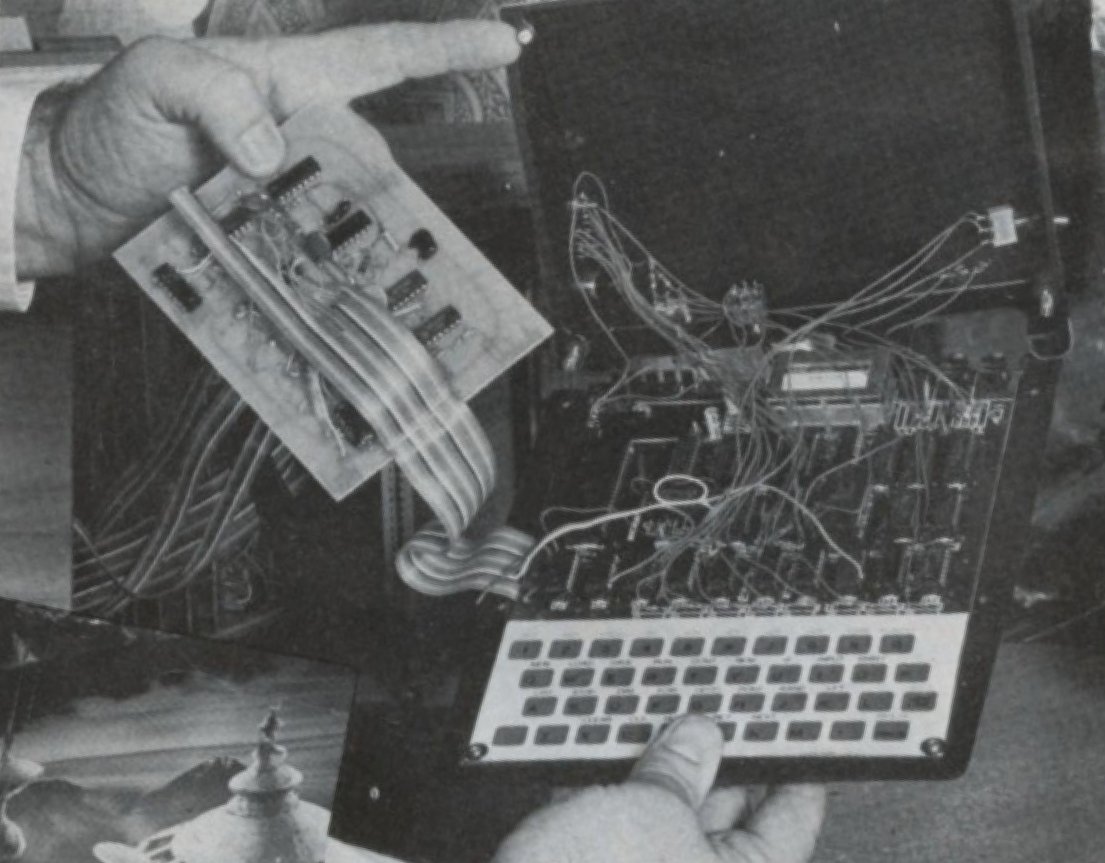
The ZX81 was such an improvement over the ZX80 that I immediately wanted the greater capability, but couldn’t bring myself to throw out the MicroAce. Luckily, Sinclair sold the 8K ROM for one-third the cost of the computer. Thus, I bought the new ROM. The 8K ROM simply replaced the 4K ROM in the ZX80. However, a wiring change was necessary in the MicroAce because of the interchanged pins. The MicroAce upgrade was not difficult. With the change in the ROM, the equivalent of the ZX81 was provided, except no SLOW mode. To save the capability to run 4K ROM programs, which took many hours to create, I soldered the 4K ROM to the top of the 8K ROM. A switch mounted on the back of the computer was used to select the ROM.
The FAST mode only restriction was solved with a circuit I obtained from a friend. The circuit consisted of six ICs and a number of diodes, resistors, capacitors and transistors. I had to play around a bit with values of resistors and capacitors to get the SLOW mode to work properly. The circuit fits nicely on a 3 x 4 inch board installed in the computer case. I had to raise the lid of the case slightly to make room for the board.
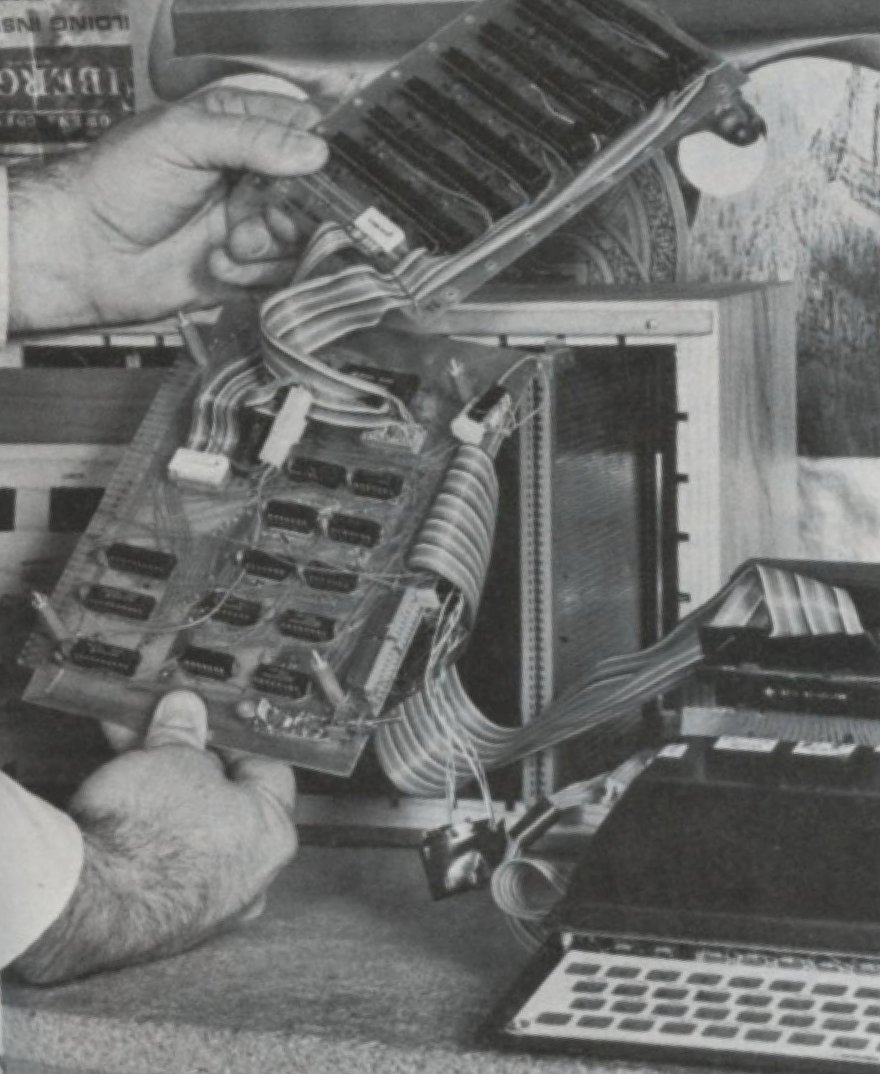
Now with the 8K ROM and SLOW mode, all the capabilities of the ZX81 were available. More memory was now in order. A 16K static RAM board, using pieces I acquired from an electronics junk store, filled the memory void. Eventually, I bought a Timex 16K RAM pack — at a fraction of the cost of the first 16K. The original memory board is now mapped into different address spaces, providing a total of 32K of RAM.
Other Computer Projects
I found it necessary not only to keep up with Sinclair but also to adopt just about every enhancement described in Timex Sinclair User and other related magazines and newsletters. The first and best has been a full-sized keyboard. With a real keyboard, the computer becomes a real computer. You’ll find that your speed and accuracy of entry of programs will increase and likewise your confidence in the machine.
For a keyboard, select any contact closure keyboard for which you have access to all printed circuits. You need this access to cut the previous connections. The keyboards are available for between $10 and $30. The keyboard with contact closures can usually be identified by the fact that only two contacts are visible on the bottom. If four terminals are below a key, be careful. It may be a Hall effect keyboard, not suitable for the ZX81 and T/S1000.
Wiring the keyboard is simple and straightforward. It just takes time. Instructions can be found in many books and articles. Remember to keep cabling between the computer and keyboard short. The MicroAce, ZX80 and early versions of the ZX81 were simpler than the T/S1000. All computer glue, the circuitry surrounding the computer, employed standard TTL logic chips. Thus, modification of logic and selection of intermediate signals are possible. One example is the video signal. This video signal will produce both black on white characters, standard on the MicroAce, or black on white as in the T/S1000. By cutting a single foil connection on the printed circuit board and installing an external switch, one can switch the display format. (An inexpensive board requiring one or two ICs and a number of other components is needed to get the same capability on the ZX81 or T/S1000.) My preference is white on a black background, because it is easier to read and because there seems to be less interference.
Incidentally, I’ve had very few interference problems with my system. This seems remarkable especially in light of the many interconnects and long leads. My success is primarily because the MicroAce uses an UHF (channel 34) instead of a VHF (channel 2 or 3) modulator. (It is possible to change modulators on the T/S1000.) At one time, my system interfered with the kids’ television programs, which were upstairs on channel 2. A number of changes to reduce conducted interference over the power line diminished the interference to a level that it is barely noticeable. Another useful modification is a cassette tape load level indicator. The circuit involves a couple of LEDs (flashing LEDs again a milestone) plus one other diode. These are installed across the tape recorder input to the computer. The LEDs in the proper circuit illuminate at different signal levels, so that by observing their relative brightness you can check the tape amplitude. It doesn’t work all the time but provides a great improvement over no level indication.
The replacement of the data bus separation resistors with bus transceivers was a less visible modification to the internal electronics. This eliminated data bus loading problems. Also, the value of several components were changes, but with no noticeable improvement.
Interfacing Two Computers
The MicroAce is in command of the interface between itself and homebrew computers. It initiates all exchanges. When the homebrew wants to signal the MicroAce – for example, when it wants to indicate that it has successfully printed a character – it sets a flag in a designated memory location. The MicroAce program PEEKs into the location. The interface circuitry generates a wait to the MicroAce and a bus request to the homebrew, and translates the MicroAce address to the appropriate address in homebrew address space. When the homebrew grants the MicroAce access to its bus, a single byte of information is transferred from the homebrew to the MicroAce. Sounds simple. But the design and debug extended over approximately two years, and still not all the bugs are out. For example, if the homebrew is halted, it never grants the bus to the MicroAce; the MicroAce goes into a wait state and the dynamic memory forgets everything. But, when all programs are properly loaded and operating, the interface works well.
The advantage of having two computers interfaced in this way is that they can share processing loads – printing, for example. The MicroAce passes (POKEs) the characters to the homebrew one byte at a time. The MicroAce then goes into a wait loop until the homebrew indicated the job is done. The homebrew has all the conversion tables and machine language code required to interface with the printer. The homebrew senses the request, prints the character, signals the MicroAce that it’s done, and returns to its previous task – currently, maintaining a time of day display (clock). The homebrew also provides a clock to the MicroAce. An interface to the furnace to obtain usage data on cold nights is similarly managed by the homebrew. All these could have been done by the MicroAce, but by separating them, the code is not required in each MicroAce program.
Software – The Unmentioned Element
As described above, I made a lot of hardware changes to the computer. However, I have used the computer throughout the process, programming in both BASIC and machine language. Programs have primarily been related to using the hardware: disassembling the 4K (ZX80) and 8K (ZX81) ROMs, improving the program interface between the computers, driving the printer. But software, as you may know, can require infinite time and energy with little visible return. Hardware with the highly visible return has been my favorite activity. In future, whenever I must decide whether to write a checkbook program, for example, or put a new modification on the computer, the hardware will win.
Cliff Danielson is editor of the Sinclair-Timex User Group Newsletter of the Boston Computer Society.
Image Gallery