
Has your T/S1000 ever crashed? If so, chances are it was due to overheating — probably the most common cause. Warren Smith discusses the problem and prescribes how you can help your computer keep its cool
IT COMES to you in a flash of inspiration — a brilliant solution to the programming bug that has foiled you for days. ENTERing line after line before the idea leaves your head, you work excitedly and quickly — too quickly to break to PRINT your subroutine or LOAD it onto tape. Too bad.
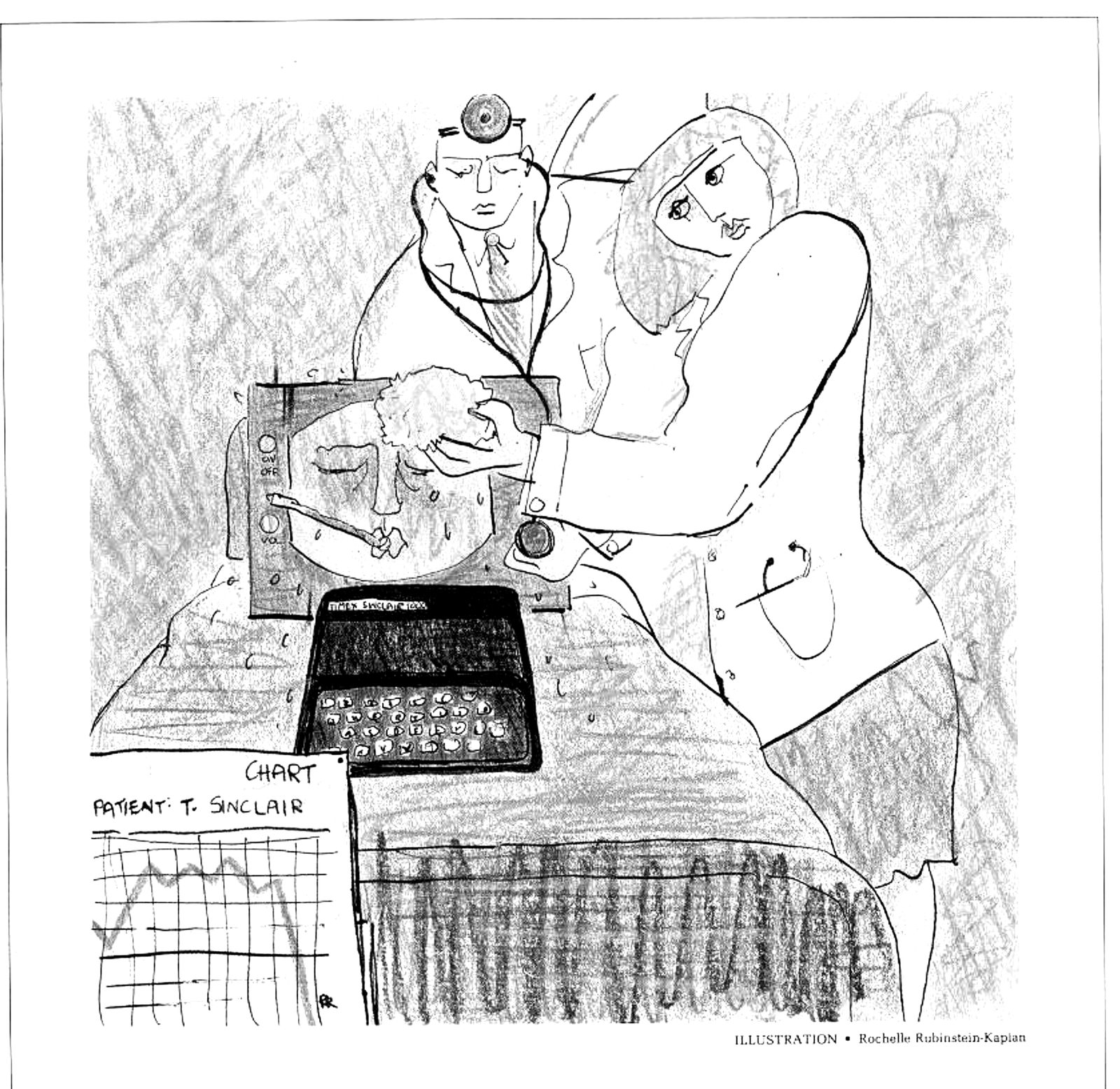
In your feverish pitch you have forgotten that the T/S sometimes gets feverish as well — overheated. And when that happens it has a tendency to crash, sending the contents of its short-term memory on a one-way trip to Never-Never land. Just as you near the end, the screen goes blank and everything is wiped out.
Heat build-up is a problem with most computers. Even Apple II owners sometimes add fans to their expensive systems to cool them down. Most Timex crashes are caused by overheating. The problem is intensified by an undersized heat sink attached to the voltage regulator. The interior of the Timex is a bright shiny metallic case that also increases heat build-up.
As your manual explains, Timex operates quite well as long as the direct current (DC) fed into the system ranges between seven and 11 volts. The transformation occurs in the voltage transformer that plugs into the wall socket. The transformer brings the voltage down to around nine volts, then feeds it to the computer via the lead line.
The problem occurs because Timex chips need only five volts to operate. This means the voltage regulator must retain some power, which is excess energy (or heat). The excess heat must go some place, so the heat sink was designed to absorb it.
Unfortunately, an undersized heat sink was designed into the system. The more work the voltage regulator performs, the more heat builds up inside the computer. Because there are no vents in the solid plastic case, the heat just bounces around.
Sooner or later the heat sink reaches a critical point. The device simply cannot soak up any more heat and components get as hot as marathon runners in the Sahara. Then one yells “Mayday!” and the system crashes. You are out of the computing business until the Timex cools down.
At a user group meeting in Chicago, Joseph D’Antelloni told me that overheating crashes were a problem with his machine. “I learned to LOAD every four or five lines of completed code. It was a distraction but a good habit to keep up.”
One afternoon while working on a complex subroutine for an adventure game, D’Antelloni became engrossed in writing the code and forgot to LOAD his program onto tape. The system overheated and failed and he lost about 20 lines of intricate code. That was when he decided to do something about the problem.
He discovered a book entitled The Sinclair ZX81 and Timex 1000 — Programming for Real Applications by Randle Hurley (Dilithium Press, $15.95). In the chapter called “Hardware Modification,” the author writes that nine volts are too heavy a load for the voltage regulator, and states his belief that a good compromise is an eight volt feed-in.
“. . . If the power pack was designed to deliver the minimum of seven volts then all would be well until the first power crisis, when the mains (line) voltage is dropped by twenty or so volts,” Hurley writes. “This would drop the output of the power pack below the seven volts required, and switch off the machine. A good compromise is to design a power pack to run at eight volts. This has a significant cooling effect.”
D’Antelloni and a friend, an electrical whiz, followed the schematics for the power pack in the back of the book. They bought the necessary parts wholesale for a few dollars and assembled the unit in an evening over a six-pack of beer. Now D’Antelloni can use his machine without fearing heat build-up and crashes.
When the Sinclair first arrived on the North American scene, Bob Benson of Milwaukee purchased one. He became frustrated with frequent failures of the system: it would run for about 20 minutes, then go into a kamikazi dive. No one was then admitting that the system could overheat and fail, but after talking to several computer professionals, Benson was convinced that overheating was the culprit. So he took the computer to a local machine shop where its plastic case was removed, revealing its interior metal lining.
The machinist was not impressed. “That’s all there is to this thing?” he asked, pointing to the tiny chips. He suggested painting the heat sink and the metal casing black.
“I want to solve the problem permanently,” said Benson.
“Then you ought to drill a couple of holes to let the heat escape.”
In ten minutes several holes had been drilled through the plastic case and its metal lining. These openings allowed the heat to escape, avoiding hot temperatures inside the computer. Naturally, the holes were drilled at points where the components would not be disturbed.
The machinist’s fee was $18. Benson spent another couple of dollars for a fine mesh screening which was pasted over the holes with epoxy glue. The mesh has done a fine job of trapping dust particles that might otherwise enter the machine and create problems.
Other users overcome their heating problems by replacing the heat sink, and report the enhanced sink prevents system failure. One of these improved sinks is sold by The Basco Company of Milford, Connecticut; for more information on their product, circle 58 on the reader service card at the back of this magazine. An indirect method of handling the overheating problem is by selecting a keyboard that houses the computer and features a few slots in the bottom to allow heat to escape.
Overheating can also be caused by the computer’s surroundings. Keeping your computer in a hot room will add to the problem. Computing near a window with direct sunlight hitting the plastic case is not recommended.
Insiders claim that Timex may be acknowledging the problem of overheating. A model 1500 will be marketed by July, possibly introduced at the Consumer Electronics Show in Chicago or at COMDAX in Atlanta. Timex has been very secretive about the project. However, my sources claim that Timex has gone back to the drawing board for the T/S1500 and added a larger heat sink.
Though Timex is probably correcting the overheating problem, those of us who own a T/S1000 or ZX81 must be careful. If you can’t make the physical changes described, at least you can watch where and how you use the machine. If you continue to have problems with crashing and you don’t think it’s caused by overheating, let us know and we’ll try to provide a solution for you in these pages. In the meantime, happy programming!
Crash Insurance
That little beastie, the T/S1000,ZX81, is a good machine — most of the time. Benchmark tests have pitted it against hefty competitors like the IBM PC, Apple II and other machines. In most instances, our little David devastates the Goliaths by performing much faster.
Yes, the Timex is excellent — until the system crashes.
Crashing is one of the major frustrations of T/S users. Programs that may have taken hours to type in are vanquished in the blink of an eye. As we explain in the accompanying article, many Timex crashes are caused by overheating of the components. But other factors cause the T/S to crash as well.
One of the most annoying may be attributed to bumping the RAM module attached to the rear of the computer and, there is now a product called Crash Guard marketed by Expense Cutter Products, to prevent the computer from crashing when this happens. Crash Guard is a heavy-gauge acrylic device that fits over the RAM module. To learn more about this product, circle 55 on reader service card.
Electric current is not constant but surges up and down depending on demand, and crashing may be also caused by interruptions in the electrical voltage. To correct this source of computer failure you may need a Power Line Filter such as the one made by Hurricane Electronics. Their five-amp filter kit is $23.95; fully assembled, $29.95. The unit prevents power line interference from reaching your computer. For more information, circle 56 on the reader service card.
A power supply buffer called the Cobra is offered by Cobra Technology of London. Their product sells for $22 (plus $7 shipping). The Cobra, which prevents spikes (jumps upward) in electrical current from reaching your T/S1000, is also a battery pack that keeps your computer alive for 30 minutes during a power failure — ample time to LOAD the computer memory onto tape. To learn more about the Cobra, circle 57 on the reader service card at the back of this magazine.
Watch these pages for a comprehensive treatment of the crashing problem, coming soon. — W.S.