
This program is written for my equipment, using 16K RAM, Memotech Centronics Interface and Seikosha 250 Printer. It should work on any set-up accepting LPRINT. Hardware specific modifications may be required.
VU-CALC is an excellent spreadsheet program considering the RAM limitations of the 16K machines. Its big problem is that the results are not offered in a satisfactory form, in large displays not even a reasonably usable form on the screen or 2040 printer. This new approach offers an alternative hard copy display.
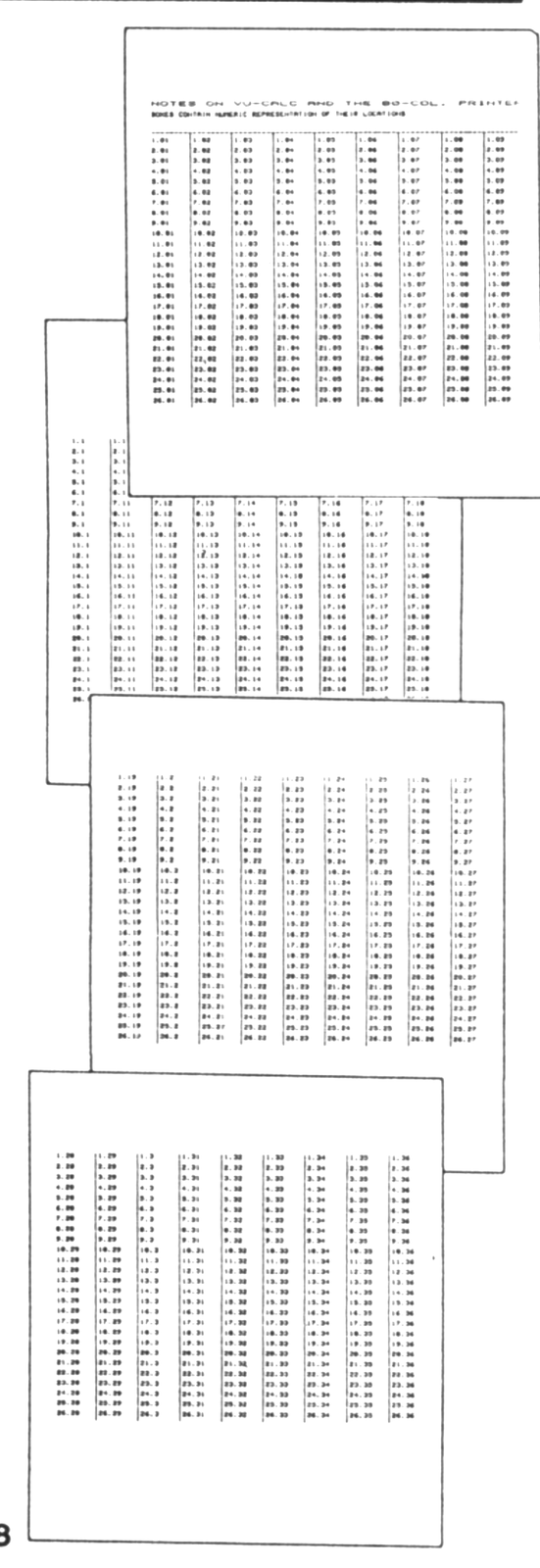
This procedure divides the array into four pages, each containing up to 26 rows in nine columns of eight characters separated by a vertical rule. This is the full capacity of VU-CALC.
VU-CALC as it is written fills almost every available byte of the 16K RAM. Thanks to the extremely wasteful basic routines this can be managed to a point. This program will step through the array, selecting what I wish to print. I can print any page of data in any sequence I wish or return to the main menu and access most options.
MODIFYING THE BASIC ROUTINE
A word of caution, we are working very near the 16K maximum so work on the cleared program only. LOAD VU-CALC from your original tape. When the menu comes up, break to the listing (EDIT, STOP, ENTER), LLIST the basic from line 110 and get the VARS reading (PRINT PEEK 16400+256*PEEK 16401). Write this down, exceeding it does not guarantee a crash but it is a good warning.
Begin modifying the program by editing out all line numbers from 130 to 330 inclusive. The same for lines 3005 to 4010. Then lines 9005 to the end EXCEPT lines 9015, 9020, 9070 and 9080. Add to line 9020 a comma and line 9040 following PRINT (see the new listing). Replace the lines you removed (130 to 330 and 3005 to 4010) with lines from the new listing and change line 5020. When you have checked your work with the new list, SAVE the cleared list by command from the keyboard (it saves much quicker this way).
Test by “GOTO 110” and option1. You can now do anything with VU-CALC you did before the changes except save without data or COPY the screen. Set up a test program of your own. The page breakpoints are 9, 18, 27 and 36 columns, but you program is not limited to these. When ready to try your 80-col. printout quit to the main menu and select option “4”. The program then stops and asks you to enter the page number you want printed. Printing starts immediately after this input which can be in any sequence. To preselect the number of rows to be printed to the page, set line 4040 to “1 TO XXX STEP 9” so that “XXX” equals the number of rows * 9. Leave it at 234 for a full page.
If any set-up of the printer needs to be done, or printing such as titles is needed, do it from the keyboard as commands (no line number). SAVE for rapid-load systems can replace the cassette SAVE routine at 3000, as long as your VARS reading is not too high, or STOP the program and use keyboard commands, or delete line 4100, giving you about 90 bytes if that is necessary. Keep VARS value below the origional reading when changing the routine. Lines 4075 and 4100 use your vertical rule symbol. Line 4100 has eight spaces between rules and is to make the printout easier to read. When through printing enter a page number above 4 to return to the main menu. The program output is as shown in page 2 and up. Lines above that on page one were by LPRINT commands from the keyboard.
 110 SLOW
 120 CLS
 130 PRINT "1= ENTER",,,,"2= CONT ",,,,"3= SAVE ",,,,"4= 80-COL. PRINT "
 240 INPUT O$
 250 IF CODE O$>32 THEN GOTO 240
 270 GOTO VAL O$*1000
1000 CLEAR
1010 DIM B$(9825)
1015 POKE 16606,0
1020 LET Z=16770
1030 GOTO 5000
2000 LET Z=16812
2010 GOTO 5000
3000 CLS
3005 PRINT "PUT TAPE ON RECORD"
3010 PRINT
3020 PRINT "THEN PRESS NEWLINE"
3030 INPUT O$
3040 SAVE "VU-CALC"
3050 GOTO 110
4000 CLS
4005 FAST
4010 PRINT " INPUT PAGE NO."
4015 INPUT Y
4020 IF Y>4 THEN GOTO 110
4025 LET I=Y*2106
4030 LET Z=I-2106
4040 FOR L=1 TO 234 STEP 9
4050 LET M=1
4060 FOR K=Z+L TO I STEP 234
4070 LPRINT B$(K+1 TO K+8);
4075 IF M<9 THEN LPRINT "▒";
4080 LET M=M+1
4090 NEXT K
4100 LPRINT "        ▒        ▒        ▒        ▒        ▒        ▒        ▒        ▒"
4110 NEXT L
4115 LPRINT
4120 LPRINT "PAGE ";Y
4125 GOTO 4000
5000 LET B$(1 TO 1)=B$(1 TO 1)
5002 CLS
5005 LET I=USR Z
5010 IF I=63479 THEN GOTO 5100
5020 IF I=0 OR I=255 THEN GOTO 110
5040 LET Z=17334
5050 GOTO 5005
5100 FAST
5110 RAND USR 18929
5120 LET Z=17334
5130 SLOW
5140 GOTO 5005
9000 CLS
9002 SLOW
9015 LET A=PEEK (16601)+1
9020 PRINT "COL ";CHR$ (INT (A/10)+28);CHR$ (A-INT (A/10)*10+28),"ROW ";CHR$ (PEEK 16523+38)
9070 INPUT O$
9080 GOTO 2000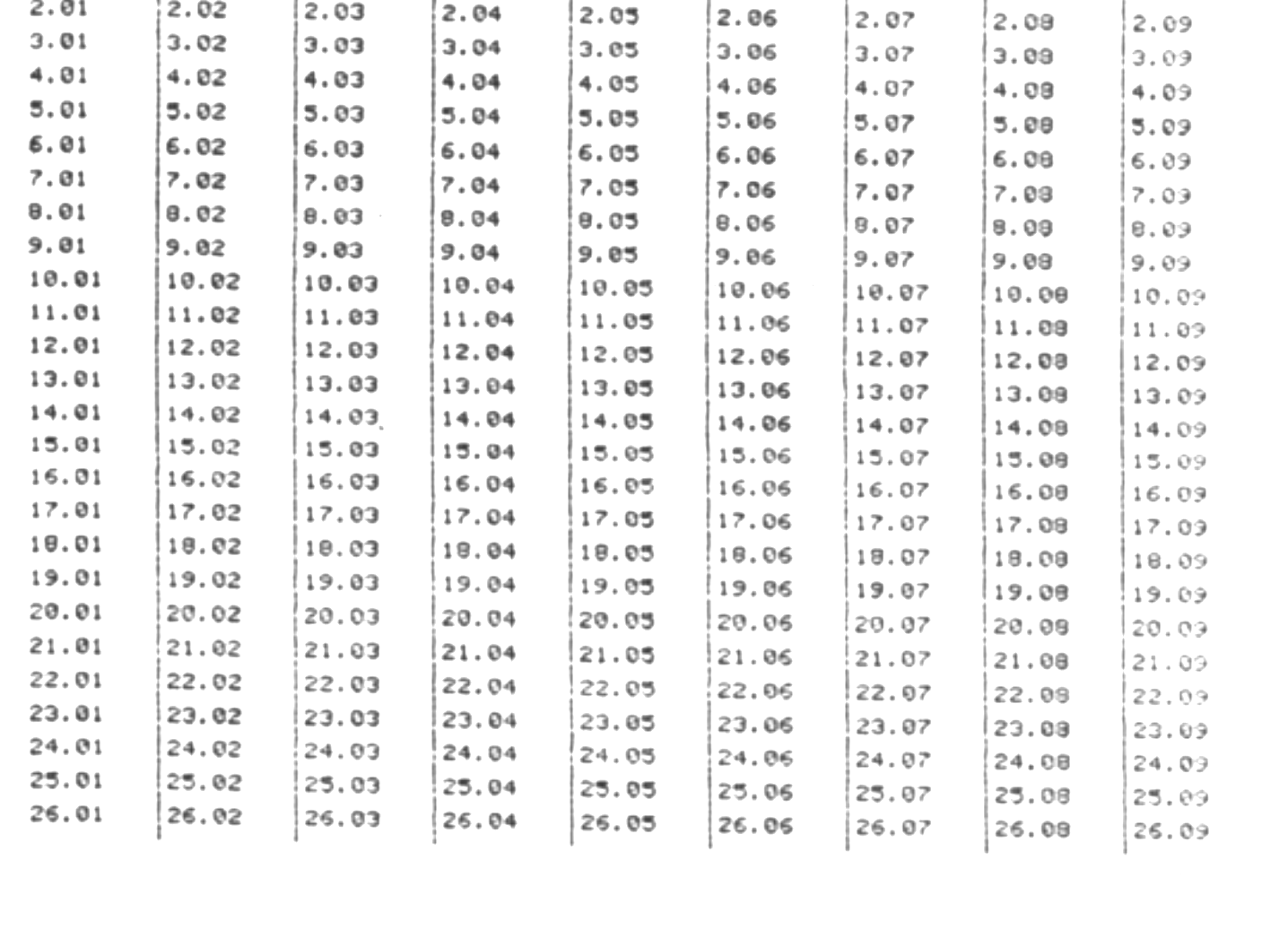
Do not change the program in any fashion with data in the array. A crash is inevitable if you try Option 2, Continue.
Good luck and write if I can help. (Please enclose SASE)
James Holder
[address omitted]
Note: Type-in program listings on this website use ZMAKEBAS notation for graphics characters.