Author:
Jack Thomison
1601 Westop Trail
Knoxville, TN. 37923
$29.95 for the ZX81/1000/1500
There are very few programs for Sinclair computers that are truly one of a kind. Plane Frame has this distinct privlege. This is a mechanical and structural engineering type program for which I have seen no other for these machines. Plane Frame is an interactive program that requires quite a bit of preparation before you are ready to run. It requires all of the physical parameters of the material tested and the design and shape of the structure in question.
PF has a specific role to play and is not for everybody. However, professionals and engineering college students alike may enjoy this number crunching gem. If you understand loads, moments, modulus, etc., then your a candidate for PF.
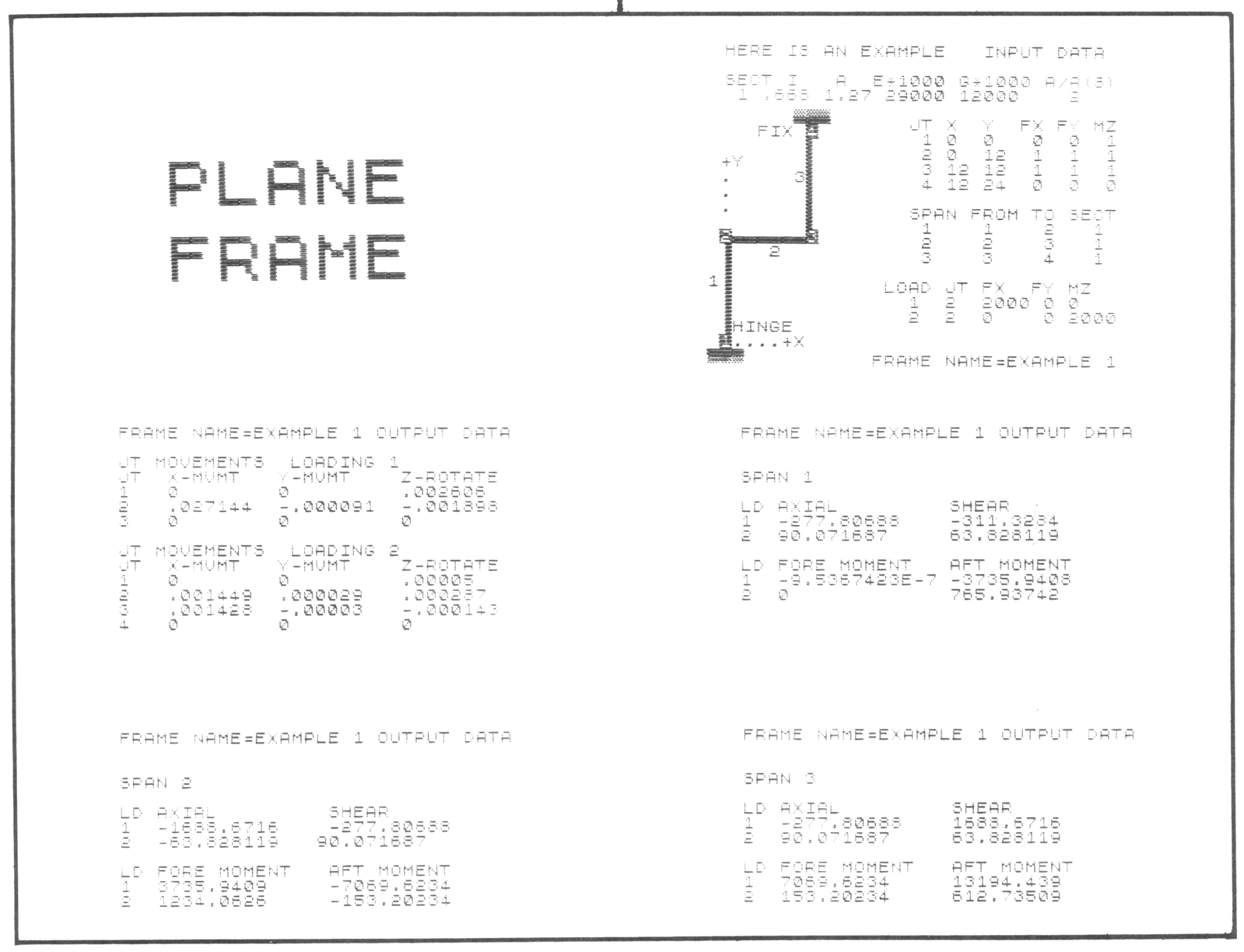
PF comes with three demostration programs that are already full of data. A flow chart is available to help you understand the listing and make your own changes and improvements. A sample of some output follows.
There is considerably more output data than what is shown, and as you can see from the input data listed, you must take the time to define your structure before you load the program. PF will do all the nasty number crunching thereafter, and give you tabular output.
On several opportunities in the past, I have used this program to give me a better understanding of material properties by changing modulus and load values. Since I do a lot of work with plastics, these numbers change drastically with moisture, filler and type of plastic used.
There is nothing inherent in the program that would stop it from being uploaded to a 2068 since it is done entirely in Basic. I recommend this program for anyone who may do some basic design work on a budget or anyone going into or in engineering school and gets stuck on the homework.