
PRINTED CIRCUIT BOARD DEVELOPMENT PROGRAM

INSTRUCTION MANUAL    PROGRAM  CAD#3
For EPSON 9 pin printers or equivalent
Using LKDOS Disk Operating System
Copyright 1989 William J. Pedersen
All rights reserved.
The WIDJUP Co. is proud to present the most powerful, flexible, and user friendly printed circuit board design program available for the TIMEX TS2068 as of this date.
It lets ambitious people create their own electronic hardware without demanding access to industrial facilities or photo laboratories.
At the same time, this program does fully professional work suitable for small industry. Though CAD#3 is self-contained, it is compatible with several specialized companion utilities like “TRACE MASTER”, which writes DATA FILES for CAD#3 using higher level graphic language.
The WIDJUP Co.
1120 Merrifield S.E.
Grand Rapids, MI 49507
Tel: (616) 452-7004
TABLE OF CONTENTS
SUBJECT                                              PAGE
---------------------------------------------------------
INTRODUCTION ..................................... 2
EXTENDED FEATURES ................................ 2
MENUS ............................................ 2
     MAIN MENU ................................... 2
     LOAD PCB DATA ............................... 3
     LOAD SUB-MENU ............................... 3
     SAVE PCB DATA ............................... 3
     EDIT PCB DATA ............................... 4
     ADD ITEM .................................... 4
     FIX MENU .................................... 5
     GENERATE .................................... 5
DISPLAY .......................................... 5
GETTING STARTED .................................. 6
TUTORIAL ......................................... 6
     DEMO ........................................ 8
     EDITING A PCB DATA FILE ..................... 9
     EDITING GRAPHIC FILES ...................... 10
ADVANCED TECHNIQUES ............................. 11
TEXT EDITOR ..................................... 11
PLANNING WORK-SHEET ............................. 11
APPENDIX ........................................ 12
     CIRCLE.AZ REPORT ........................... 12
     LLIST#5 .................................... 13
INTRODUCTION
This program makes use of LARKEN LKDOS. This version is for EPSON and compatible 9-pin printers. Versions are available for OLIVETTI INKJET, EPSON compatible printers, and using JLO SAFE DOS. Fine results are obtained with the OLIVETTI PR2300, which provides total black-white contrast without needing a brand new printer ribbon. CAD#3 makes use of file types Program, Data, and Code. Files created using CAD#3 are transferable to other DOS systems via tape. The other system must be able to store the same type records.
Though this program assumes double density 2 sided, 5 1/4 disks, other formats are readily accommodated by changing default parameters.
All operations are menu supported, system initialization is automatic, and no LKDOS commands are required once the program is loaded.
The ability to monitoring your work as it proceeds is provided by a DISPLAY feature. This saves much time, paper, and aggravation.
Operations have been made as easy to use as can be, considering the complexity of the task at hand. The temptation to unnecessarily standardize operations (thus limiting what your ingenuity can accomplish) has been resisted. No compromise has been taken with quality of results. Best use of printer performance is made, though this creates a heavy computation load for the computer. If you want superior results, you have to do the work!
Exceptional editing procedures let you avoid doing work over and over again. Now THAT is user friendly!
EXTENDED FEATURES
CAD#3 provides several features in addition to what is available in LKDOS extended BASIC. To be specific, WIDJUP programs LPRINT #5, LLIST #5 (Which does formatted and indented LISTings), screen dumps, and several graphic windows for LPRINTing-single and double size lines.
They say that nothing is fool-proof to a sufficiently talented fool. Well, CAD#3 has been designed to require considerable talent to foul it up, AND to recover even if it has been. Error trapping is used extensively.
DISPLAY is limited to 4 x 5.4 inches. This does not prevent making boards longer than 5.4 inches. It is simply not possible to DISPLAY the whole board at once.
MENUS
MAIN MENU
The WIDJUP Co.  (C) 1989..CAD#3
          MAIN MENU
FUNCTION       DESCRIPTION
--------------------------------
1  LOAD        PCB Data Array
2  CREATE      New PCB
3  EDIT        PCB Data Array
4  DISPLAY     PCB
5  DIRECTORY   Drives 0-4
6  REPORT      LPRINT Data
7  GENERATE    PCB Image
8  COPY        From Image File
9  SAVE        PCB Data Array

Select by # " "
This is what you see after CAD#3 is loaded. It reappears after selected operations are completed.
[The manual continues in the next issue.]
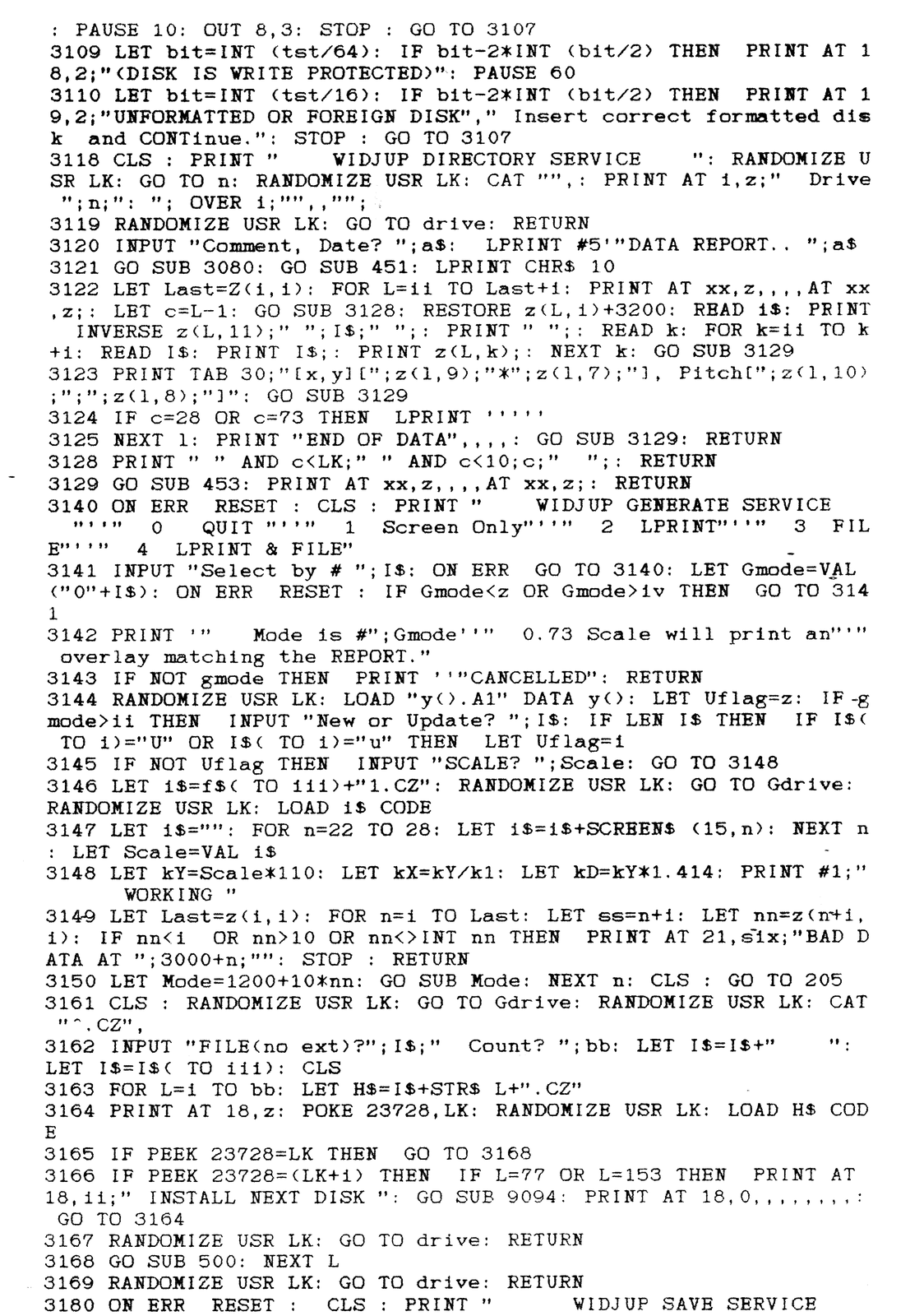
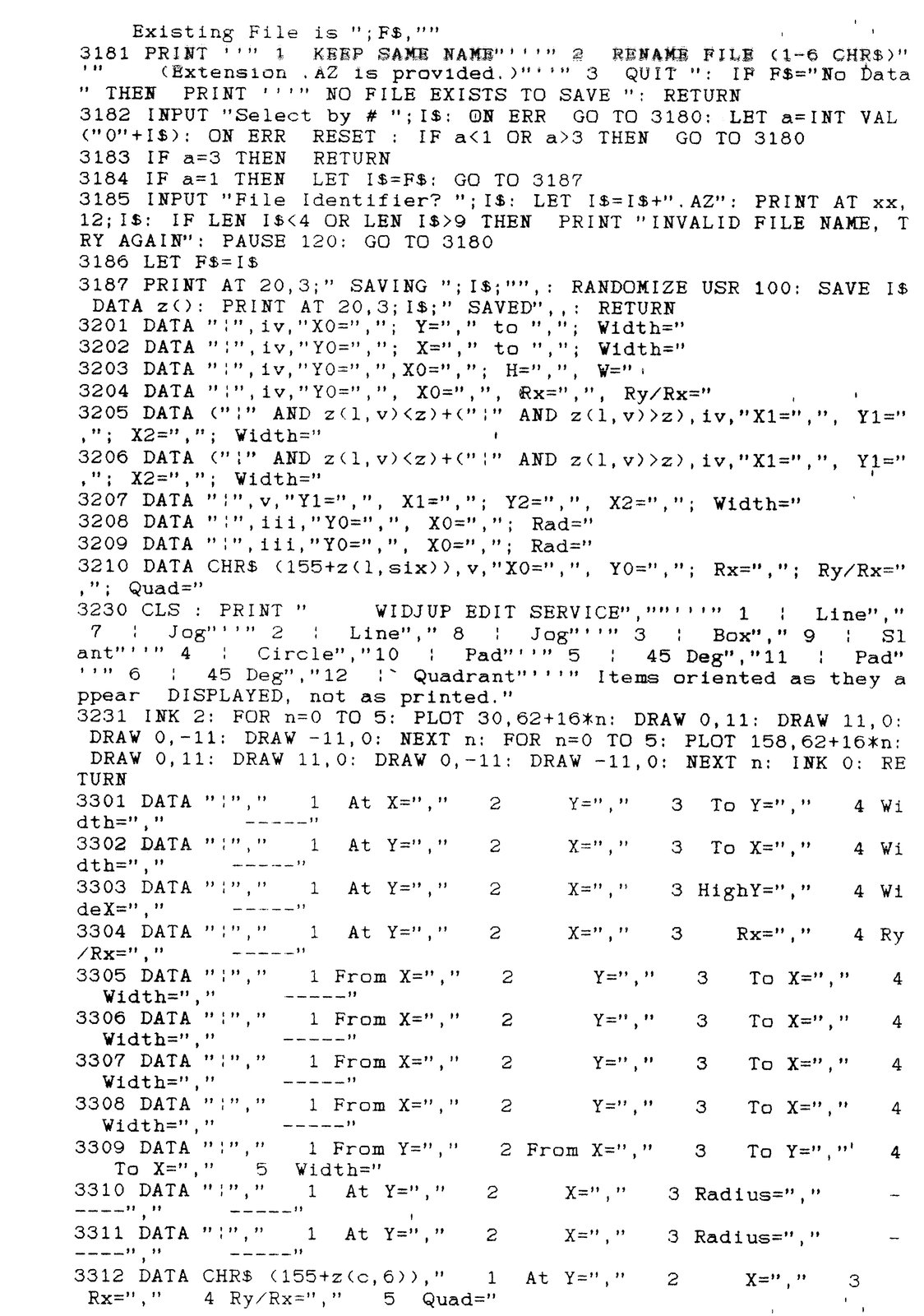
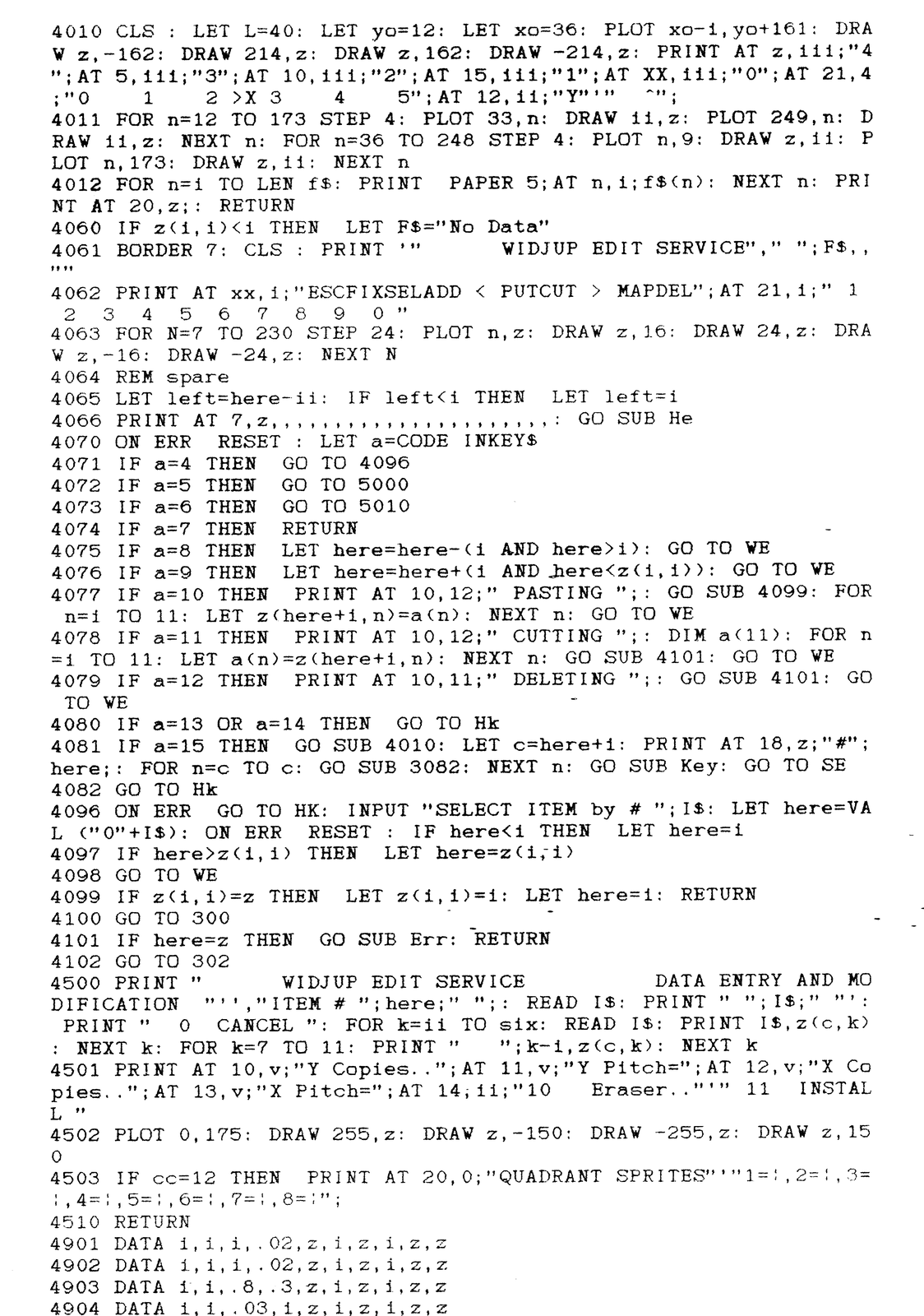
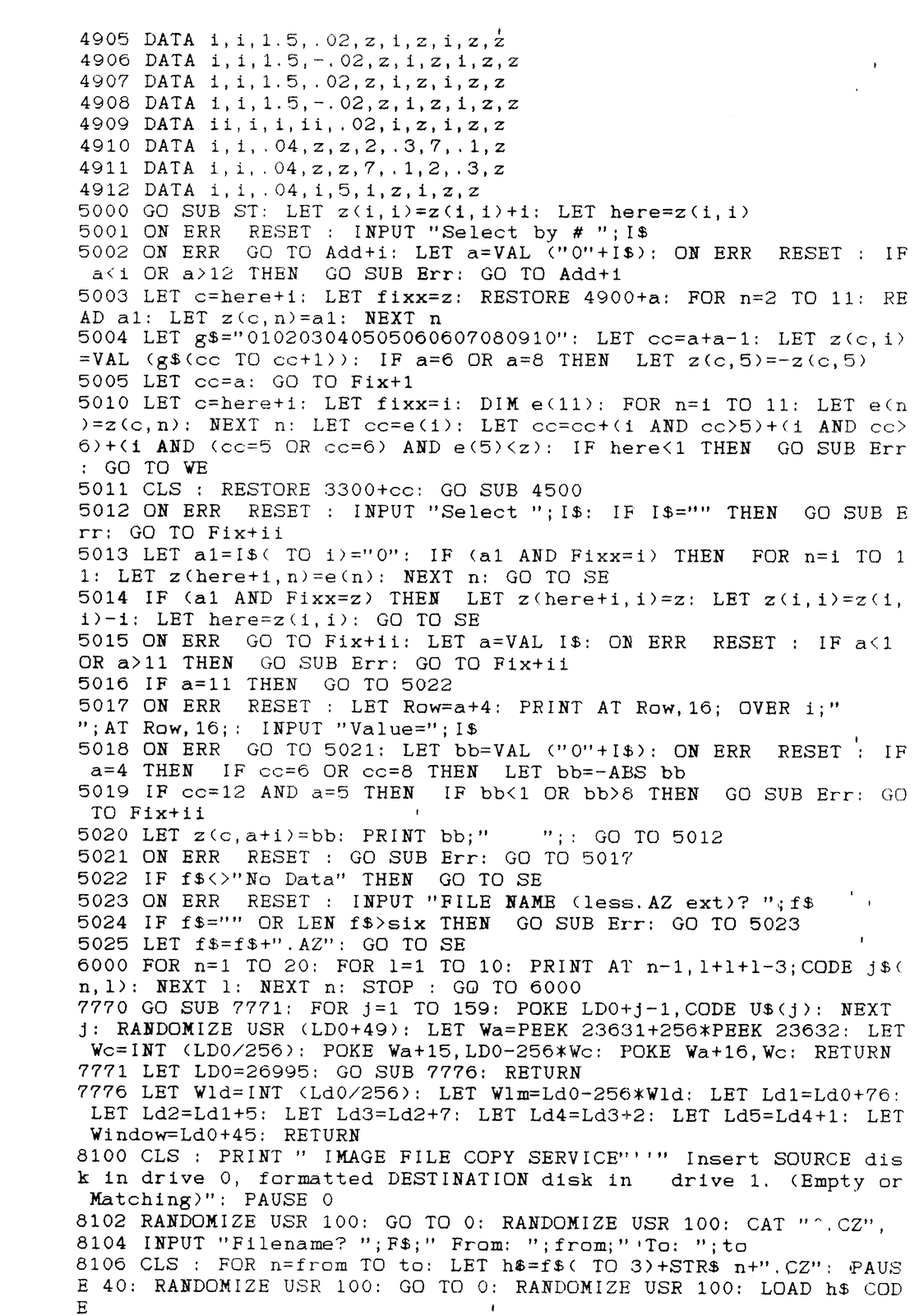
CAD.BO Listing 7/14/91
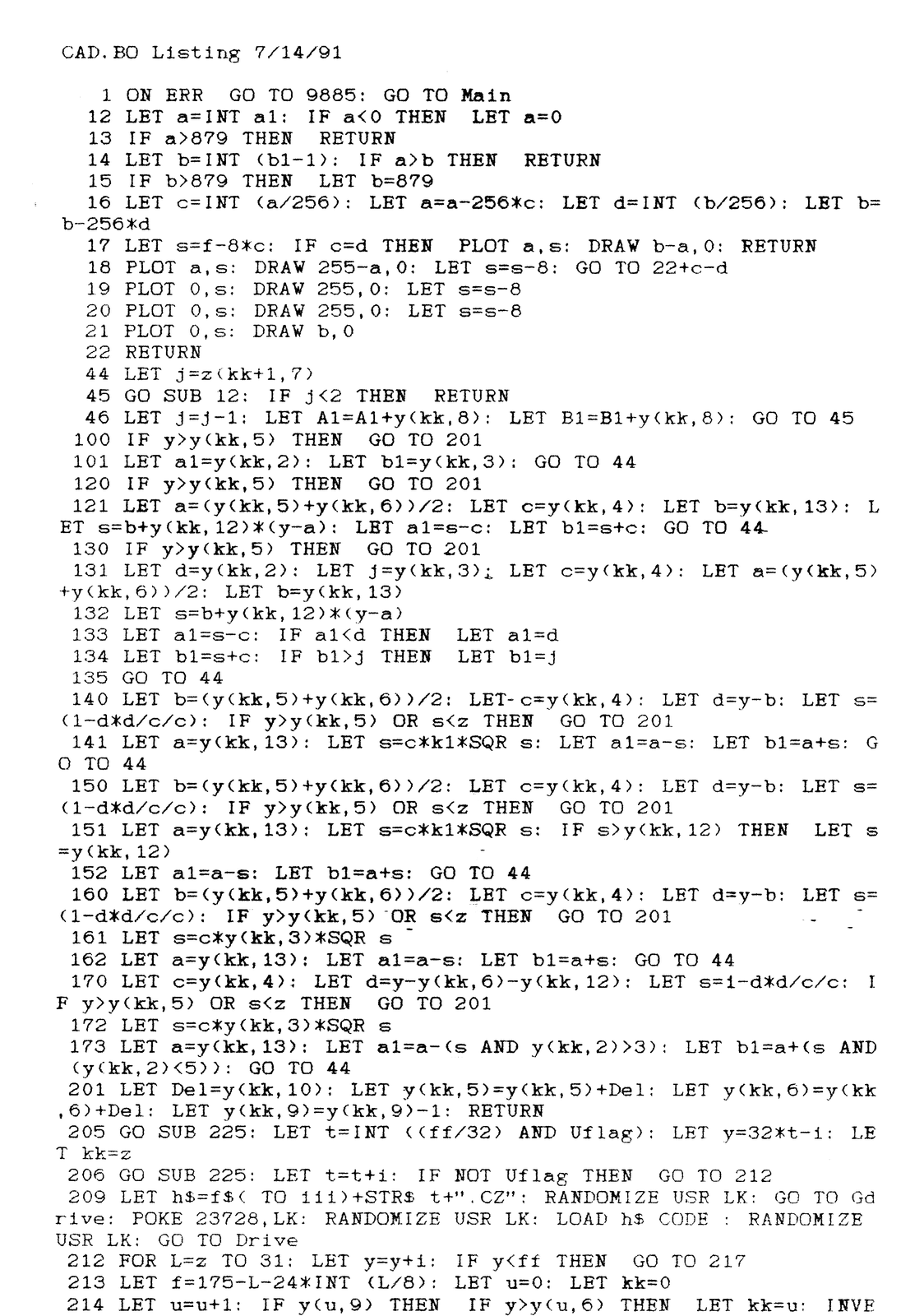
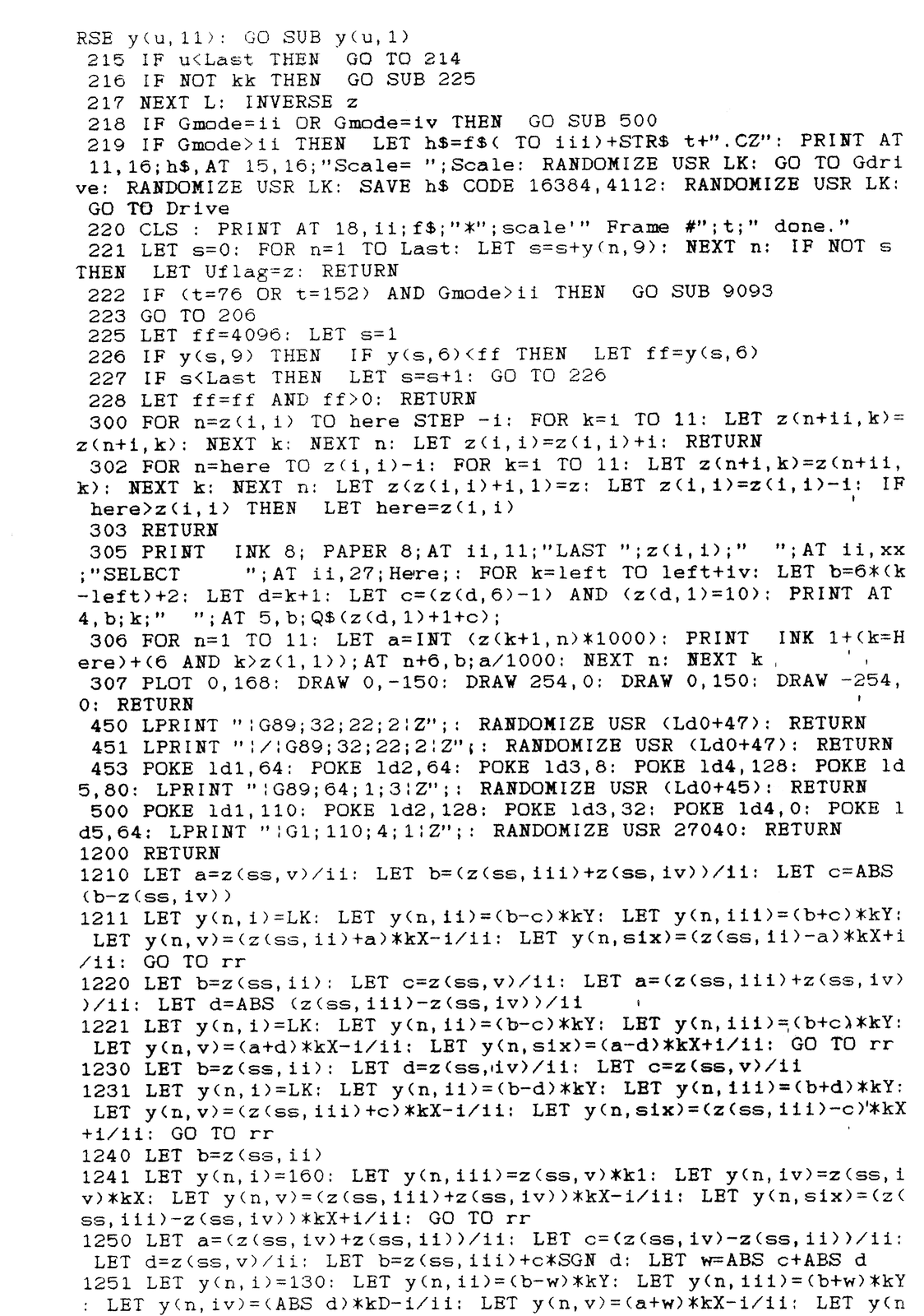
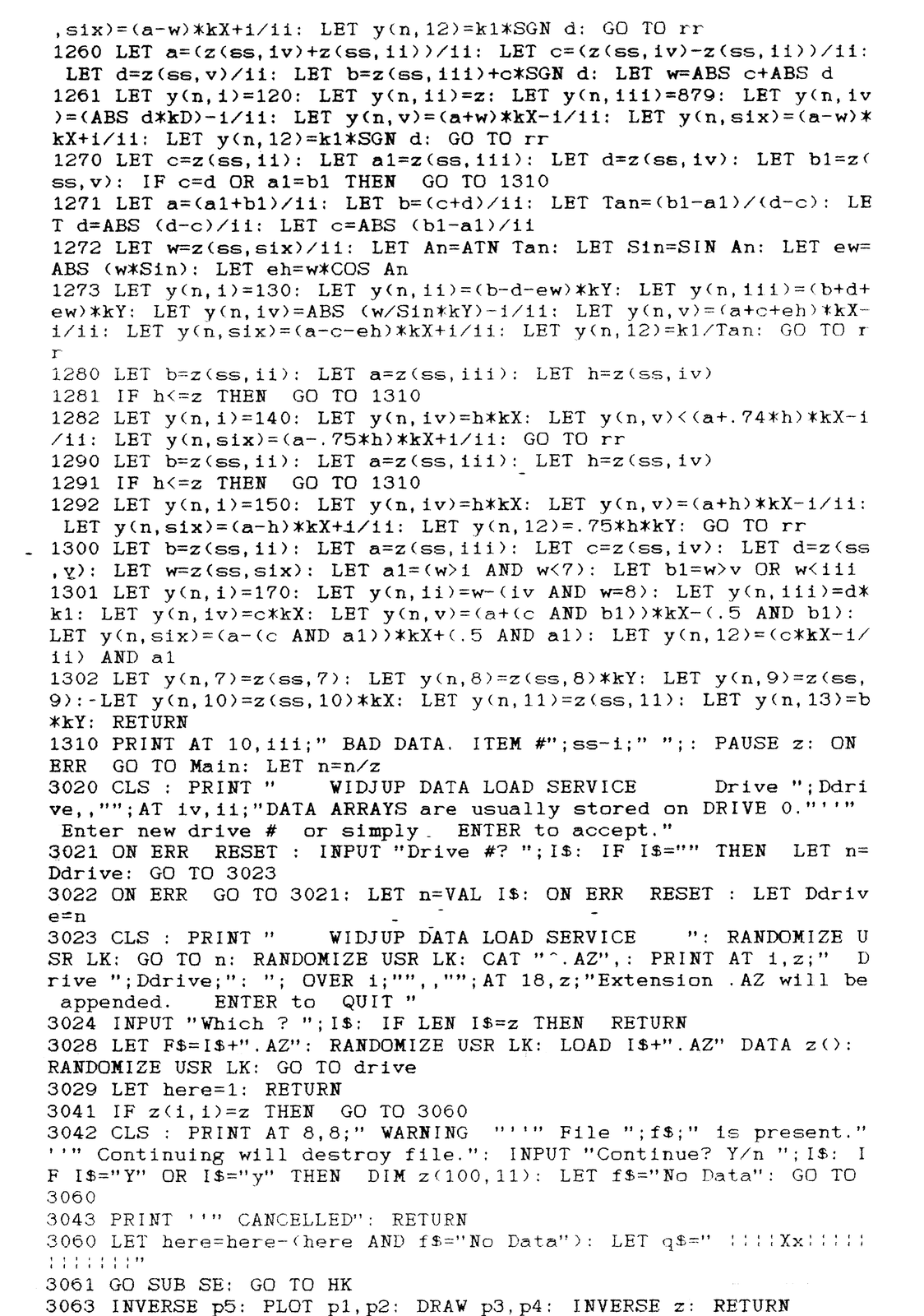
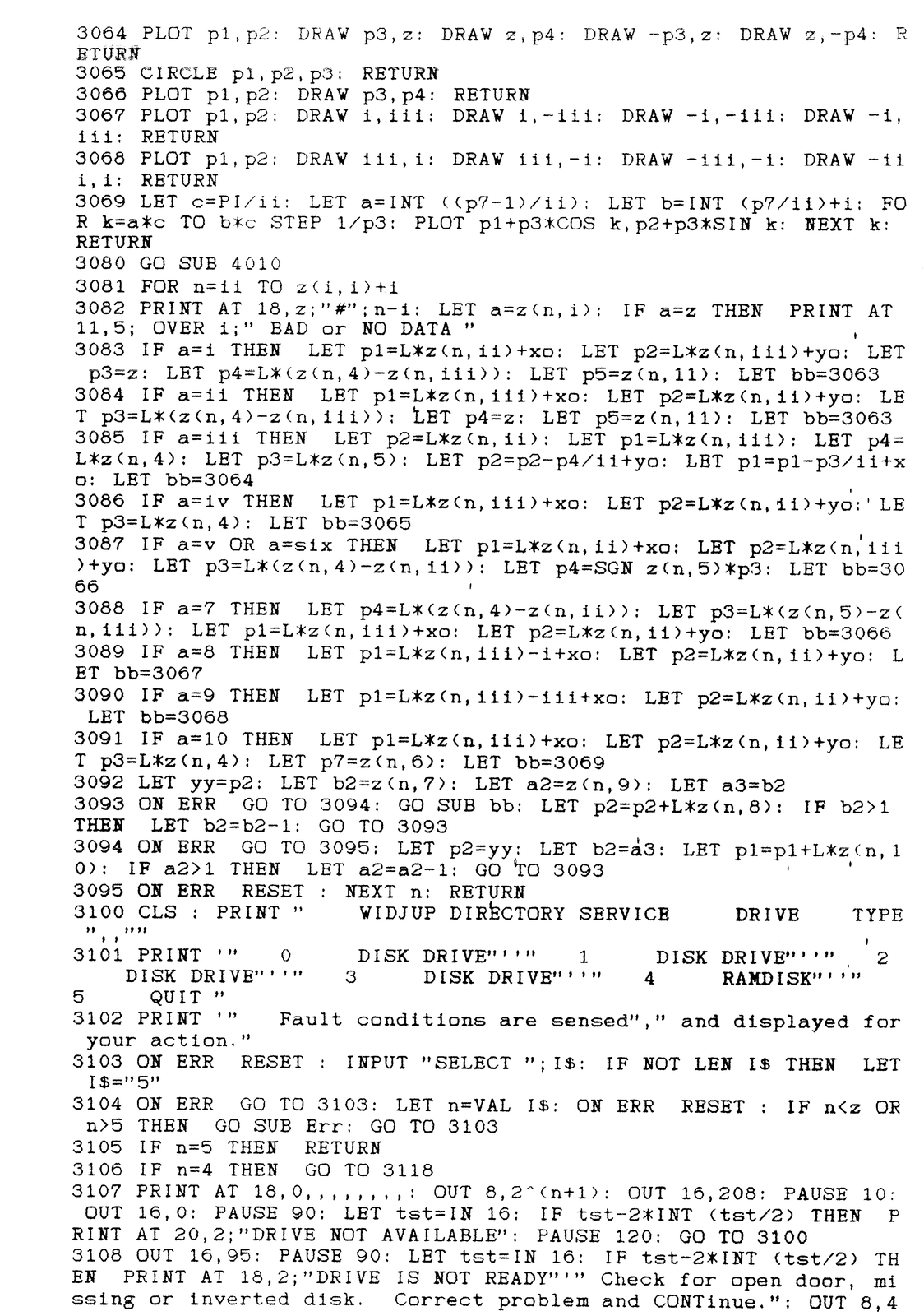
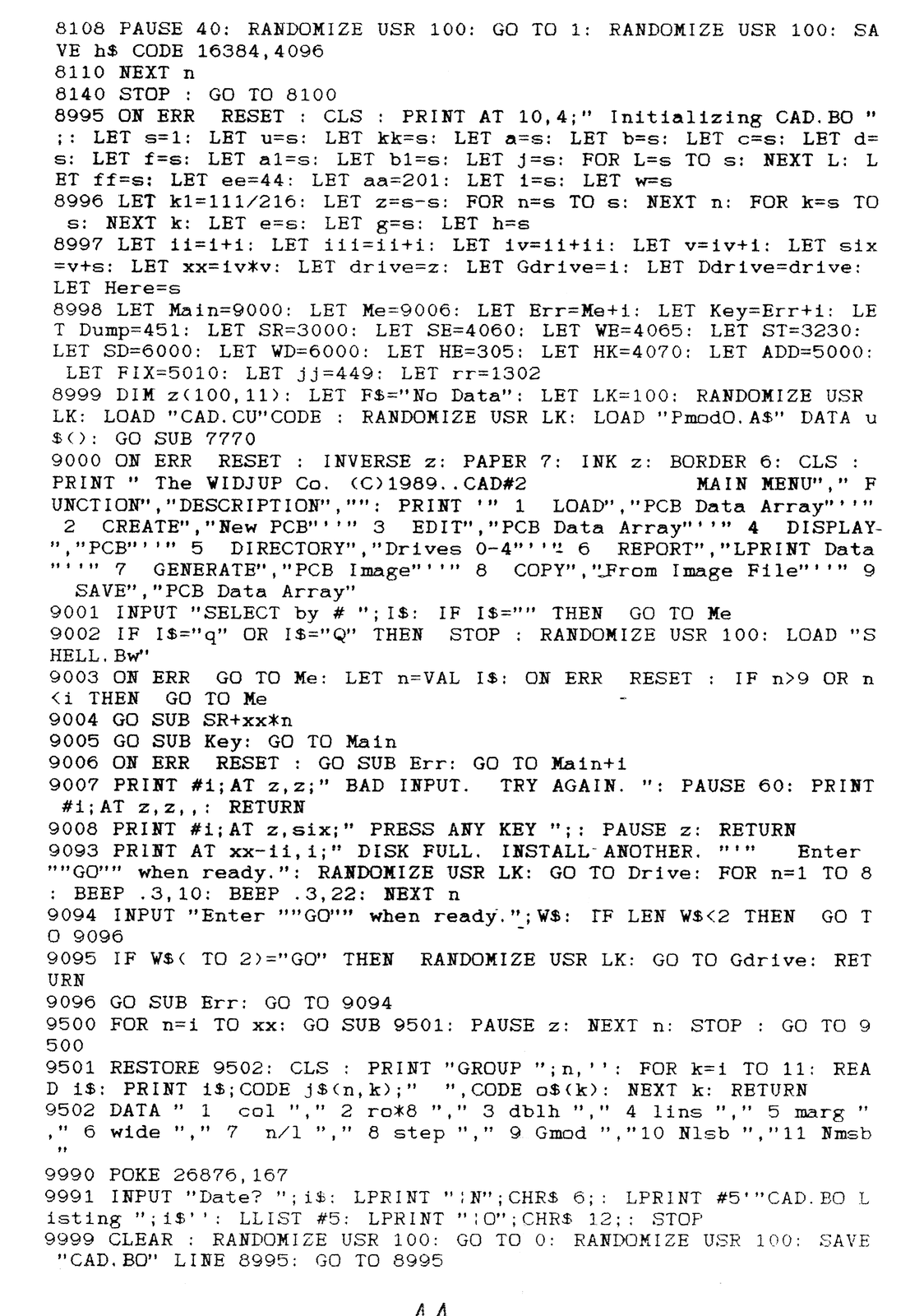
[Listing continued in the next issue.]