
I continue my on-going series of software enhancements with a very simple but useful addition to Timex’s answer to “presentation graphics”…QUADRA CHART.
QUADRA CHART is a TS2068 program that was marketed by Timex themselves, and should still be available at a very reasonable price from many of the TS dealers around the country.
QUADRA CHART enables you to convert numerical data (such as Sales Figures, or Inventory Totals) into four types of graphs:
1. Bar
2. Pie
3. Line Pie
4. Line
Any one, or all four of the graphs may be displayed on the screen at once. The Screen can also be printed on a TS2040 thermal printer.
The modification we will make, will enable the screens to be saved to tape (or disk), so that they can be enhanced with any of the fine TS graphics programs available. This means text can be added, pie sections can be “filled”…and most importantly, the finished graph can be printed on a full size dot matrix printer.
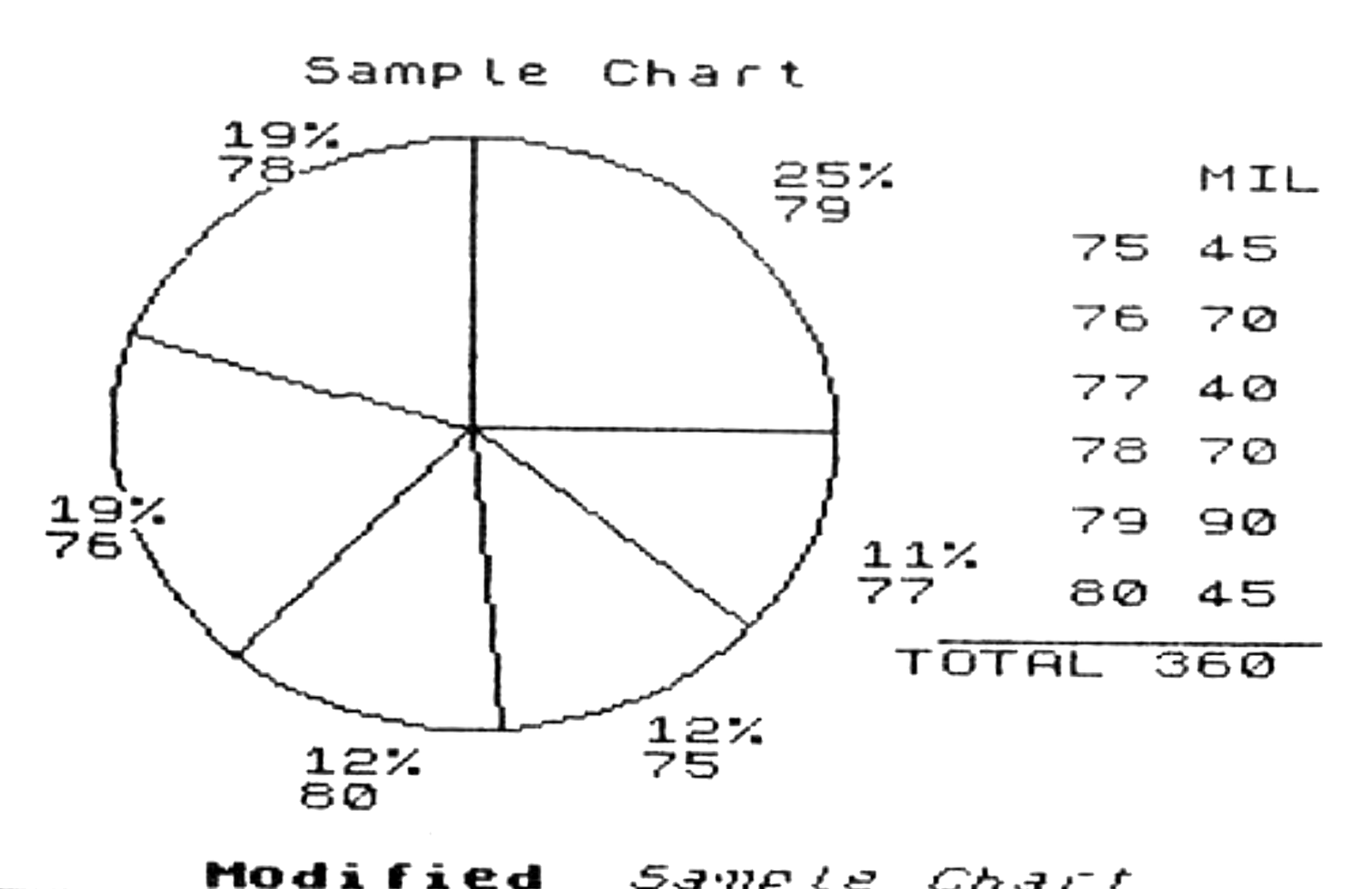

The examples accompanying this article give you just a few examples of what can be done. The procedure for installing our QUADRA CHART + routine is as follows:
1. Load the program loader and first screen with LOAD “”.
2. Once the cover screen finishes loading, STOP THE TAPE and BREAK.
3. Insert a fresh tape in your recorder and enter GOTO 110.
4. Once the loader and screen are saved, STOP THE TAPE.
5. Reset the computer, place the original tape in the recorder and enter MERGE “”:LOAD “” CODE: LOAD “” CODE.
6. Once the condition code appears in the lower left corner, add or modify the following lines:
a: add to m: modify n: new line
a  112 ;AT 21,10;"s=save screen"
n  119 IF INKEY$="s" THEN GOSUB 8700
m 2360 INPUT AT VAL "0", VAL "0";"r=restart,w=window,c=copy,
  s=save";j$
n 2396 IF j$="s" THEN GOSUB 8700
m 6520 INPUT AT VAL "0", VAL "0";"r=restart,w=window,c=copy,
  s=save";j$
n 6566 IF j$="s" THEN GOSUB 8700
m 7320 INPUT AT VAL "0", VAL "0";"r=restart,w=window,c=copy,
  s=save";h$
n 7366 IF h$="s" THEN GOSUB 8700
a 7932 ;AT VAL "21", VAL "10";"s=save screen"
n 7941 IF INKEY$="s" THEN GOSUB 8700
n 8700 INPUT "Name?:";q$
n 8710 SAVE q$ SCREEN$: RETURN
7. Once you have entered the lines, place your backup tape into the recorder and enter GOTO 9990. This will save the modified program and accompanying screens.
I hope that this added feature enables you to produce professional looking graphics with your TS2068 computer.
Media
Note: Type-in program listings on this website use ZMAKEBAS notation for graphics characters.