
In an effort to sell their vastly overpriced and over-qualified non-Sinclair home computers, software writers have introduced the concept of windows. These are merely devices to show two or more blocks of information on the CRT at one time. Unfortunately, windows have not been all that popular since the CRT only holds so much information at once anyway and with each window added, previous information is obliterated. Thus, while it is handy to have more than one program resident in memory at one time, the advantages of seeing all the programs on the screen at one time have not been overwhelming. In addition to which the Sinclair has only 32 letters across which further limit the amount of information that can be presented.
Nevertheless, keeping up with the Jones’ is a major industry and there is no reason why Sinclair users can’t have a window if they really want one. To let you avail yourself of this privilege Maxsoft (611 Franklin St., Hamilton, Oh. 45013) has written Super-Screen. This is basically a machine language program and therefore must occupy the program line 1 which automatically precludes its use with other machine language programs at the same time. Obviously, if one is in command of machine code the programs can be moved but this also requires moving all the USR commands along with it which is more than most of us are prepared to do.
The window can be almost as large as a screen or as small as two lines and one column (16 characters). The program is 184 spaces long and so can be entered from the listing supplied or for those of us who use bifocals it is available on tape. I would suggest jumping immediately to the demo program which is labeled Program II which includes menu prompts to help you define the screen or you can POKE these numbers if the window is going to be the same size whenever that program is used. Following the demo program one can have a resident program merged in at line 14 and once this program has filled the screen it will remain static. The super-screen then allows you to run a separate program within a window. Unlike the Sinclair however the program begins at the bottom and scrolls up and can be manipulated in the usual way. The screen is only allowed on the right side and must abut the right margin. One can return again to the regular program using appropriate CLS and GOTO statments and obliterate the screen any time by POKEing the screen dimensions back to zero. The authors cautioned not to use the Sinclair SCROLL and also not to make the window include the bottom line.
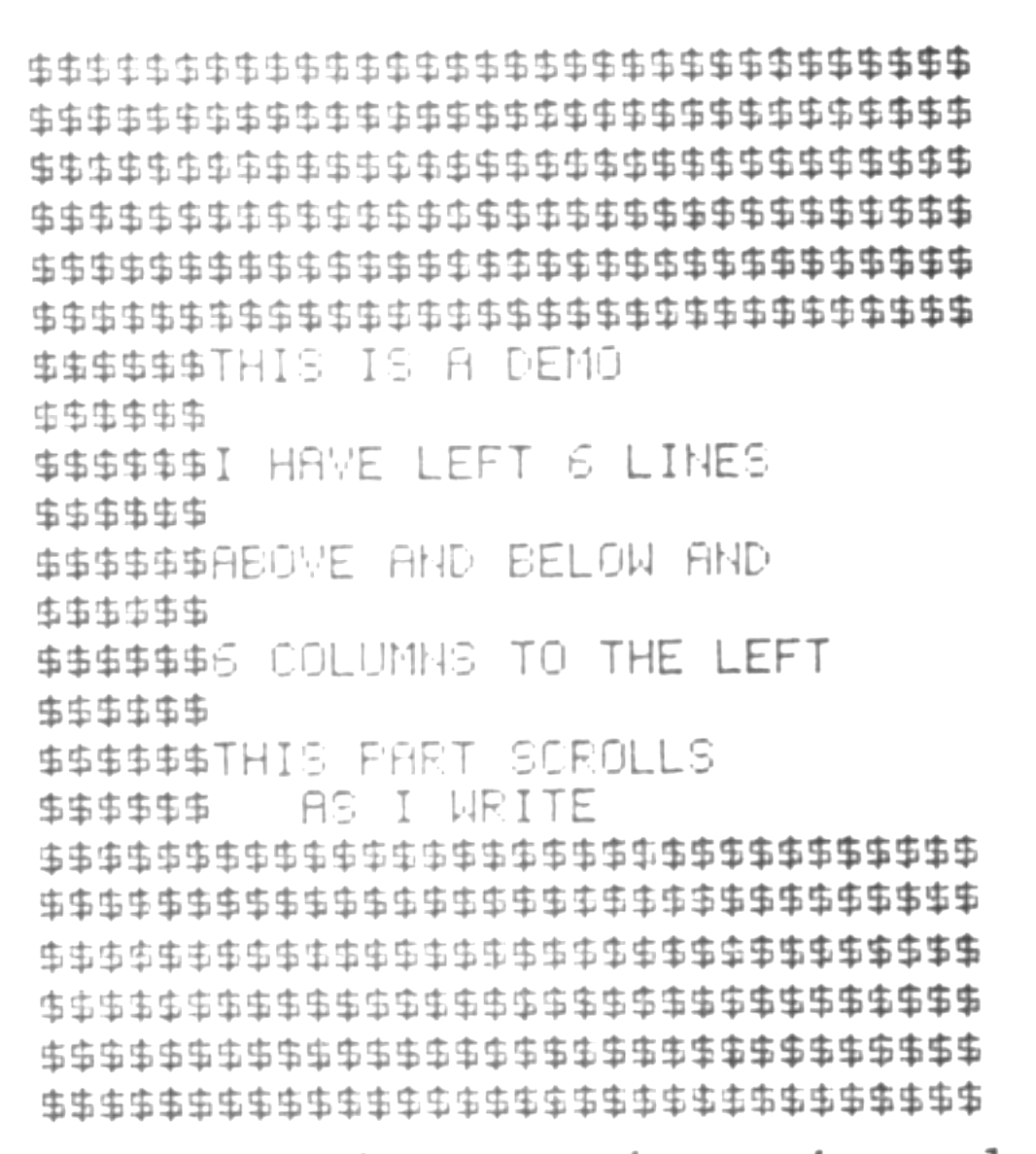
I tested out the program by merging a loan amortization program into the middle of the demo at line 14 and then at line 21, where the demo program suggested material to be printed into the window, I again used a GOSUB and merged a second listing of the same program. This enabled me to produce side-by-side loan amortizations for two different loans, varying the interest, year, etc. Obviously, this could have been done without the window program and simply merging the loan program with itself and altering the PRINT AT lines, but that would have simply allowed the Jones’ to get ahead of us. Thus, I found the program extremely interesting and fun to try and implement, but I’m still having the original problem on finding a place to use it. Perhaps you game players would do better as the suggestion the author makes is that one can scroll information such as game commands and plot responses while leaving scores and instructions fixed. Let us know what you come up with.