
Tape Doctor by Sebastien Boisvert
Tape Doctor is a tape utility program for the ZX81, TS1000 and TS1500 type computers. It is really a set of utilities that Sebastien has gathered together from various sources. He has put them together into one program that is panel driven and very easy to use. I did find his documentation a little lacking but once you figure out what he is trying to do, it is easy to use. The program contains a relocating routine. This enables you to relocate the routines either in the 8k to 16k area if it is available or to anywhere within available storage. I had to adjust my ramtop and then I could relocate to location 28672. One thing missing from the instructions is the exact amount of storage the routines require.
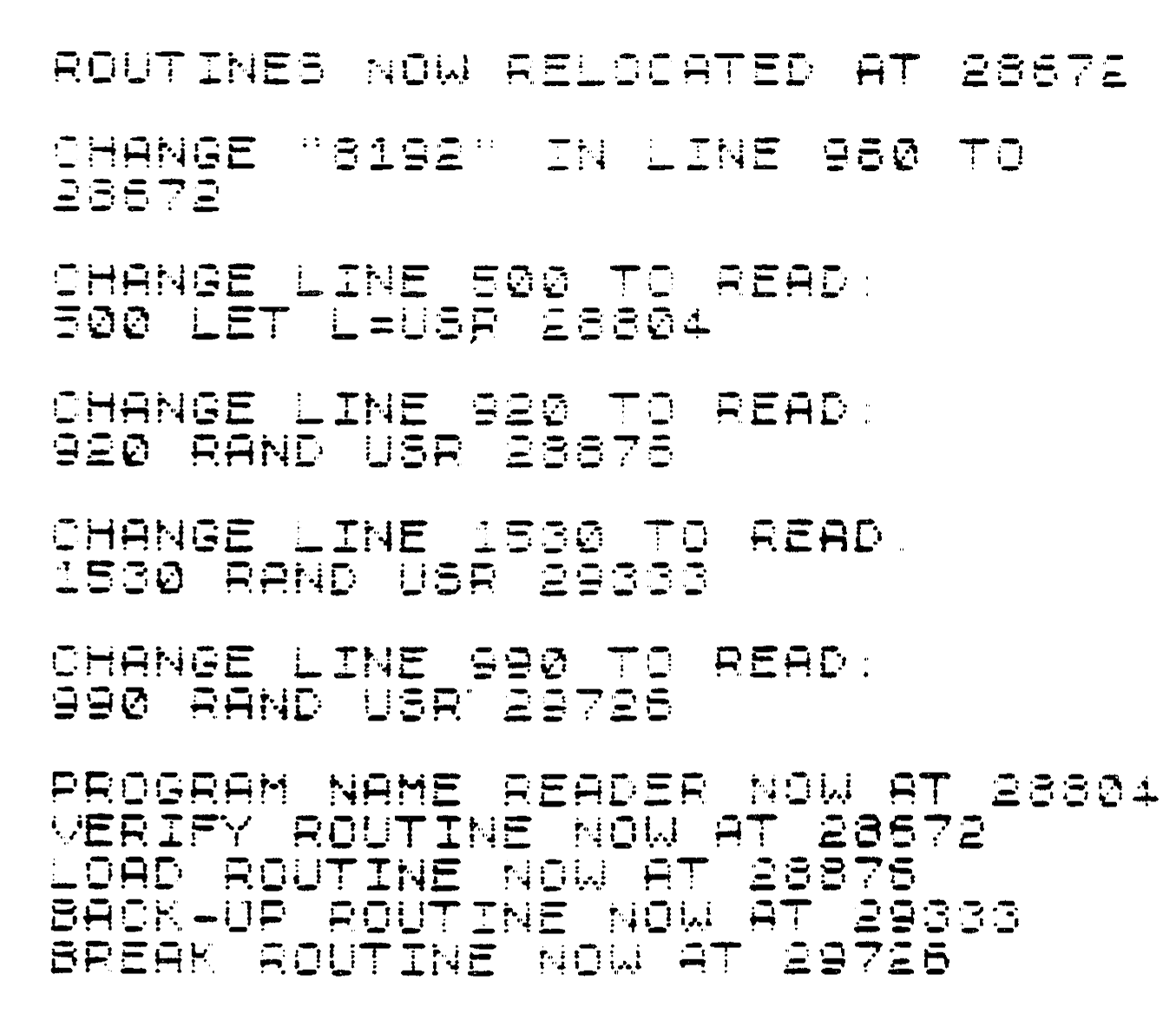
When you first load the program in, you enter RUN 1630. You will then be prompted to give the address of where you want the routines to be loaded. A screen is then presented and you will have to make some changes to the program in order for the routines to be loaded at specific address’s. Once you have done this initially, you do not have to do it every time you reload the program. The next time that you load the program the main menu will appear. Simply select the number of the function and follow the instructions.

There are 8 functions available.
1) Program Name Reader – this routine will read the name of a program on tape and if the printer option is ON, it will also print the name on the printer. Very useful if you have a tape and you don’t know whats on it.
2) Program Name and Time Reader – Basically the same as option 1 but it also displays the load time of the program. One thing I found by accident and is not documented, after the name and time is displayed, just hit enter and it will continue to the next program.

3) Load a Program from a Bad Tape – I did not try this option but it is supposed to LOAD a tape that has a bad spot on it. After your program is loaded, the last complete line is found and the computer will create an empty display file and an empty variables area.
4) Verify Program – This routine will let you verify a program saved on tape. After you SAVE the program to tape, rewind the tape and then run this routine. It will compare byte for byte, the program on tape against the program in storage and tell you if there is a mismatch.

5) Make a Back-up – This will make a tape copy of any program that cannot be interrupted. The routine will load a tape program into storage and then the screen will go ‘grey’. Put a new tape in your recorder and press ‘S’ and the program in storage will be copied to the new tape. This works quite well and I have used this function a lot.

6) Break Any Program – This routine will break ANY program. After the program is loaded, a report code “D/number” will appear. You can now list the program.
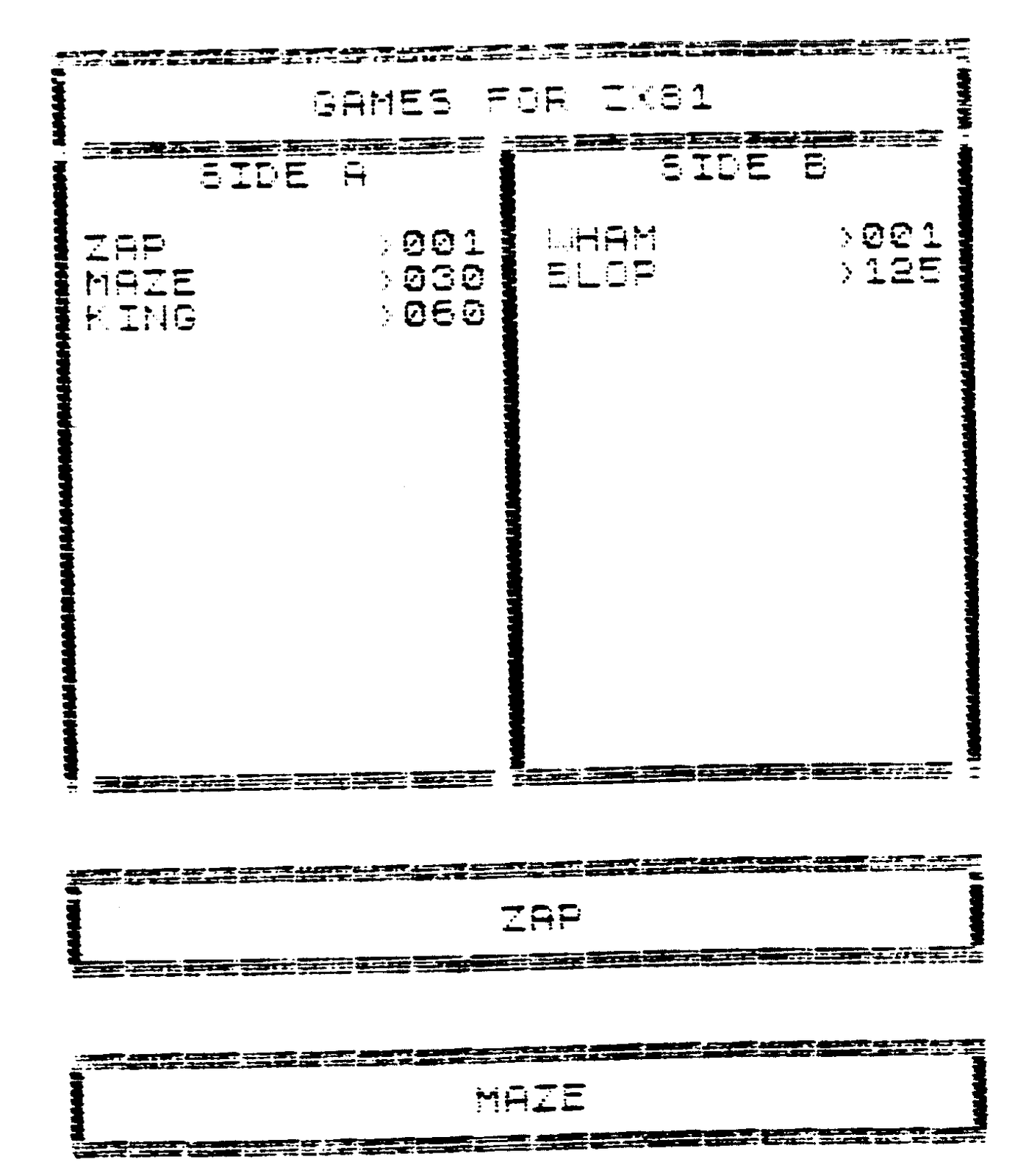
7) Make Tape Labels – I have found this to be a very good routine. It allows you to make a label that fits into a tape box and display what is on the tape. I modified Sebastiens program to allow the printing of more than one tape label, this being the only default I found with this routine.
8) Toggle Printer – used to turn the printer OFF and ON in functions 1 and 2.