
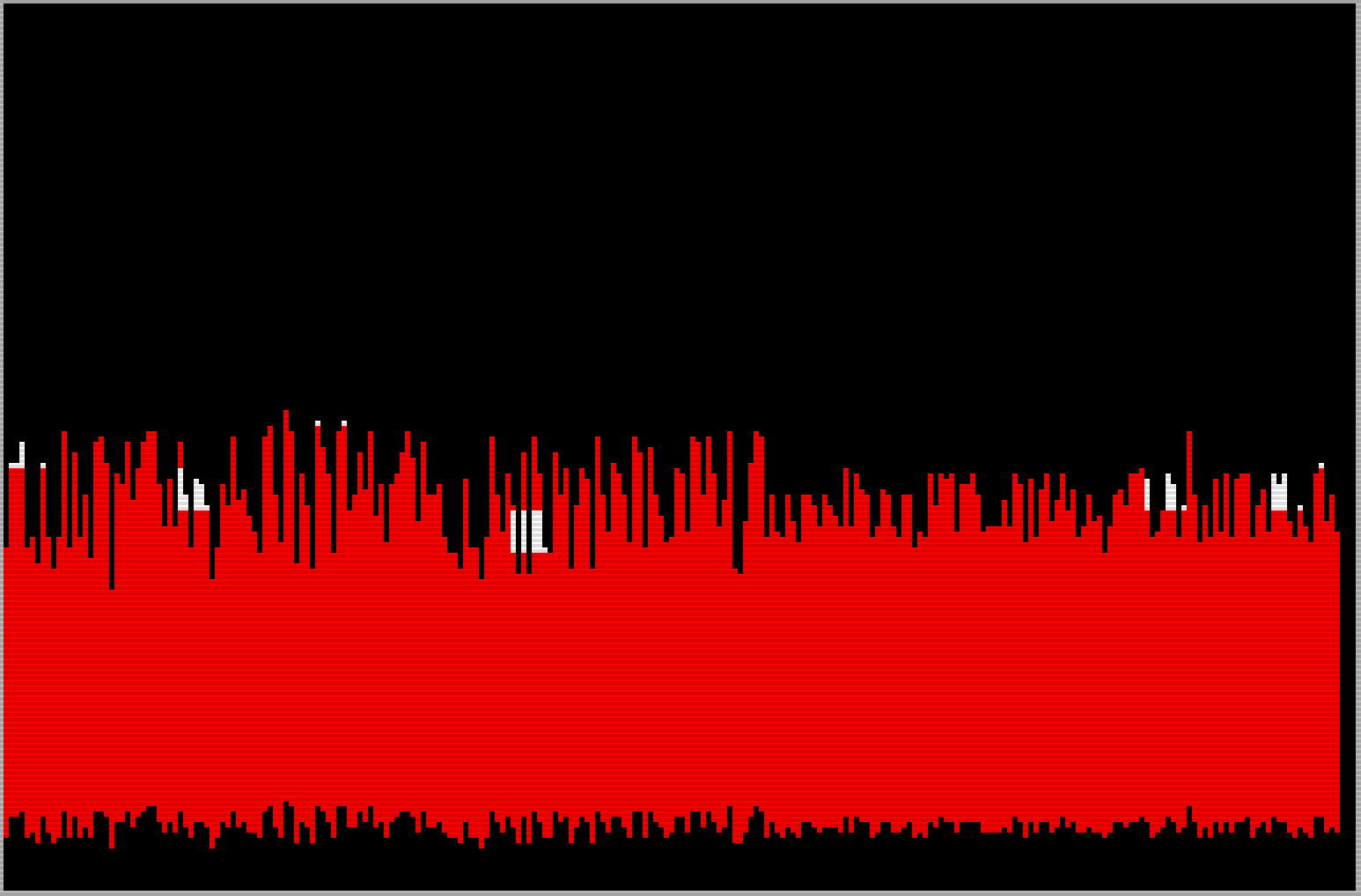
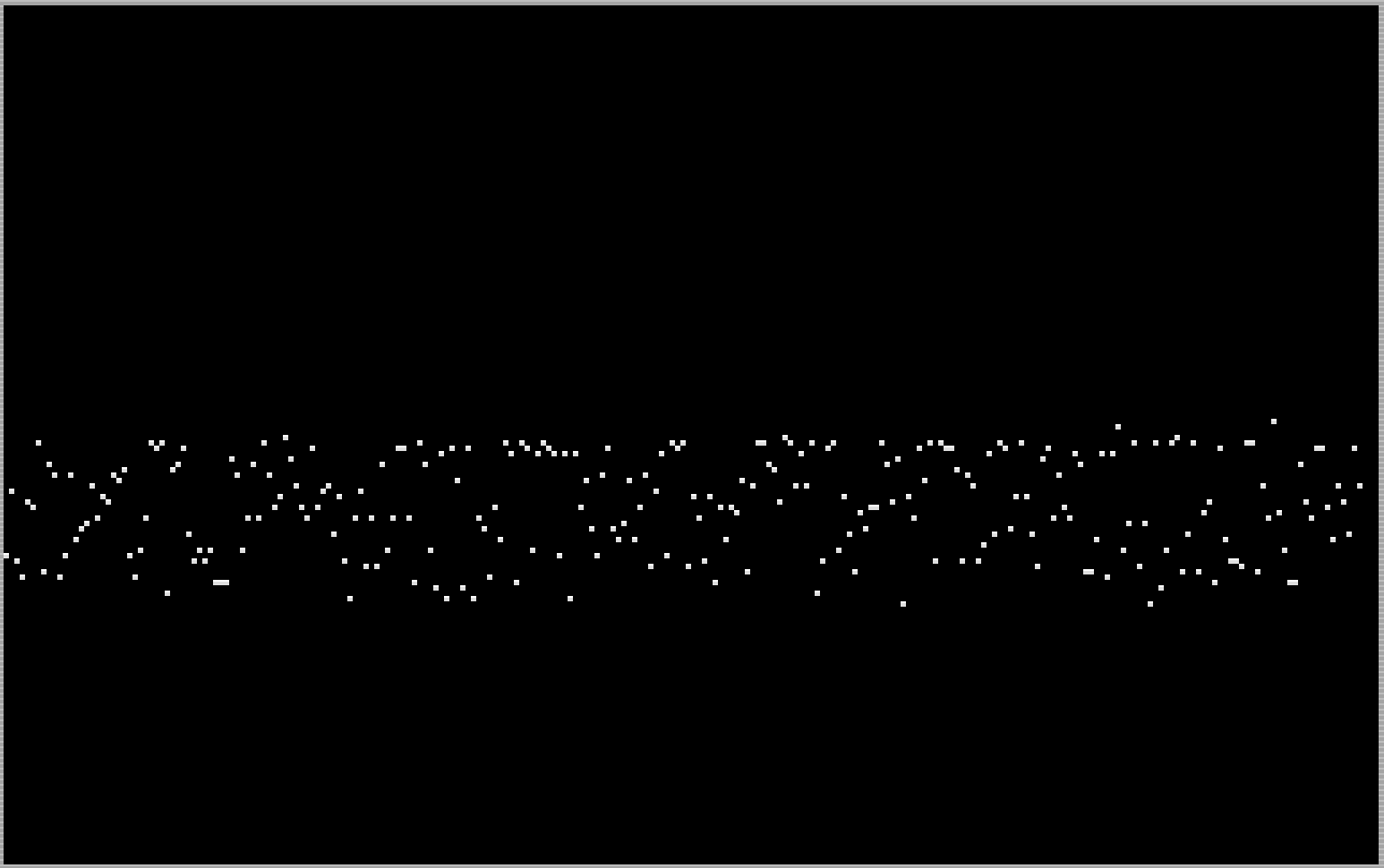
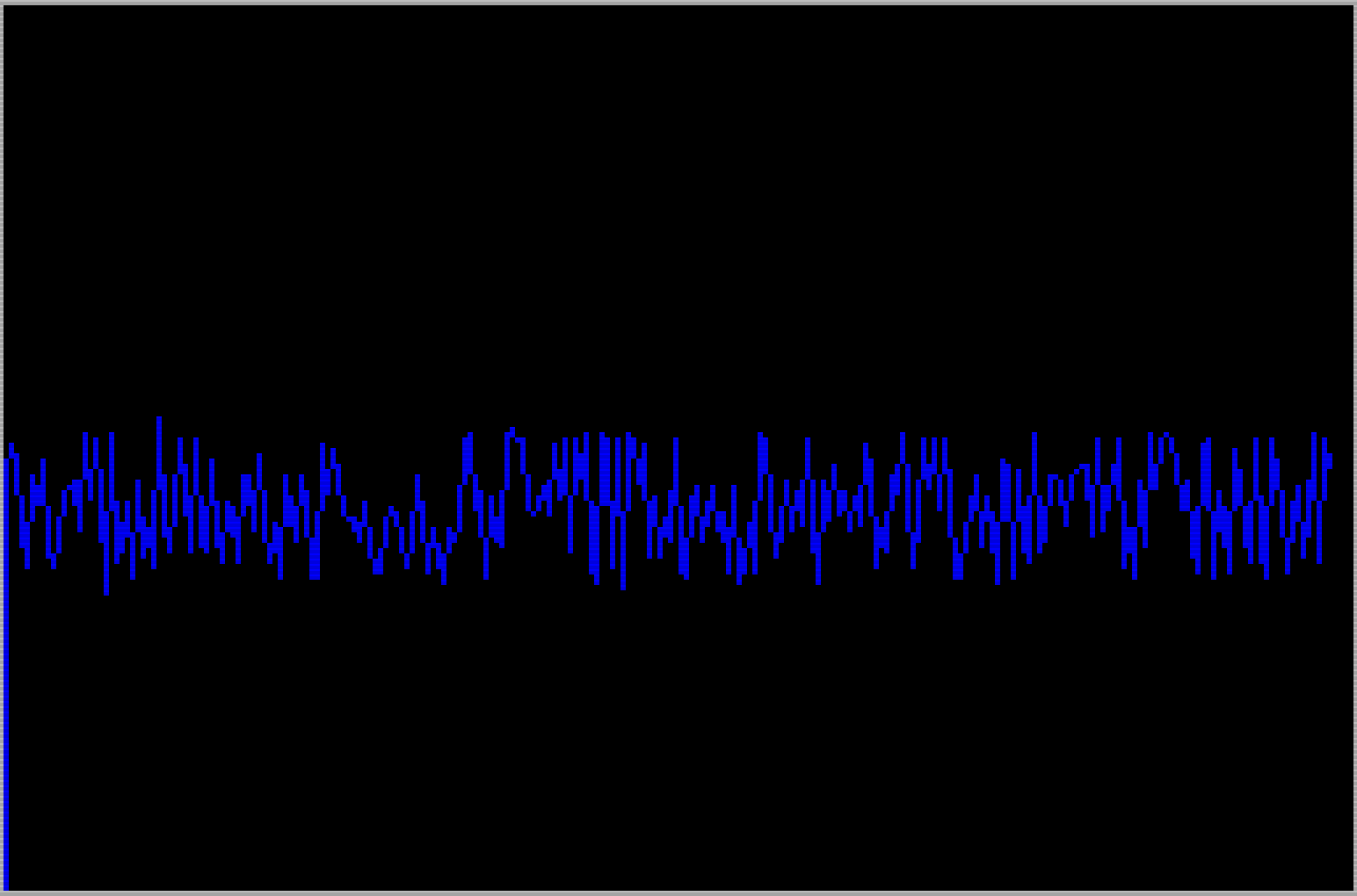
Audioscan is a signal visualization program that reads audio input from the ear (tape input) socket and displays it as a waveform on screen in one of three modes: line graph, bar graph, or point graph. A short machine code routine is POKEd into memory at address 65368 and called via USR to sample the audio signal, returning a value proportional to the input level. The main scan loop iterates across all 256 horizontal pixel columns, plotting each sample and optionally drawing connecting lines or bars using DRAW with INK color attributes. A freeze feature lets the user pause the display and choose to return to the menu, restart the scan, or end the program.
Program Analysis
Program Structure
The program is organized into a small number of functional blocks. Lines 100–120 contain the two drawing subroutines for line and bar graph modes. Lines 200–275 form the main menu and scan loop. Lines 300–330 handle the freeze/pause menu. Lines 400–425 handle the machine code data and installation.
| Lines | Purpose |
|---|---|
| 2–3, 100 | REM comments (title, source, program name) |
| 102 | Commented-out DEF FN (unused in final program) |
| 103–105 | Initialization: install MC, jump to menu |
| 110 | Subroutine: line graph (DRAW between successive samples) |
| 120 | Subroutine: bar graph (DRAW vertical bar downward) |
| 200–275 | Menu display, option selection, main scan loop |
| 300–330 | Freeze display, m/r/e key handler |
| 400–425 | Machine code DATA, POKE installation at 65368 |
Machine Code Routine
The 18-byte machine code routine is loaded into RAM starting at address 65368 (near the top of the 64K address space) using a simple READ/POKE loop in lines 410–420. The routine is called via USR tone in the scan loop at line 255. Disassembling the DATA values reveals the routine samples the ear port (IN A,(254), i.e., 219,254), tests bit 6 of the result (203,119 = BIT 6,A), conditionally increments a counter register, loops, and returns the accumulated count in BC — providing a crude analog measurement of the audio signal level over a fixed number of samples. The 55 (SCF) and 75 (LD C,E) bytes suggest result packing, and 17,0,0 loads DE with zero as a loop counter.
| Offset | Byte | Mnemonic (approx.) |
|---|---|---|
| 0 | 1 | LD BC,nn (lo) |
| 1 | 0 | (BC low byte) |
| 2 | 255 | (BC high byte = 255) |
| 3 | 17 | LD DE,nn |
| 4 | 0 | (DE=0) |
| 5 | 0 | |
| 6 | 219 | IN A,(n) |
| 7 | 254 | port 254 (ear/keyboard) |
| 8 | 203 | CB prefix |
| 9 | 119 | BIT 6,A |
| 10 | 32 | JR NZ,+1 |
| 11 | 1 | (offset) |
| 12 | 19 | INC DE |
| 13 | 16 | DJNZ (loop BC times) |
| 14 | 247 | (offset -9) |
| 15 | 55 | SCF |
| 16 | 75 | LD C,E |
| 17 | 201 | RET |
Scan and Display Loop
The main scan loop (lines 255–270) iterates n from 0 to 255, corresponding to all 256 horizontal pixel columns. For each column, USR tone samples the audio and returns a level l. A point is PLOTted at (n, INT(l/1.5)), scaling the raw machine code result into the screen’s 176-pixel vertical range. For modes 1 and 2, the appropriate subroutine is called via the computed GO SUB at line 260: GO SUB 100+(q*10), which resolves to line 110 (line graph) or 120 (bar graph). Mode 3 (point graph) skips the GO SUB entirely, leaving just the PLOT.
Drawing Subroutines
The line graph subroutine at line 110 uses DRAW INK 1; to connect the previous sample position (x,y) to the current one with a colored line, then updates x and y for the next iteration. The bar graph subroutine at line 120 uses DRAW INK 2;0,-l/2 to draw a vertical bar downward from the plotted point. Both subroutines use INK color attributes (1=blue, 2=red) to visually distinguish the modes. The state variables x and y are initialized to 0 at line 250 before each full scan pass.
Freeze and Control Flow
Pressing the space bar during scanning sets i$=" " at line 265, branching to the freeze menu at line 300. The freeze menu uses PAUSE 0 to halt and then checks INKEY$ for m/r/e. Pressing m executes RUN to restart from the beginning (re-displaying the option menu). Pressing r jumps to line 270 (NEXT n), which effectively resumes the current scan mid-loop, though since n is at 255 this will immediately roll over to a new scan pass via line 275. Pressing e halts the program with STOP.
Notable Techniques and Anomalies
- The computed
GO SUB 100+(q*10)at line 260 is an elegant dispatch idiom, avoiding IF/THEN chains for mode selection. - Line 102 contains a
DEF FNstatement preceded byREM, making it a comment rather than an active definition — the function is never used in the program as written. - The machine code address 65368 is hardcoded in line 410; this works because the routine fits comfortably in the high RAM area, but the program makes no attempt to verify available memory.
- The division by 1.5 used in both the PLOT and DRAW statements scales the raw sample value (0–255) to fit within the 176-pixel screen height, though at the extremes some clipping may occur if the signal is strong.
- The
STOPat line 425 acts as a guard to prevent accidental fall-through into the DATA/installation block if the program were somehow re-entered after the GO SUB at line 103 returns. - Pressing
rto restart the scan jumps to line 270 (NEXT n), not to line 255; since the FOR loop variablenis at 255 when frozen, this causes an immediate loop completion and a new pass begins at line 275, which is functionally correct but slightly indirect.
Image Gallery
Source Code
    2 REM ZX Appeal Jul/August 1986
    3 REM p21
  100 REM Audioscan
  102 REM DEF FN a(l)=1+INT (.5+l/30)
  103 GO SUB 410
  105 GO TO 200
  110 DRAW INK 1;x-n,INT (-l+y)/1.5: LET x=n: LET y=l: RETURN
  120 DRAW INK 2;0,-l/2: RETURN
  200 PAPER 0: INK 7: BRIGHT 1: CLS
  210 PRINT AT 0,10;"Audioscan"
  220 PRINT AT 2,2;"This program gives a graphic    representation of a signal      input to the 2068 ear socket."
  225 PRINT AT 7,2;"Load tape or other signal       source to the ear socket and    select option:"
  230 PRINT AT 12,5;"1--line graph";AT 13,5;"2--bar graph";AT 14,5;"3--point graph"
  240 INPUT INVERSE 1;"enter option (1 to 3)";q: IF q<1 OR q>3 THEN GO TO 240
  250 CLS : PRINT #1; INVERSE 1;"space to freeze scan": LET i$="": LET x=0: LET y=0
  255 FOR n=0 TO 255: LET l=USR tone: PLOT n,INT (l/1.5)
  260 IF q<3 THEN GO SUB 100+(q*10)
  265 LET i$=INKEY$: IF i$=" " THEN GO TO 300
  270 NEXT n
  275 GO TO 250
  300 PRINT #1; INVERSE 1;"m=menu r=restart e=end": PAUSE 0
  310 LET i$=INKEY$: IF i$="m" THEN RUN
  320 IF i$="r" THEN GO TO 270
  330 IF i$="e" THEN STOP
  400 DATA 1,0,255,17,0,0,219,254,203,119,32,1,19,16,247,55,75,201
  410 LET tone=65368
  420 FOR n=tone TO tone+17: READ d: POKE n,d: NEXT n: RETURN
  425 STOP
Note: Type-in program listings on this website use ZMAKEBAS notation for graphics characters.