
This program generates large, magnified banner text for output to a printer (LPRINT) and screen, supporting four typographic styles: Bold, Modern, Italics, and Regular. It uses an embedded machine code routine, loaded via DATA statements into high memory at address 256*255, to handle the alternate type-style rendering. Characters are magnified by reading each pixel from the system font using the POINT command, then replacing each pixel with a user-selected print character or background character scaled to the chosen size (1–16). The program offers both a standalone “PROGRAMMED BANNER” mode with fixed block-graphic fill characters and an interactive “MAGNABANNER” mode where the user selects size, style, position (top/center/bottom), and fill characters.
Program Analysis
Program Structure
The program is organized into distinct functional blocks, with REM comments acting as section labels:
- Lines 1–2: Initialization — border, memory setup, machine code loading, and mode selection menu.
- Lines 3–5: “Programmed Banner” path — fixed block-graphic characters, loops through a user-supplied message.
- Lines 6–9: Demo loop — cycles through type styles (k=65–68) and sizes (a=1–16) with random fill characters.
- Lines 10–16: Interactive “MAGNABANNER” input — size, style, message, position, print/background characters, plus input validation.
- Lines 17–18: Subroutine — resolves style name to line number via
VAL z$, computes vertical offsetefor top/center/bottom positioning. - Lines 19–55: Core magnification subroutine — builds output strings and LPRINTs each enlarged row.
- Lines 60–68: Helper subroutines — random character selection, type style POKEs.
- Lines 70–75: Variable initialization for type-style line-number dispatch.
- Lines 80–90: Machine code DATA (79 bytes total).
- Lines 95–120: Subroutines for programmed banner initialization, demo C$ and z$ setup.
- Line 125: Demo display helper.
Machine Code Loader
Line 1 clears memory above 256*t - 769 (where t=255, giving address 64511) and calls GO SUB 70 to set torg=255. The 79-byte machine code is then POKEd into address 256*torg (65280). The routine is invoked in line 68 via RANDOMIZE USR (torg*256+2-typ), where typ is 0, 1, or 2 depending on style, effectively jumping to different entry points within the routine. Line 68 also sets POKE 23607,torg-4 to move RAMTOP to protect the code.
Type Style Dispatch
The four type styles are mapped to BASIC line numbers using variables set in line 70:
| Style | Variable | Value (line) |
|---|---|---|
| Regular | r / r1 | 65 |
| Bold | b / b1 | 66 |
| Modern | m / m1 | 67 |
| Italics | i / i1 | 68 |
In line 17, LET z=VAL z$ converts the style string (e.g., "b1") to the numeric line number 66, then GO SUB z dispatches to that line. Lines 66–68 POKE system variables to set up the appropriate font transform before calling the machine code via RANDOMIZE USR.
Character Magnification Technique
The magnification subroutine (lines 20–55) works as follows:
- Each character in the message is PRINTed at screen position AT 21,0 (line 21) to render it into display memory using the current font.
- A double loop over
c=0 TO 7andr=0 TO 7reads each pixel viaPOINT (c,r)(line 35). - Set pixels are replaced with the user’s print character string
p$; clear pixels with background stringg$, building the enlarged row inx$. - The resulting string is output via both
LPRINTandPRINT, repeatedv2times per row to achieve vertical scaling (line 55).
The variable v2 is computed in line 17 as INT((a/4) + (1 AND a<>4 AND a<>8 AND a<>12 AND a<>16)), giving the number of character repetitions per pixel row for sizes 1–16.
Positioning Logic
The variable e controls how many blank lines are prepended (via c$, built in line 19) to position output at the top, center, or bottom of the paper. For sizes below 13, e is set to 32 - (v2*8) for top alignment, then halved for center. Bottom alignment leaves e=0. The string version c$ used in line 100 exploits the Spectrum BASIC boolean string concatenation idiom: ("b" AND c=0)+("c" AND c=1)+("t" AND c=2) returns the appropriate single-character string.
Notable BASIC Idioms
- Boolean string selection: Lines 100 and 115 use the
("string" AND condition)idiom, where a false condition yields""and true yields the string, then concatenates the three results to select one value. - VAL for computed GO SUB:
LET z=VAL z$: GO SUB zin line 17 computes the target line number at runtime from the style string, a recognized memory-saving dispatch technique. - POKE 23692,0 / POKE 23693: Line 21 saves and restores the ATTR P system variable around the temporary character print, preserving the screen attribute state.
- p$ and g$ string growth: Lines 19 and later repeat the single print/background character
v2times by concatenation in a loop, scaling the fill strings to match the magnification factor.
Bugs and Anomalies
- Line 6 dead code:
BEEP 1,-10: PAUSE 100followsGO TO 2and is unreachable. - Line 5 conflict: Line 5 contains both
NEXT x: GO TO 2(continuation of the programmed banner loop from lines 3–5) and the REM comment, but is also the target of the input-errorGO TO 5in line 15. An invalid input will branch into the middle of the programmed banner loop rather than re-prompting — likely unintentional. - DATA line 80 references
torg: The DATA statement at line 80 includestorg-3as the last value, which is a BASIC expression evaluated at READ time (not a literal), so it correctly resolves to 252 at runtime. - Case inconsistency in validation: Line 15 checks
C$<>"T"(uppercase C$) while all other references usec$; since BASIC variables are case-sensitive on this platform, this effectively makes uppercase “T” always pass the check regardless of the actual value ofc$. - Line 23 incomplete REM: The REM on line 23 is a truncated comment (
REM x$="THE VARIABLE CHARACTER IS STORED IN) without a closing quote, which is syntactically valid as a REM but suggests editing truncation.
Image Gallery
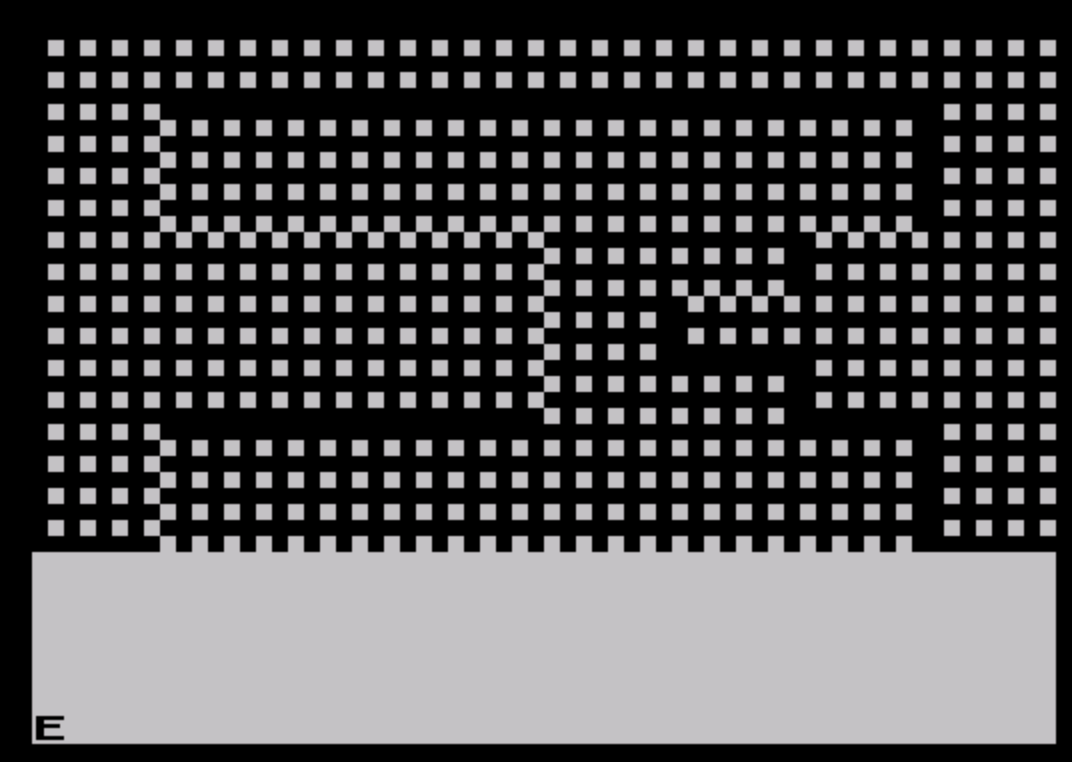
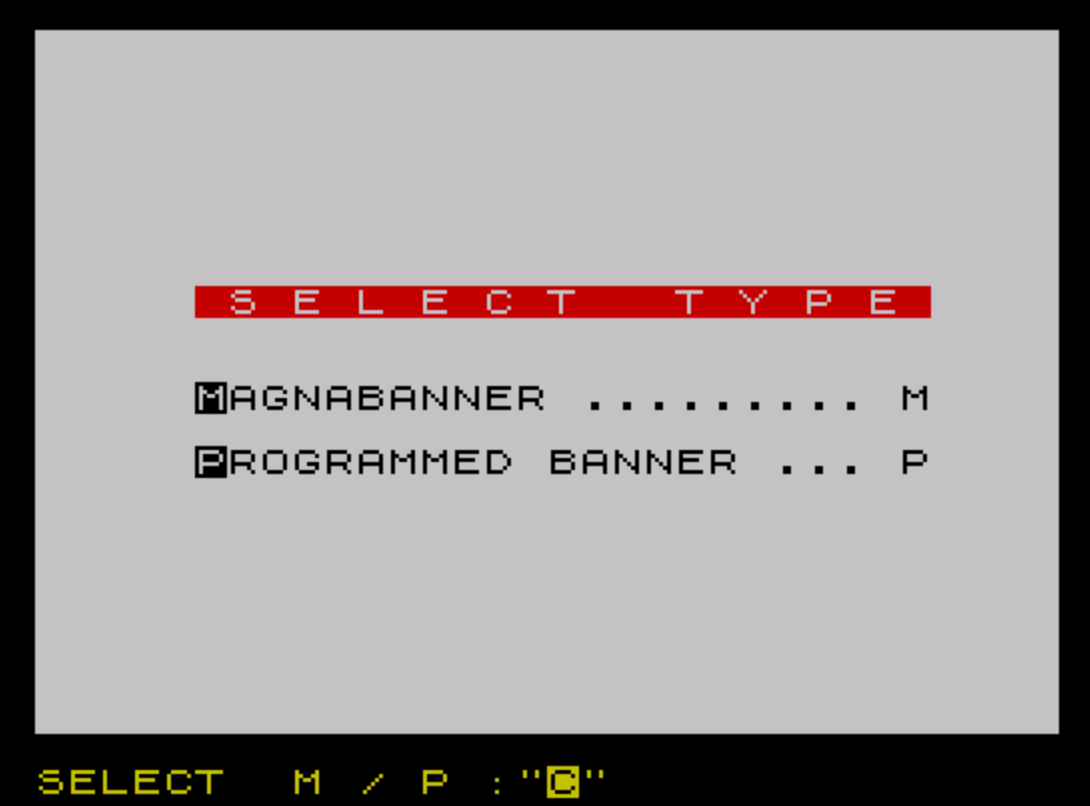
Source Code
    1 BORDER 0: POKE 23624,6: LET t=255: CLEAR (256*t-769): GO SUB 70: FOR i=0 TO 79: READ h: POKE (i+256*torg),h: NEXT i: POKE 23296,0: REM MACHINE CODE LOADER
    2 POKE 23658,8: POKE 23609,50: CLS : PRINT INK 2;AT 8,5;" S E L E C T   T Y P E "''': PRINT TAB 5;"MAGNABANNER ......... M";''TAB 5;"PROGRAMMED BANNER ... P": INPUT "SELECT  M / P :";i$: IF i$="P" THEN GO TO 10
    3 GO SUB 95: GO SUB 17: INPUT "MESSAGE ";Z$: LET s=LEN Z$: FOR x=1 TO s: LET p$="\':": LET g$="\:.": LET a$=z$(x): GO SUB 19: LPRINT y$: IF x=s THEN GO TO 2: IF INKEY$<>"" THEN STOP
    5 NEXT x: GO TO 2: REM LINES 3-5 PRINT PROGRAMMED TITLE BANNER
    6 GO TO 2: BEEP 1,-10: PAUSE 100: FOR k=65 TO 68: FOR a=1 TO 16: GO SUB 125: LET a$=STR$ a: POKE 23692,0: GO SUB 60: IF INKEY$<>"" THEN GO TO 9: REM LINES 6-9 ARE THE DEMO
    7 IF a>12 THEN LET c=0: LET c$=""
    8 LET c=0: LET e=0: GO SUB 115: GO SUB 17: GO SUB 19: LPRINT a: PRINT a: PAUSE 200: NEXT a: NEXT k
    9 IF INKEY$="" THEN GO TO 6: REM LINES 10-17 ARE THE MAIN PROGRAM
   10 POKE 23607,60: INPUT "SIZE? (1-16) ";a
   11 INPUT "ENTER TYPE THAT YOU WANT  (BOLD,MODERN,ITALICS,REGULAR) ";z$: LET z$=z$+"1"
   12 INPUT "ENTER YOUR MESSAGE ";a$
   13 INPUT "DO YOU WANT YOUR MESSAGE IN THE CENTER OF THE PAPER,IN THE TOP  OF THE PAPER OR THE BOTTOM OF   THE PAPER? ";c$
   14 INPUT "ENTER PRINT CHARACTER ";p$: INPUT "ENTER BACKGROUND CHARACTER ";G$
   15 IF a$="" OR g$="" OR p$="" OR a<1 OR a>16 OR (c$<>"c" AND c$<>"C" AND c$<>"t" AND C$<>"T" AND c$<>"b" AND c$<>"B") OR (z$<>"B1" AND z$<>"b1" AND z$<>"M1" AND z$<>"m1" AND z$<>"I1" AND z$<>"i1" AND z$<>"R1" AND z$<>"r1") THEN GO TO 5: REM CHECK FOR INPUT ERRORS
   16 GO SUB 17: GO SUB 19: GO TO 10
   17 LET z=VAL z$: GO SUB z: CLS : POKE 23692,0: LET v2=INT ((a/4)+(1 AND a<>4 AND a<>8 AND a<>12 AND a<>16)): IF (c$<>"b" AND c$<>"B") AND a<13 THEN LET e=32-(v2*8): IF (c$="c" OR c$="C") AND a<13 THEN LET e=e-(e/2)
   18 RETURN
   19 LET c$="": FOR d=1 TO e: LET c$=c$+" ": NEXT d: LET h$=g$(1): LET q$=p$(1): FOR v=1 TO v2-1: LET g$=g$+h$: LET p$=p$+q$: NEXT v
   20 FOR j=1 TO LEN a$: REM LINES 19-45 ARE THE MAGNIFY SUB
   21 LET co=PEEK 23693: POKE 23693,INT (co/8)*8: PRINT AT 21,0;a$(j): LET x$="": POKE 23693,co
   23 REM x$="THE VARIABLE CHARACTER IS STORED IN
   30 FOR c=0 TO 7: FOR r=0 TO 7
   35 IF POINT (c,r)=1 THEN LET x$=x$+p$: GO TO 45
   40 LET x$=x$+g$
   45 NEXT r: NEXT c: PRINT AT 0,0;
   47 REM PRINT SUB
   50 LET n2=v2*4+1: LET s=v2*8: LET g2=v2*64: LET g3=s-1: REM SETS VARIABLES FOR PRINTING
   55 FOR g=1 TO g2 STEP s: FOR n=1 TO n2-a: LPRINT c$;x$(g TO g+g3): PRINT c$;x$(g TO g+g3): NEXT n: NEXT g: NEXT j: RETURN
   57 REM RANDOM BACKGROUND & PRINT CHARACTERS FOR THE DEMO
   60 RANDOMIZE 0: LET c=INT (RND*3): GO SUB 100: LET g=INT (RND*26): LET g$=CHR$ (g+32): LET p$=CHR$ (g+64): RETURN
   63 REM  EXTRA TYPE STYLE SUBS (FROM AUGUST ISSUE RAMTOP MODIFIED)
   65 POKE 23607,60: RETURN
   66 LET typ=2: POKE 23618,68: POKE 23619,0: POKE 23620,2
   67 LET typ=1: POKE 23618,68: POKE 23619,0: POKE 23620,2
   68 LET typ=0: RANDOMIZE USR (torg*256+2-typ): POKE 23607,torg-4: RETURN
   70 LET torg=255: LET r=65: LET r1=r: LET b=66: LET b1=b: LET m=67: LET m1=m: LET i=68: LET i1=i: REM VARIABLES FOR TYPE STYLELINE NUMBERS
   75 RETURN
   80 DATA 0,0,121,203,39,203,39,50,21,255,33,0,61,17,0,torg-3
   90 DATA 1,0,3,126,24,48,203,63,24,44,230,112,24,37,121,230,7,203,39,50,40,255,126,24,30,24,28,24,16,24,14,24,14,24,20,24,18,24,2,200,63,203,63,24,10,203,39,203,39,24,4,183,203,39,182,18,35,19,11,120,177,32,196,201
   93 REM MACHINE CODE FOR EXTRA TYPE STYLES
   95 LET c$="": LET e=0: LET z$="b1": LET j$="\':\':\':\':\':\':\':\':\':\':\':\':\':\':\':\':\':\':\':\':\':\':\':\':\':\':\':\':\':\':\':\':": LET y$="\:.\:.\:.\:.\:.\:.\:.\:.\:.\:.\:.\:.\:.\:.\:.\:.\:.\:.\:.\:.\:.\:.\:.\:.\:.\:.\:.\:.\:.\:.\:.\:.": LET a=15: RETURN : REM INITIALIZE PRORAMMED BANNER VARIABLES
   97 REM C$=WHETHER TO PRINT ON THE BOTTOM,THE TOP OR THE CENTER OF THE PAPER
  100 LET C$=("b" AND c=0)+("c" AND c=1)+("t" AND c=2)
  105 RETURN : REM SET C$ FOR THE DEMO
  110 REM k=WHETHER TO HAVE BOLD,MODERN,ITALICS OR REGULAR PRINT FOR THE DEMO
  115 LET z$=("r1" AND k=65)+("b1" AND k=66)+("m1" AND k=67)+("i1" AND k=68)
  120 RETURN : REM SET K FOR THE DEMO
  125 GO SUB b1: PRINT #1;AT 0,14;"DEMO": GO SUB r1: RETURN
 9998 SAVE "MAGNABANER" LINE 1: REM VERIFY ""
Note: Type-in program listings on this website use ZMAKEBAS notation for graphics characters.