Publication: Sinc-Link
Pub Details: Sinc-Link v9 n1 (Volume 9, Issue 1)
Date: January/February 1991
Pages: 28
That you can cut disk copy time in half with two of the programs on club disk #29 – Bytepowers Disk Utility Software? I thought I had all the utility programs I needed until I tried this one. Here is a few highlights:
- COPY 3 is an impressive program that must somehow compress the data during the copy cycle. I copied a disk full of small programs (fonts) and was amazed to see it copy 36 blocks on the first pass. The whole disk of 77 blocks was copied in 3 or 4 passes. (Club disk #37 was copied in 1 min. 43 seconds – Larken Move takes 4 min. 15 seconds.)
- COPY 1 copies 6 blocks per pass and will give you an error message if bad blocks are encountered. Disk #37 took 1 minute and 52 seconds.
- COPY 2 copied disk #37 in 4 minutes 36 seconds to an unformatted disk. It formats and copies at the same time.
- COLORED DISK NAME allows paper and ink to be used in the disk name. I have coded all my Spectrum disk in red and all Pixel Print disks in yellow. The #29 disk gives a rainbow look when it is called by CATalog. (Be sure to move the cursor to the bottom line before saving.)
- NAME THIEF will pluck the disk name from one disk and install it on another disk.
- HELLO! is a menu system that allows you to scroll through all the programs on a disk and load your choice with a single keystroke. It allows you to switch drives and repeat the process. This has become my favorite menu program. You may elect to see only the basic programs or all files.
- TINY BOOT is a shorter less sophisticated program similiar to HELLO! that displays more programs on screen at one time. It does not show code files, but is Spectrum compatable. I now use this one for most of my Speccy disks.
- FORMAT DISK checks for bad blocks during formatting, maps out any boad blocks and reports the results.
- ALPHABETIZE CATALOG rewrites the directory such that a CATalog comes up with and alphabetical listing of your disk contents. This is handy for use with the two menu programs mentioned above.
- CLEAN UP DISK clears unused blocks on disk and deletes invalid file names. It also maps out any bad blocks it encounters.
- BLOCK ANALYZER moves from block to block showing which file uses it, start address, total length, percentage of block used and if it is in use.
- FAST CLEAN UP is twice as fast as CLEAN UP but does not delete invalid files nor map out bad blocks.
- FILE ANALYZER displays start address, length, auto-start line variable offset, autorun address, number and list of blocks in use.
The remaining files are either self explanatory or ones I haven’t checked out yet:
- CHANGE DISK NAME
- CHANGE HEAD SPEED
- BLOCK EDITOR
- RECOVER BAD DISK
- RECOVER ERASED FILE
- TRACK MAP EDITOR
- CHANGE TRACKS AND SIDES
- INITIALIZE CATALOG
- BATCH ERASE
- MAP OUT BAD BLOCKS
- BATCH MOVE
- RECOVER CATALOG
- RENAME DISK
- DISK ANALYZER
- FAST FORMAT
Les Cottrell [address omitted]
This column was prepared in Tasword, then converted to Pixel Print using the conversion program in the Professional. The font here is the IBM.Cf that comes with the PPProfesional. The font above is !hevy_.Cf from Bob Mitchell‘s club disk #37.
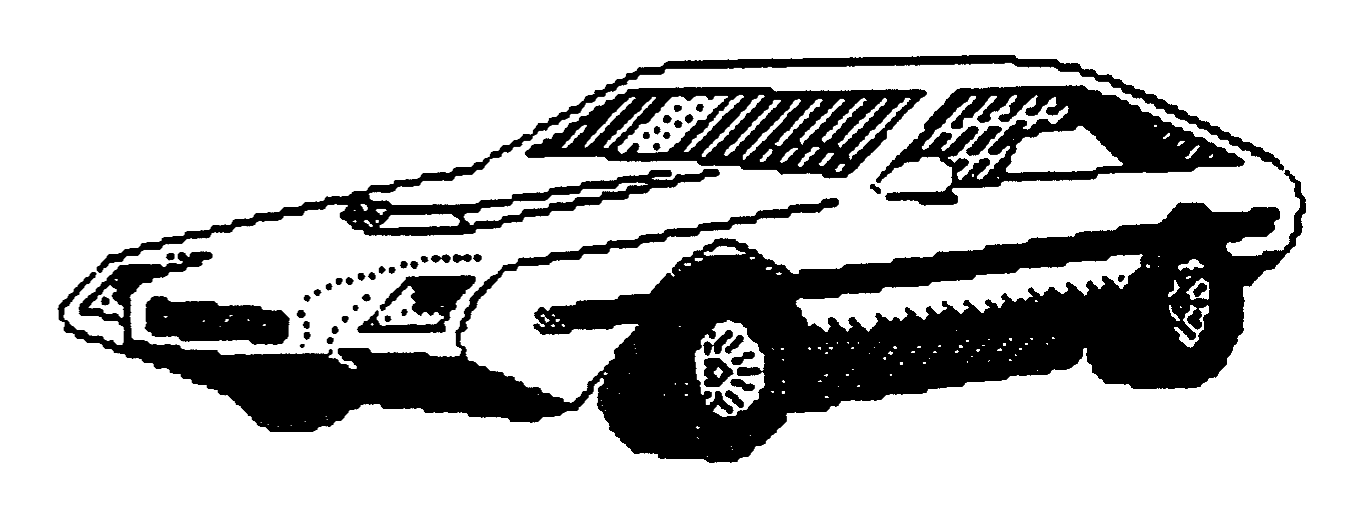
The picture at the right is my other hobby-a 1968 Triumph Spitfire with a home-made fiberglass body. It was made with programs from disk #22.