
This program performs arbitrary-precision integer multiplication by accepting two multi-digit numbers as strings and computing their product digit by digit. It implements the standard long-multiplication algorithm: for each pair of digit positions, it accumulates partial products into an array, then propagates carries leftward. The result array is dimensioned to the sum of the lengths of both input strings plus one, which is the maximum number of digits any product can require. A leading-zero suppression check at line 210 skips the first element of the array if it is zero, preventing a spurious leading zero in the output.
Program Analysis
Program Structure
The program is organized into four logical phases:
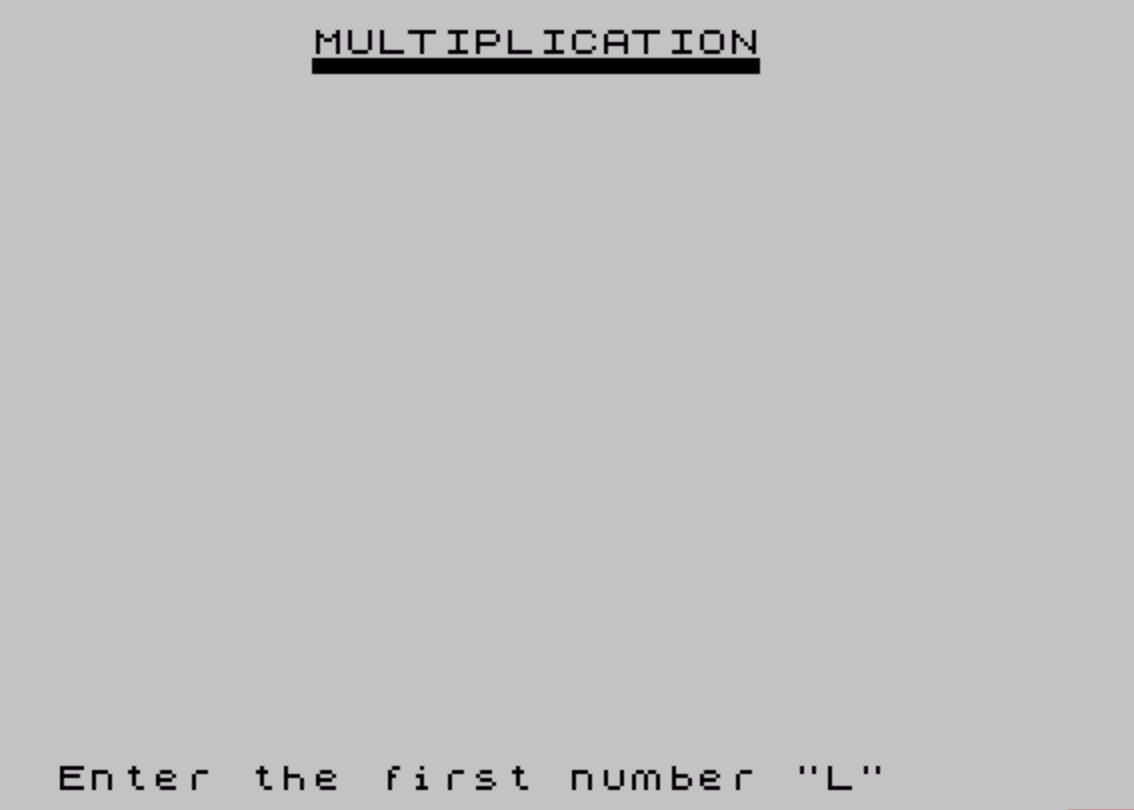
- Setup (lines 10–50): REMs for documentation, screen clear, and title display with a decorative underline of block graphics.
- Input (lines 60–70): Two numbers are read as strings into
x$andy$. - Calculation (lines 80–180): The multiplication array is allocated, nested loops perform digit-by-digit multiplication with carry propagation.
- Output and replay (lines 190–280): Result is printed, a repeat prompt is handled, and the program is saved with an auto-run directive.
Algorithm: Long Multiplication
The core routine allocates a numeric array a at line 80 with LEN x$ + LEN y$ + 1 elements — one more than the maximum possible product width, providing a safe carry-overflow buffer at position 0 (though in practice the result is indexed from 1).
The nested loops at lines 90–180 iterate over every pair of digit positions (m, n), right-to-left in both operands. The positional index c = m + n targets the correct array cell. Each iteration:
- Multiplies the two individual digits (extracted via
VAL x$(m)andVAL y$(n)). - Adds the result to the accumulator cell
a(c). - Computes the carry
i = INT(a(c)/10)and strips it froma(c)witha(c) - i*10. - Adds the carry to
a(c-1), propagating it leftward by one position.
Carry is only propagated one position per iteration. Because digits are at most 9 and the accumulated value in any cell before carry extraction can grow large during the inner loop, full correctness relies on BASIC’s floating-point arithmetic not losing precision. For the digit magnitudes and string lengths likely encountered in practice this is safe, but very long operands could theoretically accumulate values exceeding integer precision in a cell before the inner loop finishes.
Key BASIC Idioms
| Line | Idiom | Purpose |
|---|---|---|
| 130, 140 | VAL x$(m) | Converts a single character of a string to its numeric digit value without a temporary variable. |
| 210 | IF a(1)=0 THEN LET r=2 | Sets the print start index to 2 to suppress a leading zero when the product’s most-significant position is unused. |
| 250 | IF INKEY$="" THEN GO TO 250 | Busy-waits for any key before sampling the actual key in line 260; a standard keypress-detection pattern. |
| 200 | Double '' at end of PRINT | Emits two extra newlines after the equation line, spacing the digit output below it. |
| 260 | RUN (no line number) | Restarts from line 20 (the first non-REM executable line after the auto-run target), skipping the title line efficiently. |
Variable Usage
| Variable | Role |
|---|---|
x$, y$ | Input operands as digit strings |
a() | Result accumulator array, one element per possible output digit |
m, n | Loop indices over digit positions of x$ and y$ |
c | Target array index for current digit pair |
b | Cached digit value of x$(m) to avoid recomputation inside the inner loop |
i | Carry value extracted from a(c) |
r | Start index for result printing; 1 normally, 2 if leading digit is zero |
p | Loop index for printing result digits |
Notable Techniques
- Using string input allows multiplication of integers far beyond the range of a single floating-point variable, limited only by available memory and array size.
- The array is over-allocated by one (
+1in theDIM) to handle the edge case where carries might propagate all the way to the most-significant position; however, indexing starts at 1 so element 0 does not exist in Sinclair BASIC — the extra element is actually at the high end of the array, not a guard at position zero. Carry froma(1)would be written toa(0), which would cause an index error. In practice, the leading cell rarely overflows for reasonable inputs. - The
rvariable provides minimal leading-zero suppression but only removes at most one leading zero; if both inputs are small enough thata(1)=0anda(2)=0, a spurious zero could still appear.
Potential Bugs and Anomalies
- Carry to
a(0): If a carry ever propagates froma(1)toa(c-1)wherec=1, BASIC will attempt to write toa(0), which is out of bounds and will generate a subscript error. The+1in theDIMdoes not protect this end of the array. - Single-key replay check: Lines 250–260 read
INKEY$twice in sequence. If the key is released between the two reads, line 260 may see an empty string and fall through toSTOPeven if “y” was pressed. The pattern is functional but slightly fragile on fast hardware. - No input validation: Non-digit characters in
x$ory$will causeVALto return 0 silently, producing an incorrect result without any error message.
Image Gallery
Source Code
   10 REM    This program will enable you  to multiply any two multi-digit numbers together and obtain an  accurate answer
   20 REM  BY G. F. CHAMBERS An expansion of a routine foundin the June 1983 issue of "YOUR COMPUTER" magazine,    page 54
   30 CLS
   40 PRINT TAB 8;"MULTIPLICATION"
   50 PRINT TAB 8;"\''\''\''\''\''\''\''\''\''\''\''\''\''\''"
   60 INPUT "Enter the first number ";x$
   70 INPUT "Enter the second number ";y$
   80 DIM a(LEN x$+LEN y$+1)
   90 FOR m=LEN x$ TO 1 STEP -1
  100 FOR n=LEN y$ TO 1 STEP -1
  110 LET c=m+n
  120 LET r=1
  130 LET b=VAL x$(m)
  140 LET a(c)=VAL y$(n)*b+a(c)
  150 LET i=INT (a(c)/10)
  160 LET a(c)=a(c)-(i*10)
  170 LET a(c-1)=a(c-1)+i
  180 NEXT n: NEXT m
  190 PRINT AT 5,0
  200 PRINT x$;" x ";y$;" = "''
  210 IF a(1)=0 THEN LET r=2
  220 FOR p=r TO (LEN x$+LEN y$)
  230 PRINT a(p);: NEXT p
  240 PRINT AT 15,1;"Another multiplication? (y/n)"
  250 IF INKEY$="" THEN GO TO 250
  260 IF INKEY$="y" OR INKEY$="Y" THEN RUN
  270 STOP
  280 SAVE "MULTIPLY" LINE 20
Note: Type-in program listings on this website use ZMAKEBAS notation for graphics characters.