
This program renders an animated scene of a dog walking across the screen and interacting with a fire hydrant, using 21 user-defined graphics (UDGs “a” through “u”) loaded from DATA statements at startup. The UDG pixel data is POKEd directly into memory via USR addresses, assembling a multi-cell sprite that spans two character rows. Sound effects are generated using the SOUND keyword for both a startup chord and sound cues tied to the dog’s actions. After the dog animation completes, control jumps to a PLOT/DRAW routine that produces a looping graphical display with accompanying SOUND tones before cycling back to the dog scene.
Program Analysis
Program Structure
The program begins at line 9500 with a brief loading message, then jumps via GO TO 9785 to the UDG setup subroutine call. The main logic is divided into three functional regions:
- Lines 9500–9610: Startup banner and entry point
- Lines 9620–9780: Abstract PLOT/DRAW/SOUND animation loop
- Lines 9785–9870: Dog walking animation with hydrant interaction
- Lines 9875–9885: UDG initialization subroutine
- Lines 9890–9990: UDG pixel DATA (21 characters × 8 bytes = 168 bytes)
Execution flows: startup → UDG init (GO SUB 9875) → dog animation → PLOT/DRAW loop (GO TO 9620) → dog animation again, cycling indefinitely.
UDG Initialization
The subroutine at line 9875 uses RESTORE followed by a FOR loop from USR "a" to USR "u"+7, reading 168 DATA values and POKEing them sequentially into the UDG memory area. This covers all 21 UDGs (\a through \u, characters 144–164). The use of USR "a" as the base address is the standard Spectrum technique for locating UDG storage without hard-coding a memory address, making the code portable across different memory configurations.
Sprite Layout
The dog sprite is drawn across two character rows using UDGs arranged as follows:
| Row offset | Columns (relative to x) | UDGs used |
|---|---|---|
| y (upper body) | x, x+1, x+2, x+3 | \a, \b (walk), \c (tail/head) |
| y+1 (lower body) | x, x+1, x+2 | \d, \e, \f / \g, \h, \i (alternating frames) |
Two leg positions are cycled using the print sequence at lines 9815–9830: first \k\b\j / \g\h\i are printed, then replaced with \d\e\f / \a with the tail character \c. The sprite is erased by printing spaces behind the advancing x position. UDGs \l and \m handle the fire hydrant, while \n through \u cover additional hydrant and scene elements.
Animation Technique
The dog walks from column 0 to column 27 using a FOR x=0 TO 27 loop. Each iteration prints the “new” frame of the dog at position x, pauses briefly with PAUSE 10, then overwrites the trailing cell with spaces. A conditional at line 9835 checks x=12 to trigger a BEEP 2,-40 (a low-frequency, extended beep) along with a special UDG \n, marking a specific event mid-walk. The hydrant interaction at lines 9845–9845 fires when x+5 is between 17 and 30, playing a SOUND sequence and swapping hydrant UDGs.
PLOT/DRAW Animation (Lines 9620–9780)
This section produces an abstract oscillating graphic. A variable j starts at 100 and decrements each iteration of a 150-step loop, with an acceleration phase (j=j+2) when i>75. Two PLOT calls at lines 9665 and 9667 draw symmetric points above and below a center line. A subsequent double loop (lines 9700–9780) plays descending then ascending SOUND tones while drawing lines with DRAW. The outer counter a repeats this 6 times before displaying a “To Stop, C-Shift Break” message using FLASH 1.
SOUND Usage
SOUND is used extensively for both music and sound effects. Line 9620 sets up a multi-voice chord using registers 6–13. In the animation loops, register 0 carries the tone pitch, register 1 sets the fine pitch, register 8 sets the amplitude (15 = maximum), and register 7 (value 62 = %00111110) configures the mixer to enable tone on channel A only. Register 8 is set to 0 to silence output at the end of each sequence.
Notable Techniques
RESTOREbefore reading UDG data ensures the DATA pointer is reset regardless of any prior reads.- The screen row
yis randomized withLET y=INT (RND*18)+2, keeping the dog at least 2 rows from the top and bottom, avoiding attribute clashes with the border. BORDER 0sets a black border to frame the animation cleanly.- The hydrant guard condition
IF x+5<17 OR x+5>30uses a skip-to-next idiom: when true it jumps to line 9850 (NEXT x), bypassing the hydrant sound and UDG swap. - The
SAVE "dog" LINE 0at line 9995 saves the program with an auto-run directive targeting line 0; since line 0 does not exist, execution starts at the first available line (9500).
Potential Anomalies
- Line 9870 clears the sprite area then calls
CLSand jumps to 9620 (the PLOT/DRAW section) rather than directly restarting the dog animation, meaning the abstract graphics sequence always plays between dog runs. - The
DRAW i+102,i+72at line 9745 uses the SOUND pitch variableias both the audio frequency and a draw displacement, coupling the visual and audio in an unconventional way that produces a diagonal spray of lines. - Line 9780 loops
GO TO 9730instead of using a properFOR/NEXTouter loop, which is an intentional structure but slightly unusual given the explicitacounter.
Image Gallery

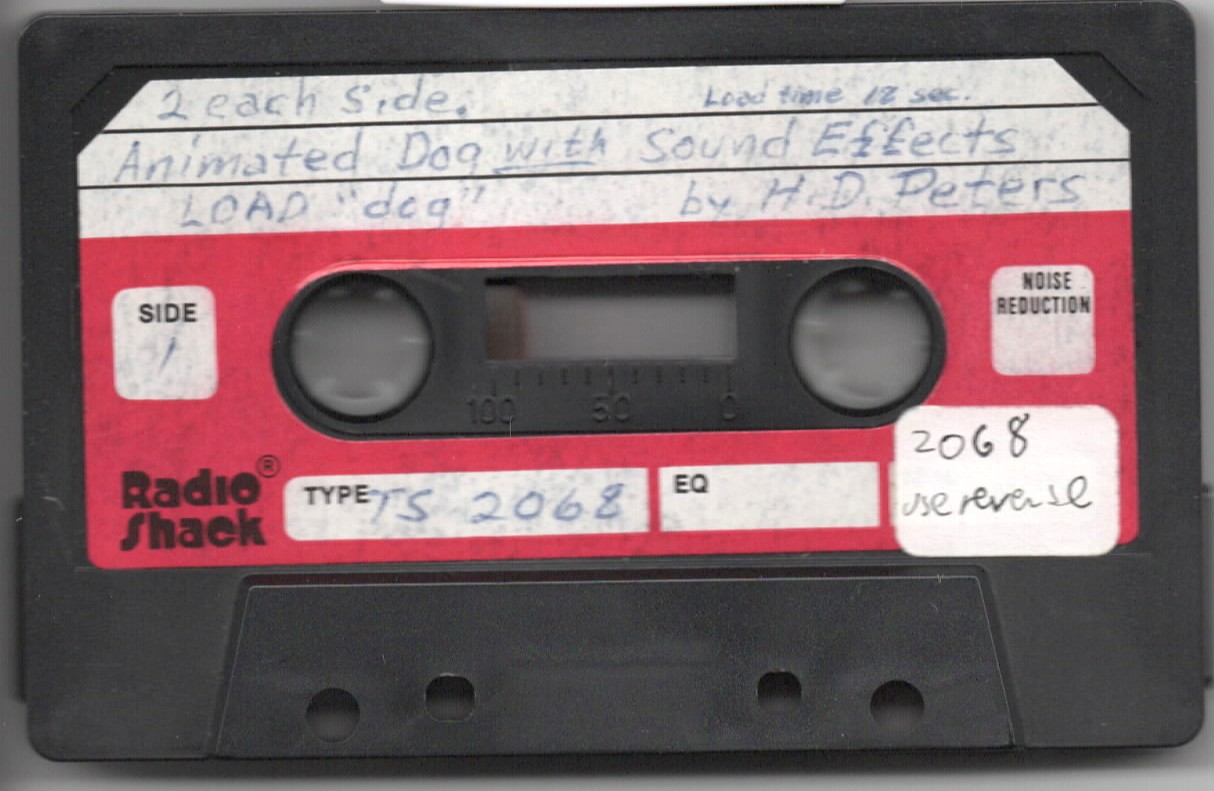
Source Code
 9500 PRINT AT 10,7;"One Moment, Please!"
 9510 PRINT : PRINT  TAB 5;"(I'm setting my UDG's)"
 9520 PAUSE 30
 9580 REM by Harry D. Peters
 9590 REM    RD 1
 9600 REM    Saxton, Pa. 16678
 9610 GO TO 9785
 9620 SOUND 6,15;7,7;8,16;9,16;10,16;12,16;13,0: PAUSE 30: SOUND 8,0
 9630 LET j=100
 9640 FOR i=0 TO 150
 9650 IF i>75 THEN LET j=j+2
 9660 SOUND 0,j;1,0;8,15;7,62
 9665 PLOT i+50,j+75
 9667 PLOT i+50,j-100
 9670 LET j=j-1
 9680 NEXT i: SOUND 8,0
 9690 LET a=0
 9700 FOR i=62 TO 26 STEP -2
 9710 SOUND 0,i;1,0;8,15;7,62
 9720 NEXT i
 9730 FOR i=26 TO 52
 9740 SOUND 0,i;1,0;8,15;7,62
 9742 PLOT a*20,a*10
 9745 DRAW i+102,i+72
 9750 NEXT i
 9760 LET a=a+1
 9770 IF a=6 THEN SOUND 8,0: PRINT FLASH 1;AT 16,5;"To Stop,"; FLASH 0;" C-Shift Break": GO TO 9785
 9780 GO TO 9730
 9785 REM dog
 9790 LET x=0: GO SUB 9875
 9795 CLS : LET y=INT (RND*18)+2: BORDER 0
 9800 FOR z=0 TO 31: PRINT AT y+2,z;" ": NEXT z: PRINT AT y+1,31;"o";AT y,31;" ";AT y-1,31;" "
 9810 FOR x=0 TO 27
 9815 PRINT AT y,x;" \k\b\j"
 9820 PRINT AT y+1,x;" \g\h\i"
 9825 PAUSE 10
 9830 PRINT AT y+1,x;" \d\e\f";AT y,x;" \a";AT y,x+3;"\c"
 9835 IF x=12 THEN PRINT AT y,x+3;"\n": BEEP 2,-40
 9840 IF x+5<17 OR x+5>30 THEN PAUSE 5: GO TO 9850
 9845 PRINT AT y+1,x+5;" \l": FOR i=108 TO 118 STEP 5: SOUND 0,i;1,0;8,15;7,62: NEXT i: SOUND 8,0: PAUSE 3: PRINT AT y+1,x+5;" \m";AT y+1,31;"o"
 9850 NEXT x
 9855 PRINT AT y-2,31;"\m";AT y-1,29;"\o\p";AT y,28;" \q\r";AT y+1,28;" \s "
 9860 FOR t=1 TO 25: PRINT AT y,28;" \q": PAUSE 5
 9865 PRINT AT y,28;"\t\u": FOR j=108 TO 118 STEP 9: SOUND 0,j;1,0;8,15;7,62: NEXT j: SOUND 8,0: PAUSE INT (RND*10)+1: NEXT t
 9870 PRINT AT y-2,31;" ";AT y-1,29;"  ";AT y,27;"    ";AT y+1,27;"    ": CLS : GO TO 9620
 9875 RESTORE : FOR a=USR "a" TO USR "u"+7
 9880 READ user: POKE a,user
 9885 NEXT a: RETURN
 9890 DATA 0,64,32,16,8,15,15,15
 9895 DATA 0,0,0,0,0,255,255,255
 9900 DATA 192,120,119,127,252,240,224,192
 9905 DATA 15,14,28,24,48,96,64,64
 9910 DATA 31,3,1,0,0,0,0,0
 9915 DATA 192,192,192,96,48,8,4,2
 9920 DATA 15,7,3,1,0,0,0,0
 9925 DATA 31,7,3,2,132,72,48,48
 9930 DATA 192,128,0,0,0,0,0,0
 9935 DATA 16,32,112,240,232,252,254,252
 9940 DATA 8,8,8,8,8,15,15,15
 9945 DATA 0,0,0,0,28,60,90,129
 9950 DATA 0,0,0,30,61,35,20,8
 9955 DATA 129,90,126,90,254,228,248,192
 9960 DATA 0,1,3,7,5,1,1,3
 9965 DATA 48,240,96,225,195,198,252,248
 9970 DATA 131,135,143,159,190,248,240,240
 9975 DATA 240,224,192,128,0,0,0,0
 9980 DATA 240,224,96,64,64,32,32,16
 9985 DATA 0,8,4,2,1,0,0,0
 9990 DATA 3,7,15,31,62,248,240,240
 9995 SAVE "dog" LINE 0
Note: Type-in program listings on this website use ZMAKEBAS notation for graphics characters.