
This program computes and displays a complete loan amortization schedule, showing the interest, principal, and remaining balance for each monthly payment period. It accepts three inputs — loan amount, number of periods, and annual interest rate — then applies the standard annuity formula to derive the monthly payment and iterates through each period. Two user-defined functions handle numeric rounding to the nearest cent (`FN a`) and string formatting to ensure consistent two-decimal-place display (`FN a$`). The schedule is printed in a right-justified columnar layout using `TAB` expressions computed from string lengths, and a summary section reports total loan amount, total interest paid, and total payments made.
Program Analysis
Program Structure
The program is organized into a linear sequence of input, calculation, and output phases, with a single reusable formatting subroutine at line 20:
- Initialization (lines 10–18): REM headers, function definitions, and variable setup.
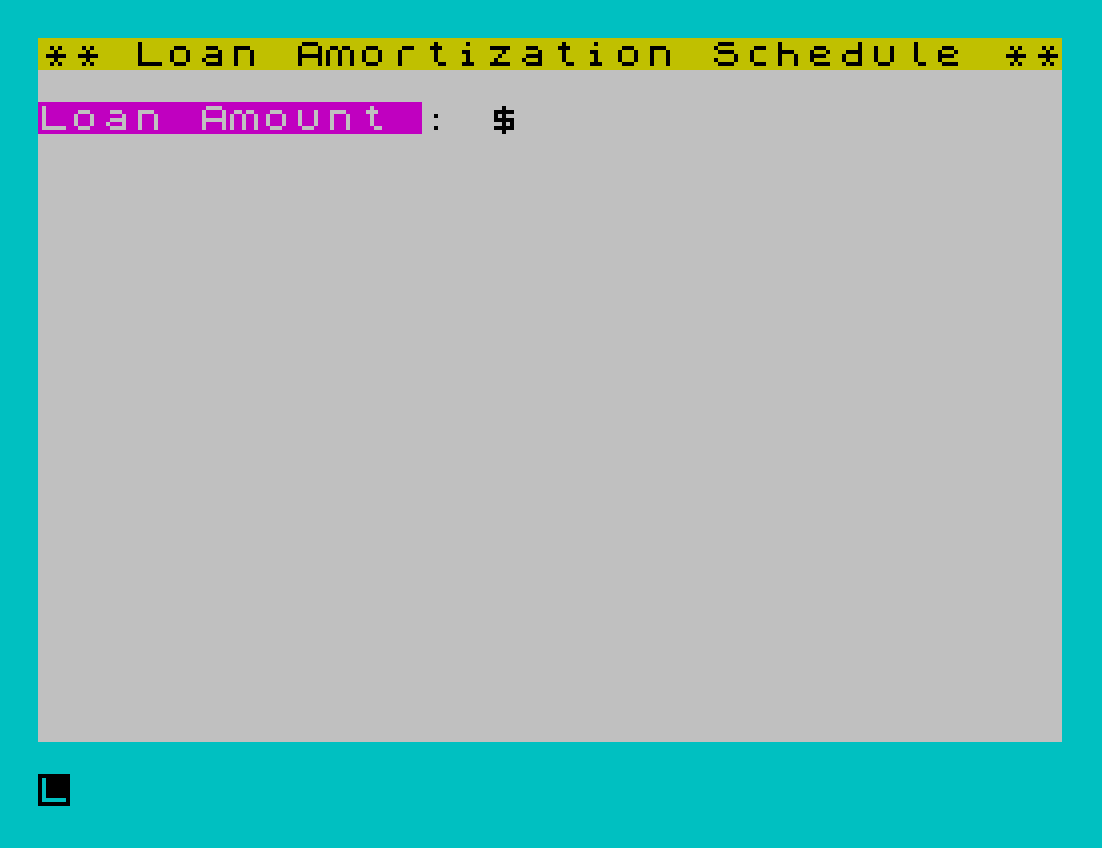
- Input (lines 25–60): Prompts for loan amount (
a), number of periods (n), and annual interest rate (y), then converts the rate to a monthly decimal. - Payment calculation (line 65): Derives monthly payment
pusing the annuity formula and total interestd. - Amortization loop (lines 80–115): Iterates from period 1 to
n, computing balance, interest, and principal for each period. - Summary (lines 120–125): Prints loan amount, total interest, and total payments.
- Formatting subroutine (line 20): Called via
GO SUB 20to roundxand produce a formatted stringc$.
Mathematical Approach
The monthly payment is derived at line 65 using the standard present-value annuity formula:
p = a * (y / (1 - (1+y)^(-n)))
where y is the monthly interest rate (y/1200 of the annual percentage). The remaining balance at period z is computed directly at line 80 using the closed-form expression:
b = (1+y)^z * (p*(((1+y)^(-z))-1)/y + a)
This avoids accumulating floating-point errors that would arise from iterative subtraction over many periods. The guard at line 85 clamps near-zero balances to exactly zero.
User-Defined Functions
| Function | Definition | Purpose |
|---|---|---|
FN a(x) | INT(c*x+0.5)/c | Rounds x to the nearest cent (uses global c=100) |
FN a$(x,c$) | Appends ".00" or "0" as needed | Ensures the string always has two decimal places |
Note that FN a$ takes a parameter also named c$, which shadows the global variable c$ within the function. The logic (".00" AND x=INT x) appends ".00" when the value is a whole number, and ("0" AND ("0"+c$)(LEN c$)=".") appends a trailing "0" when the string has only one decimal digit — exploiting the Spectrum’s string Boolean idiom where a true condition returns the string and false returns an empty string.
Formatting Subroutine
Lines 20 is a two-statement subroutine called repeatedly: it rounds the global x via FN a, then formats the result as a string via FN a$, storing it in c$. The caller sets x before each GO SUB 20 and reads back c$ afterward. This pattern is used for i$, p$, and b$ (interest, principal, balance strings) in lines 95–105.
Columnar Output with TAB
Line 110 right-justifies each column by computing the tab stop dynamically:
TAB (3-LEN STR$ z), TAB (12-LEN i$), TAB (21-LEN p$), TAB (32-LEN b$)
This ensures that numbers of different widths align on their right edge within fixed column positions, without requiring a fixed-width number format. The separator line at line 75 uses a row of block graphic ▀ characters to draw a visual rule under the column headers.
Miscellaneous Techniques and Notes
- Line
70usesPOKE 23692,1to suppress thescroll?prompt, allowing the schedule to scroll uninterrupted regardless of its length. - The
BEEP 0.07,22at line18provides a short startup sound on initialization. - Line
100ends with a bare colon, which is syntactically harmless but slightly untidy. - Line
130has a redundant secondSTOPstatement; only the first is ever reached. - The variable
t=23set at line35is used in lines120–125as the right-edge tab column for the summary section, keeping those values right-aligned at column 23. - Line
200saves the program withLINE 10, designating line10as the auto-start line.
Image Gallery
Source Code
   10 REM  Loan Amortization 2068
   12 REM  \* 1984  I. Auersbacher
   14 DEF FN a(x)=INT (c*x+0.5)/c
   16 DEF FN a$(x,c$)=c$+(".00" AND x=INT x)+("0" AND ("0"+c$)(LEN c$)=".")
   18 BORDER 5: LET c=100: LET x=0: BEEP 0.07,22: CLS : GO TO 25
   20 LET x=FN a(x): LET c$=FN a$(x,STR$ x): RETURN
   25 PRINT PAPER 6;"** Loan Amortization Schedule **": PRINT
   30 PRINT "Loan Amount : $";
   35 INPUT a: PRINT a: LET t=23
   40 PRINT "No. Periods :  ";
   45 INPUT n: PRINT n;" months"
   50 PRINT "Interest (%):  ";
   55 INPUT y: PRINT y
   60 LET y=y/1200: PRINT
   65 LET p=a*(y/(1-(1+y)^(-n))): LET x=p: GO SUB 20: LET d=n*p-a
   70 PRINT "Monthly Pymt= $";c$: POKE 23692,1: PRINT : LET l=a
   75 PRINT "Pmt Interest  Principal  Balance": PRINT "\''\''\''\''\''\''\''\''\''\''\''\''\''\''\''\''\''\''\''\''\''\''\''\''\''\''\''\''\''\''\''\''"
   80 FOR z=1 TO n: LET k=(1+y)^(-z): LET b=1/k*(p*(k-1)/y+a)
   85 IF b<0.001 THEN LET b=0
   90 LET i=b-l+p: LET r=p-i
   95 LET l=b: LET x=i: GO SUB 20
  100 LET i$=c$: LET x=r: GO SUB 20: LET p$=c$: LET x=b:
  105 GO SUB 20: LET b$=c$
  110 PRINT TAB (3-LEN STR$ z);z;TAB (12-LEN i$);i$;TAB (21-LEN p$);p$;TAB (32-LEN b$);b$
  115 NEXT z: PRINT : PRINT
  120 LET x=a: GO SUB 20: PRINT "Loan Amount =";TAB t-LEN c$;c$
  125 LET x=d: GO SUB 20: PRINT "Tot.Interest=";TAB t-LEN c$;c$: LET x=n*p: GO SUB 20: PRINT "Total paymts=";TAB t-LEN c$;c$
  130 STOP : STOP
  200 SAVE "loans" LINE 10
Note: Type-in program listings on this website use ZMAKEBAS notation for graphics characters.