
OKI DLPG is a utility that converts a SCREEN$ file into downloadable character data suitable for printing on an Okimate 20 thermal color printer. The program loads a machine code routine at address 60940 (via CLEAR 60939 and LOAD “”CODE), then uses RANDOMIZE USR 60940 to process the loaded screen image, mapping picture data to character codes starting at CHR$ 64. It displays the resulting character array on screen and provides the user with specific OUT 127 escape code sequences to configure the Okimate 20 for near-letter-quality or draft printing modes, line spacing, and to trigger the actual print transfer. The routine calculates the size of the generated code block using PEEKs at addresses 62754–62759, and instructs the user to save the data with SAVE “”name”” CODE 62780 for later use.
Program Analysis
Program Structure
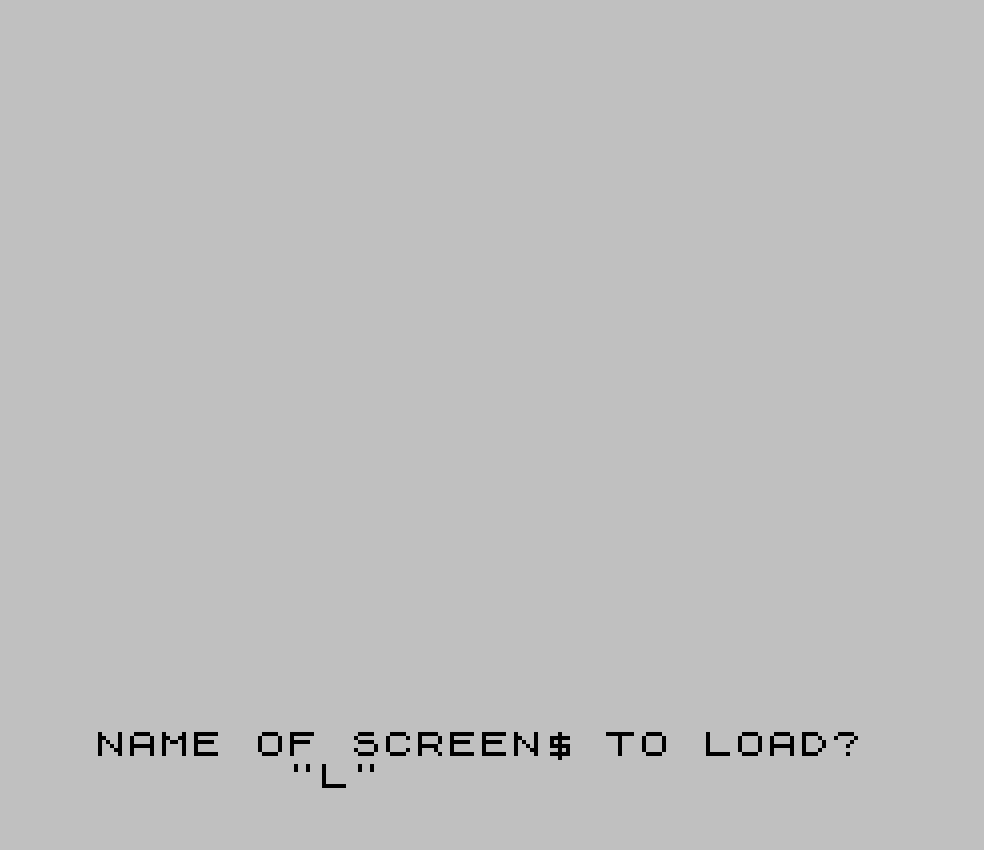
The program is a single-file utility spanning lines 10–220. It follows a linear flow: setup and machine code load, screen file load, machine code processing, array display, and finally a reference sheet of printer control commands. A short subroutine at line 220 provides a triple-beep audio cue used at two points in the program.
- Lines 10–20: Memory setup, machine code load via
LOAD ""CODE, and keypress synchronization loop. - Lines 30–50: User input of a filename (max 10 characters), then
LOAD n$ SCREEN$. - Lines 60–120: Machine code invocation via
RANDOMIZE USR 60940, followed by reading result parameters from fixed memory addresses and displaying the character mapping array on screen. - Lines 130–200: On-screen reference sheet of BASIC and
OUTcommands for saving and printing the data. - Line 210: Restores caps-lock state via
POKE 23658,0and halts withSTOP. - Line 220: Subroutine — three rapid beeps as an audio alert.
Machine Code Integration
The machine code block is loaded at or just above address 60940 (established by CLEAR 60939). It is invoked at line 60 with RANDOMIZE USR 60940. After execution, the BASIC program reads results stored by the machine code at specific memory locations:
PEEK 62754— picture width (w)PEEK 62756— picture height (h)256*PEEK 62759+PEEK 62758— 16-bit storage size value (stor), read little-endian from addresses 62758–62759
The machine code presumably converts the loaded SCREEN$ pixel data into a custom character set stored from address 62780 onward, with the size of that block communicated back to BASIC via the PEEKed addresses.
Character Array Display
Lines 80–120 iterate over the picture dimensions (h rows, w columns), printing characters starting at CHR$ 64 (@) across the right portion of the screen (columns 21 to 20+w). The counter ch increments each cell, skipping from 95 to 97 (bypassing CHR$ 96, the backtick/pound character). This allows the user to visually verify the character-to-picture-data mapping. The display is rendered with PAPER 6 (yellow) and INK 1 (blue) for visual contrast.
Printer Control Code Reference
Lines 160–200 print a reference sheet of OUT 127,n sequences for controlling the Okimate 20. The control codes shown are standard Epson/Okimate escape sequences:
| Sequence | Function |
|---|---|
| OUT 127,27 : OUT 127,37 : OUT 127,90 : OUT 127,27 : OUT 127,49 | Download/activate character set |
| OUT 127,27 : OUT 127,73 : OUT 127,2 | Return to NLQ characters |
| OUT 127,27 : OUT 127,73 : OUT 127,1 | Return to Draft mode |
| OUT 127,27 : OUT 127,50 | Return to 1/6″ line spacing |
The control codes are displayed in INK 2 (red) to visually distinguish them from the surrounding syntax, as noted by the on-screen label "NOTE: RED #'S ARE OKI CNTL CODES."
Key BASIC Idioms and Techniques
CLEAR 60939positions the RAMTOP just below the machine code load address, protecting it from BASIC’s memory management.LEN n$>10at line 40 enforces a maximum filename length before attempting the tape load.- The save instruction at line 140 dynamically computes the byte count as
stor-62779, giving the user the correct length argument forSAVE ""name"" CODE 62780,n. POKE 23658,0at line 210 resets the system variable controlling caps-shift lock, ensuring a clean keyboard state on exit.- The beep subroutine at line 220 uses three rapid
BEEP .03,20calls as a user-attention signal at tape loading prompts.
Anomalies and Notes
Line 20 implements a “wait for key release” loop (IF INKEY$<>"" THEN GO TO 20) rather than the more typical wait-for-keypress pattern. This is placed immediately after PAUSE 0 at the end of line 10, meaning the program waits for a key to be pressed (via PAUSE 0) and then waits at line 20 for it to be released before continuing. This is a debounce idiom to prevent key presses from bleeding into subsequent input operations.
The variable ch is initialized to 64 at line 70, but the skip at line 110 (jumping from 95 to 97) avoids CHR$ 96. On the ZX Spectrum, CHR$ 96 is the pound sign (£), which may cause display or encoding issues in this context, making the skip intentional.
Image Gallery

Source Code
   10 CLEAR 60939: PRINT AT 10,6; FLASH 1;"-LEAVE RECORDER ON-": LOAD ""CODE : CLS : GO SUB 220: PRINT AT 10,6; INK 2; FLASH 1;"-TURN RECORDER OFF-";AT 12,3;"PRESS ANY KEY TO CONTINUE.": PAUSE 0
   20 IF INKEY$<>"" THEN GO TO 20
   30 INK 0: BORDER 7: PAPER 7: CLS
   40 INPUT #0;AT 0,3;"NAME OF SCREEN$ TO LOAD?";AT 1,9;n$: IF LEN n$>10 THEN GO TO 40
   50 PRINT AT 10,8;"LOAD SCREEN$ FILE:";AT 11,8;"""";n$;"""";AT 13,14; FLASH 1; INK 2;"-NOW-": LOAD n$SCREEN$
   60 RANDOMIZE USR 60940: CLS : GO SUB 220
   70 LET w=PEEK 62754: LET h=PEEK 62756: LET stor=256*PEEK 62759+PEEK 62758: LET ch=64
   80 FOR l=0 TO h-1
   90 FOR c=21 TO 20+w
  100 PRINT AT l,c; PAPER 6; INK 1;CHR$ ch: LET ch=ch+1
  110 IF ch=96 THEN LET ch=97
  120 NEXT c: NEXT l
  130 PRINT AT 0,0;"PIC. DATA ASSIGNED"'"TO CHRS AS SHOWN IN"'"THIS ARRAY---------->"''
  140 PRINT "TO SAVE PIC. DATA:"'"  SAVE ""name"" CODE"'"        62780,";stor-62779
  150 PRINT '"TO TRANSFER PIC DATA"'"TO OKI: TURN OKI ON"'"AND RAND USR 62780."
  160 PRINT '"TO PRINT PIC. DATA: OUT127,"; INK 2;"27"; INK 0;":"'"  OUT127,"; INK 2;"37"; INK 0;":OUT127,"; INK 2;"90"; INK 0;":OUT127,"; INK 2;"27"; INK 0;":";'"  OUT127,"; INK 2;"49"; INK 0;'
  170 PRINT "TO RETURN TO NLQ CHRS:OUT127,"; INK 2;"27"; INK 0;"   OUT127,"; INK 2;"73"; INK 0;":OUT127,"; INK 2;"2"; INK 0;'
  180 PRINT "TO RETURN TO DRAFT: OUT127,"; INK 2;"27"; INK 0;":";';"  OUT127,"; INK 2;"73"; INK 0;":OUT127,"; INK 2;"1"; INK 0;'
  190 PRINT "TO RETURN TO 1/6"" LINE SPACING:   OUT127,"; INK 2;"27"; INK 0;":OUT127,"; INK 2;"50"; INK 0;'
  200 PRINT "NOTE:"; INK 2;"RED #'S"; INK 0;" ARE OKI CNTL CODES."
  210 POKE 23658,0: STOP
  220 BEEP .03,20: BEEP .03,20: BEEP .03,20: RETURN
Note: Type-in program listings on this website use ZMAKEBAS notation for graphics characters.