
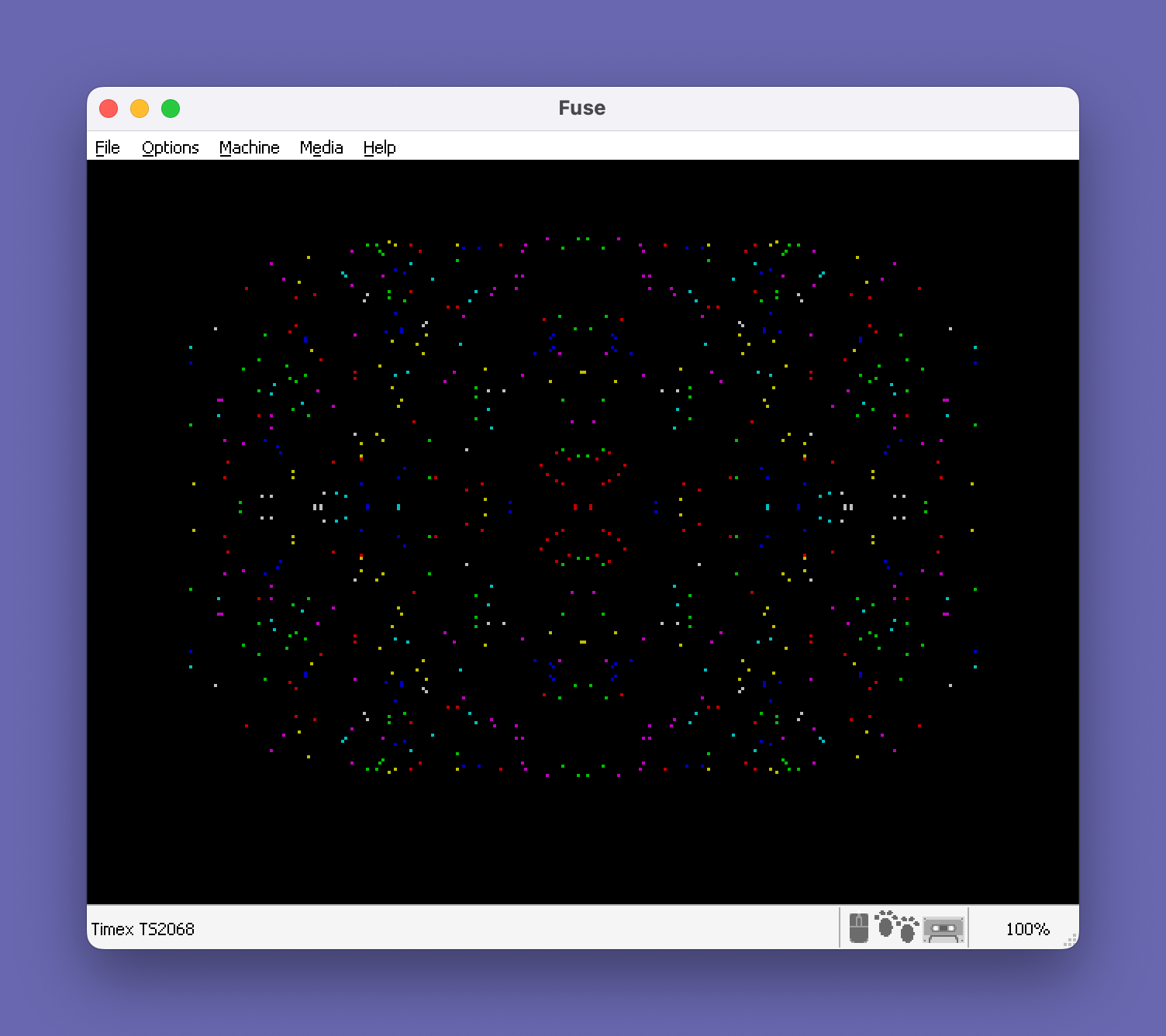
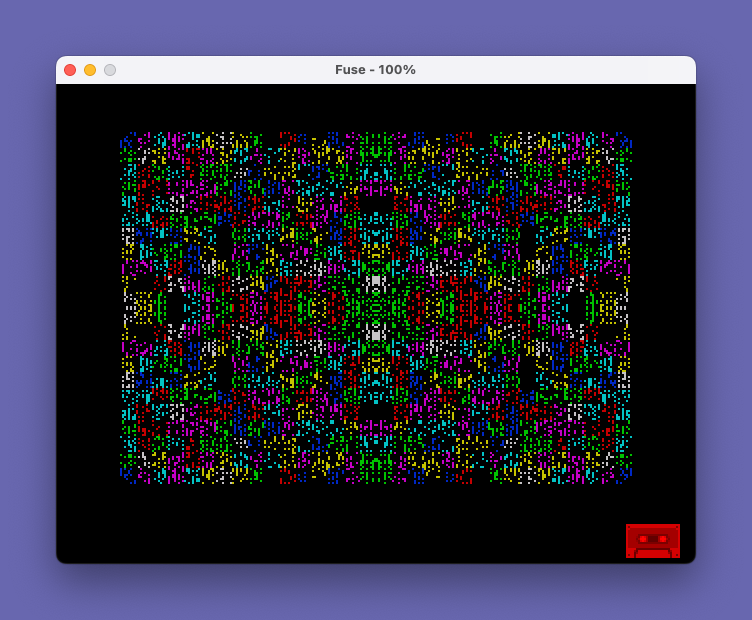
This program generates continuously cycling abstract line patterns on screen using crossing diagonal draws and random ink colors. The main loop (lines 30–60) picks a new ink color (excluding the current one and black), clears the screen, and calls two subroutines that fill the display with overlapping lines using PLOT/DRAW pairs with randomized step sizes. After pressing a key, a secondary screensaver-style mode (lines 130–190) uses OVER 1 (XOR drawing) to scatter symmetrically mirrored pixel plots across all four quadrants with random colors and brightness, creating a kaleidoscopic effect. The program exploits PAPER 9 (transparent paper) to let ink color changes affect the border without disrupting background rendering. Line 60’s use of both subroutines in sequence—one drawing corner-to-corner lines top-left/bottom-right, the other bottom-left/top-right—produces the characteristic cross-hatched interference pattern.
Program Analysis
Program Structure
The program has three distinct phases:
- Initialization (lines 10–20): Sets up display attributes and jumps to the first pattern subroutine.
- Main color-cycling loop (lines 30–60): Picks a new ink color, clears the screen, and calls both drawing subroutines in sequence before looping.
- Secondary screensaver mode (lines 130–200): Activated after a keypress, plots symmetrically mirrored pixels across all four quadrants in random colors and brightness until another key exits back to
RUN.
Subroutines
| Lines | Purpose | Direction |
|---|---|---|
| 70–90 | First fill pattern | Draws from bottom-left to top-right and back |
| 100–120 | Second fill pattern | Draws from top-left to bottom-right and back |
Each subroutine iterates x from 0 to 255 with a random step of up to 2 pixels per iteration (STEP RND*2). Inside each loop iteration, two complementary PLOT/DRAW pairs are executed, tracing lines from opposite corners and creating a cross-hatched interference pattern across the full 256×176 display area.
Notable Techniques
- PAPER 9 (transparent paper): Line 60 sets
PAPER 9, a Spectrum-specific attribute value meaning “transparent.” This allows the border color to be changed viaINKandBORDERwithout affecting the paper color of existing pixels, enabling color cycling without background interference. - OVER 1 (XOR mode): Lines 10 and 130 enable XOR drawing, meaning pixels are toggled rather than set. In the secondary mode (lines 130–190), this creates a shimmering effect as repeated random plots toggle pixels on and off.
- Random step size:
STEP RND*2means the step varies between 0 (exclusive) and 2 per iteration, producing variable line density. However, ifRNDreturns exactly 0, the step would be 0, causing an infinite loop — a theoretical edge-case bug. - Color exclusion logic: Line 40 rejects ink value 0 (black, which would be invisible on a black border) and the previously used color
a, ensuring visible contrast and variation without repeating the same color consecutively. - Four-quadrant symmetry: Lines 180 plots four mirrored pixels simultaneously —
(x,y),(255-x,y),(x,175-y), and(255-x,175-y)— creating bilateral symmetry both horizontally and vertically around the screen center. - Seamless restart: Line 200 uses
RUN(rather thanGO TO 10) to fully reinitialize variables and return to the main pattern loop after the screensaver mode ends.
Anomalies and Edge Cases
- The variable
XinNEXT X(lines 90 and 120) uses uppercase, while theFORloops declare lowercasex. In Sinclair BASIC, variable names are case-insensitive for numeric variables, so this works correctly but is inconsistent style. - The
STEP RND*2construct can produce very small step values near zero, potentially causing the loop to execute thousands of iterations and making the pattern take considerably longer to complete — this is likely intentional for density variation. - Lines 130–140 reset
OVER,BORDER, andPAPERbefore entering the secondary mode, but there is no corresponding reset ofBRIGHTafter the screensaver exits viaRUN—RUNdoes clear all variables but does not resetBRIGHT, so residual brightness from line 170 may persist into the next main loop iteration until overridden.
Save Line
Line 210 saves the program as "PATTERNS 2" with LINE 130, meaning when loaded, execution begins at line 130 (the secondary screensaver mode) rather than the main pattern loop at line 10.
Image Gallery
Source Code
   10 OVER 1: BORDER 4: INK 4: PAPER 0: CLS
   20 GO SUB 70
   30 LET a=4
   40 LET i=INT (RND*7): IF i=a OR i=0 THEN GO TO 40
   50 LET a=i
   60 INK i: PAPER 9: BORDER i: CLS : GO SUB 100: GO SUB 70: GO TO 40
   70 FOR x=0 TO 255 STEP RND*2
   80 PLOT x,0: DRAW 255-x,175: PLOT 255-x,175: DRAW x-255,-175
   90 NEXT X: RETURN
  100 FOR x=0 TO 255 STEP RND*2
  110 PLOT x,175: DRAW 255-x,-175: PLOT 255-x,0: DRAW x-255,175
  120 NEXT X: RETURN
  130 OVER 1: RANDOMIZE
  140 BORDER 0: PAPER 0: CLS
  150 LET x=RND*128
  160 LET y=RND*88
  170 INK RND*7: BRIGHT INT (RND*2)
  180 PLOT x,y: PLOT 255-x,y: PLOT x,175-y: PLOT 255-x,175-y
  190 IF INKEY$="" THEN GO TO 150
  200 RUN
  210 SAVE "PATTERNS 2" LINE 130
Note: Type-in program listings on this website use ZMAKEBAS notation for graphics characters.