
This program implements a shell-game gambling simulation where the player tries to track a pea hidden under one of three shuffling shells. The game uses UDG (User Defined Graphics) characters defined at lines 3040–3090 to draw custom shell and pea shapes using block graphics, with four UDGs (a–d) loaded via a DATA/POKE loop targeting USR addresses. A simple animation routine at lines 1080–1140 simulates the shuffling by randomly repositioning a pea graphic beneath a shell sprite across 14 iterations. The betting system tracks a running dollar total in variable `m`, initialized at $10, and enforces wager limits with input validation. Line 820 uses a compact Boolean-arithmetic expression `(8 AND p=1)+(16 AND p=2)+(24 AND p=3)` to compute the correct screen column for revealing the shell position.
Program Analysis
Program Structure
The program is organized into a main flow with several distinct subroutines and a data-loading section. Execution starts at line 5 (title/init), proceeds through an intro sequence, instructions, betting, and the game loop. The primary sections are:
- Lines 5–90: Initialization, UDG loading, title screen, player name input
- Lines 100–230: Introduction narrative and explanation of game rules
- Lines 240–430: Betting interface with input validation
- Lines 430–600: Core guess-and-reveal loop with win logic
- Lines 610–760: Quit/lose paths and replay prompts
- Lines 800–820: Shell reveal subroutine
- Lines 1000–1150: Shell-shuffle animation subroutine
- Lines 3000–3020: Instructions screen subroutine
- Lines 3030–3090: UDG definition subroutine with DATA
- Lines 9000–9010: SAVE/VERIFY utility
UDG Definition and Graphics
Lines 3030–3090 define four UDGs (a through d) by POKEing 8 bytes each into addresses starting at USR "a". The loop at line 3040 reads 32 bytes total from the DATA statements. UDG a draws the left portion of a shell, b the center, c the right, and d (CHR$ 147, assigned to p$) represents the pea. Line 70 assigns shell characters as s$(k)=CHR$ (k+143), mapping to UDGs a–c, while p$=CHR$ 147 is UDG d.
The shell display in line 820 uses a string literal "\a\b\c \a\b\c \a\b\c" to draw three shells across the screen at row 10.
Boolean Column Calculation
A noteworthy idiom appears on lines 810 and 820: the TAB/AT column is computed as (8 AND p=1)+(16 AND p=2)+(24 AND p=3). In Sinclair BASIC, a true condition evaluates to 1 and false to 0, so AND here acts as a conditional multiplier. Exactly one term is nonzero, yielding column 8, 16, or 24 depending on which shell p (the pea position) corresponds to. This avoids an IF/THEN chain and is a compact, idiomatic approach.
Shell Shuffle Animation
The subroutine at lines 1080–1150 animates the pea “moving” by 14 iterations. Each iteration picks a random horizontal position x and snaps it to one of three shell columns (6, 16, or 26) using range checks. The pea UDG is printed, paused briefly, then overwritten with the shell UDG to simulate hiding. This is purely cosmetic — the actual winning shell is determined independently at line 450 with INT (RND*3)+1, so the animation does not track a real pea position.
Betting and Input Validation
The betting section (lines 340–420) checks two conditions: bet>m (more than the player’s current holdings) and bet>10 (above the stated $10 maximum). However, there is a logic gap: line 390 deducts the bet from m before the range check at line 400, meaning an invalid bet that falls through to line 410 has already modified m. The recovery at line 420 resets bet=0 but does not restore m, potentially causing a bookkeeping error if the invalid-bet path is hit under certain edge conditions.
Input Handling Anomalies
Line 130 uses PAUSE 0: LET q$=INKEY$ — a standard efficient keypress idiom. However, lines 720–730 use bare INKEY$ without a preceding PAUSE 0, so if the key is not held at the exact moment execution reaches those lines the branch will not fire and the program falls through silently. Line 600 contains a logically incorrect guard: f$<>"Y" OR f$<>"N" is always true (no string can simultaneously equal both), so this condition never correctly filters invalid input.
Variable Summary
| Variable | Purpose |
|---|---|
m | Player’s money (initialized to 10) |
bet | Current wager amount |
p | Shell number hiding the pea (1–3) |
g | Player’s guess (1–3) |
n$ | Player’s name |
s$ | 3-character string holding shell UDG chars |
p$ | 1-character string holding pea UDG char |
q$, f$ | Yes/No input buffers |
k, l | Loop counters |
v, h, d, x | Screen position temporaries in animation |
a, user | UDG POKE loop variables |
Notable Techniques
- UDGs loaded via a DATA/READ/POKE loop rather than hard-coded POKE sequences, keeping the data organized and easy to modify.
- Boolean arithmetic used for screen column selection, avoiding multi-branch conditionals.
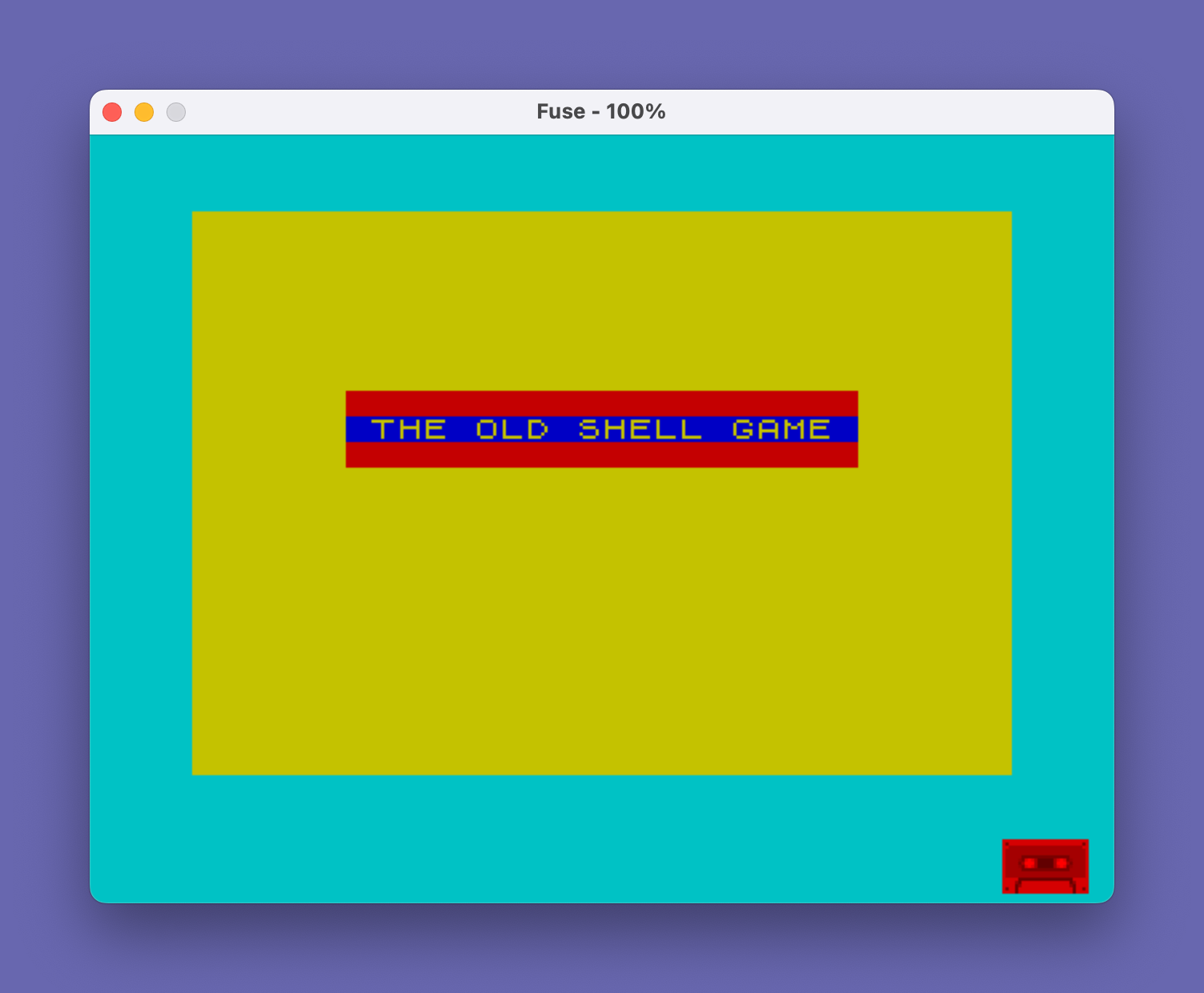
- The title fanfare subroutine at line 20 uses a
FOR k=-5 TO 7: BEEP .05,kascending chromatic sweep — a simple but effective audio cue. POKE 23658,8at line 80 enables CAPS LOCK for name entry, a common Sinclair BASIC trick for forcing uppercase input.- The
GO SUB 3030/GO SUB 3000calls at lines 50–60 run UDG setup and instructions before game state is initialized, ensuring graphics are ready before display.
Image Gallery

Source Code
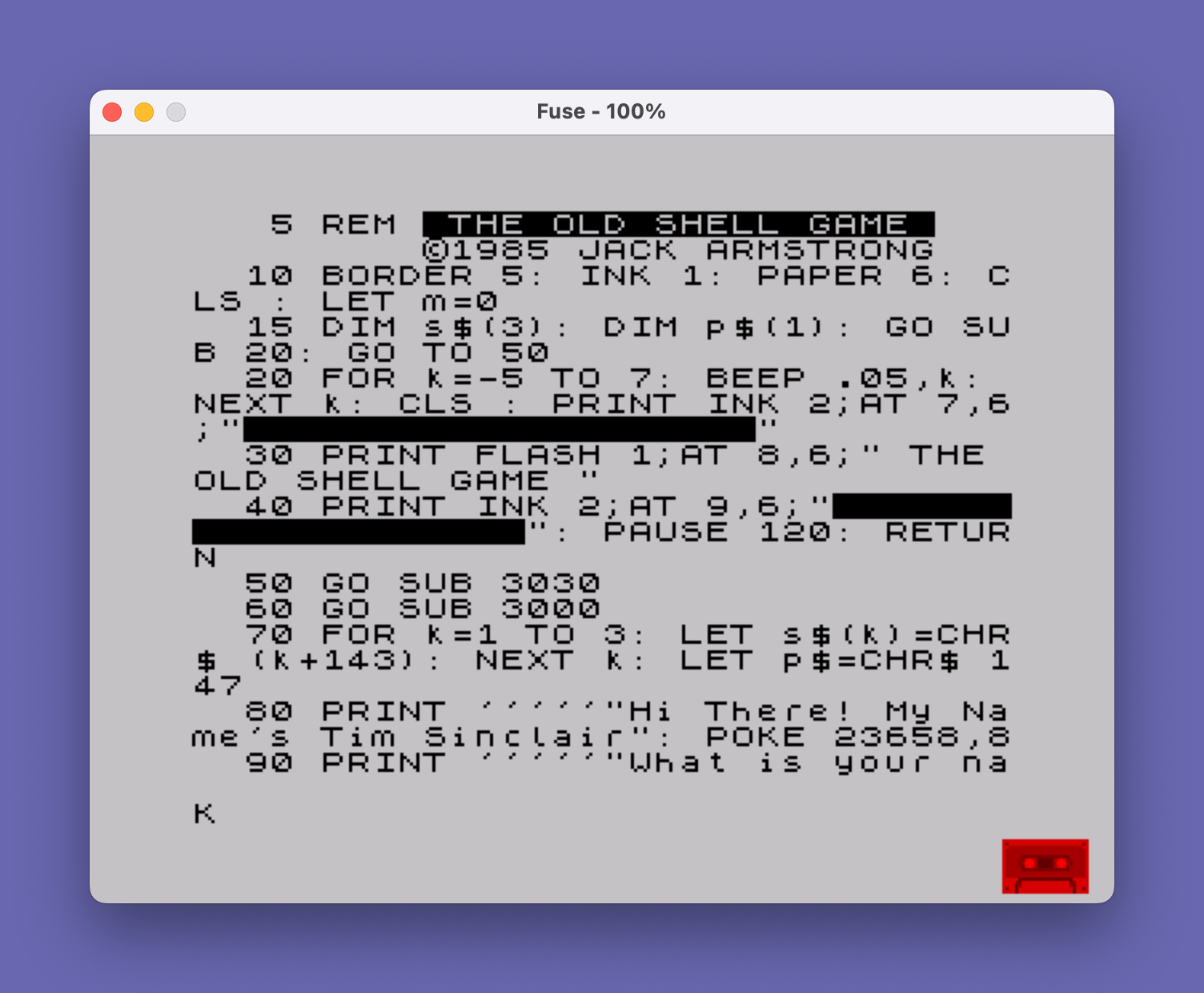
    5 REM  THE OLD SHELL GAME             ©1985 JACK ARMSTRONG
   10 BORDER 5: INK 1: PAPER 6: CLS : LET m=0
   15 DIM s$(3): DIM p$(1): GO SUB 20: GO TO 50
   20 FOR k=-5 TO 7: BEEP .05,k: NEXT k: CLS : PRINT INK 2;AT 7,6;"████████████████████"
   30 PRINT FLASH 1;AT 8,6;" THE OLD SHELL GAME "
   40 PRINT INK 2;AT 9,6;"████████████████████": PAUSE 120: RETURN
   50 GO SUB 3030
   60 GO SUB 3000
   70 FOR k=1 TO 3: LET s$(k)=CHR$ (k+143): NEXT k: LET p$=CHR$ 147
   80 PRINT '''''"Hi There! My Name's Tim Sinclair": POKE 23658,8
   90 PRINT '''''"What is your name?": INPUT n$: PAUSE 60: CLS
  100 PRINT '''''"Well, now-";n$;"..."
  110 PRINT "do you, by any chance, have a"
  120 PRINT "bit of gambling blood in you?"
  130 PRINT ''"Input your answer Y(es) or N(o)": PAUSE 0: LET q$=INKEY$
  140 IF q$<>"Y" AND q$<>"N" THEN GO TO 130
  150 IF q$=CHR$ 78 THEN GO TO 610
  160 CLS : PRINT '''''"Well now, ";n$;" they call this ": PAUSE 120
  170 CLS : GO SUB 20
  180 PAUSE 60: CLS
  190 PRINT '''"Here's the deal, ";n$
  200 PRINT '"I have these three shells..."''TAB 10; INK 2;s$;" ";s$;" ";s$
  210 PRINT '"And I have this little pea..."; INK 4;p$: PAUSE 180
  220 GO SUB 1000
  230 PAUSE 60: CLS
  240 PRINT '''"Here's the deal, ";n$;"..."
  250 PRINT '"I'll put the pea under a shell,"
  260 PRINT '"Mix them up...Then YOU guess..."
  270 PRINT '"which shell is the pea under...";''TAB 11;"1 - 2 or 3"
  280 PRINT '"Just to make things interesting-";''"Let's make a little wager on it.": LET m=10
  290 PRINT ''"Press ENTER to continue...": PAUSE 0: CLS : PRINT '"How much do you want to bet that"
  300 PRINT '"you can guess correctly?"
  310 PRINT ''"Since we are friends, let's"
  320 PRINT '"make some limits-say you have";''"$10.00 and you can bet any even"
  330 PRINT '"amount from $1 to $10 as long as"''"you have the money to bet."
  340 PRINT ''''"Press ENTER to continue...": PAUSE 0: CLS : PRINT '''''"PLACE YOUR BET. Please enter the"
  350 PRINT '"number only. Don't use the ($)"''"dollar sign-just the number."
  360 PRINT AT 21,0;"You have $";m;" in your poke.": INPUT bet: PAUSE 60: CLS
  370 IF bet>m THEN GO TO 410
  380 IF bet>10 THEN GO TO 410
  390 LET m=m-bet
  400 IF bet>=1 AND bet<=10 THEN GO TO 430
  410 PAUSE 60: CLS : PRINT ''''"Come, come, Sport-I'm no sucker-"
  420 PRINT '"Quit trying to con me-Make your bet!": IF bet>m OR bet>10 THEN PRINT ''"You can't bet more than $10.00  or more than is in your poke.": LET bet=0: PAUSE 180: CLS : GO TO 340
  430 PRINT ''''"O.K., Sport...Her we go..."
  440 GO SUB 20: GO SUB 1000
  450 LET p=INT (RND*3)+1
  460 PRINT ''''"Well, now, ";n$;"..."
  470 PRINT '"Where's the pea?": INPUT "What's your guess? ";g
  480 CLS : IF g<1 OR g>3 THEN GO TO 450
  490 PRINT '''''"O.K., Sport, glad you made that"
  500 PRINT '"choice-Let's see now...": IF g=p THEN LET m=m+2*bet
  510 IF g<>p THEN GO TO 670
  520 PAUSE 120: CLS : GO SUB 800: PAUSE 60
  530 PRINT ''"How about that sport-You made a"
  540 PRINT '"good guess...Now you have $";m;"."
  550 PRINT '"Want to try again? If you feel"
  560 PRINT '"lucky. Input (Y)es or if you are"
  570 PRINT '"just a piker-Input (N)o.": INPUT f$: PAUSE 60: CLS
  580 IF f$="N" THEN GO TO 610
  590 IF f$="Y" THEN GO TO 340
  600 IF f$<>"Y" OR f$<>"N" THEN PRINT '"Hey, sport, Y or y or N or n.": PAUSE 120: CLS : GO TO 550
  610 PAUSE 60: CLS : PRINT '''''"O.K., Sport, no hard feelings..."
  620 PRINT '"See you around, ";n$;"..."
  630 PRINT '"You had $";m;" left..."
  640 PRINT '"If you'd like to try again,"
  650 PRINT '"Press R for a re-run...": PAUSE 0: IF INKEY$="R" OR INKEY$="r" THEN RUN
  660 PAUSE 60: CLS : STOP
  670 PAUSE 60: CLS : PRINT '''''"The pea was under ": GO SUB 800
  680 PAUSE 60: CLS : PRINT '''''"Sorry, Sport-you missed that one"
  690 PRINT '"You now have $";m;" left."
  700 IF m<1 THEN GO TO 740
  710 PRINT '''''"If you want to try again press"
  720 PRINT '"(Y)es, if not press (N)o.": IF INKEY$="Y" THEN GO TO 340
  730 IF INKEY$="N" THEN GO TO 610
  740 PAUSE 60: CLS : PRINT '''''"If you'd like to play again..."
  750 PRINT '"press R to re-run.": PAUSE 0: IF INKEY$="R" OR INKEY$="r" THEN RUN
  760 STOP
  800 PAUSE 60: CLS : PRINT '''''"The pea was under..."
  810 PRINT INVERSE 1;AT 8,(8 AND p=1)+(16 AND p=2)+(24 AND p=3);p
  820 PRINT INK 2;AT 10,3;"    \a\b\c     \a\b\c     \a\b\c";AT 10,(8 AND p=1)+(16 AND p=2)+(24 AND p=3); INK 4;p$: PAUSE 120: RETURN
  999 STOP
 1000 REM
 1010 CLS
 1020 LET v=10: LET h=5: FOR l=1 TO 3
 1030 IF l=2 THEN LET h=h+10
 1040 IF l=3 THEN LET h=h+10
 1050 PRINT INK 2;AT v,h;s$
 1060 NEXT l
 1070 PRINT AT 8,6;"1";AT 8,16;"2";AT 8,26;"3"
 1080 LET d=10: FOR l=1 TO 14
 1090 LET x=(RND*30)+1: IF x<=10 THEN LET x=6
 1100 IF x>=10 AND x<=20 THEN LET x=16
 1110 IF x>20 THEN LET x=26
 1120 PRINT INK 4;AT d,x;p$: PAUSE 10
 1130 PRINT INK 2;AT d,x;s$(2): PAUSE 5
 1140 NEXT l
 1150 RETURN
 3000 REM
 3010 CLS : PRINT '''''"To play this game..."''"follow instructions carefully..."''"Press ENTER after each input or just press the key required."''TAB 11;"Good Luck!"
 3020 PRINT AT 18,0;"Press ENTER to start...": PAUSE 0: CLS : RETURN
 3030 REM
 3040 FOR a=USR "a" TO USR "d"+7
 3050 READ user: POKE a,user: NEXT a: RETURN
 3060 DATA 0,3,12,16,32,64,128,255
 3070 DATA 60,195,0,0,0,0,0,255
 3080 DATA 0,192,48,8,4,2,1,255
 3090 DATA 24,126,250,247,239,94,126,24
 8999 STOP
 9000 SAVE "shellgame": PRINT "Rewind & key ENTER to VERIFY.": PAUSE 0: VERIFY "shellgame"
 9010 FOR k=-5 TO 7: BEEP .05,k: NEXT k
Note: Type-in program listings on this website use ZMAKEBAS notation for graphics characters.