
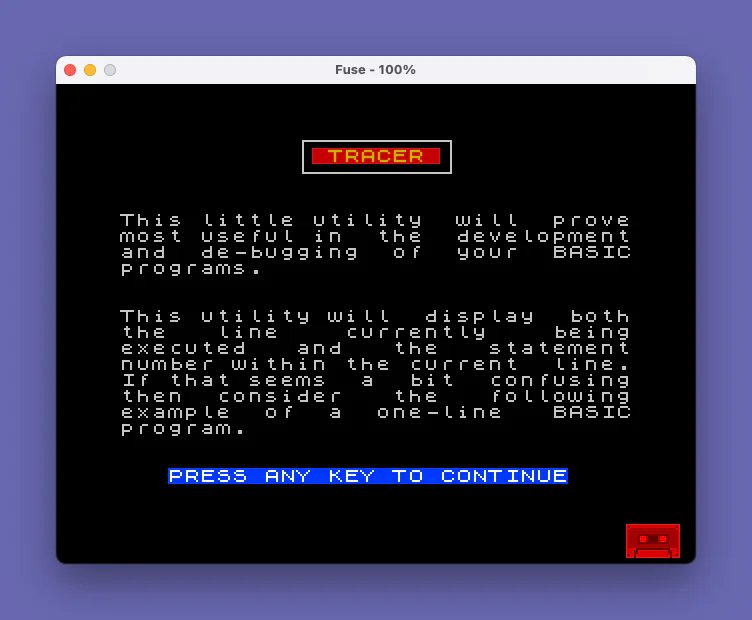
This program is an interactive instruction manual for a machine code utility called TRACER, which displays the currently executing BASIC line number and statement number in the top-right corner of the screen during program execution. The machine code routine resides at address 65279 (near the top of the 65535-byte address space) and is exactly 257 bytes long, making it non-relocatable. Two entry points are provided: RANDOMIZE USR 65500 to activate tracing and RANDOMIZE USR 65520 to deactivate it; the display mode (normal or inverse video) is controlled by POKEing address 65535 with 0 or 1. The instruction pages are paginated using an INKEY$ polling loop and include options to repeat the instructions, save the machine code block to tape, optionally verify it, or chain-load the next program after clearing memory to address 65367.
Program Analysis
Program Structure
The program is organized as a linear sequence of numbered pages, each occupying a hundred-line block, followed by utility subroutines in the 9000s range. Navigation between pages is handled by a simple INKEY$ polling loop at the end of each section. The overall flow is:
- Lines 100–190: Page 1 — introduction to the TRACER concept
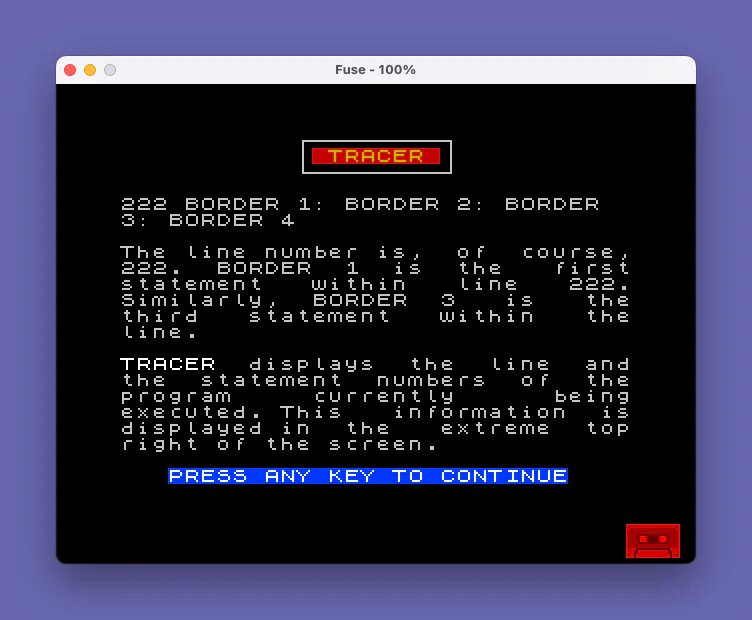
- Lines 200–290: Page 2 — explanation of line and statement numbering
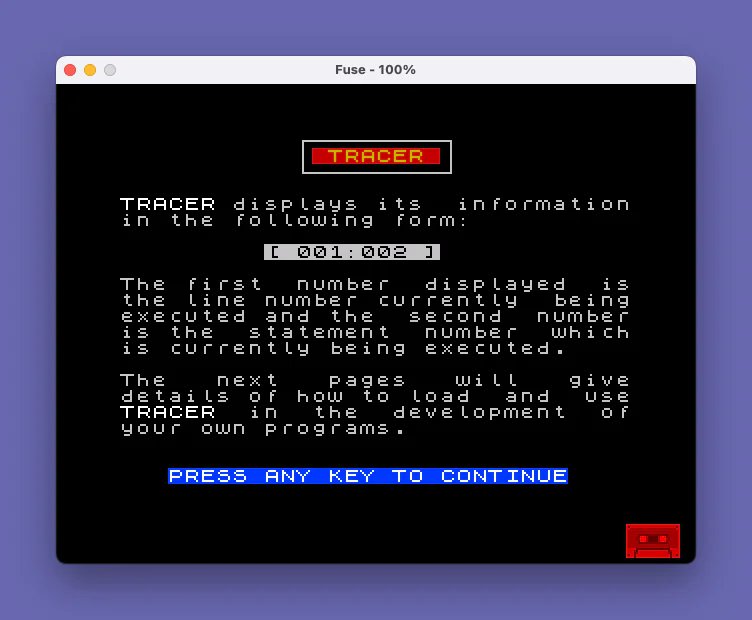
- Lines 300–390: Page 3 — display format
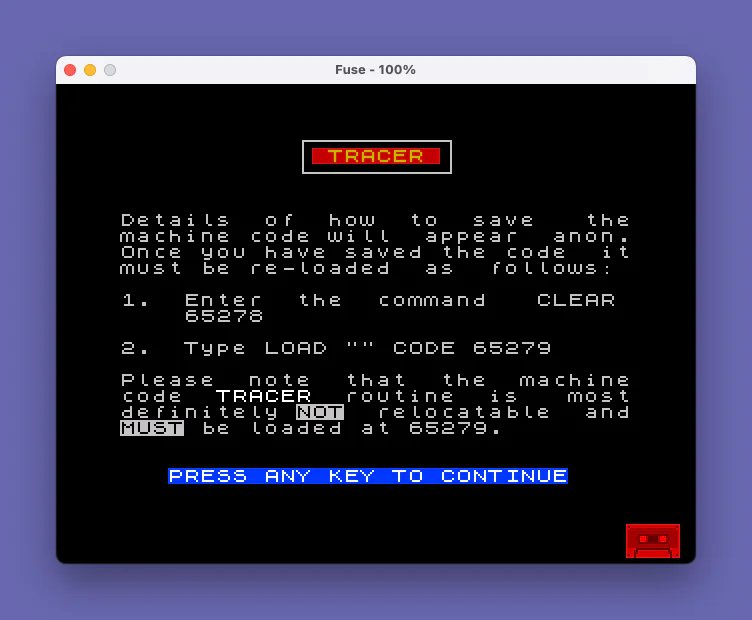
[ 001:002 ] - Lines 400–490: Page 4 — loading instructions (CLEAR 65278, LOAD “” CODE 65279)
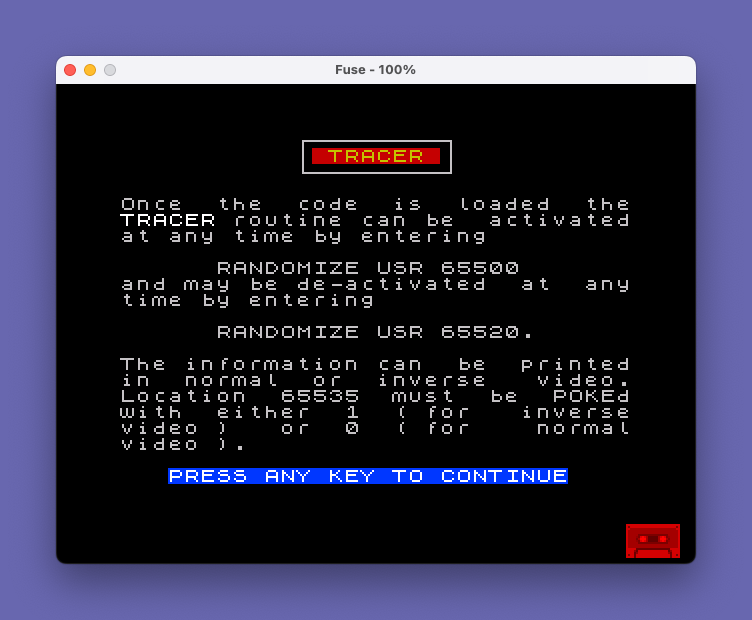
- Lines 500–590: Page 5 — activation/deactivation and video mode control
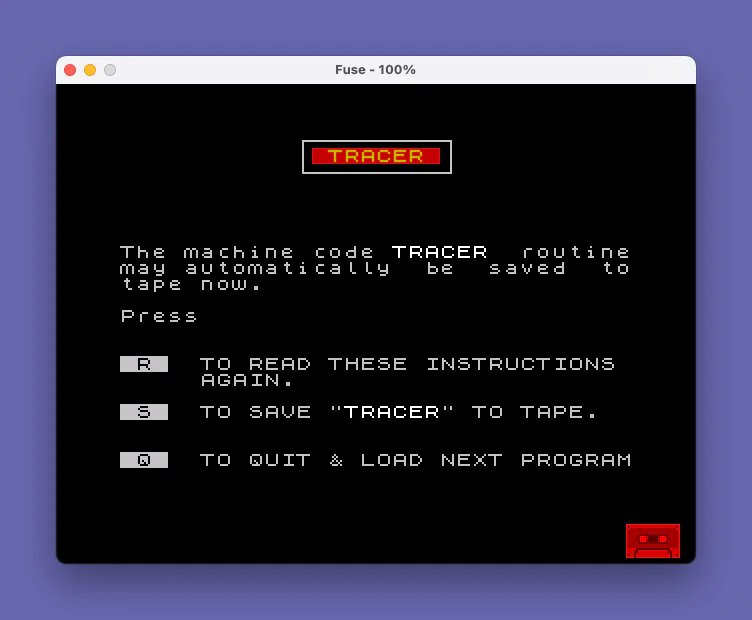
- Lines 600–770: Page 6 — menu (repeat, save to tape, quit/chain-load)
- Lines 9000–9020: Subroutine — “PRESS ANY KEY TO CONTINUE” prompt
- Lines 9100–9140: Subroutine — page heading with bordered box
- Line 9999: Save line for this instruction program itself
Machine Code Details
The TRACER machine code block occupies addresses 65279–65535, a span of exactly 257 bytes sitting at the very top of the 64 KB address space. Key addresses mentioned in the program are:
| Address | Purpose |
|---|---|
| 65278 | CLEAR target — protects the MC block from BASIC |
| 65279 | Start of machine code block (LOAD target) |
| 65500 | USR entry point — activates TRACER |
| 65520 | USR entry point — deactivates TRACER |
| 65535 | POKE address: 0 = normal video, 1 = inverse video |
The routine is explicitly documented as non-relocatable, which is consistent with self-modifying code or absolute address references within the MC block. The two separate entry points 21 bytes apart (65500 and 65520) suggest the activate/deactivate routines are distinct short sequences within the 257-byte block.
Key BASIC Idioms
Several standard Sinclair BASIC idioms appear throughout:
- INKEY$ polling loop: e.g.,
660 LET a$=INKEY$: IF a$="" THEN GO TO 660— spins until a key is pressed, the standard single-keypress wait without needing PAUSE. - Subroutines for repeated layout:
GO SUB 9000andGO SUB 9100are called on every page to keep heading and footer rendering consistent. - Chained LOAD: Line 675 uses
CLEAR 65367: CLS : PRINT AT 10,10;" Loading...": LOAD ""to load the next program from tape after freeing memory, a common technique for tape-based program menus. - SAVE … LINE: Line 9999 uses
SAVE "TRINS" LINE 1to save this instruction program itself with an auto-run start at line 1.
Screen Layout Techniques
Each page uses BORDER 0: PAPER 0: CLS for a black background. The heading subroutine at line 9100 draws the title in PAPER 2 (red) with INK 6 (yellow), then uses PLOT/DRAW to render a rectangular border box around it in the pixel graphics coordinate system — a neat way to add a decorative frame without relying on block graphics characters. The “PRESS ANY KEY” footer at line 9010 uses BRIGHT 1; PAPER 1; INK 7 (bright white on blue) for contrast against the black page background.
Text Formatting Approach
All body text is pre-justified to exactly 32 characters per line within the PRINT string literals themselves, with spaces padded manually to fill each row. This avoids any runtime formatting logic and ensures the text fills the 32-column display cleanly. The PRINT '' idiom (double apostrophe) is used to insert blank lines between paragraphs.
Bugs and Anomalies
- Case inconsistency: Most of the program uses lowercase
a$for the keypress variable, but lines 730–750 switch to uppercaseA$. Line 740 checksA$="n"but then also checksa$="N"— sinceA$anda$are distinct variables, thea$="N"branch will behave unexpectedly (it tests the stale value of the lowercase variable rather than the freshly read key). - SAVE before VERIFY architecture: The VERIFY path at line 760 uses
VERIFY ""CODE 65279,257with an empty filename, which will verify the most recently written tape block — correct behavior, but the empty-string form depends on tape sequencing. - Page 6 menu re-poll: After an unrecognized key at line 680, control returns to line 660 which immediately polls INKEY$ again. Because keys are typically still held when the branch is taken, there is a small chance of re-reading the same key, though in practice the loop is fast enough that this is rarely a problem.
Image Gallery
Source Code
   10 REM TRACER
   20 REM CHRIS HOWARD STONE
   30 REM 8 BOULTON GROVE, HULL
   40 REM HUMBERSIDE, HU9 3ED
   50 REM
   60 REM AUGUST 1985
  100 REM PRINT PAGE ONE
  110 BORDER 0: PAPER 0: CLS : GO SUB 9100
  120 INK 7
  130 PRINT AT 5,0;"This little utility  will  provemost useful in  the  developmentand  de-bugging  of  your  BASICprograms."
  140 PRINT ''"This utility will  display  boththe   line    currently    beingexecuted   and   the   statementnumber within the current  line."
  150 PRINT "If that seems  a  bit  confusingthen  consider   the   followingexample  of  a  one-line   BASICprogram."
  160 GO SUB 9000
  170 LET a$=INKEY$: IF a$="" THEN GO TO 170
  200 REM PRINT PAGE TWO
  210 PAPER 0: CLS : GO SUB 9100
  220 INK 7
  230 PRINT AT 4,0;"222 BORDER 1: BORDER 2: BORDER  3: BORDER 4"
  240 PRINT '"The line number is,  of  course,222.  BORDER  1  is  the   firststatement   within   line   222.Similarly,  BORDER  3   is   thethird   statement   within   theline."
  250 PRINT '"TRACER  displays  the  line  andthe  statement  numbers  of  theprogram     currently      beingexecuted. This   information  isdisplayed in  the   extreme  topright of the screen."
  260 GO SUB 9000
  270 LET a$=INKEY$: IF a$="" THEN GO TO 270
  300 REM PRINT PAGE THREE
  310 PAPER 0: CLS : GO SUB 9100
  320 INK 7
  330 PRINT AT 4,0;"TRACER displays its  informationin the following form:"
  340 PRINT AT 7,9;"[ 001:002 ]"
  350 PRINT AT 9,0;"The first  number  displayed  isthe line number currently  beingexecuted and the  second  numberis the  statement  number  whichis currently being executed."
  360 PRINT '"The   next   pages   will   givedetails of how to load  and  useTRACER  in  the  development  ofyour own programs."
  370 GO SUB 9000
  380 LET a$=INKEY$: IF a$="" THEN GO TO 380
  400 REM PRINT PAGE FOUR
  410 PAPER 0: CLS : GO SUB 9100
  420 INK 7
  430 PRINT AT 5,0;"Details  of  how  to  save   themachine code will  appear  anon.Once you have saved the code  itmust be re-loaded  as  follows:"
  440 PRINT '"1.  Enter  the  command   CLEAR     65278"
  450 PRINT '"2.  Type LOAD """" CODE 65279"
  460 PRINT '"Please  note  that  the  machinecode  TRACER  routine  is   mostdefinitely NOT  relocatable  andMUST be loaded at 65279."
  470 GO SUB 9000
  480 LET a$=INKEY$: IF a$="" THEN GO TO 480
  500 REM PRINT PAGE FIVE
  510 PAPER 0: CLS : GO SUB 9100
  520 INK 7
  530 PRINT AT 4,0;"Once  the  code  is  loaded  theTRACER routine can be  activatedat any time by entering"
  540 PRINT AT 8,6;"RANDOMIZE USR 65500"
  550 PRINT "and may be de-activated  at  anytime by entering"
  560 PRINT AT 12,6;"RANDOMIZE USR 65520."
  570 PRINT '"The information can  be  printedin  normal  or  inverse   video.Location  65535  must  be  POKEdwith  either  1  ( for   inversevideo )   or  0  ( for    normalvideo )."
  580 GO SUB 9000
  590 LET a$=INKEY$: IF a$="" THEN GO TO 590
  600 REM PRINT PAGE SIX
  610 PAPER 0: CLS : GO SUB 9100
  620 INK 7
  630 PRINT AT 7,0;"The machine code TRACER  routinemay automatically  be  saved  totape now."
  640 PRINT '"Press"
  650 PRINT ''" R   TO READ THESE INSTRUCTIONS      AGAIN.": PRINT '" S   TO SAVE ""TRACER"" TO TAPE."
  651 PRINT ''" Q   TO QUIT & LOAD NEXT PROGRAM"
  660 LET a$=INKEY$: IF a$="" THEN GO TO 660
  670 IF a$="r" OR a$="R" THEN GO TO 100
  675 IF a$="q" OR a$="Q" THEN CLEAR 65367: CLS : PRINT AT 10,10;" Loading...": LOAD ""
  680 IF a$<>"s" AND a$<>"S" THEN GO TO 660
  700 REM SAVE THE M/C TO TAPE
  710 SAVE "TRACER"CODE 65279,257
  720 PRINT #1;"VERIFY Y/N"
  730 LET A$=INKEY$: IF A$="" THEN GO TO 730
  740 IF A$="n" OR a$="N" THEN GO TO 600
  750 IF a$<>"Y" AND a$<>"y" THEN GO TO 730
  760 VERIFY ""CODE 65279,257
  770 GO TO 600
 9000 REM PRINT "PRESS ANY KEY"
 9010 PRINT BRIGHT 1; PAPER 1; INK 7;AT 21,3;"PRESS ANY KEY TO CONTINUE"
 9020 RETURN
 9100 REM DRAW PAGE HEADING
 9110 PRINT PAPER 2; INK 6;AT 1,12;" TRACER "
 9120 PAPER 0: INK 7
 9130 PLOT 91,171: DRAW 74,0: DRAW 0,-16: DRAW -74,0: DRAW 0,16
 9140 RETURN
 9999 CLEAR : SAVE "TRINS" LINE 1
Note: Type-in program listings on this website use ZMAKEBAS notation for graphics characters.