
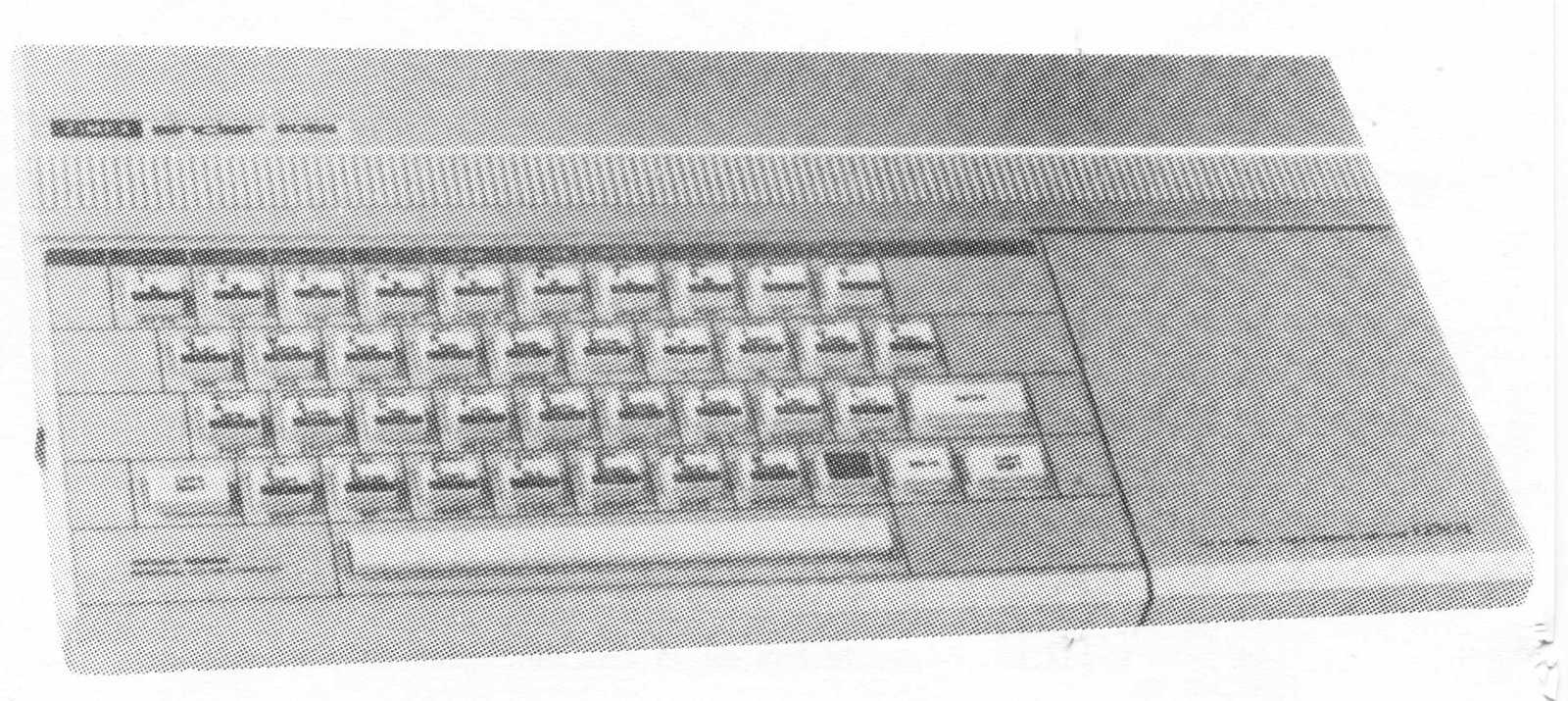
Does your TS2068 usually sit on a shelf doing nothing at all? Here is a program just for you. Your computer will be transformed into a full-time digital alarm clock and timer. Unlike most alarm clocks, two separate alarm times can be set, or you can set the alarm times about ten minutes apart, and the later time will act as a “snooze” alarm. Although the alarm times and the current time will be displayed, you do not need a television or monitor to use the alarm feature.
Type the program into your computer and save it using the command GOTO 9999. Now “ALARM CLOCK” will automatically start when you LOAD it. Since you may not be using a display, a BEEP signal will tell you when the program has been loaded. Now you can set the two alarm times and the start time, following the two steps below for each time.
1. Depress ONE of the following letters:
T….to set the Start Time
A….to set Alarm A
B….to set Alarm B
2. Depress the number and letter keys in the order that they would appear on a digital clock. Do not leave spaces, and do not use the SHIFT or ENTER keys. Also, “AM” or “PM” must follow the numerical time.
Any of the above times can be set in any order, and can be changed by setting them again. To use the clock only, it is not necessary to set any alarm times. Depressing CAPS-SHIFT and BREAK together will RUN the program, clearing all previously set times.
Example: The clock will be started at 8:30 PM, and you want the alarms to sound at 7:25 AM and 11:05 PM. Depress the keys as follows–“T830PMA725AMB1105PM”.
To use “ALARM CLOCK” as a timer, set the start time to 000PM or 000AM. Set one of the alarm times to the number of hours and minutes to be counted. Example: You want the alarm to sound in 5 hours and 32 minutes. Depress the keys as follows– “T000PMA532PM”. The maximum time can not be more than 12 hours and 59 minutes, and, if the starting time is followed by “AM”, then the alarm time should be followed by AM too.
If you are not using a television or monitor, you should verify all set times. Depress “VT” to verify Start Time. “VA” and “VB” will verify Alarm A and Alarm B times. The computer will BEEP the number of hours set, one BEEP for each hour. Then, it will BEEP the number of minutes, using a quick succession of ten BEEPS for each multiple of ten minutes, and the remaining minutes will be verified with single BEEPS again. Finally, a high pitched BEEP indicates “AM”, and a low pitched BEEP will will indicate “PM”. Example: Alarm B has been set at 8:35 AM. Depress “VB”. If the time was set correctly, you will hear 8 BEEPS, then 3 sets of 10 quick BEEPS, and then 5 more BEEPS. Finally, “AM” will be verified by a high pitched BEEP.
Once the times have been set, and verified if necessary, depress “S” to Start the clock. If you are not using a display, the “tick-tock” sound will let you know the clock is running. If the “ticking” sound is too loud, change the number 15 in Line 212 to a lower number. “0” will completely cancel the sound.
To stop an alarm which is already sounding, depress the SPACE BAR. The alarm will sound again in 24 hours. The alarm will automatically stop after one minute. To TURN OFF the alarms, depress the letter “C” (cancel alarms). The alarm times remain in memory, and depressing the letter “A” (Alarm) will turn the alarms ON again. The alarms can be turned on and off only while the clock is operating.
ACCURACY CORRECTION FACTOR
Look at Line 3 of the listing. CF is the “correction factor”, and it must be changed to equal the number of seconds gained or lost during a 24 hour period. A negative number will slow down the clock, and a positive number will speed it up. Example: After a day (24 hours) “ALARM CLOCK” gained 2 minutes and 57 seconds. This is equal to 177 seconds. Now change Line 3 to “LET CF= -177”. If “ALARM CLOCK” is still not accurate within one second per day, determine how many seconds fast or slow it is running. Subtract this number from the previously calculated value of CF to slow down the clock, or add it to speed it up. Example: Having changed Line 3 to “LET CF= -177”, your alarm clock was running slow at a rate of 2 seconds per day. Add 2 to -177, so now, “LET CF= -175. Note: The ON ERR command in Line 5 will prevent you from “breaking” into this program. To change the value of CF, you can MERGE the program, and then make the necessary changes.
Hope you enjoy this program, and look for an interesting graphics program that is scheduled to appear in an upcoming issue of TDM.
“` 1 REM ALARMCLOCK BY KENNETH FRACCHIA 3 LET CF=0: REM CF IS THE CORRECTION FACTOR, AND IS EQUAL TO THE NUMBER OF SECONDS GAINED OR LOST DURING A 24 HOUR PERIOD. A NEGATIVE NUMBER WILL SLOW DOWN THE THE CLOCK. A POSITIVE NUMBER WILL SPEED IT UP. 4 BORDER 0: INK 7: PAPER 0: L ET CF=CF/1440: CLS : DIM T$(6) 5 ON ERR GO TO 1 6 PRINT AT 12,0;”T,A,B-SET ST ART”;TAB 21;”A-TURN ON”;TAB 0;”A ND ALARM TIMES”;TAB 21;”BOTH ALA RMS” 7 PRINT AT 15,0;”VT,VA[illegible]VB-VER IFY”;TAB 21;”C-CANCELS”;TAB 0;”A BOVE TIMES”;TAB 21;”(TURNS OFF)” ;TAB 21;”BOTH ALARMS” 8 PRINT AT 18,0;”S-START CLOC K…”;TAB 3;”NOW USE”;TAB 3;”COM MANDS”;TAB 3;”AT RIGHT” 9 PRINT AT 10,0;”CAPS-SHIFT & BREAK TO RUN AGAIN” 10 POKE 23658,8: LET B$=”Y”: L ET H=0: LET M=0: LET S=0: LET AH =0: LET AM=0: LET BH=0: LET BM=0 : LET Y=0: LET Z=0: LET W=0: LET M$=””: LET N$=””: LET O$=””: DI M T$(6): FOR x=1 TO 5: BEEP .2,2 : NEXT x 15 IF INKEY$<>”” THEN GO TO 15 17 IF INKEY$=”” THEN GO TO 17 18 IF INKEY$=”S” THEN GO TO 20 7 19 IF INKEY$=”B” THEN LET W=1: GO TO 35 20 IF INKEY$=”T” THEN LET Z=1: GO TO 35 25 IF INKEY$=”A” THEN LET Y=1: GO TO 35 26 IF INKEY$=”V” THEN BEEP .1, 5: GO TO 300 30 GO TO 15 35 BEEP .1,5 36 FOR X=1 TO 6 40 IF INKEY$<>”” THEN GO TO 40 42 IF INKEY$=”” THEN GO TO 42 45 LET I$=INKEY$: BEEP .1,5 50 LET T$(X)=I$ 55 IF I$=”M” THEN GO TO 65 60 NEXT X 65 IF T$(5)=”M” THEN LET T$(2 TO 6)=T$(1 TO 5): LET T$(1)=”” 66 IF T$(5 TO 6)<>”AM” AND T$( 5 TO 6)<>”PM” THEN BEEP 1,-20: G O TO 15 67 IF T$(1)<>” ” AND T$(1)<>”1 ” THEN BEEP 1,-20: GO TO 15 68 IF T$(2)<“0″ OR T$(2)>”9” O R T$(3)<“0″ OR T$(3)>”5” OR T$(4 )<“0″ OR T$(4)>”9″ THEN BEEP 1,- 20: GO TO 15 69 IF T$(1)=”1″ AND T$(2)>”2” THEN BEEP 1,-20: GO TO 15 70 IF Z=1 THEN LET H=VAL T$(1 TO 2): LET M=VAL T$(3 TO 4): LET M$=T$(5 TO 6): PRINT AT 4,11;”S TART TIME “‘AT 6,12;T$(1 TO 2); “:”;T$(3 TO 4);” “;T$(5 TO 6): L ET Z=0: GO TO 15 75 IF Y=1 THEN LET AH=VAL T$(1 TO 2): LET AM=VAL T$(3 TO 4): L ET N$=T$(5 TO 6): PRINT AT 0,5;” ALARM-A”‘AT 2,4;T$(1 TO 2);”:”;T $(3 TO 4);” “;T$(5 TO 6): LET Y= 0: GO TO 15 80 IF W=1 THEN LET BH=VAL T$(1 TO 2): LET BM=VAL T$(3 TO 4): L ET O$=T$(5 TO 6): PRINT AT 0,21; “ALARM-B”‘AT 2,21;T$(1 TO 2);”:” ;T$(3 TO 4);” “;T$(5 TO 6): LET W=0: GO TO 15 207 LET S1=PEEK 23672+60-CF: IF S1>=256 THEN LET S1=S1-256 208 PRINT AT 4,11;” H M S ” 210 PRINT AT 6,12;(” ” AND H<10 )+STR$ H;TAB 15;”:”;TAB 16;(“0″ AND M<10)+STR$ M;TAB 19;”:”;TAB 20;(“0″ AND S<10)+STR$ S;TAB 23; M$ 211 SOUND 8,0;9,0;10,0 212 SOUND 7,31;10,15;10,0 213 IF S=0 THEN LET A$=”A” 214 IF ((H=AH AND M=AM AND M$=N $) OR (H=BH AND M=BM AND M$=O$)) AND A$=”A” AND B$=”Y” THEN GO T O 400 216 IF INKEY$=”A” THEN LET B$=” Y”: SOUND 7,56;1,1;3,1;5,1;8,15; 9,15;10,15: PRINT AT 1,7;” ” 217 IF INKEY$=”C” THEN LET B$=” N”: SOUND 7,56;1,3;3,3;5,3;8,15; 9,15;10,15: PRINT FLASH 1;AT 1,7 ;”OFF”;AT 1,23;”OFF” 218 LET P=PEEK 23672 220 IF ABS (S1-P)>3 THEN GO TO 218 227 LET S1=S1+60-CF: IF S1>=256 THEN LET S1=S1-256 229 LET S=S+1 230 IF s=60 THEN LET m=m+1: LET s=0 235 IF m=60 THEN LET h=h+1: LET m=0 240 IF h=13 THEN LET h=1 245 IF M$=”PM” AND H=12 AND M=0 AND S=0 THEN LET M$=”AM”: GO TO 209 247 IF M$=”AM” AND H=12 AND M=0 AND S=0 THEN LET M$=”PM” 250 GO TO 210 300 IF INKEY$<>”” THEN GO TO 30 0 302 IF INKEY$=”” THEN GO TO 302 303 IF INKEY$=”T” THEN LET F=H: LET G=M: LET E$=M$: GO TO 307 304 IF INKEY$=”A” THEN LET F=AH : LET G=AM: LET E$=N$: GO TO 307 305 IF INKEY$=”B” THEN LET F=BH : LET G=BM: LET E$=O$: GO TO 307 306 GO TO 300 307 BEEP .1,5: FOR X=1 TO 200: NEXT X 308 FOR X=1 TO F: BEEP .7,5: NE XT X: FOR X=1 TO 80: NEXT X 309 LET IN=INT (G/10) 310 FOR Q=1 TO IN: FOR R=1 TO 1 0: BEEP .03,5: NEXT R: FOR X=1 T O 15: NEXT X: NEXT Q 312 FOR X=1 TO 80: NEXT X: FOR X=1 TO G-10*IN: BEEP .7,5: NEXT X: FOR X=1 TO 80: NEXT X 313 IF E$=”AM” OR E$=”PM” THEN BEEP 1.5,(25 AND E$=”AM”)-(15 AN D E$=”PM”) 314 GO TO 15 400 SOUND 7,56;1,1;3,1;5,1;8,15 ;9,15;10,15 402 IF INKEY$=”” THEN GO TO 215 406 IF INKEY$=” ” THEN LET A$=” C” 410 GO TO 215 9999 SAVE “ALARMCLOCK” LINE 1 “`