
   1 REM NEWSLETTER NAME FILE
   2 REM BY STAN PIOTROWSKI
   3 REM JANUARY  1984
   4 REM
   5 REM
  10 GOTO 9000
  20 PRINT R$(I,1 TO 26)
  22 PRINT R$(I,27 TO 49)
  24 PRINT R$(I,50 TO 57)
  26 PRINT R$(I,58 TO 69)
  28 PRINT R$(I,70 TO 76)
  30 PRINT R$(I,77 TO 88)
  32 RETURN
 100 FAST
 110 CLS
 120 PRINT AT 6,6;"NAME/ADDRESS
FILE"
 130 PRINT TAB 6;"\::\::\::\::\::\::\::\::\::\::\::\::\::\::
\::\::\::\::"
 140 PRINT ,,TAB 6;"1. ADD"
 150 PRINT TAB 8;"2. DELETE"
 160 PRINT TAB 6;"3. SORT"
 170 PRINT TAB 6;"4. LIST"
 180 PRINT TAB 8;"5. SEARCH"
 190 PRINT TAB 8;"6. SAVE"
 200 PRINT ,,TAB 7;"ENTER A NUMB
ER"
 210 SLOW
 220 IF INKEY$<"1" OR INKEY$>"6"
 THEN GOTO 220
 230 GOTO 1000*VAL INKEY$
1000 FAST
1010 CLS
1020 LET N=N+1
1030 IF N>51 THEN GOTO 9600
1040 PRINT ,,,,"ADD NEW RECORD T
O FILE"
1050 PRINT L$
1060 PRINT ,,,,"NAME: (SURNAME F
IRST)"
1065 SLOW
1070 INPUT N$
1080 PRINT AT 6,6;N$
1090 PRINT ,,"ADDRESS: ";
1100 INPUT A$
1110 PRINT A$
1120 PRINT ,,"CITY/TOWN: ";
1130 INPUT T$
1140 PRINT T$
1150 PRINT ,,"POSTAL CODE: ";
1160 INPUT C$
1170 PRINT C$
1180 PRINT ,,"PHONE NUMBER: ";
1190 INPUT P$
1200 PRINT P$
1210 PRINT ,,,,TAB 6;"ALL CORREC
T? (Y/N)"
1220 IF INKEY$="N" THEN GOTO 130
0
1230 IF INKEY$="Y" THEN GOTO 150
0
1240 GOTO 1220
1300 FAST
1310 CLS
1320 PRINT AT 8,6;"RECORD ";N;"
CANCELLED"
1330 PRINT ,,,,TAB 9;"PRESS A KE
Y"
1340 PAUSE 4E4
1350 LET N=N-1
1360 GOTO 1000
1500 FAST
1510 CLS
1520 LET R$(N,1 TO 26)=N$
1530 LET R$(N,27 TO 49)=A$
1540 LET R$(N,50 TO 69)=T$
1550 LET R$(N,70 TO 76)=C$
1570 LET R$(N,77 TO 88)=P$
1580 PRINT AT 8,9;"ADD ANOTHER R
ECORD? (Y/N)"
1590 PAUSE 4E4
1600 IF INKEY$="Y" THEN GOTO 100
0
1610 GOTO 100
2000 FAST
2010 CLS
2020 PRINT AT 6,0;"ENTER RECORD
NUMBER TO DELETE:"
2030 SLOW
2040 INPUT X$
2050 FAST
2060 IF X$<"1" OR X$>STR$ N THEN
 GOTO 2200
2065 CLS
2066 LET I=VAL X$
2070 GOSUB 20
2075 PRINT ,,"IS THIS THE RECORD
 TO DELETE? YN"
2076 PAUSE 4E4
2077 IF INKEY$="Y" THEN GOTO 208
0
2078 GOTO 100
2080 LET Z=VAL X$
2090 FOR I=Z TO N-1
2100 LET R$(I)=R$(I+1)
2110 NEXT I
2120 LET R$(N)=""
2130 LET N=N-1
2140 PRINT AT 10,0;"RECORD ";X$;
" HAS BEEN DELETED"
2150 GOTO 2230
2200 FAST
2210 CLS
2220 PRINT AT 6,2;"RECORD ";X$;"
 IS NOT ON FILE"
2230 PRINT AT 20,2;"DELETE ANOTH
ER RECORD? (Y/N)"
2235 PAUSE 4E4
2240 IF INKEY$="Y" THEN GOTO 200
0
2250 GOTO 100
3000 FAST
3010 CLS
3020 FOR P=N-1 TO 1 STEP -1
3030 FOR Q=1 TO P
3040 IF R$(Q,1 TO 26)<=R$(Q+1,1
TO 26) THEN GOTO 3100
3050 LET W$=R$(Q)
3060 LET R$(Q)=R$(Q+1)
3070 LET R$(Q+1)=W$
3100 NEXT Q
3110 NEXT P
3120 PRINT AT 8,6;"ALL RECORDS S
ORTED"
3130 PRINT ,,TAB 6;"PRESS A KEY
FOR MENU"
3140 PAUSE 4E4
3150 GOTO 100
4000 FAST
4010 CLS
4020 LET I=1
4030 PRINT "NO. ";TAB 9;"NAME"
4040 PRINT L$
4050 PRINT I;TAB 4;R$(I,1 TO 25)
4060 LET I=I+1
4070 IF I>N THEN GOTO 4400
4080 IF PEEK 16442>4 THEN GOTO 4
050
4085 PRINT AT 21,0;"C=CONTINUE,
P=PRINTOUT, M=MENU"
4090 PAUSE 4E4
4100 IF INKEY$="P" THEN GOTO 420
0
4110 IF INKEY$="C" THEN GOTO 430
0
4120 IF INKEY$="M" THEN GOTO 100
4130 GOTO 4090
4200 COPY
4210 GOTO 4080
4300 CLS
4310 GOTO 4030
View the printed page (Newsletter Name File listing, lines 1-4310 (part 1))
4400 PRINT AT 20,4;"NO MORE RECO
RDS ON FILE"
4410 GOTO 4085
5000 FAST
5005 LET G$="N"
5010 CLS
5020 PRINT AT 8,0;"ENTER NAME TO
 SEARCH"
5022 SLOW
5025 INPUT K$
5030 LET S$=K$+"
         "
5032 LET S$=S$(1 TO 26)
5035 FAST
5040 LET I=1
5050 IF S$=R$(I,1 TO 26) THEN GO
TO 5100
5060 LET I=I+1
5070 IF I>N THEN GOTO 5090
5080 GOTO 5050
5090 CLS
5094 PRINT AT 20,4;"PRESS A KEY
FOR MENU"
5095 PRINT AT 12,(31-LEN K$)/2;K
$
5096 IF G$="Y" THEN PRINT AT 8,4
;"NO MORE MATCHES FOR"
5097 IF G$="N" THEN PRINT AT 8,8
;"NO MATCHES FOR"
5098 PAUSE 4E4
5099 GOTO 100
5100 CLS
5105 PRINT AT 3,5;"RECORD NUMBER
 ";I
5106 PRINT ,,,,
5107 LET G$="Y"
5110 GOSUB 20
5120 PRINT AT 20,0;"P=PRINTOUT,
C=CONTINUE, M=MENU"
5130 PAUSE 4E4
5140 IF INKEY$="P" THEN GOTO 520
0
5150 IF INKEY$="M" THEN GOTO 10[illegible]
5160 IF INKEY$="C" THEN GOTO 530
0
5170 GOTO 5130
5200 COPY
5210 GOTO 5120
5300 CLS
5320 LET I=I+1
5330 GOTO 5050
6000 FAST
6010 CLS
6020 PRINT AT 8,0;"ENSURE TAPE R
ECORDER IS ON"
6030 PRINT ,,"THE RECORD MODE TH
EN PRESS A KEY"
6040 PAUSE 4E4
6050 SAVE "NAME FIL[illegible]"
6060 GOTO 100
9000 DIM R$(50,88)
9010 DIM N$(26)
9020 DIM A$(23)
9030 DIM T$(20)
9040 DIM C$(7)
9050 DIM P$(12)
9060 DIM W$(88)
9070 DIM S$(26)
9100 LET N=0
9110 LET L$="--------------------
--------------"
9200 GOTO 100
View the printed page (Newsletter Name File listing, lines 4400-9200 (part 2))
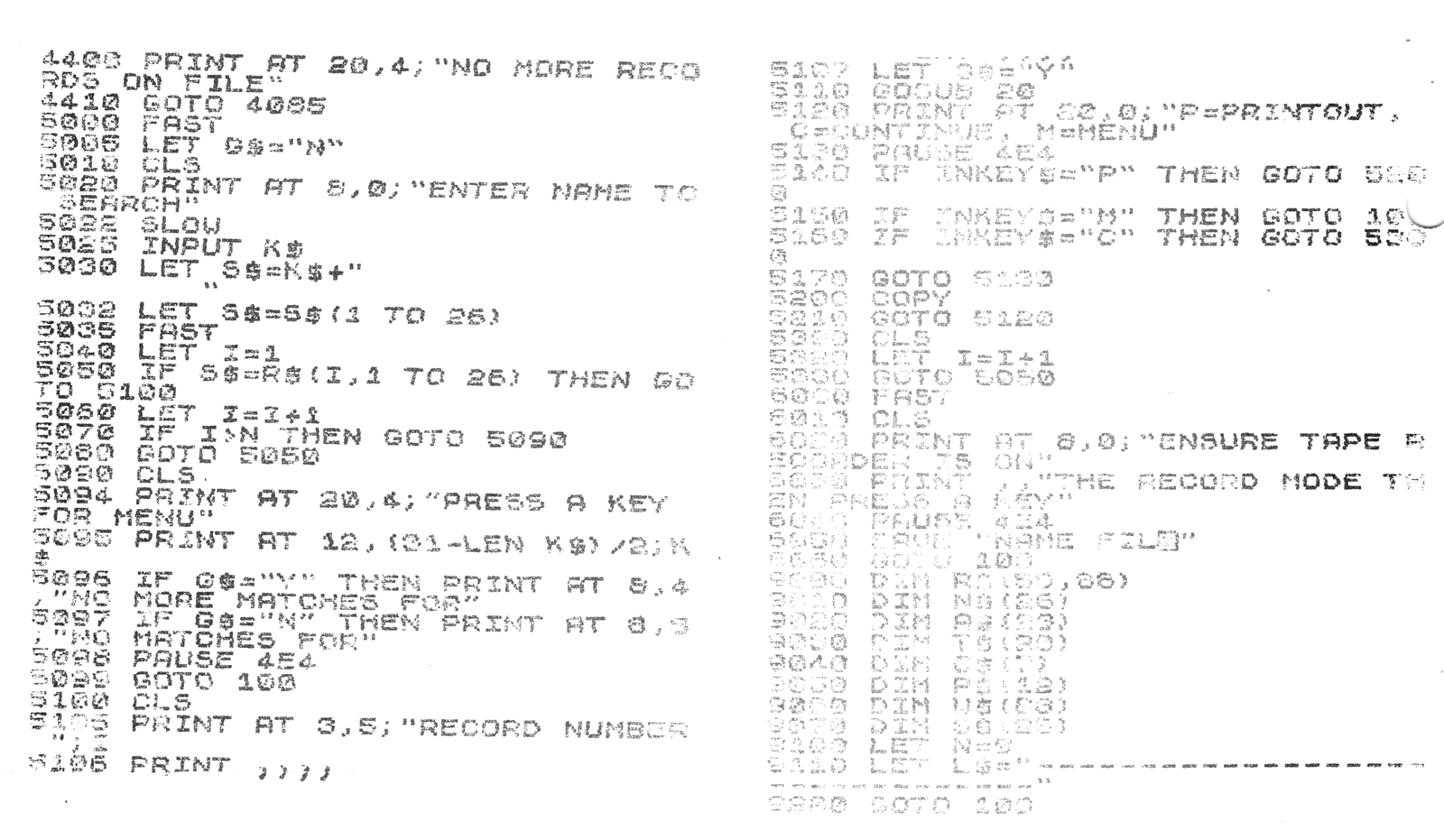
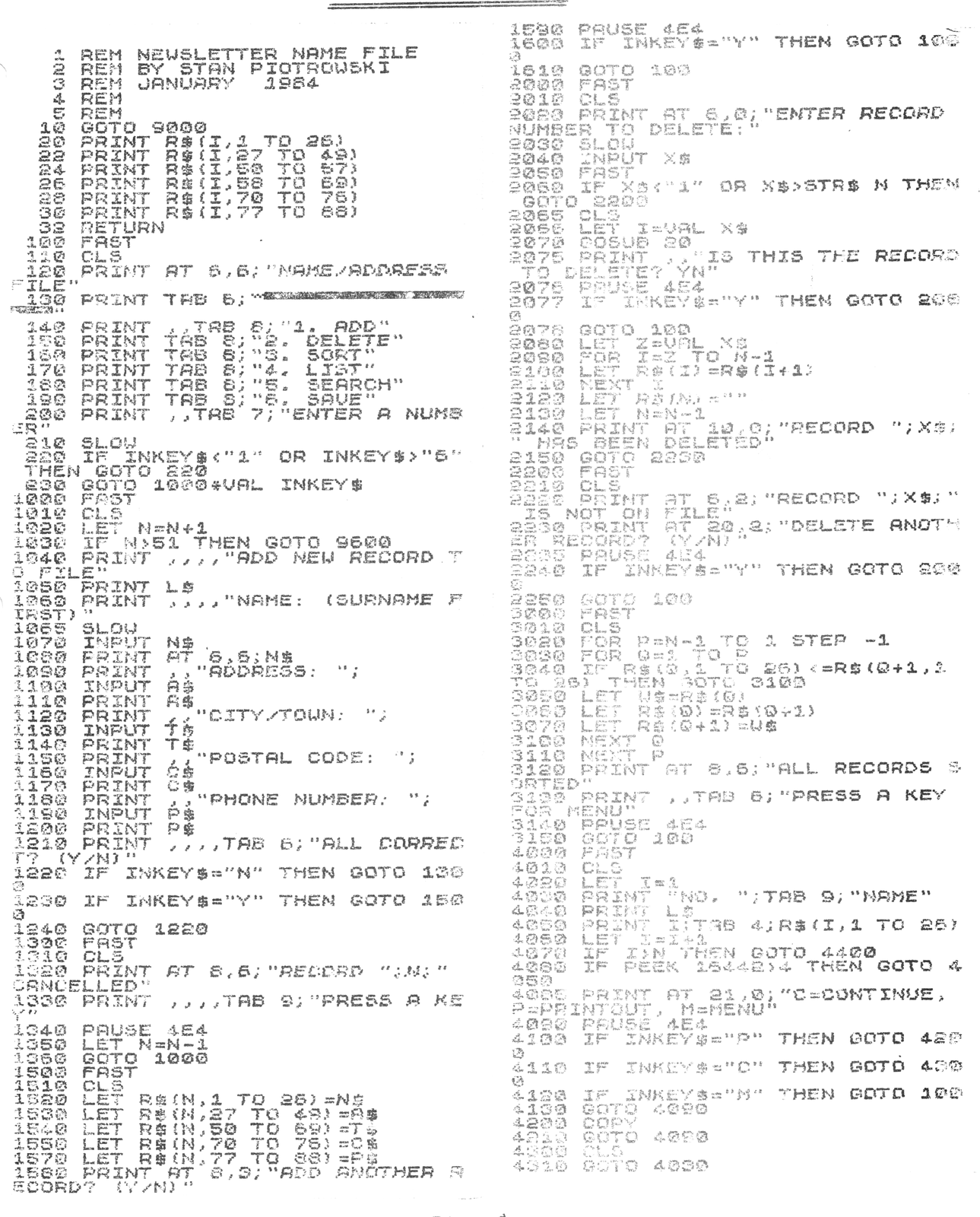
The above program is the one we have been discussing in the earlier Newsletters. Since some of the program lines were not clear and we have some new members, I thought that you would like to see the program in its entirety. For those of you who have been learning along since the beginning, the last set of lines to add are the ones starting at 3000. This deals with SORTING the files alphabetically. The routine used is a simple “Bubble Sort”. I’ll explain how it works and you can go through the algorithms to see the logic.
Basically, the sort compares the 2 consecutive records character by character and the first time it encounters a difference, it checks to see which has a higher value. If the first record has a higher value than the second one, an exchange is made. (See lines 3040 to 3070). Since the computer cannot make a straight exchange, it assigns the first record number to a different variable; it then assigns the second varibale to the first record; lastly, it assigns the second record to equal the new or floating variable. It continues on up until it finds the end then starts over again until each and every record has been compared with each other. (The record ‘BUBBLES’ up to the top.).
If you check the ‘Character Set’ in the back of the ZX-81 manual, you will see that each character is assigned a decimal value. For example, the number 2 is assigned the value 30 while the letter ‘A’ is assigned the value 38. When sorting, the computer converts the record characters to numbers and compares the numbers; if the number it is comparing is a higher value, then the records are switched around. That’s the reason why a record with a number precedes a record with a letter as their first characters.
That’s it for now on Basic programming. The following Newsletters will deal with expanding this program to include partial record searches and how to change the program to be something else such as cataloging magazine articles or record albums. You now have the “Basic Skeleton” so you only have to change the titles and/or DIMensions to suit your needs.
Media
Note: Type-in program listings on this website use ZMAKEBAS notation for graphics characters.