
FONT LOADER
One of my interests is collecting character sets or fonts and storing them on a disk with the following loader.
1 REM qqq[illegible]bCODE 2?P2A\;F\ RETURN COPY LINE ATTR ;*]\):PEEK (?#####) REM PEEK BIN COPY n
10 REM [illegible]
20 OUT 34,0
30 POKE 23606,0: POKE 23607,60
100 INPUT "address? (eg,51200)";'add
110 RANDOMIZE add: POKE 23540,PEEK 23670: POKE 23541,PEEK 23671
120 LET lsb=PEEK 23670: LET msb=PEEK 23671
125 PRINT "lsb= ";lsb,"msb= ";msb
130 PAUSE 120
210 CLS : INPUT "name? (eg, heavy2.C1)"'n$: RANDOMIZE USR 26720: REM move n$
220 POKE 23606,lsb: POKE 23607,msb-1
290 CLS
300 FOR i=32 TO 255
310 PRINT CHR$ i;
320 NEXT i
330 STOP
400 RANDOMIZE USR 26720: REM save "fontld.B1
410 RUN
View the printed page (Font loader listing (REMDOS))
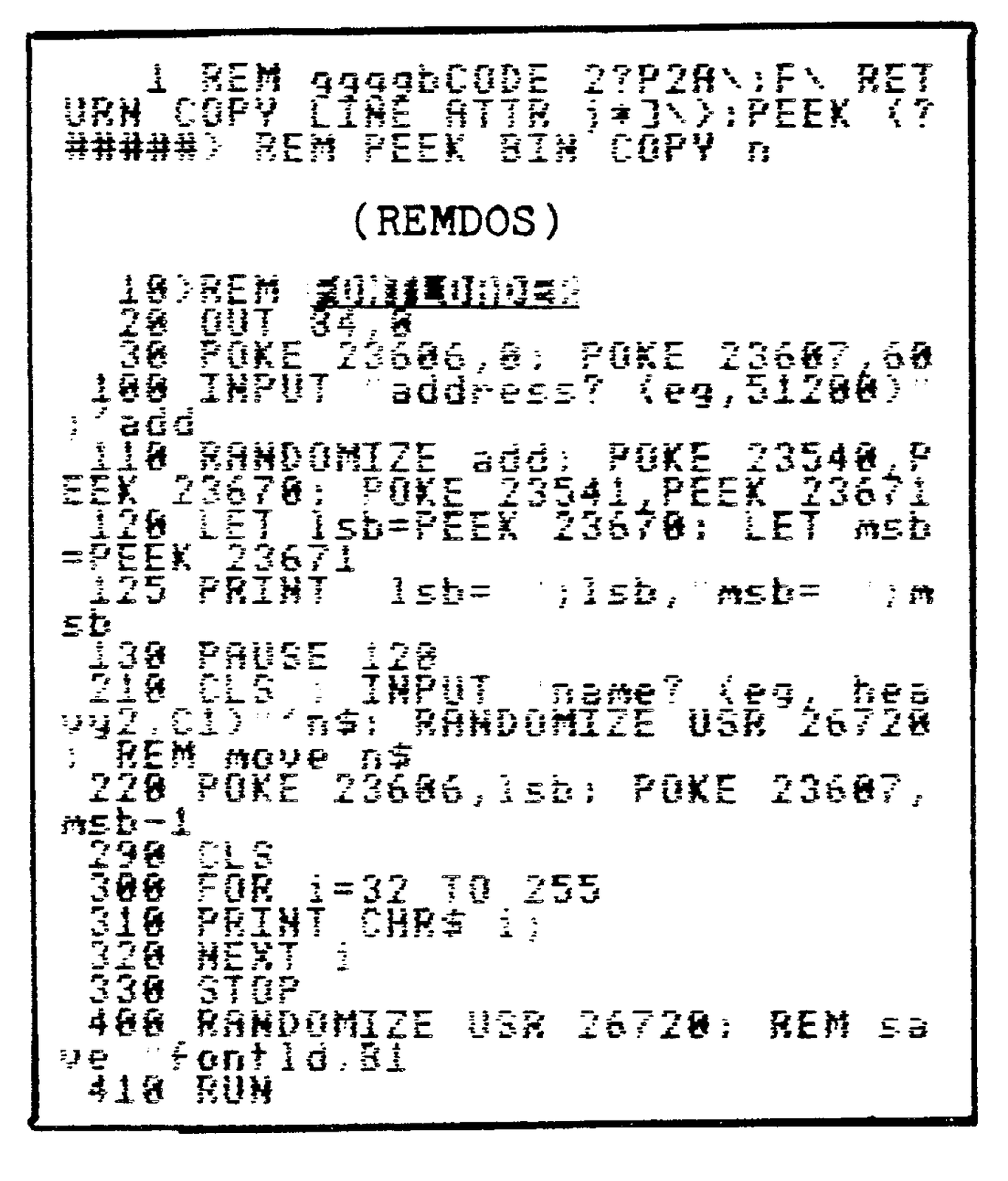
At line 1 is the visible part of REMDOS, a disk version of the Larken DOS which I merged into the program from tape. These disk LDOS’s allow for extra commands and the use of variable names when saving, etc. One of the extra commands is “move” which allows code to be loaded to a different address than the one it was originally saved to.
So, the loader makes use of these features to allow you to select a font by name from your disk directory and then load it into memory starting at any address you choose.
After you input your choice of start address at line 100, it is RANDOMIZED, storing the lsb and msb automatically in addresses 23670/1. These are POKED into addresses 23540/1 for later use with the “move” command.
The lsb and msb values appear on the screen briefly and you should write them down.
You are then prompted for the name of the font you wish to load. Enter it exactly as it appears on the directory with no quotes.
This set is then moved to the new address and then addresses 23606/7 are POKED with values lsb and msb-1.
When you want to use the loader, make sure you pick a RAM area which will not clash with the BASIC program or any other m/c you are going to load in.
When your programs are entered, you will have to re-POKE 23606/7 with the values lsb and msb-1.
Because the Sinclair font is so light, it is best replaced by a heavier set in any program where you usually make a 2040 copy. This may be done in other ways than the one described above. For example, you could “move” the code to a suitable address and save it to disk, then “load” it along with your program each time you use it. Or you could put the code into DATA statements and POKE it to the proper address each time you load your program.
In the Aug/Sep issue, my item about the ON ERR routine for the Spectrum has an error (mine) in line 8 of column 2. It should read (obviously) POKE 23610,255.
In Rename (same issue), I later found that an EI (enable interrupt routine) can be more easily accomplished by:
RANDOMIZE USR 31so let ei=31 and leave out line 20. This ROM call is the same for both TS2068 and Spectrum. In case you are interested I used my EDITOR program (copy in club tape library) to search for the string FBC9 (the enable interrupt bytes). The search took a second or so to locate three locations in the entire ROM.
BOB MITCHELL SEP 86
Media
Note: Type-in program listings on this website use ZMAKEBAS notation for graphics characters.