
Announcing a new software…
Vol. 1, No. 1
March 1987
New Program For The TIMEX 2068 Allows User To Layout Pages For Memos, Reports, Bulletins, Newsletters, Documents & Bulletins
Desktop publishing is now possible for the Timex 2068 and the Spectrum computers!
You are reading a document prepared using a new software now available called “DESKTOP PUBLISHER.”
The program allows the user to create announcements, reports, bulletins, etc. with professional-looking results.
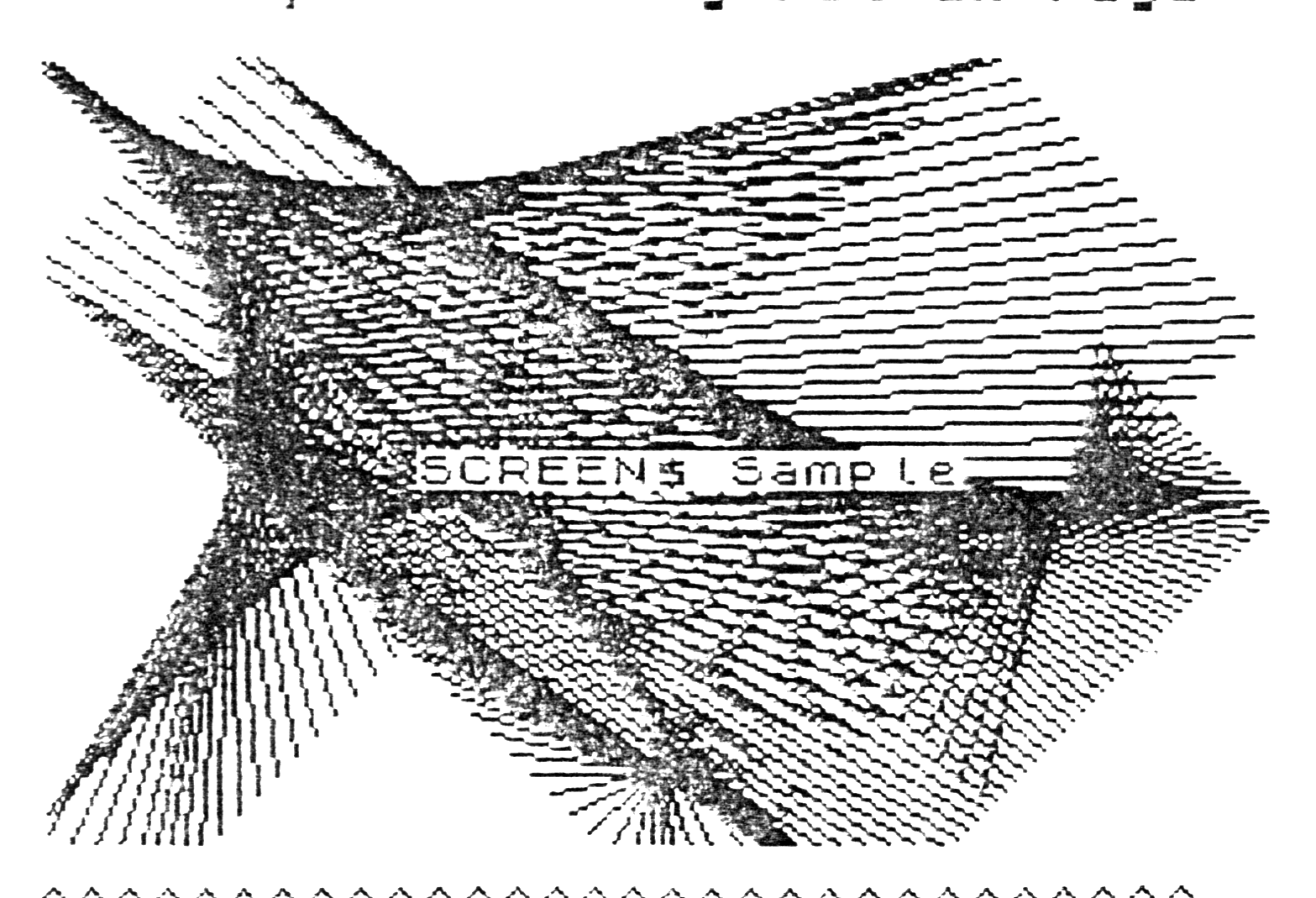
Headlines, SCREEN$ and text can be placed anywhere on the page.
The software will work with any dot-matrix printer with an ability to COPY the screen. Even the 2040 printer gives excellent results.
Text can be typed in REM statements which is then automatically placed in the proper position on the columns with a “word-wrap” feature. Or the text can be typed in directly for more exact positioning of text as the user wants it.
By creating one’s own art-work or illustration with a SCREEN$ save, the user then inserts it into the “source file” by pressing a key. Then the SCREEN$ can be placed anywhere on the page where there is room. If the SCREEN$, text or headlines need switching to another column or re-arranged, just follow the prompts in the program and PRESTO! — it’s done!
The software comes on a cassette tape and includes comprehensive, step-by-step instructions to help the user get acquainted with the many features of the program. The tape also includes a program to create different font-styles to make your own shape of letters. This font is “bold face” for clearer copying and reading.
So, instead of using glue, razor knife, scissors, a ruler and the headache of getting it all straight on the page, the “DESKTOP PUBLISHER” does it all for you. If you are publishing a user’s group newsletter, PTA, church bulletin, or whatever, this program may be just what you need for inexpensive, yet neat-looking reports!
Creates Its Own Sized Headlines
Creating headlines is a special feature of this program which offers several sizes and thicknesses. Large letters can be printed with “shadow” effect or outlined as the above headline illustrates on this page. Large headlines can take up to 16 letters to a column or smaller letters can take up to 32 spaces a column.
By creating your own font as Old English, Data Type, Italic, etc., you have the option of making headlines to match that type.
SCREEN$ Are Easily Put On Page
Send $19.95 + 1.25 for postage and handling to:
Charles Stelding
1415 South Baxter
Tyler, Texas 75701