


A new house. A new neighborhood. We’ve all been through it. Last time, I remembered, it took me two or three years before I met most of the people on my block. This move, I was determined that would not happen.
My solution? An open house a few weeks after I moved in. It forced me to get settled fast; I didn’t want my neighbors climbing over packing cartons.
I didn’t know how many people to expect and whether I’d be able to entertain them all at once, so I set up two computers (borrowed from work) on the lower floor. One was an Apple, the other a ZX-80.
Naturally the Apple equipped with two ALF music synthesizers playing stereo music (accompanied by spectacular color graphics of the notes being played attracted the most initial attention).
But then some people discovered the Sinclair in the other room. “What’s this?” and “It can’t be a real computer” were the typical comments.
I had seven or eight games on tapes, some of which I loaded in and demonstrated. Some people were interested. Others started drifting back to the wine and cheese. Then I loaded in Draw a Picture.
This was the first program I had ever keyed into the ZX-80. I was looking for a short program to try out the machine, and I was interested in the graphics. This seemed ideal. And so it was.
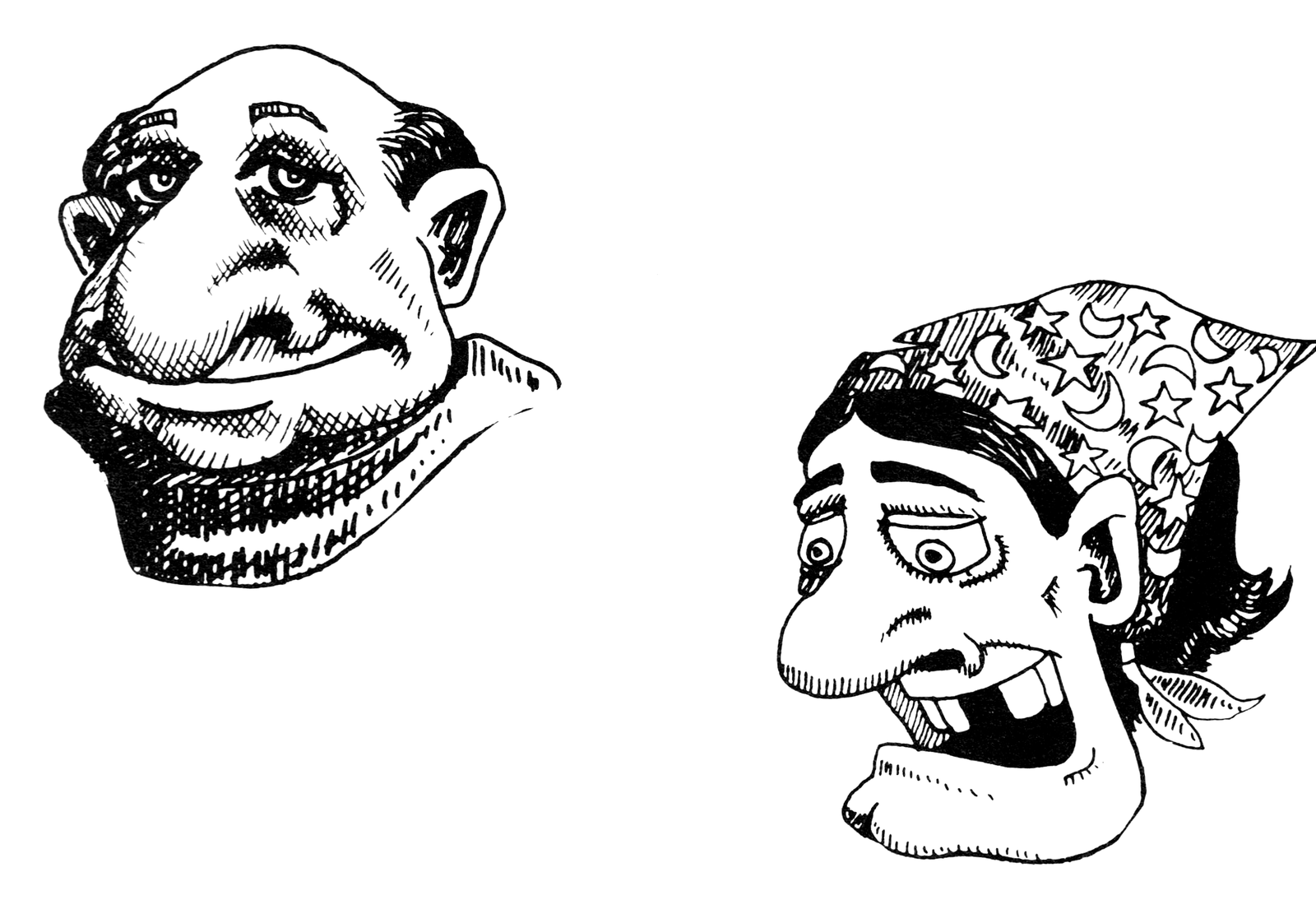
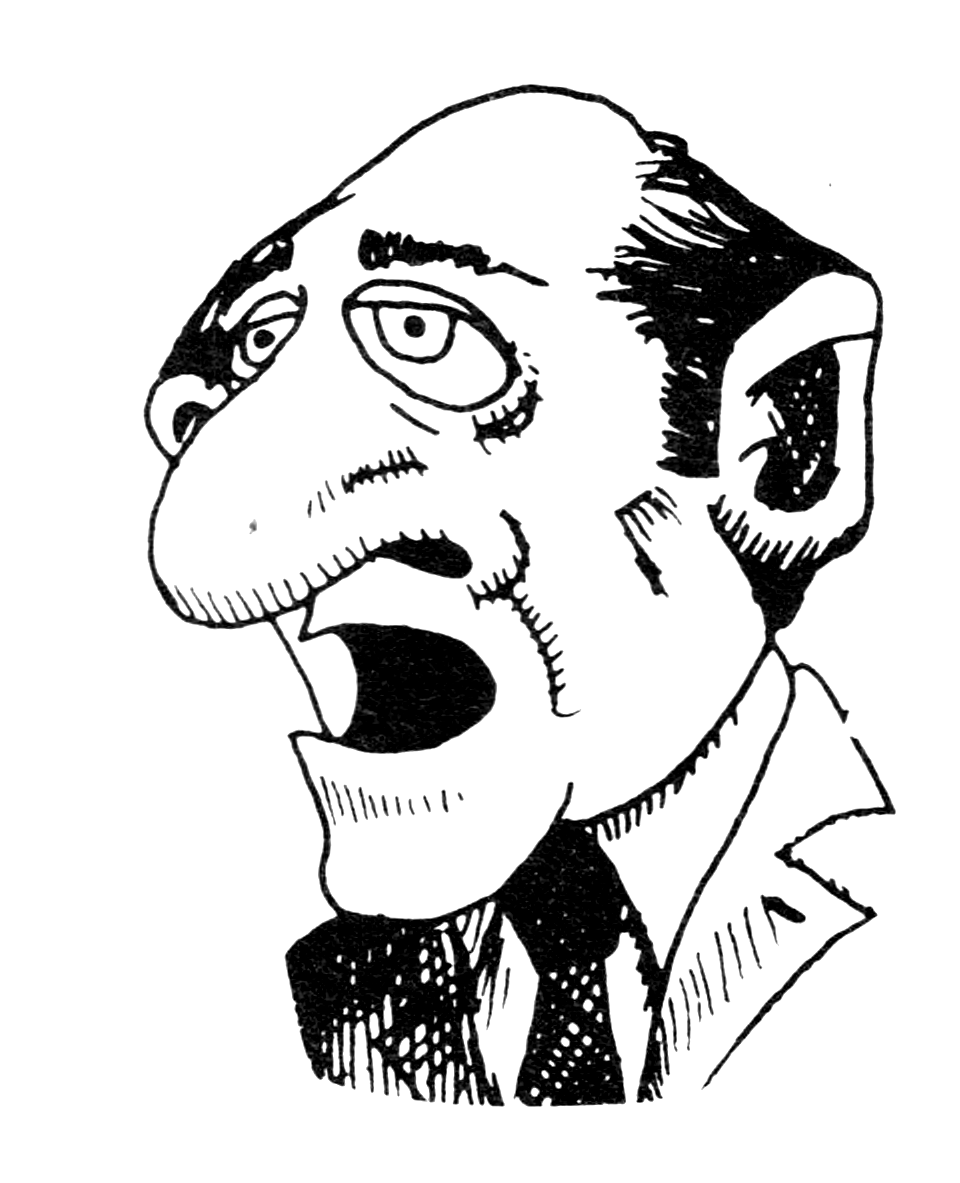
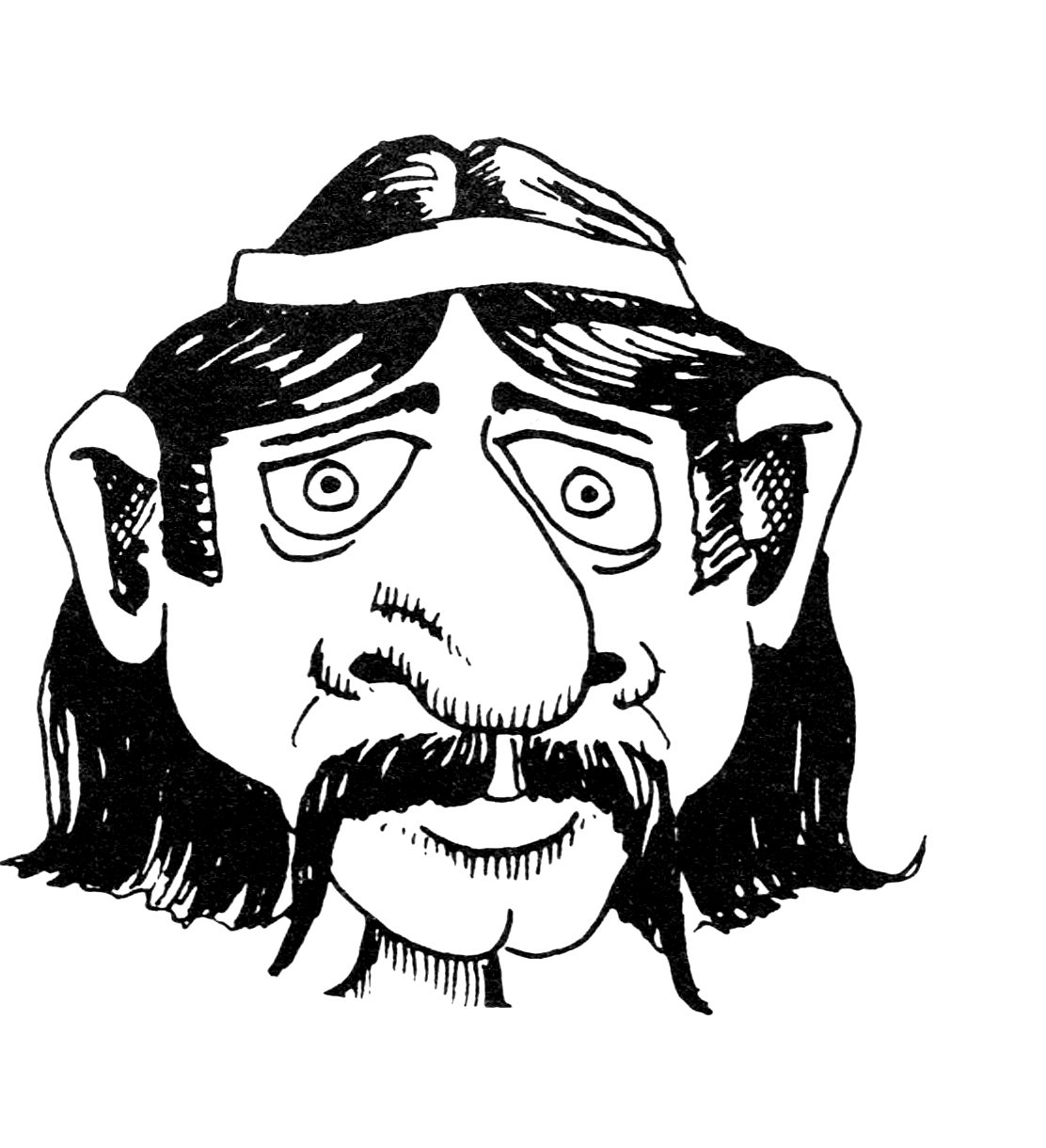
Within 15 minutes I had made a face. (Why is the first thing one usually drawas with paint, computer or charred stick usually a smiling face?) I changed the expression, ears, nose, eyebrows and all the other features at least five times. What fun I think I skipped lunch that day.
My guests also made faces on the ZX-80. First a happy face. “Oh, let me try” said one previously timid woman. She made a face with a large beard. Another woman felt that a squarish, robot-type face was more appropriate.
At this point I broke through the crowd and quickly “drew” a small dog. After all, I reasoned, computers can do more than draw faces. But alas, they would have none of it, and I was unceremoniously elbowed aside for yet another face.
As the guests drifted out, I noticed that the computer crowd downstairs was showing no such inclination. Interestingly enough, this time the Apple had been deserted and the crowd was around the ZX-80 with Draw a Picture.
You too can draw faces with your ZX-80. You can draw small dogs, or even other things like boats, flowers and space ships. But don’t try to do it with a crowd standing around; all they want are faces.
Draw a Picture is from 30 Programs for the ZX-80, published by Melbourne House, Glebe Cottage, Gleebe House, Station Road, Cheddington, Leighton Buzzard, Bedfordshire, England, and costs $14.95 in the U.S. or £7.45 in the U.K.
100 PRINT
110 PRINT
120 PRINT "SIZE PAD (3 - 7)?"
130 INPUT N
140 IF N < 3 OR N > 7 THEN TO TO 120
150 DIM A (N * N - 1)
200 CLS
210 FOR K = 1 TO N
220 LET J = N + 1 - K
230 PRINT J,
240 FOR I = 1 TO N
250 PRINT CHR$ (A(J - N - 1 + N * I));
260 NEXT I
270 PRINT
280 NEXT K
290 PRINT
300 PRINT ,
310 FOR I = 1 TO N
320 PRINT I;
330 NEXT I
340 PRINT
400 PRINT "ENTER COORD"
410 INPUT X
420 IF X = 0 THEN GO TO 500
430 PRINT X
440 LET J = X / 10
450 LET I = X - 10 * J
460 PRINT "ENTER CHAR CODE"
470 INPUT X
480 LET A(J - N - 1 + N * I) = X
490 GO TO 200
500 PRINT "CODES USED:"
510 FOR K = 1 TO N
520 LET J = N + 1 - K
530 PRINT "LINE:"; J,
540 FOR I = 1 TO N
550 PRINT A(J - N - 1 + N * I);" ";
560 NEXT I
570 PRINT
580 NEXT K
71 72 73 74 75 76 77 61 62 63 64 65 66 67 51 52 53 54 55 56 57 41 42 43 44 45 46 47 31 32 33 34 35 36 37 21 22 23 24 25 26 27 11 12 13 14 15 16 17
When the program says “ENTER COORD,” enter a single number from the grid numbering diagram. If you enter 0, the program will give you a summary of what codes you used at each location. When the program says “ENTER CHAR CODE,” enter the code of the graphics character you want to appear on the screen. If you want to erase a previous character, enter 0.
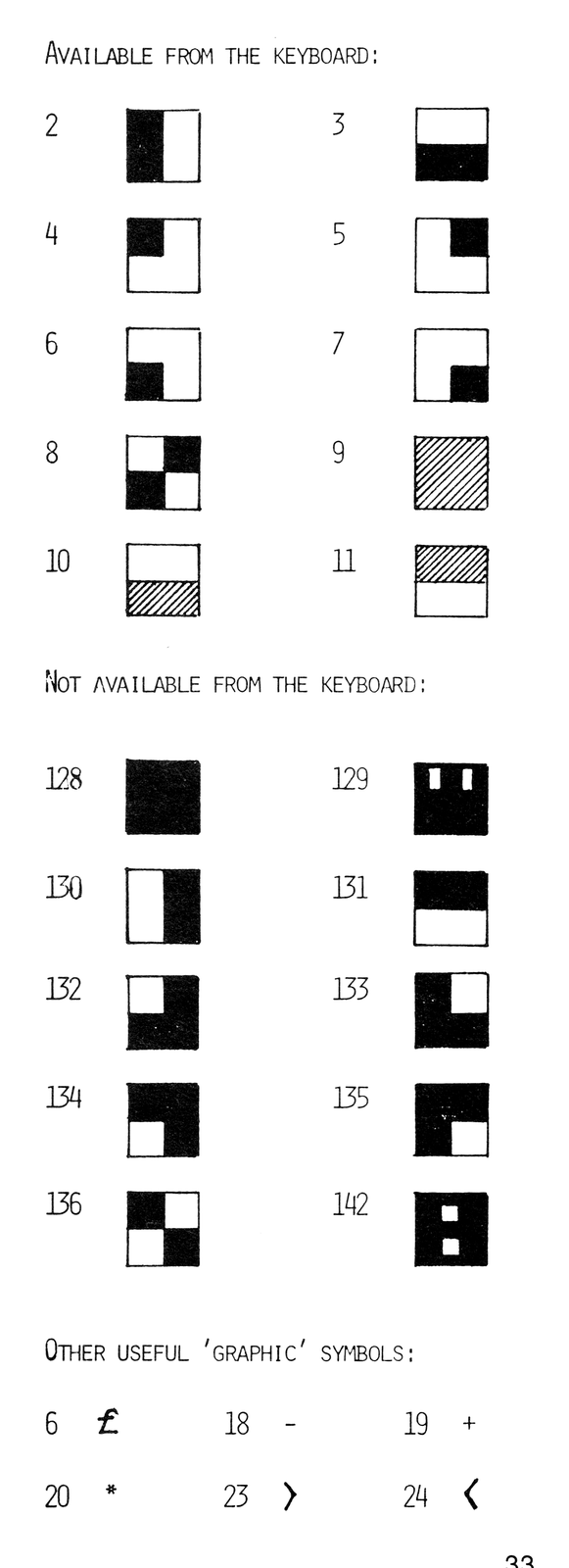
Note: Type-in program listings on this website use ZMAKEBAS notation for graphics characters.