
Pseudo-Glitchoidz
From time to time readers call our attention to “Glitchoidz” they have met in entering programs. However, on closer examination we find that these are “pseudo-Glitchoidz” because the problem is not in the listing. You can avoid these “pseudo-Glitchoidz” by paying close attention to the following suggestions:
1) Before starting to enter a program, note the ROM requirements as shown in the upper right or left corner of the first page of the article. A 4K ROM program is for a ZX80 or MicroAce; an 8K ROM program is for the upgraded ZX80 or MicroAce, the ZX81, and the Timex/Sinclair 1000. You cannot enter a 4K ROM program on an 8K ROM machine or vice versa without translation. This seems to be the most common problem new users encounter. Wherever possible we give both listings. Usually 4K ROM programs can be translated to the 8K ROM, but the reverse is often difficult.
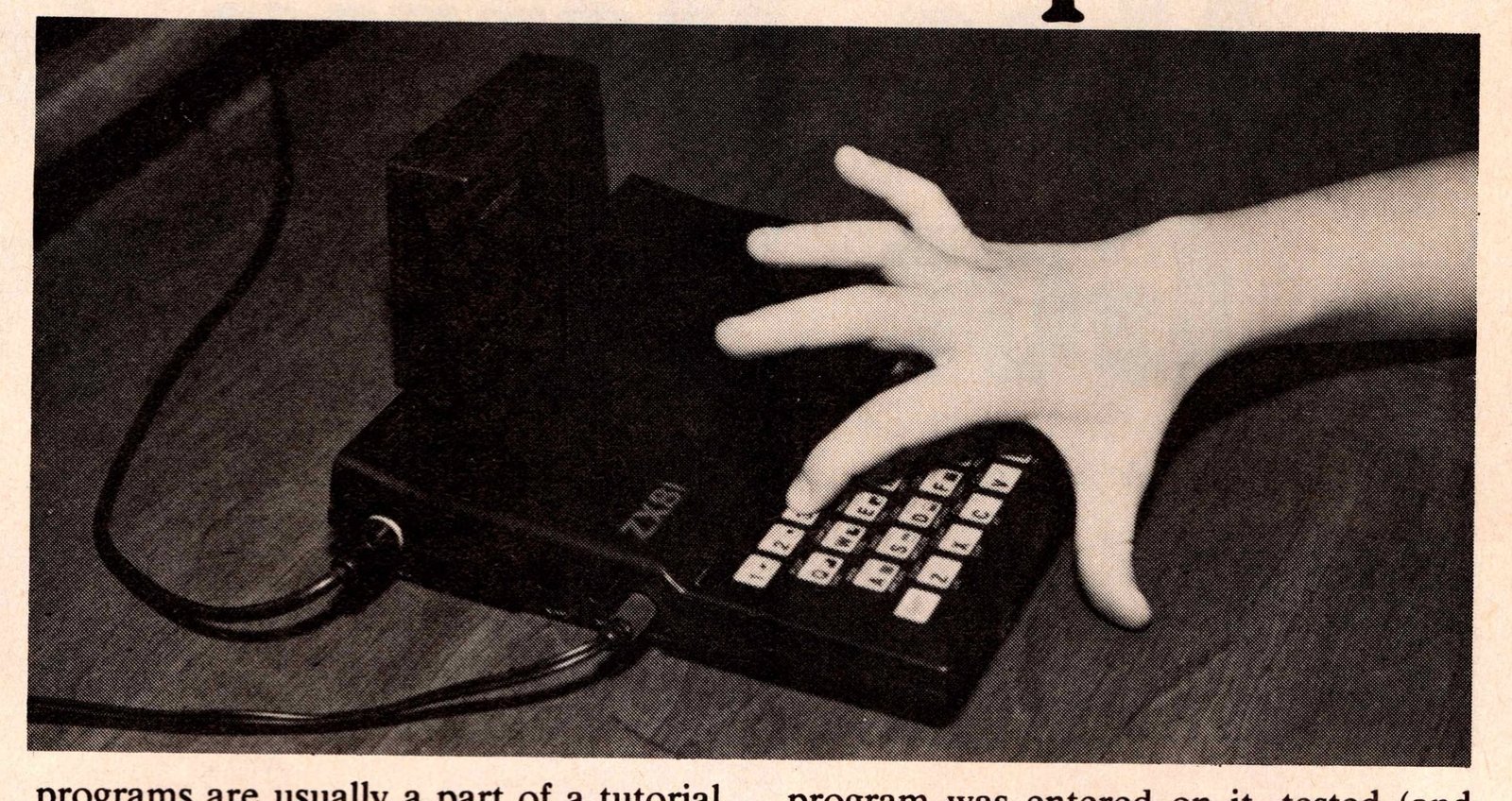
2) Pay careful attention to the RAM requirements before you start typing in the listing.
3) Read the article through carefully before attempting to enter the program. While we can sympathize with our readers’ eagerness to try out the new programs, we remind everyone that the programs are usually a part of a tutorial article and that the article contains necessary information about the program.
4) Enter the program as printed in the listing taking into account any directions given in the article. Be sure you know what the program is supposed to do. If the program does not run, assume first that an entry error has been made and double check your entry. All the 8K ROM programs which look like the listing for “List Learning with the ZX81” in this issue are direct printouts from our ZX81. The program was entered on it, tested (and found to work as the author indicated), and then printed out directly from the computer with no intermediate typing stage. This does not mean that the program has no bugs, but the listing printed did run without bugs during the time we tested it. Occasionally some characters are not as clear as we would like due to the reproduction process, but the computer will tell you if this results in a syntax error while some experimentation may help locate the correct entry in other cases. The 4K ROM programs, however, are not direct printouts so there is the possibility of an error in these listings.
5) Do not attempt to make changes in a program which does work before you understand the program as written. Again, remember the author is trying to show you something.
6) Be sure you know whether a given word in the program is a keyword, that is, a word entered from the keyboard in one stroke, or a word that must be spelled letter by letter. If a keyword is used within the quotation marks in a print statement, it does not function as a command but as the word in its normal meaning. This is a memory saving technique which can be ignored if you have the additional memory.
An Alternative Display Method. 2:3. Space Warp. 2:3.
These programs are for machines with the 4K ROM. The problems reported by some readers stem from trying to enter these programs on the ZX81. So the solution is quite simple: Do not attempt to enter a 4K ROM program on an 8K ROM machine or vice versa.
DEF. 2:4
Listing 3: Change line 110 to:
110 DIM F$(5,17)
The program will work in 2K.
ZX Destroyer. 2:4, pp. 49-50.
The author has called the following to our attention:
1) Both the 4K and 8K versions can run on as little as 2K RAM.
2) Figure 4: Line 150: Delete the set of quotation marks after the comma.
3) Figure 5: Line 20 could read PRINT “ZX DESTROYER”.
4) Figure 6: 1 REM, 6th line down, last character. This is a U, not a W as it might appear.
5) Figure 8: Delete lines 10-35.
Renumbering by a USR Routine. 2:3, p. 12.
The author notes a minor correction and a possible problem.
1) The quotation marks between TAB and RND in both cases are inverse.
2) The E between V and 7 may have to be changed to 3 on some ROMs. The manual ZX81 BASIC Programming (1st ed., 1980) shows the same character for codes 7 and 135. The 135 is in error; it is the inverse of 7. Ed.—Both E and 3 work on our ZX81.
SYNC Program Listings
Readers should note the following conventions used in the program listings in this issue:
The ROM and RAM requirements for running a given program are shown in the upper outer corner of the first page of an article. Observe these carefully.
NEWLINE and ENTER are used interchangeably.
A number may be followed by a letter to show the type: b for binary; d for decimal; h for hexadecimal.
In PRINT statements:
#: Enter a necessary space.
A (32): Use the graphic character on the A key 32 times. The underline means get the graphic on the key given in the line by whatever way your machine uses to get the graphic. An overline means use the letter in inverse form, e.g., A.
INPUT: An underlined word found on the keyboard should be entered from the keyboard, not spelled out. If the keyword will not enter, hit THEN, the keyword you want, backspace and delete THEN, continue entering the line. This memory saving technique may be disregarded if you have enough RAM.