
As with most life programs Macrolife is a computer simulation of the birth,growth and death cycle of a colony on cells living on a grid. The difference lies in the size of the grid. Macrolife uses a 256 x 192 grid compared with the usual 32 x 24 sized grid. The effect is a series of interesting and intricate patterns.
The basic premise for the program is rather straight forward. Each pixel represents a square on the grid. The square may either be occupied by only one cell or empty. This initial configuration is called generation zero. The successive generations are plotted according to the number of neighbours each cell has. If a cell has either two or three neighbours it will live. Any less or any more and the cell dies. New cells will be born if an empty square has exactly three neighbouring cells.
The program will run on either a Spectrum or a TS2068 with Spectrum emulator. The core of the program lies in lines 100 – 150, 1000 – 9121. The remaining portion loads a number of initial configurations but you are encouraged to try your own.
The program is designed to wrap around both top to bottom and right to left. To disable the wrap function add the line;
1005 INVERSE 1:PLOT 0,0:DRAW 255,0:DRAW 0,175:DRAW -255,0:DRAW 0,-175:INVERSE 0The machine code is loaded in starting at address 32768 and is 169 bytes long. A disassembled version of the code can be seen in Toni Baker‘s Macro-life article, (ZX Computing, Oct/86), from which this program was adapted.
   1 CLS : GO TO 100
   5 PRINT AT 4,0;"Welcome to a
simulation of life."
  10 PRINT AT 7,2;"Included  are
 a  number  of "
  15 PRINT AT 8,2;"programed sta
rts as well as";TAB 2;"a random
 start.   You  are";TAB 2;"encou
raged to program  your"
  17 PRINT TAB 2;"own intial  co
nfigurations."
  20 PRINT #1;"ENTER to continue
"
  22 PAUSE 0
  25 CLS
  30 PRINT AT 2,6;"INITIAL CONFI
GURATION"
  32 PRINT AT 5,8;"A-----Square"
  34 PRINT 'TAB 8;"B-----Cross"
  36 PRINT 'TAB 8;"C-----Circle"
  38 PRINT 'TAB 8;"D-----Rays"
  40 PRINT 'TAB 8;"E-----Grid"
  42 PRINT 'TAB 8;"F-----Frets"
  44 PRINT 'TAB 8;"G-----Randon"
  46 PRINT AT 21,1;"Press key fo
r desired choice."
  48 LET i=CODE INKEY$: IF i<97
OR i>103 THEN GO TO 46
  50 IF INKEY$<>"" THEN GO TO 50
  52 CLS : GO TO i*5
 100 CLEAR 32767: LET a$="": RES
TORE 9100
 110 FOR i=0 TO 21: READ d$
 120 LET a$=a$+d$: NEXT i
 130 LET address=32768: FOR i=1
TO LEN a$-1 STEP 2
 140 POKE address+INT ((i-1)/2),
(CODE a$(i)-(48 AND CODE a$(i)<5
8)-(55 AND CODE a$(i)>64))*16+CO
DE a$(i+1)-(48 AND CODE a$(i+1)<
58)-(55 AND CODE a$(i+1)>64)
 150 NEXT i
 155 GO TO 5
 485 PLOT 88,48: DRAW 80,0: DRAW
 0,80: DRAW -80,0: DRAW 0,-80
 487 GO TO 1000
 490 FOR i=USR "a" TO USR "a"+7:
 POKE i,128: NEXT i
 491 PRINT #0;AT 0,16;"\a";TAB 16
;"\a"
View the printed page (Macrolife listing (part 1))

 492 PLOT 0,80: DRAW 255,0: PLOT
 128,0: DRAW 0,175
 493 GO TO 1000
 495 FOR i=10 TO 80 STEP 10: CIR
CLE 128,80,i: NEXT i
 497 GO TO 1000
 500 OVER 1: FOR i=-128 TO 127 S
TEP 3
 501 PLOT 128,0: DRAW i,175: NEX
T i: OVER 0
 502 GO TO 1000
 505 FOR i=USR "a" TO USR "a"+6:
 POKE i,1: NEXT i
 506 POKE i,255: PRINT #0;AT 0,0
;
 507 FOR i=1 TO 704
 508 PRINT "\a";: IF i<65 THEN PR
INT #0;"\a";
 509 NEXT i: GO TO 1000
 510 FOR i=60 TO 140 STEP 20: PL
OT 0,i: DRAW 255,0: NEXT i
 511 FOR i=16 TO 256 STEP 32: PL
OT i,60: DRAW 0,79: NEXT i
 512 GO TO 1000
 515 FOR i=1 TO 4: LET x=INT (RN
D*30): LET y=INT (RND*20): PRINT
 AT x,y;"\'.\'.\'.\'.\'."
 516 NEXT i
 517 GO TO 1000
1000 RANDOMIZE USR 32845
1010 GO TO 1000
9100 DATA "257CF6F83C20417D"
9101 DATA "D6206F7C3805C608"
9102 DATA "671835FEBF203126"
9103 DATA "D7182D247CE60720"
9104 DATA "277DC6206F7C3805"
9105 DATA "D60867181BFED820"
9106 DATA "1726C01813CB0130"
9107 DATA "0F7D3D1806CB0930"
9108 DATA "077D3CADE61FAD6F"
9109 DATA "79A6C804C9210040"
9110 DATA "1100C0010018D5ED"
9111 DATA "B0E10E800600C5E5"
9112 DATA "CD0080CD3D80CD1B"
9113 DATA "80CD1B80CD3580CD"
9114 DATA "3580CD0080CD0080"
9115 DATA "78E1C1CBBCFE0238"
9116 DATA "0CFE043008FE0320"
9117 DATA "0879B61803792FA6"
9118 DATA "77CBFCCB0930C5CD"
9119 DATA "41807DE61F20BDCD"
9120 DATA "1B807CEEC0B520B4"
9121 DATA "C9"
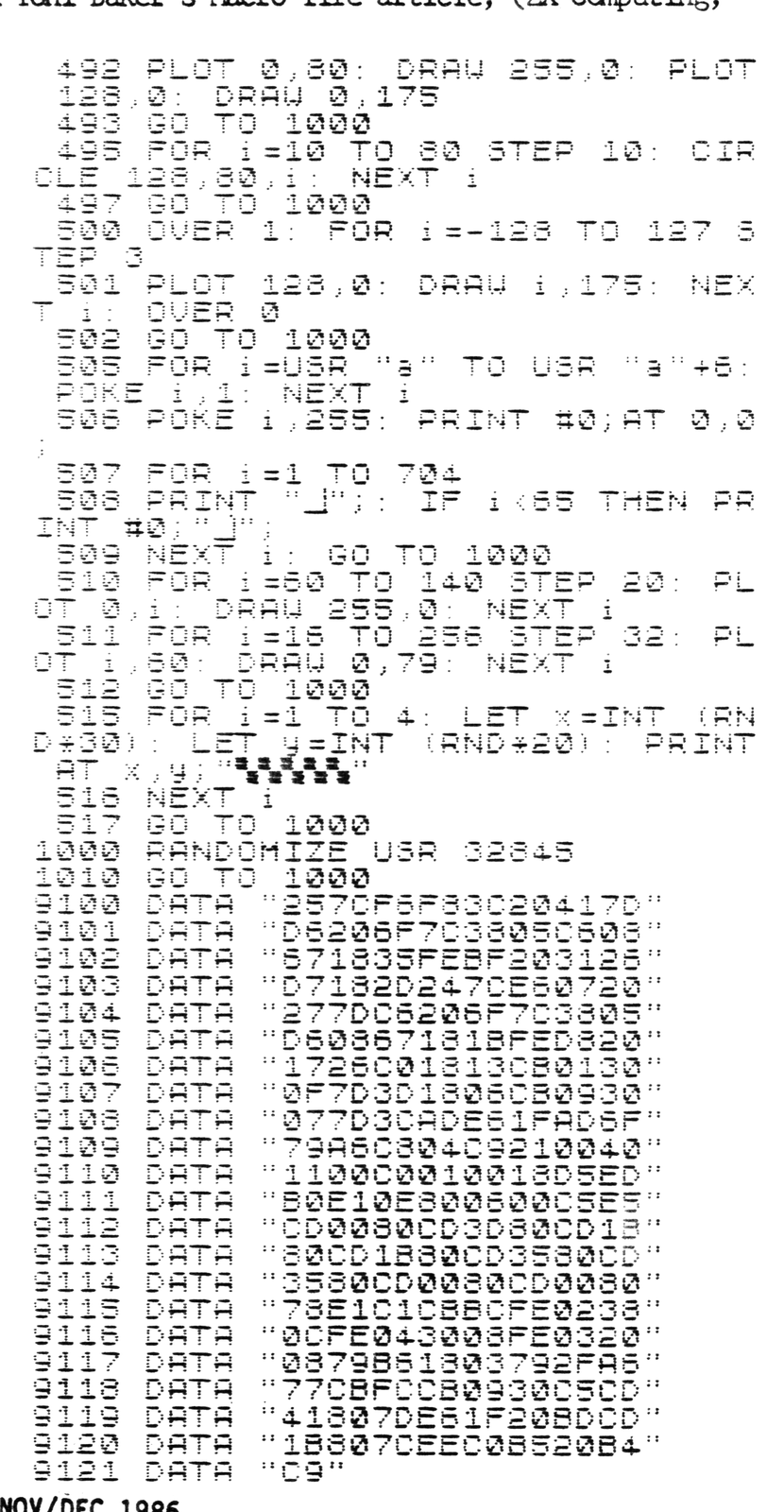
View the printed page (Macrolife listing (part 2))
Media
Note: Type-in program listings on this website use ZMAKEBAS notation for graphics characters.