
Announcing a new software for the TIMEX 2068
OLIVETTI DESKTOP PUBLISHER
Volumn 1, Number 1 April 1987
New Program Allows User to Layout Pages For Newsletters, Bulletins, Documents and Reports
Desktop publishing is now available for the Timex 2068! If you publish a user’s group newsletter, church or PTA bulletin, then this software is what you will find most helpful.
With the Olivetti Ink-Jet 2300 printer and WinkJet 1 utility, you can produce a newsletter like this page you are now reading.
No glue, no scissors, no headache of getting your paste-up straight on the page. This page was printed out on the Olivetti 2300 as you see it. The program will only work on the Olivetti because of its incredible graphics abilities.
You can also create reports, announcements, posters, bulletins, etc. with professional-looking results. Headlines, SCREEN$ and text can be placed anywhere on a page with a three column format.
It is possible to create 23 different headlines in various sizes and shapes. You simply type the headline and follow the options of size and style.
Headlines Can Be Created Easily
Making headlines is a special feature of this program which offers a choice of several sizes and thicknesses. Large letters can be printed with a “3-D” effect or an outline style as some of the headlines on this page illustrate.
Large headlines can take up to 16 letters to a column or smaller headlines can take up to 32 spaces a column.
If your own font-style is loaded into the program, you have the option of making your headline match that type.
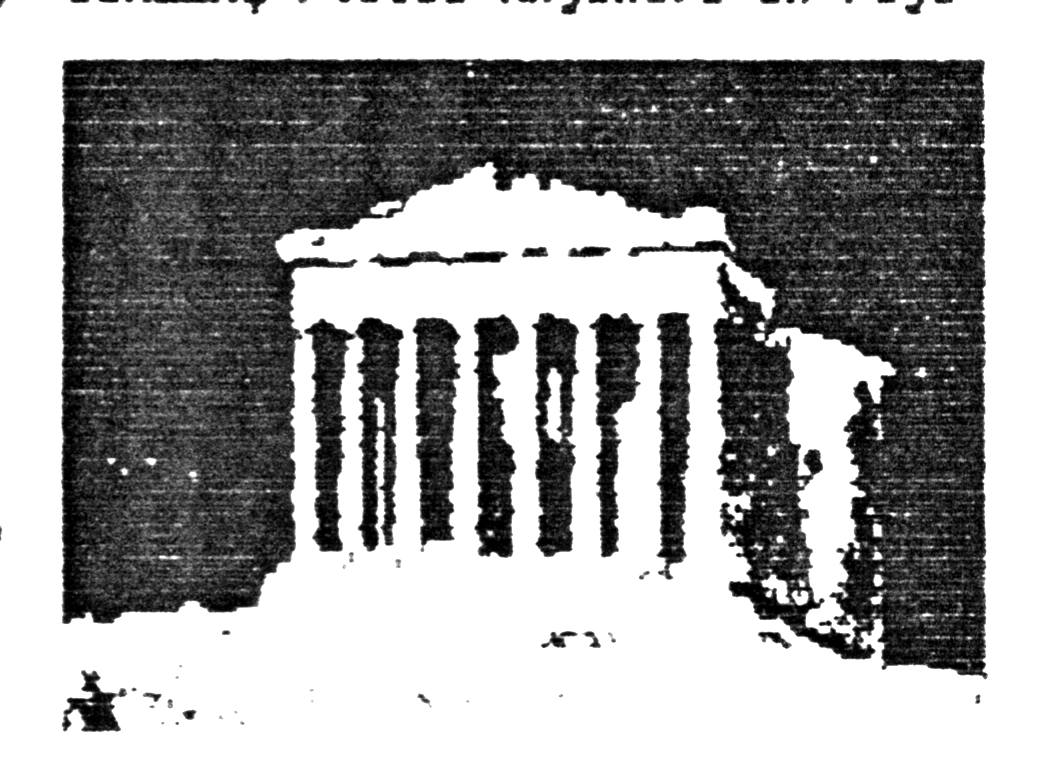
The very large headline “OLIVETTI DESKTOP PUBLISHER” at the top of the page was created by Artworx and entered into the program as a SCREEN$.
Your own created SCREEN$ can be entered into the data of the program to place them anywhere on the page. Simply follow the directions starting from the MENU of the program. After the SCREEN$ is entered, it can be moved around to where you want it. If you prefer to put it somewhere else, erase the old location and put the SCREEN$ at the new place on the page. The same is also true of headlines and text!
Text is entered easily by typing it in within the program or loading an MSCRIPT file. I find the MSCRIPT option easier to use since entering text is much more flexible. Once your MSCRIPT text is ready, SAVE it until you are ready to place it into the DESKTOP PUBLISHER program.
Three fonts are present in the program: the TIMEX font, an italic and bold. Notice that you can change the font within a line. Entire paragraphs can also have a different or contrasting font. The last two fonts can be changed by you if you so desire.
The program tape comes with a “Font Maker” program so that you may load a different style if you desire. This means that foreign languages and symbols can be placed within a sentence.
The software comes on a cassette tape and includes comprehensive instructions for full use of the many features of the program. The “Font Maker” program is self-explanatory. It is also available on an AERCO disk (40 or 80 tract).
Note: The WinkJet 1 utility does not come with the program and must be ordered separately. This utility is essential for the DESKTOP PUBLISHER to work with the Olivetti printer. (Order the WinkJet 1 utility from The WIDJUP Co., 1120 Merrifield S. E., Grand Rapids, MI 49507.)
Send $24.95 + 1.25 for
postage and handling to:
Charles Stelding
1415 South Baxter
Tyler, Texas 75701
SCREEN$ Placed Anywhere On Page
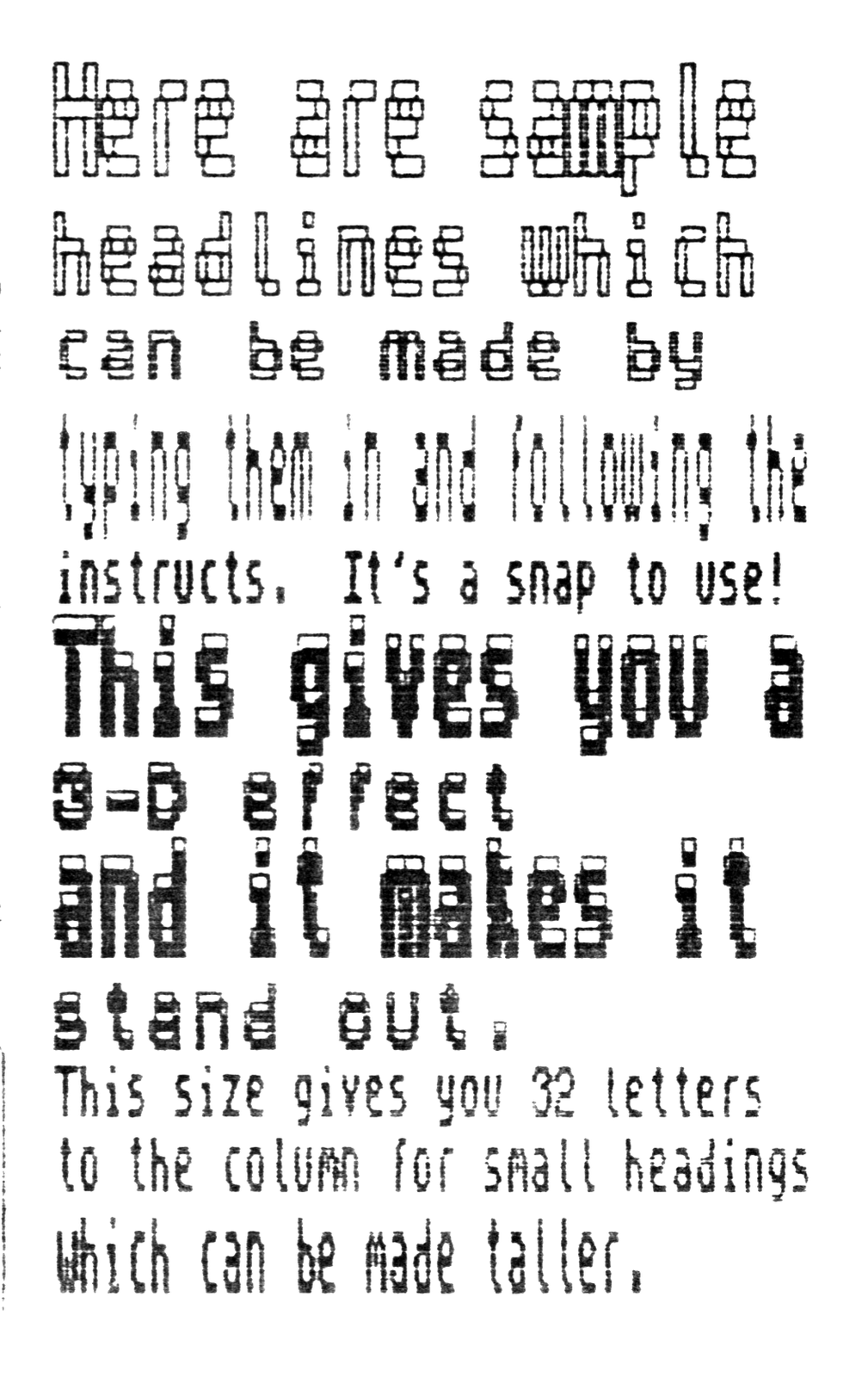
Here are sample
headlines which
can be made by
typing them in and following the
instructs. It’s a snap to use!
This gives you a
3-D effect
and it makes it
stand out.
This size gives you 32 letters
to the column for small headings
which can be made taller.