
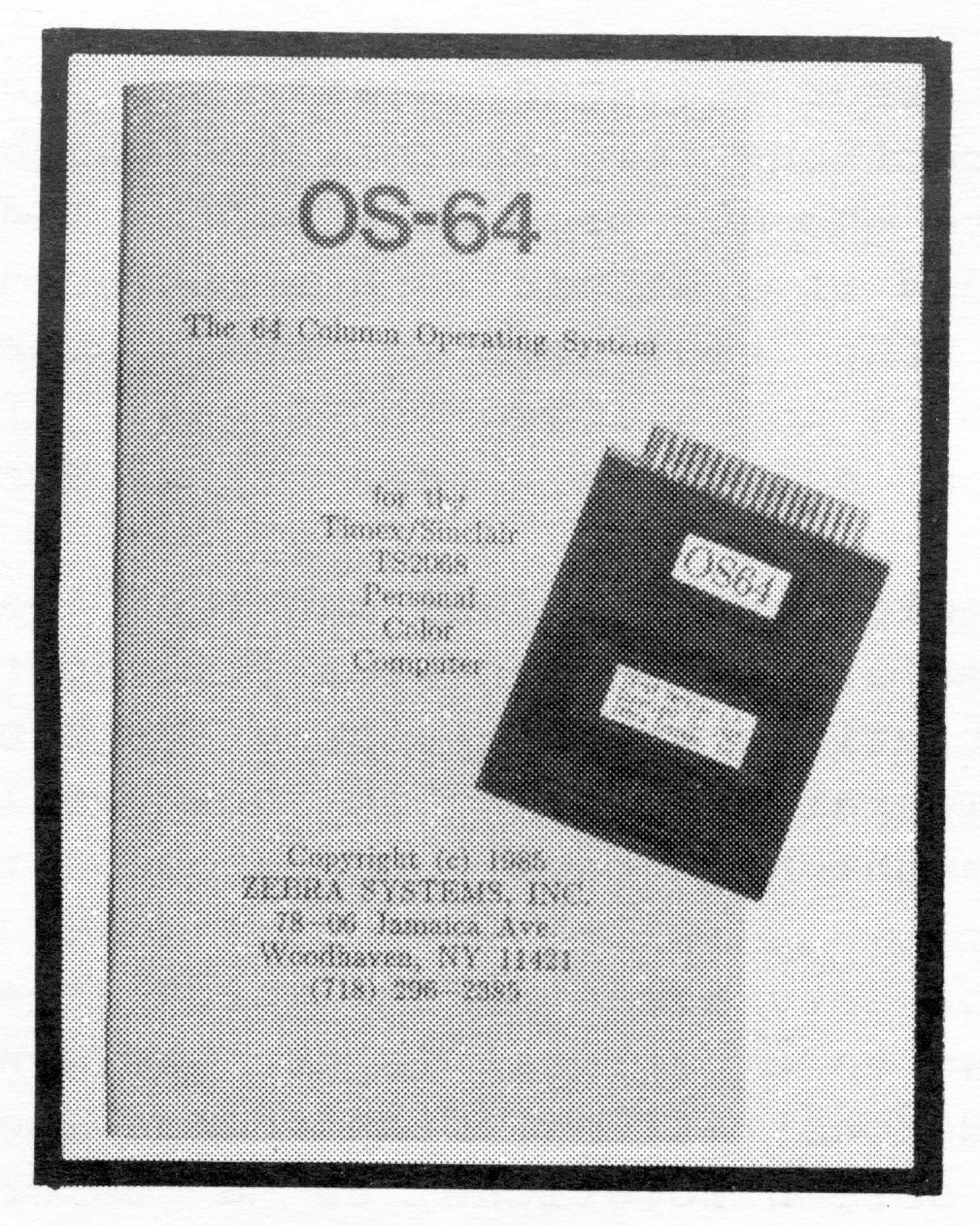
One way of looking at the OS-64 Cartridge Software, is an “unfulfilled promise” that has come true for the 2068. All manner of cartridge-based software was to have had a perfect marriage with this computer, such as languages, CP/M, ROM expansion, utilities for bank-switching, and yes, utilities for the extended video modes. The 64 column text mode is one of these modes, that up until now, has barely been utilized (on a wide-scale basis).
The OS-64 Cartridge is a small pc board with an EPROM, a decoder IC, and covered with a thin plastic housing that is spray-painted black. It is somewhat larger than an original Timex cartridge, and has a rather snug fit when inserted into the cartridge dock of the 2068.
The accompanying manual is 12 pages long, and outlines the basic functions of the OS-64. While the language is clear and straight-forward, I have the feeling that some users will want to receive additional information not covered in the manual. Such as an in-depth explanation of how this new system “works”, along with system ROM calls, and more details on printer/interface operations.
There are a few limitations that should be pointed our to prospective purchasers of the OS-64. First, it doesn’t support the printing routines of the Timex 2040 printer. Instead, it has built-in print drivers for the AERCO, Tasman, A&J, and Oliger printer interfaces. The system defaults to the AERCO (but a simple POKE will select the correct one). The trade off for the 2040 is the full size printer facilities.
OS-64 doesn’t use the command FLASH. PAPER and INK have limited effect, and are pre-determined. All graphics commands work normally (255×175), however, the 512 pixel-width mode is accessible by machine code. All other BASIC commands are normal, only now PRINT, LIST, LPRINT, LLIST, ect., are in 64 columns.
When the 2068 powers up, it re-initializes, and the OS-64 takes over. A quite noticeable white characters on black background screen appears. There is no border, as all of the screen is now used. I have only used the OS-64 with a color composite monitor, and the small character definition is fairly readable. The user manual strongly recommends the use of a monochrome or RGB monitor. This would reduce eye-strain over a period of time.
One of the impressive “effects” of this system, is LISTing a BASIC program…no more “wrap-around” of program lines, all information for a line number is on one 64 col. line. This allows for easy editing and debugging of programs.
The other important aspect of the OS-64 would be in software development especially for this operating system. I have had the opportunity to preview two such programs.
The first program is called PERSONAL SECRETARY. Unlike other common appointment managers, you can now see a whole screen full of appointments, along with a calender of the month you are working with. Very nice touch. My copy of Personal Secretary was previewed on the Zebra Systems Disk Drive system. Together with the floppy drives, and the OS-64…it was a SUPER operating system!
The latter program, is one that you may already be familiar with, if you read my review of the VIEWORD word processor in the NOV/DEC 85 issue of TDM. Only this is a new version that works with the OS-64. There are many new enhancements (including 64 col. of course) that makes this good little word processor an even better one.
The OS-64 has a few drawbacks, but it does turn the 2068 into a “professional” style operating system. Outside of the Spectrum Emulator, I haven’t seen a better use for the 2068’s cartridge dock. Put into the right developer’s hands, some very interesting and practical software could be written.
OS-64 is available from Zebra Systems, Inc., 78-06 Jamaica Ave, Woodhaven NY 11421) for $29.95 plus $3 for total order P&H. PERSONAL SECRETARY software is also available from Zebra on cassette or 3 inch disk. VIEWORD is available from Jim Clatfelter, 3361 Sand Ridge Road, Placerville CA 95667.