
The popularity of so-called “desktop publishing” programs has zoomed upwards in recent months–every TV ad for major brand computers emphasizes their desktop publishing capability. It is the new computer craze!
And the QL world has not been spared. Within the past few months we have seen Gap Software’s FRONT PAGE, Digital Precision’s DESKTOP PUBLISHER, Gap’s FRONT PAGE EXTRA, the QUANTA library’s PAGE DESIGNER, and now DP’s DESKTOP PUBLISHER (Special Edition), all outgrowths of graphic-arts programs with more elaborate methods of handling text in conjunction with graphics, particularly oversized or fine print and text in columns.
In this issue of TDM and the next we’ll compare the latest of these desktop programs to better enable you to make the proper choice in purchasing one or another, if you want to get on the bandwagon.
First a little philosophy. You probably don’t need such a program. They are costly and time-consuming to learn and operate and oh-so-slow in printing unless you can afford some very expensive printer or plotter. For many decades, complex reports such as academic and scientific dissertations have been produced in normal typewriter typeface–models of clarity and exposition; many books have been published to tell us how to do this and most major publications have their “stylebooks.” So, if you keep it in mind that desktop publishing is probably a passing fancy and very much oversold, it may give you a better perspective (and a proper contempt) for such software.
Second is the matter of good taste. Desktop publishing carried too far often results in documents with a “kitchy,” gingerbread appearance which may offend or distract the reader (or viewer, perhaps), detracting from the intended effect of your unassailable logic and riveting arguments. (I am reminded of an Air Force general who told a brilliant officer–no, it wasn’t me–who had just proposed profound and well-founded recommendations regarding the command’s wartime mission to get a haircut, shine his shoes, and shave off his mustache.)
Third is the matter of efficiency. We have said that using desktop publishing programs is time-consuming and expensive. A good test of whether or not we should use such a program for a particular product is to reflect on whether the increased overhead will improve the cashflow (or your personal reputation) commensurately. As a management analyst, I can assure you that most of the reports prepared using such software is makework! Placing text in columns seems to be a major attraction to desktop publishers, but any word-processor may be used to produce text in narrow columns which may then be cut and pasted together and then copied quite easily. And any ergonomist will tell you that longer lines of text–up to 100 columns, perhaps–are easier and quicker to read than text in narrow columns.
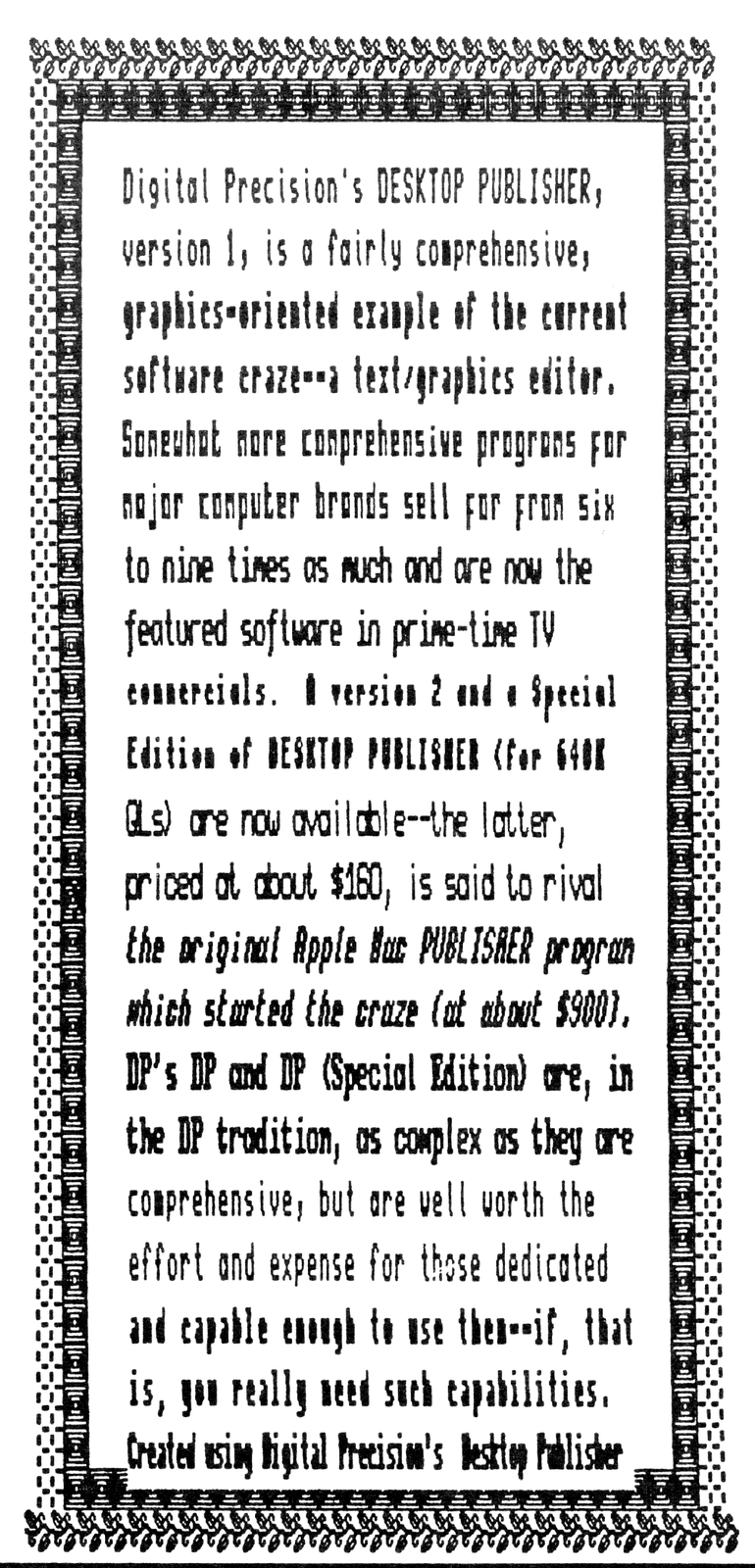
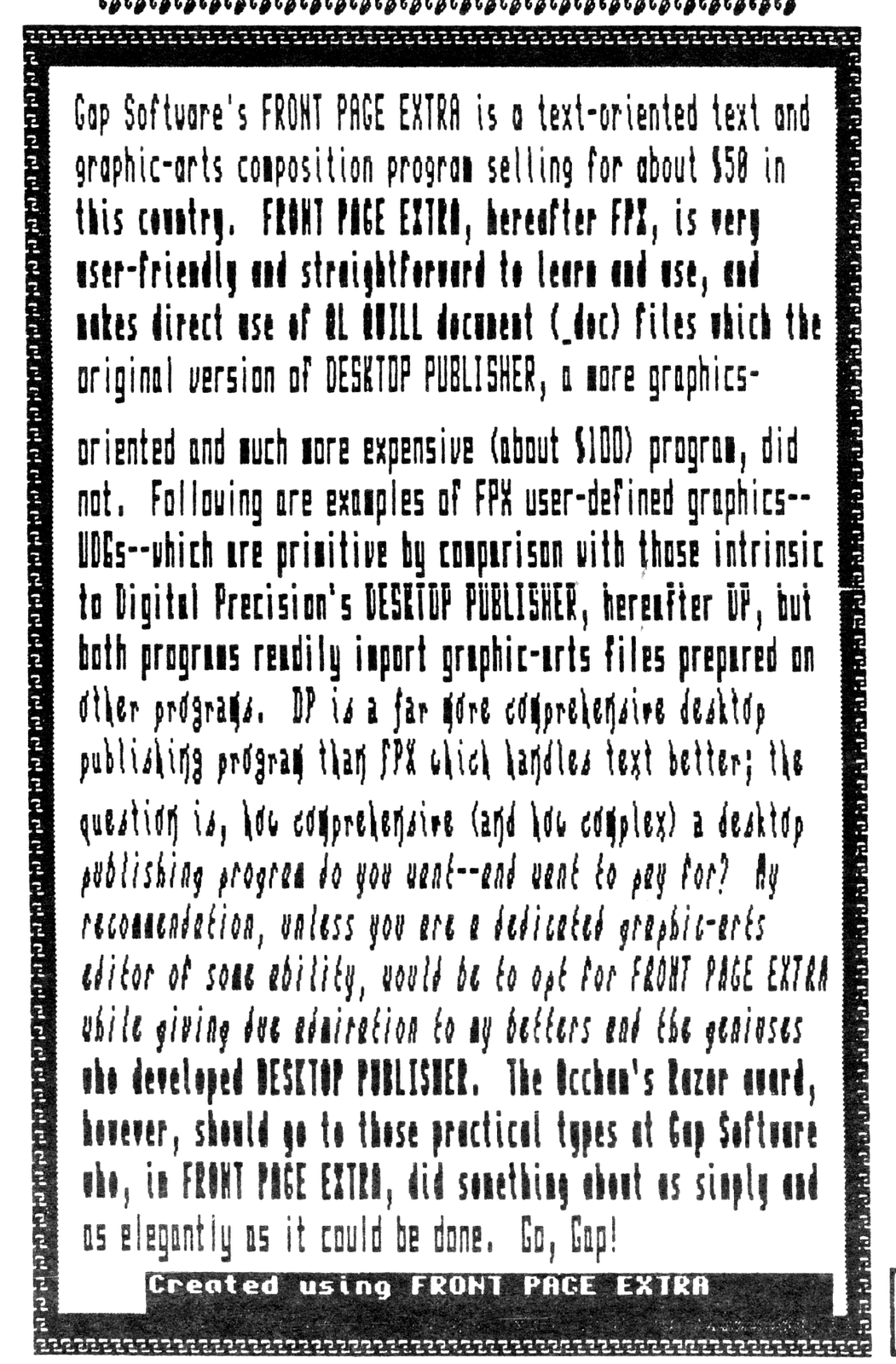
DESKTOP PUBLISHER * * * * *
Let’s first consider Digital Precision’s DESKTOP PUBLISHER, version 1.0 (version 2.0 and a Special Edition which requires a 640K QL were not available for testing and will be discussed in the next Time Designs). Version 1 requires a QL with at least 256K of additional RAM and is just too comprehensive to describe in detail in an article of this length–12 integral graphics fonts (sets of characters), 8 integral text fonts, 10 non-integral fonts, rotation, mirror-imaging, and shadowing of characters, etc., etc. One could go on and on. DPDP is partly menu-driven and capable of importing specially prepared QL QUILL document files. But with comprehensiveness goes complexity (and a higher price, $100), and DPDP may not be for everyone.
FRONT PAGE EXTRA * * * * *
Gap Software’s FRONT PAGE was the first so-called desktop publisher for the 128K QL. FRONT PAGE EXTRA is more comprehensive and requires a QL with 256K additional RAM. (On a 640K or 896K QL, this leaves lots of room for multitasking complementary programs such as QL QUILL, other Psion programs, and other text and graphic-arts programs. More text-oriented than DPDP, FPX is very easy to learn and use and makes direct use of QL QUILL document files which it can “micro-justify” (by spacing between letters) into two, three, or four columns on a page. FPX is fully menu-driven with improved cut-and-paste, text font, user-defined graphics and file-handling routines. I have not yet been able to multitask FPX using TASKMASTER, but there is probably a way; I understand that FPX does multitask well using SWOPPER (about $35). FRONT PAGE is available at about $30 and FRONT PAGE EXTRA at about $50.
I might add here that many desktop publishing ideas and formats are included in my new book Taking the Quantum Leap, available from Time Designs.
NEXT TIME: Digital Precision’s DESKTOP PUBLISHER Special Edition and the bargain-basement PAGE DESIGNER from the QUANTA library.
Both Digital Precision’s DESKTOP PUBLISHER and SPECIAL EDITION were obtained for this review from SHARP’s, INC., Rt 10 Box 459, Mechanicsville, VA, 23111, phone (804) 746-1664. Watch for further reports on D.P.’s newest Desktop Publisher “Special Edition” V2.0.