
SPACEWARE-SHUTTLE DESIGNER
J. A. Specialty Software
3103 Meadow Brook Trace
Birmingham, Alabama 35243
Timex/Sinclair 2068: $27
How appropriate it was to sit down in front of this program the day Shuttle Mission 51-D was launched. Senator Garn flew on 51-D, and so did Rhea Seddon, the only astronaut from my home town of Memphis (“Cosmic Rhea” we call her).
Whin I look at a new piece of software, my usual approach is to determine first how user-friendly the program is. If I can get satisfactory results from the program without relying on the documentation, then I judge it to be user-friendly. I have had to revise my definition of satisfactory results. Shuttle Designer is user-friendly, but my approach toward mastery of the program has been asymptotic.
“Satisfactory” means getting the rocket you design to put the assigned payload into a suborbital trajectory at the correct velocity before it runs out of fuel. If you succeed, then you are given an “access” code. The code is necessary to continue so that you can design a more complicated rocket. A second success gives you a final access code. You have graduated to the point at which you are qualified to design a Space Shuttle.
Help is available. First comes an elaborate tutorial on single and multistage rockets, liquid and solid fuels, principles of propulsion, payload considerations, and expected performance. Finally, you get to see the programs which accept user input to design a rocket based on the tutorial information.
A dozen or so graphic diagrams are displayed. If you have a printer, several charts summarizing characteristics can be printed out to save back-tracking or hand-copying important review information.
Your patience and perseverance are rewarded by being given opportunity to design your own rocket. You determine how much and what type of propellant to use, how fast the fuel consumption rate should be, and how large a rocket to use, to carry the fuel, crew, and payload.
If your design has a major flaw, a member of your project team lets you know. This courtesy saves you much embarrassment on the launch pad. If the design doesn’t look too bad, you are invited to witness the launch.
A twenty-five second countdown begins. Sometimes it is interrupted to correct or analyze a last minute problem. Finally, the launch takes place. The rocket slowly rises (actually, the launch tower slowly disappears off the bottom of the screen).
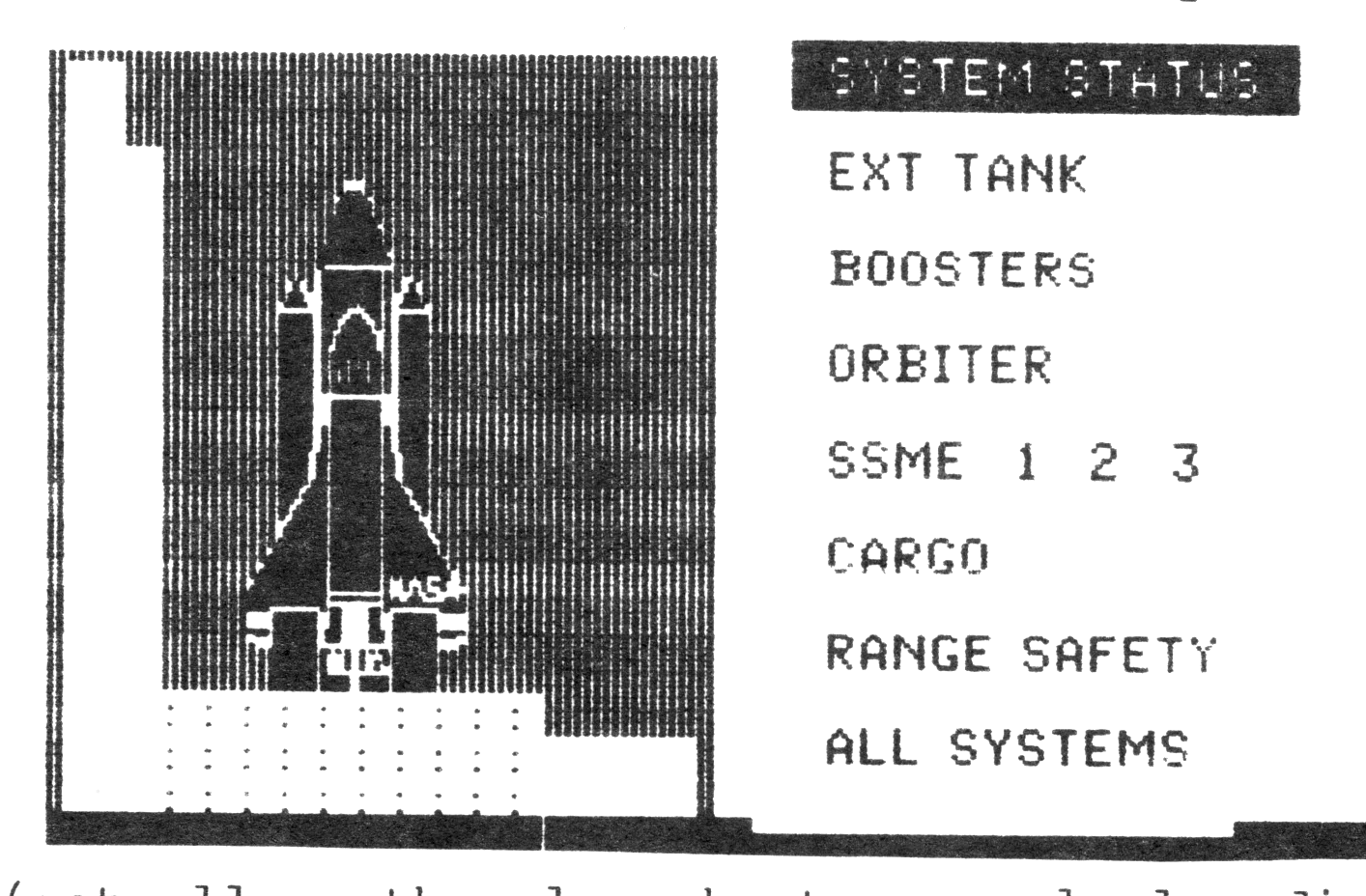
The view changes to an Earth chord, with the trajectory of your rocket traced above it. Readouts below the diagram show how rapidly the rocket is accelerating, and how much time has elapsed since ignition. From this point, you will see either the announcement that your rocket is out of fuel or that your design has been successful. You are shown the projected point of impact, successful or not.
Shuttle Designer helps the user appreciate the planning that has gone into the American space program. It has helped me realize that I can’t absorb everything that must be known about rocketry in one hour. But just give me a few more days…
I thought some video games I’ve played were addictive! Shuttle Designer is no “space invaders” game. It is however, an absorbing educational tool for individual or classroom use.