
This column is dedicated to the SDOS DISK SYSTEM, or you may call it the OLIGER DISK SYSTEM. Also to the SPECTRUM emulated Timex computer, and SOFTWARE written for either one of the above. Further it will cover the SINCLAIR QL computer as time and need will mandates such coverage. Does this mean that software you will find here will not work in the Timex mode? Of course not, fact is that all software you will find in this column will most likely work in both systems. The hangup may be that some programs will not work properly in the Timex mode, since the Timex has less memory available. The program for this month is written to run only in the TIMEX MODE, since the SPECTRUM ROM does not support error trapping, necesarry in this particular program.
I hope you enjoyed the LIBRARY program I had for you last month, which had of course been written for the SDOS DISK SYSTEM. I neglected to mention this last month and hope that all who have ordered or entered same were aware of this. I have updated the program a few times since to version 1.4, which includes the RENAME DISK feature. This will not only rename all the LIBRARY files, but also the DISK. I had found this necessary, since my disk library was a mess.
As all previous programs you had found here, this new version is available to you if you send $ 5 to:
IMPEX SOFTWARE
P.O. BOX 45
MENOMONEE FALLS,WI. 53051
keep in mind that I will send tapes only, since tapes do not come with different tracks and one or two sides etc. besides you’ll have a backup on tape if you should ever loose the disk and are not able to recover it with the following program “RECOVER”.
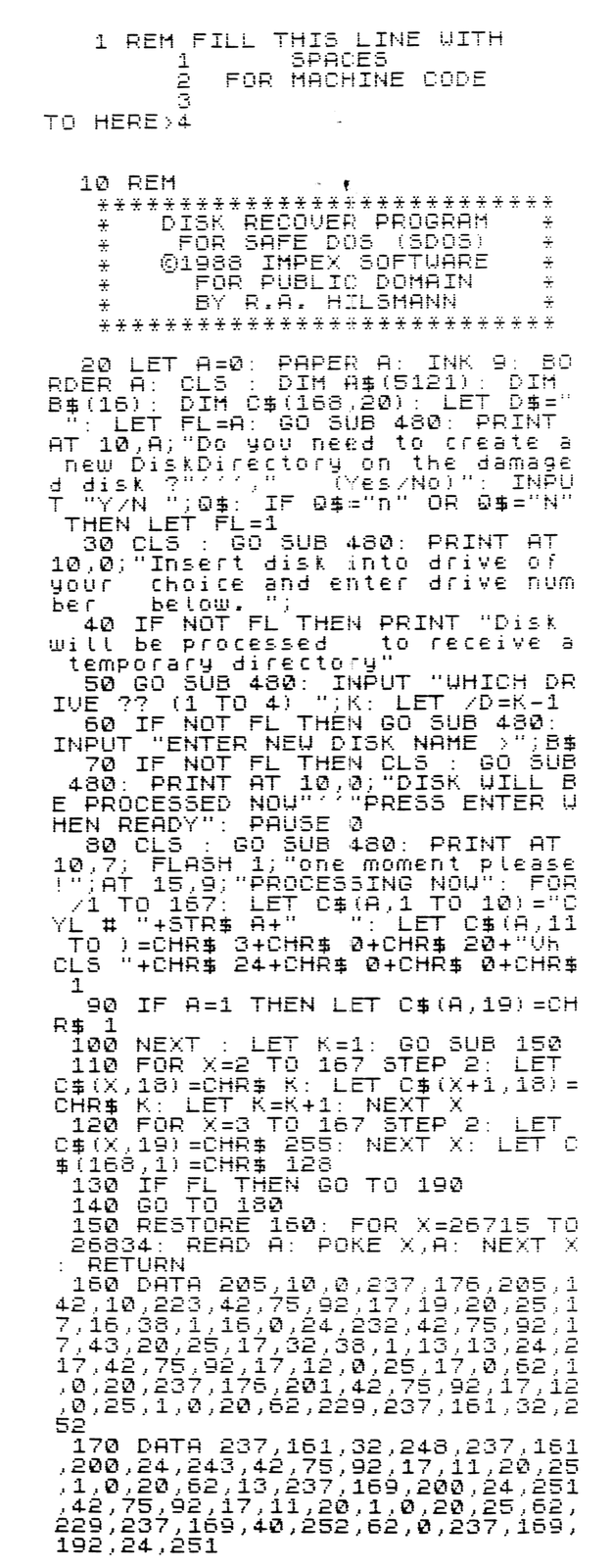
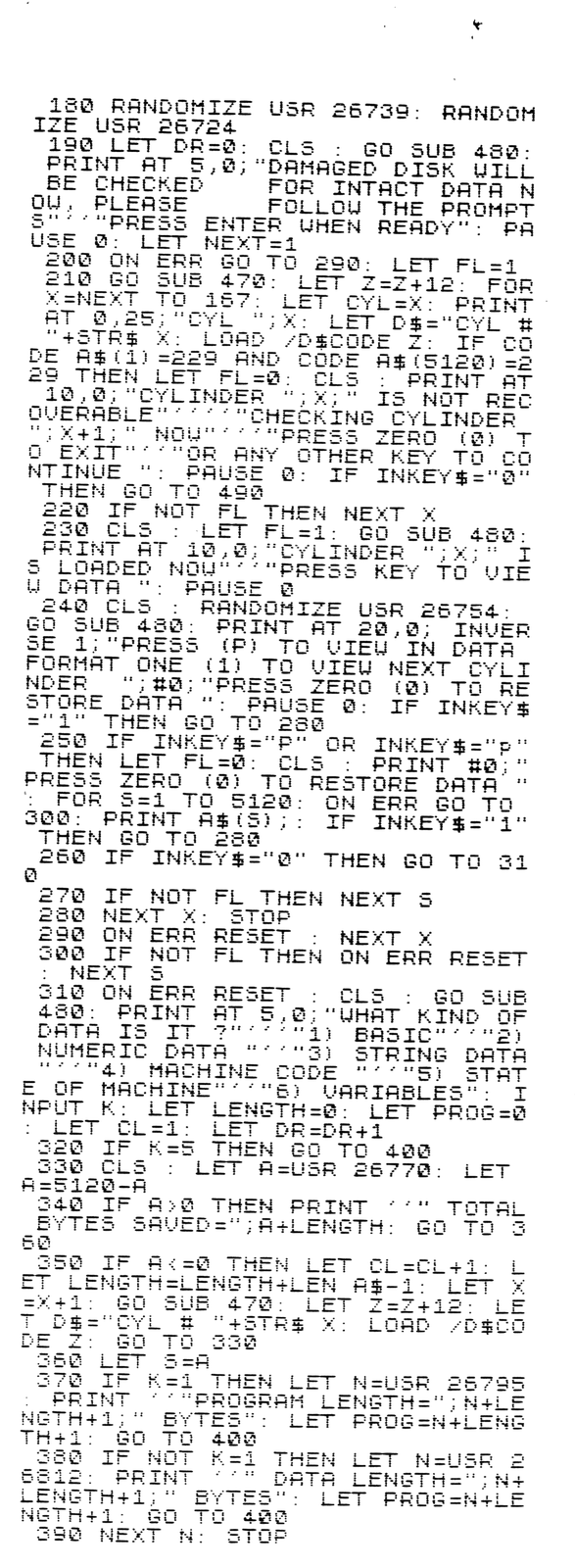
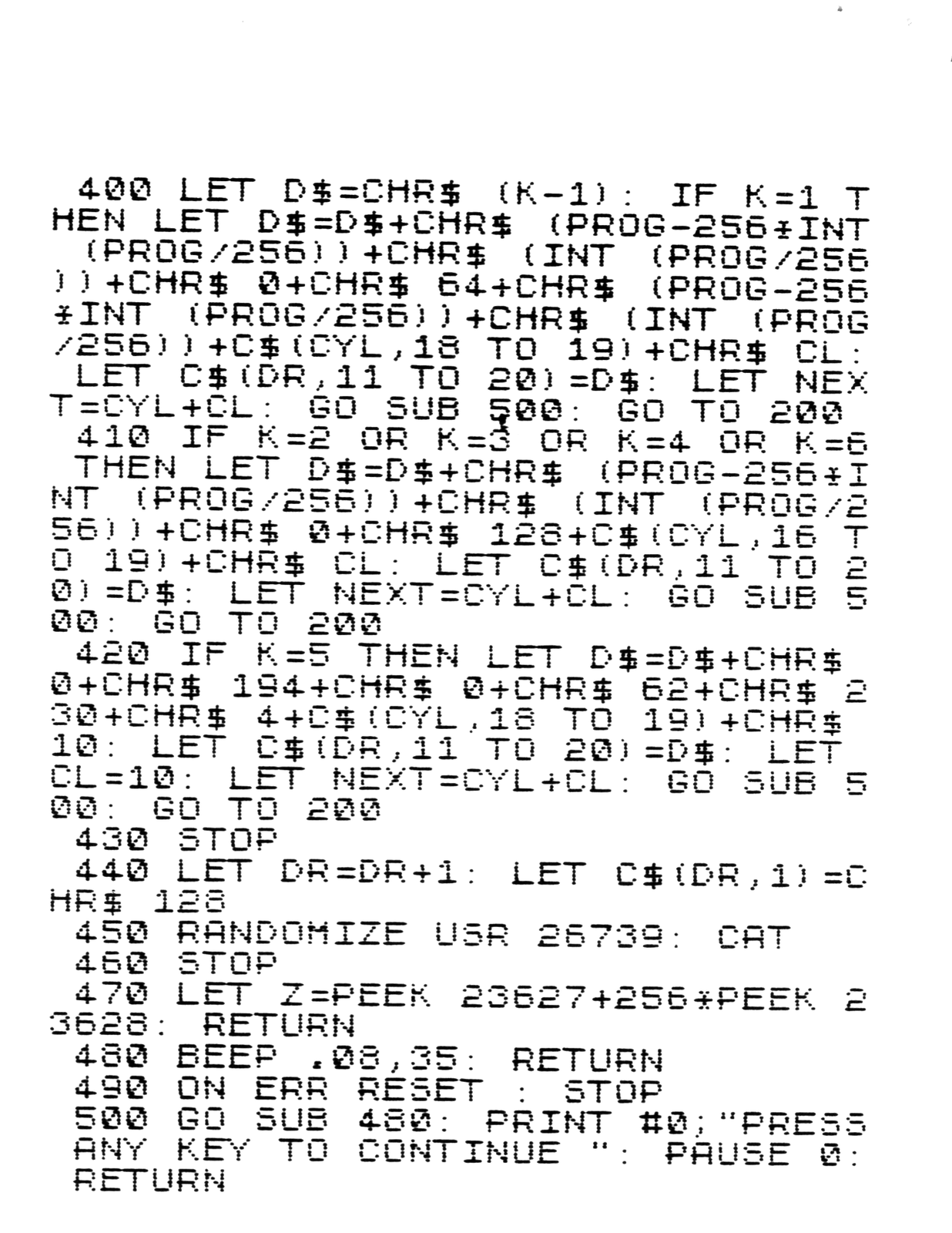
Enter the basic carefully, making sure that line 1 is typed in to the fourth line. This line will hold the machine code subroutines to speed up certain sections, and also the machine code necessary to manipulate the disk operating system.
It will help immensely to recover a disk, if a printout of the catalog for the damaged disk is available when a recover is necessary. Should such printout not be available, the process becomes a guessing game at times. The most difficulty will be to recognize the type of data on the disk. State of the machine is recognized most easily if a screen of some kind was saved along with the data. There are two ways to see what kind of data you have on a cylinder, the first being a screen load where the first part of a state of machine is where it suspose to be, even if the screen had no data on it, it would look black.
Pressing the “p” key will let you see other data, for instance basic or data is best recognized that way. A machine code program has its own peculiar look, as you can see in the next column.
I strongly recomend to take a disk with known data on it, copy the catalog to a printer, then copy the disk to another using the MOVE/ command, and practice on this copied disk. This will give you the feel for the program, and the type data you may encounter. It would probably be best to copy a disk with different types of data on it, this would really give you an idea what each type looks like.
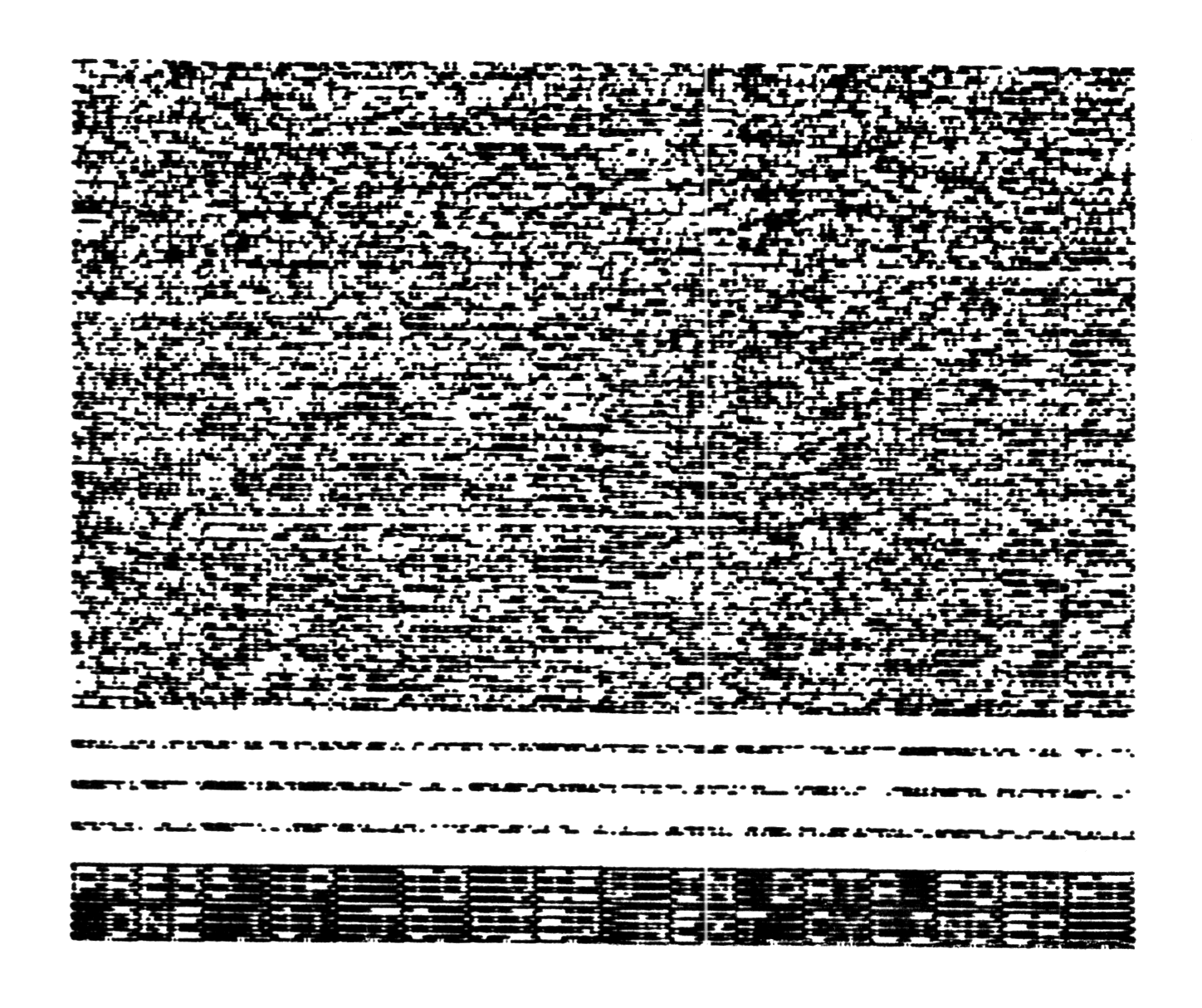
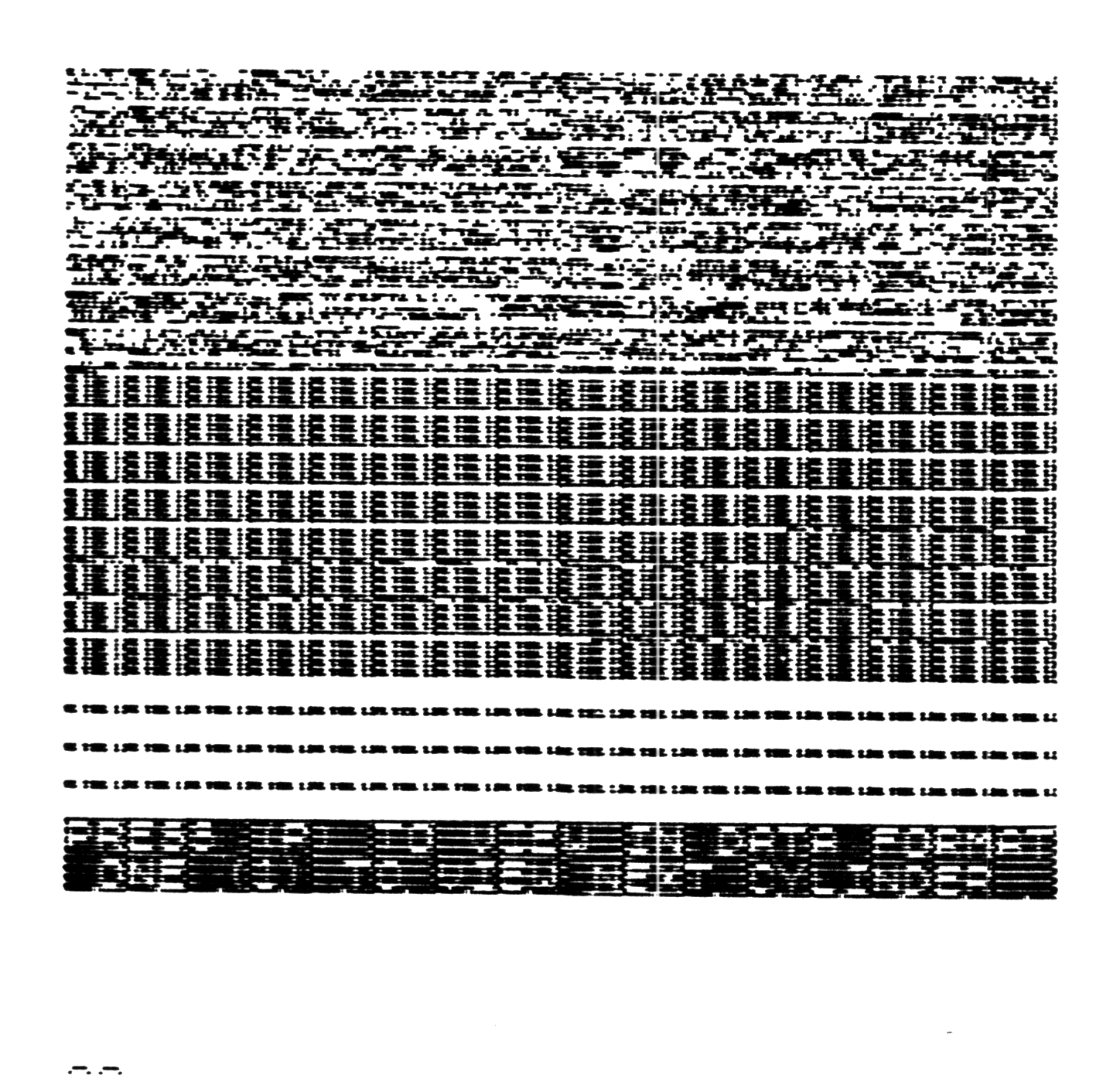
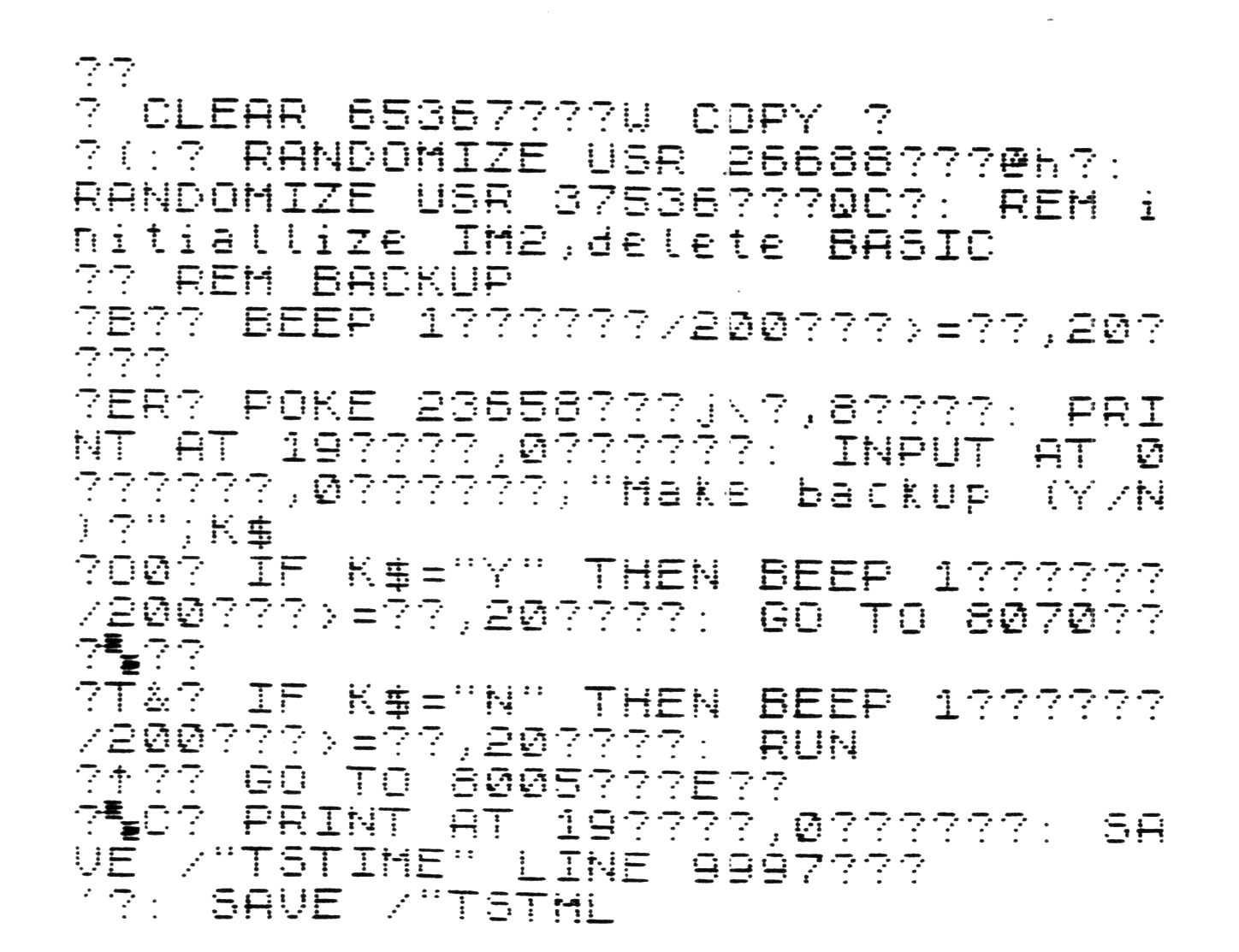
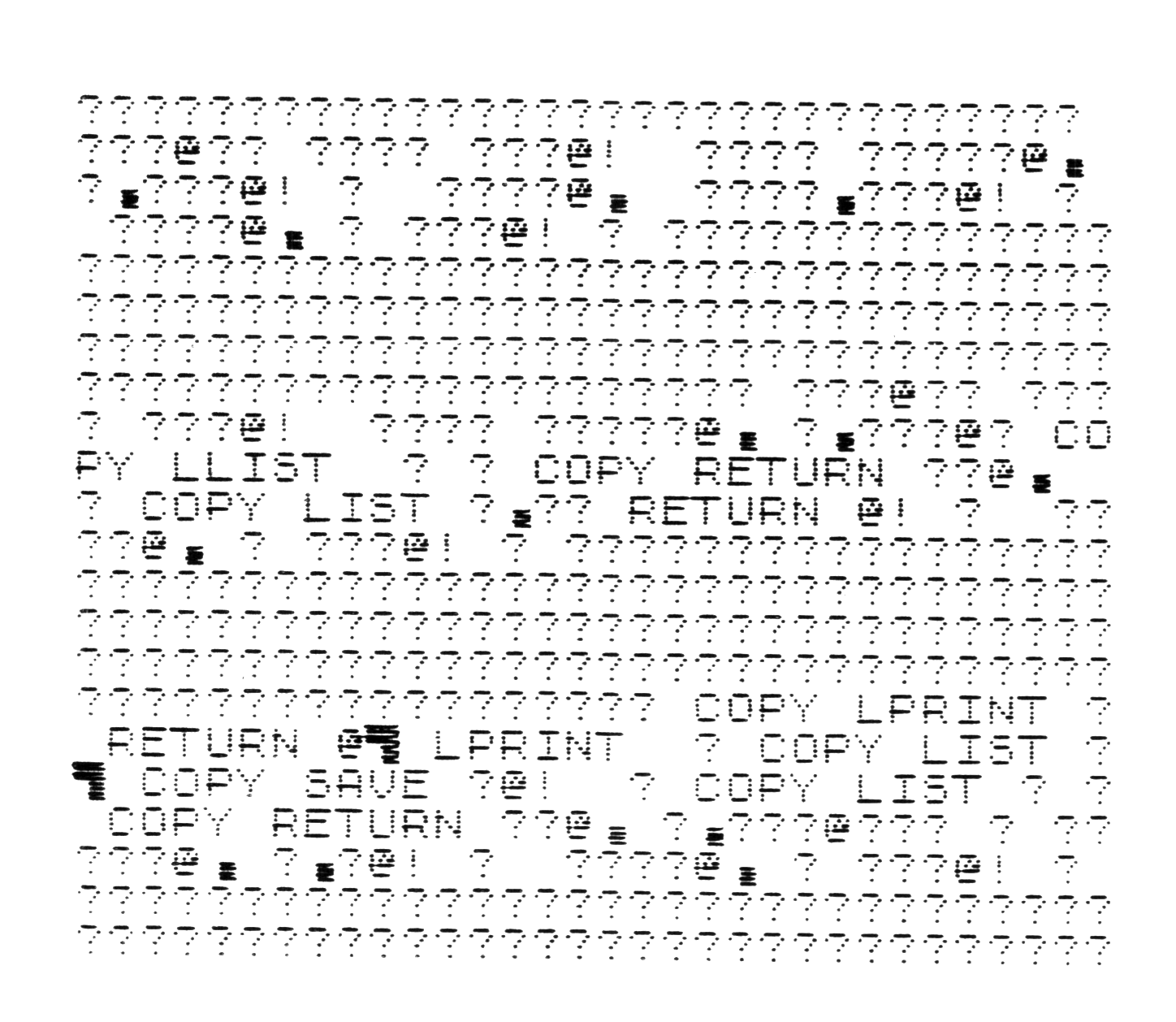
Lets look at the next column now, the top picture is code in the display file. In the next picture you have code again, but this time it does not fill the screen. The next picture is a basic program in data format, but unmistakable basic. This will give you a good idea of how much space numbers take up with number tokens and the five bytes following. Below you can see a typical data format of a screen display, hope this will help you with the program.
Last month I mentioned that one could only retrieve data and that this program would not restore a disk period. Not so, I managed to write this program, so that it will restore a disk, with the exception of any corrupted data and the program names, the disk will be usable. Program names of course can be restored using the RESTORE/ feature in OLIGERS SAFE DOS, as to the corrupted data, guess thats to much to ask.
John Oliger has talked about adding a RENAME DISK feature to his DOS, but I feel this can easely be done with a program. Next month you will find such a program in this column. It is short and simple, only a few basic lines and some code, or you could use the new version of the DISK LIBRARY to do the same thing. I would rather see John Oliger use any space left in the 8K eprom for something else, that is of course, if there is any space left.
As to the DISK RECOVER PROGRAM, just follow the prompts, it is easy to use, and should not give you any problems. I give you a hint, I dont like programs where I have to read fifty pages of instructions, and I believe nobody else should have to either.
ADDENDUM’S * FIXES (BLOOPERS)
The Library Program last month had a few bloopers in it alright. Thats why I sat down and redone some of the sections. So much for being in a hurry.
Line 1010 should have all statesments which are duplicated on the next line removed.
Also drives dont have to be in logical order since data is moved to “S”. I also added a feature to display remaining bytes left on destination disk. Fact is there are so many changes, that it pays to send for it.
Well that’s it again. I will have to take a good look at the program for next month and give you all the corrections. Sorry, but writing the RECOVER program took a while. For next month I will have the RENAME DISK program and a few other things I hope.
Till next month # 3