
Used with additional memory, particularly a 512K RAM card, the Sinclair QL is transformed, as are its bundled software programs. Even though the JSU ROM and Psion 2.1 software supplied with the North American version of the QL do not take the fullest advantage of additional RAM, use of the bundled software is profoundly improved, especially if RAMdisk software is employed. Both the memory card and various RAMdisk software systems are available for a combined price of about $150.
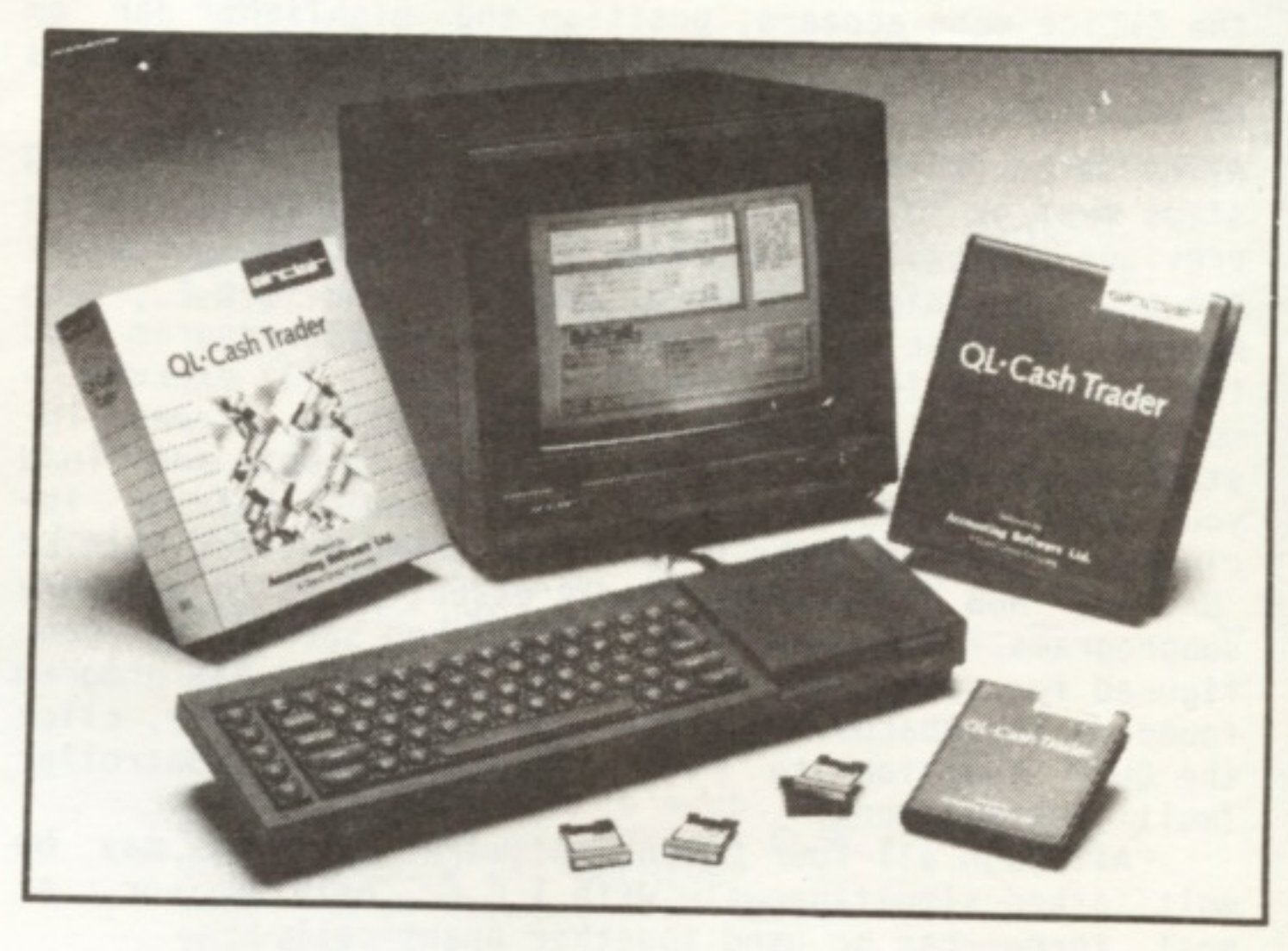
The following tests were made using a standard North American version of the QL equipped with a PCML 512K Memory Expansion card. Three versions of RAMdisk software were tested, each with distinct advantages and disadvantages: Eidersoft’s I.C.E. ROM cartridge used with CHOice RAMdisk/multitasking software on Microdrive cartridge; QJUMP’s (Tony Tebby‘s) PCML Toolkit version 0.07 complete on ROM cartridge; and Qflash’s RAMdisk Driver 2.5.
The PCML RAMpack works excellently and would seem to have only two drawbacks: it is extremely difficult to install on the North American version of the QL whose peripheral expansion slot seems to have obstructions that the European version does not, and it takes considerably longer for the copyright screen to appear after “power-on” or resetting the QL.
I.C.E., for Icon Controlled Environment, is a ROM-cartridge program that is supposed to make operation of the Sinclair QL “simple and convenient”, replacing the “mysterious commands” of the QL operating system or QDOS with an elaborate “point and click” sequence. The I.C.E./CHOice combination attains full efficiency only when used with extra memory and an Eidersoft “mouse” (hand controller) which plugs into the ROM cartridge port. The latter is a new addition to the Eidersoft family, and its design necessitates that previous I.C.E. owners return their ROM cartridge for credit towards an I.C.E. system-cum-mouse. The Eidersoft rodent (not available for testing) is a three button model, similar to that for the Atari ST.
The CHOice s/w is sold separately on Microdrive. CHOice, which included a bonus Archive name and address database and a mailmerge system, may be used as a RAMdisk driver without I.C.E. but requires the latter–insofar as I could determine–for its currently unique multitasking system. This system permits suspending operation on one Psion software program, switching rapidly to another operating Psion software program (or to the I.C.E. facility), and returning to the original program at the exact point you left it, with any and all loaded files intact–a very valuable feature, indeed, but one that would be even more useful, if it required less (undocumented rigamarole to set it up and if it were somewhat more flexible in use.
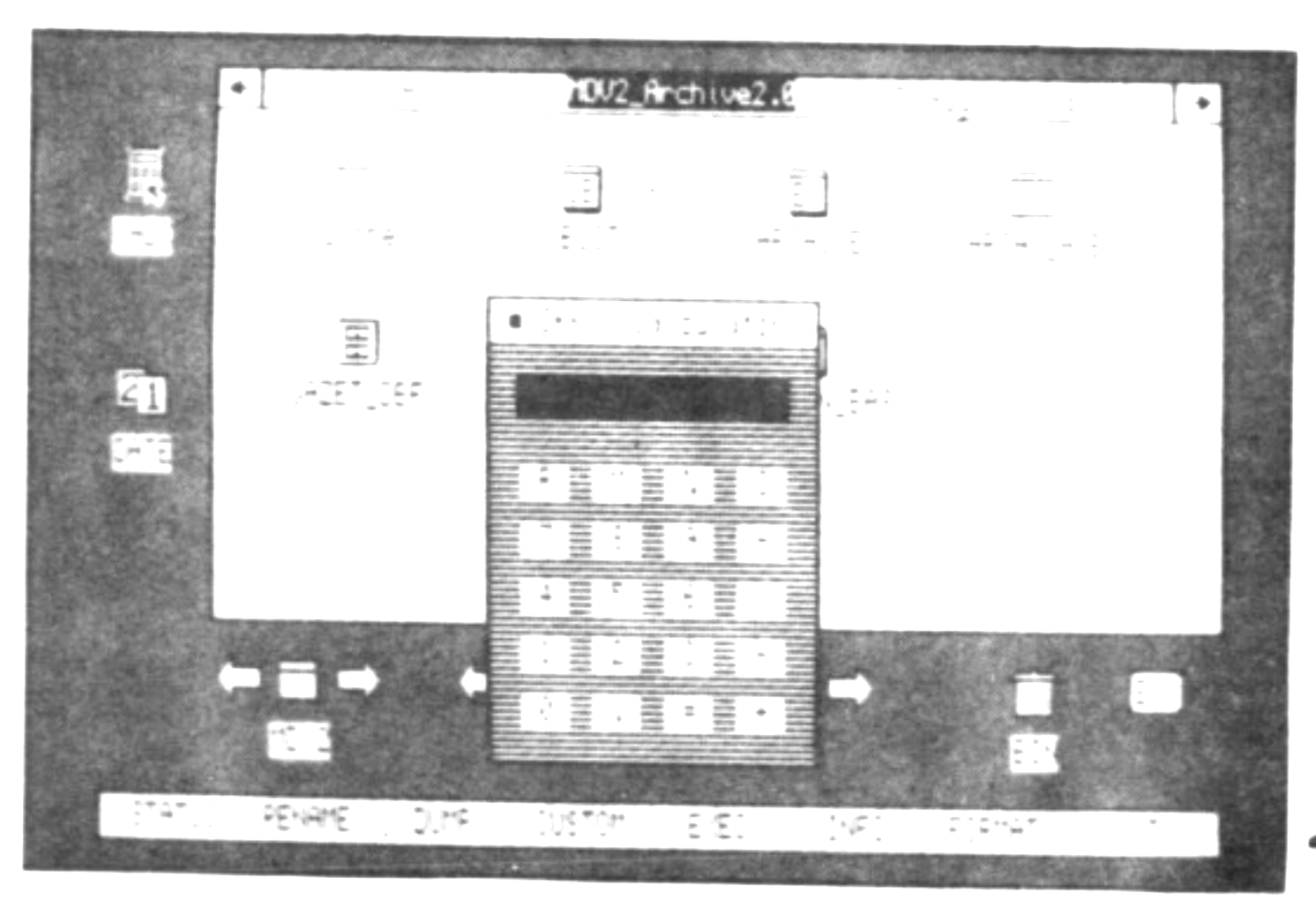
Programs like I.C.E. that override a computer’s basic operating system are sometimes referred to as “front end” programs. The I.C.E. screen display format always comes on at “boot-up”, regardless of the program cartridge used. This means that you can’t set the computer clock or boot a program directly with the I.C.E. cartridge in place. (An option should be given the user–by keying F3 or F4, perhaps–to bypass I.C.E., which slows entry into programs.)
The I.C.E./CHOice documentation contains four or five egregious errors and omissions which add unnecessary hurdles to the process of learning and familiarizing one’s self with an already complex and daunting system. Following is an abbreviated checklist for using I.C.E. “without tears”. (Eidersoft technical writers could, no doubt, improve upon this checklist, but they should have done a lot better in the first place; the nearly universal problem of poor documentation continues to plague the computer industry at all levels.)
1. With power to the QL disconnected, carefully insert the I.C.E ROM-cartridge into the cartridge port of the QL.
2. Power up, and familiarize yourself with the use of I.C.E. as described in the I.C.E. User’s Manual, hereafter the IUM.
3. Insert the CHOice Microdrive cartridge in Microdrive 1 and a blank formatted cartridge in Microdrive 2. (Formatting a cartridge with I.C.E. is discussed on pages 8-9 of the IUM).
4. Put the small arrow in the MDV 1 icon (picture) and “click” the spacebar twice to bring up the CHOice directory. (The IUM uses the word “directory” as a verb to describe this process.)
5. Put the arrow in the BACKUP area of the function strip and click once to prepare a full backup copy of the CHOice cartridge. (This is your backup of the CHOice master cartridge which contains 31 files and uses 170 sectors; this is not your working copy of CHOice.)
6. Remove the CHOice master cartridge from Microdrive 1, store it with the crown jewels, and insert the backup master cartridge just prepared in Microdrive 1. Insert another blank formatted cartridge in Microdrive 2. Bring up the CHOice directory again, put the arrow in the CLONE_BAS icon, and click twice. (This copies 17 files from the backup master CHOice cartridge onto the RAMdisk/multitasking working copy of CHOice, which you should further configure and add to meet your needs.)
7. Remove the backup master CHOice cartridge from Microdrive 1 and insert your working copy of CHOice. (To install RAMdisk software, bring up the CHOice directory on MDV 1, put the arrow in the BOOT icon, and click twice; when the CHOice menu appears, click once.)
8. To establish “multitasking” suites–using Psion software or other programs–repeat the above procedure; when the CHOice menu appears, position the highlight bar on INSTALL TASKS, click once, and follow screen instructions as explained in the IUM.
NOTE: To use RAMdisk with multitasking, the following steps must be followed in strict sequence. First, having previously installed and saved a multitasking suite of one or more Psion software programs and I.C.E., and having reset the QL, (1) execute the BOOT program and follow instructions on “Install Ram Disk”, (2) execute a multitasking suite [a “T” file] and follow screen instructions. Third, return to I.C.E. and format and load your RAMdisks. (Multitasked programs should not be included on RAMdisks used with multitasking suites; PRINTER_DAT and _HOB files are the only essential Psion software subprograms.) Programs to be multitasked should be configured for use with RAMdisk using the CONFIG_BAS program found on the Abacus Microdrive cartridge.) Finally, click the QUIT function to return to the Task Controller (multitasking) menu.
Although all four Psion software programs may be multitasked simultaneously with I.C.E., only two–or, at most, three–can be used together practically.
Following are a table listing the number of sectors required on RAMdisk for various Psion software programs and sub-programs, and a proposed scheme for using task suites composed of (1) QL Quill–Word Processor and QL Archive–Database and (2) QL Abacus–Spreadsheet and QL Easel–Business Graphics. (If task suites are not to be used, format RAMdisks for the higher value and copy essential elements of the Psion software programs on RAMdisk.)
Quill (WP): 52330 bytes, 52K, 104 sectors
    printer_dat: 142 bytes, 1/2K, 1 sector
    quil_hob: 8128 bytes, 8K, 16 sectors
    FORMAT RAM1_25 or FORMAT RAM1_125

Archive (DB): 52318 bytes, 52K, 104 sectors
    printer_dat: 78 bytes, 1/2K, 1 sector
    arch_hob: 31232 bytes, 31K, 62 sectors
    FORMAT RAM2_65 or FORMAT RAM2_170

Abacus (SS): 51784 bytes, 51K, 102 sectors
    printer_dat: 113 bytes, 1/2K, 1 sector
    aba_hob: 20992 bytes, 21K, 42 sectors
    config_bas: 7995 bytes, 8K, 16 sectors
    FORMAT RAM3_45 (61) or FORMAT RAM3_165

Easel (BG): 62684 bytes, 62K, 124 sectors
    gprint_prt: 520 bytes, 2K, 4 sectors
    easel_hob: 17408 bytes, 17K, 34 sectors
    FORMAT RAM4_40 or FORMAT RAM4_170
Establish a numbering convention for your Psion software programs and their respective datafiles so that you may configure the programs (using CONFIG_BAS which is found on the Abacus [Spreadsheet] Cartridge) accordingly. If you can spare the cartridges, clone and configure another set of Psion software programs for use with the Microdrives when you do not wish to use RAMdisk.
If you wish to multitask Quill, Archive, and Abacus using CHOice, I recommend the following RAMdisk program and datafile sector lengths:
Quill program 25/data 200 sectors;
Archive program 66/data 100 sectors;
Abacus program 47/data 60 sectors.
In this case, I would configure Quill to read system and HELP information from RAM1_ and data from RAMS_ and format RAM1_25 and RAM5_200. When installing the tasks, enter 50 sectors working space. This will leave about 10K free–a bare minimum for trouble-free operation.
It is more practical to multitask only two Psion software programs at one time using CHOice. I have installed Quill and Archive together and Abacus with Easel. Multitasking only two Psion software programs at a time permits the use of larger working spaces (100 sectors) for each program and larger datafile RAMdisks (240 sectors) with more free memory.
The way I.C.E. and CHOice are set up precludes “automating” such things as the formatting and loading of RAMdisks which must always be done manually using the “point and click” system.
Aside from its important virtue–unique at the time of writing–of permitting rapid switching between Psion software programs without losing your place, I.C.E. seems to have little merit. Other systems, employing such things as redefined keys, an effective screen calculator, additional SuperBASIC extensions, and one’s own defined procedures, seem far more efficient to me.
A system which permits all of those features is the PCML Toolkit, version 0.07, designed by Tony Tebby, author of QL Toolkit and the new QL SuperTOOLKIT 2. Available now from CARE Electronics in the U.K. as a ROM cartridge EPROM or on Microdrive, this utility ROM includes an efficient RAMdisk driver and 27 SuperBASIC extensions, including RAM_USE (key in or program RAM_USE ram or RAM_USE mdv, as desired) and a very rapid Microdrive-to-RAMdisk-to-Microdrive copying system (WCOPY). Additional SuperBASIC extensions provided by the utility are SPL, JOBS, RJOB, SPJOB, AJOB, STAT, WSTAT, WDIR, WDEL, WDEL_F, VIEW, RENAME, TRUNCATE, CLOCK, DATA_USE, SPL_USE, EXTRAS, FLEN, FTYP, FDAT, FOPEN, FOP_IN, FOP_NEW FOP_OVER and FOP_DIR.
Not directly compatible for simultaneous use with the original Qjump QL Toolkit, it is easily patched to do so. (Send 25 cents and a S.A.S.E. for a copy of Qjump’s patch which will permit any version of QL Toolkit to operate properly with the PCML Toolkit.)
Listing #1 is a boot program for using Quill and Archive together on RAMdisk with the PCML Toolkit. The basic program and defined procedures and functions, some of them utility functions, which comprise the listing are, for the most part, self-documenting. The machine code programs qdtg, mini_calc, and quill_key are the clock program listed on page 42 of the “Concepts” section of the Sinclair QL User Guide, Q_CALC, and KEYDEFINE, respectively, which are multitasked with the Psion software programs. The latter two are products of Psientific Software.
Listing #1 may be easily modified to suit your needs and the type of RAMdisk software possessed.
The Qflash RAMdisk Driver 2.5 is a no frills utility on Microdrive cartridge. It has three distinct advantages over the other systems: it is by far the fastest–noticeable when using large files with RAMdisks; it is the most efficient in that RAMdisks do not have to be formatted and are flexible in length; and it is the most flexible, permitting any type of “automatic” system to be devised. It has two disadvantages, both of which are to be corrected in later versions: it has no RAM_USE facility and no selective fast copy routine. No RAM_USE facility is a mixed disadvantage in that it permits more direct access to RAMdisk and Microdrive files. The Qflash RAMdisk Driver 2.5 is available directly from Qflash, Post box 10 21 21, D-2000 Hamburg 1, West Germany, telephonephone (Hamburg) 040-6512742 or 040-7650461, $27 ppd.
Use of the Qflash RAMdisk Driver is quite straightforward, and its documentation is excellent, factors which enable the user to employ RAMdisks readily in a variety of uses.
The use of additional memory and RAMdisks might well fulfill all of your QL computer needs without resort to floppy disks. It seems to be working for me.
NEXT TIME: “Games for the Sinclair QL: A Potpourri”, and the results of the First Annual Thomas B. Woods Award Contest.
Listing 1. PCML RAMdisk Boot Program
1 CLEAR: q=0: w=0
2 WINDOW 512,256,0,0: CSIZE 1,1: PAPER 2: INK 7: CLS
3 AT 7,6: PRINT "LOADING QL QUILL-ARCHIVE"
4 AT 9,2: PRINT " Do you wish to use RAMdisk? (y/n) "
5 IF NOT INKEY$(-1)=="y": w=1: GO TO 29
6 AT 9,40: PRINT "Y": AT 11,2: PRINT " Key 'Q' for QUILL only or 'B' for both QUILL and ARCHIVE"
7 IF INKEY$(-1)=="q": q=1: GO TO 8
8 AT 0,38: PRINT "ram1_ = ";
9 FORMAT ram1_210
10 AT 2,38:PRINT "ram5_ = ";
11 FORMAT ram5_240
12 IF q=1: GO TO 17
13 AT 4,38: PRINT "ram2_ = ";
14 FORMAT ram2_210
15 AT 6,38: PRINT "ram6_ = ";
16 FORMAT ram6_250
17 PAUSE 200: CLS
18 PRINT " COPY DESIRED  MDV1_ FILES TO RAM1_"
19 WCOPY mdv1_,ram1_
20 CLS: PRINT " COPY DESIRED MDV2_ FILES TO RAM5_"
21 WCOPY mdv2_,ram5_
22 IF q=1: GO TO 28
23 CLS: PRINT " Insert ARCHIVE program cartridge in Microdrive 1":PRINT "    and ARCHIVE datafile cartridge in Microdrive 2": PRINT "        then key and ENTER 'C'": STOP
24 CLS: PRINT " COPY DESIRED MDV1_ FILES TO RAM2_"
25 WCOPY mdv1_,ram2_
26 CLS: PRINT " COPY DESIRED MDV2_ FILES TO RAM6_"
27 WCOPY mdv2_,ram6_
29 CLS: AT 5,2: PRINT " Do you wish to set clock? (y/n)   "
30 IF INKEY$(-1)=="y": AT 7,0: PRINT " Perform SDATE yyyy,mm,dd,hh,mm,ss": STOP
31 AT 8,0: PRINT "   Key and enter QUILL or ARCH": PRINT "      (If not using RAMDisk,": PRINT "      insure correct cartridge in mdv1_)": STOP
9000 REMark PROCEDURES & FUNCTIONS
9002 DEFine PROCedure quill
9003   IF w=1: w$="mdv1_": ELSE : w$="ram1_"
9004   WINDOW #0,400,20,35,215
9006   IF w<>1: EXEC w$&"mini_calc"
9008   EXEC w$&"quill_key"
9010   EXEC w$&"qdtg"
9012   EXEC_W w$&"QLWP"
9014   OPEN #1,con: OPEN #2,con
9016 END DEFine
9018 DEFine PROCedure arch
9019   IF w=1: w$="mdv1_": ELSE : w$="ram2_"
9022   EXEC_W w$&"ARCHIVE"
9023   OPEN #1,con: OPEN #2,con
9024 END DEFine
9026 DEFine PROCedure SRAM
9028   CSIZE 0,1
9030   CLS:  AT 6,0: INK 2: PRINT "INSERT QUILL DATA CARTRIDGES IN mdv1_ & mdv2_": PAUSE 300: INK 4: CLS
9034   WCOPY ram5_,mdv2_
9036   CLS: WDIR: PAUSE 300
9038   CLS: AT 6,0: PRINT "CHECK QUILL DATA CARTRIDGE IN MDV1_ OR KEY 'Q'": PAUSE 300
9040   WCOPY mdv5_,mdv1_
9042   WDIR mdv1_
9044 END DEFine
9046 DEFine PROCedure reb
9048   RAM_USE ram
9050   INK 2: CLS: PRINT "Key and ENTER QUILL or ARCH"
9052 END DEFine
9054 DEFine PROCedure SRAM3
9056    CSIZE 0,1
9058    CLS: AT 6,0: INK 2: PRINT "INSERT ARCHIVE DATA CARTRIDGES IN MDV1_ & MDV2_": PAUSE 300: INK 4: CLS
9060   RAM_USE ram
9062   WCOPY ram6_,mdv2_
9064   CLS: WDIR: PAUSE 300
9066   CLS: AT 6,0: PRINT "CHECK DATA CARTRIDGE IN MDV1_ OR KEY 'Q'"
9068   WCOPY ram6_,mdv1_
9070   CLS: WDIR mdv1_
9072 END DEFine
9074 DEFine PROCedure C
9076   CONTINUE
9078 END DEFine
Note: Type-in program listings on this website use ZMAKEBAS notation for graphics characters.