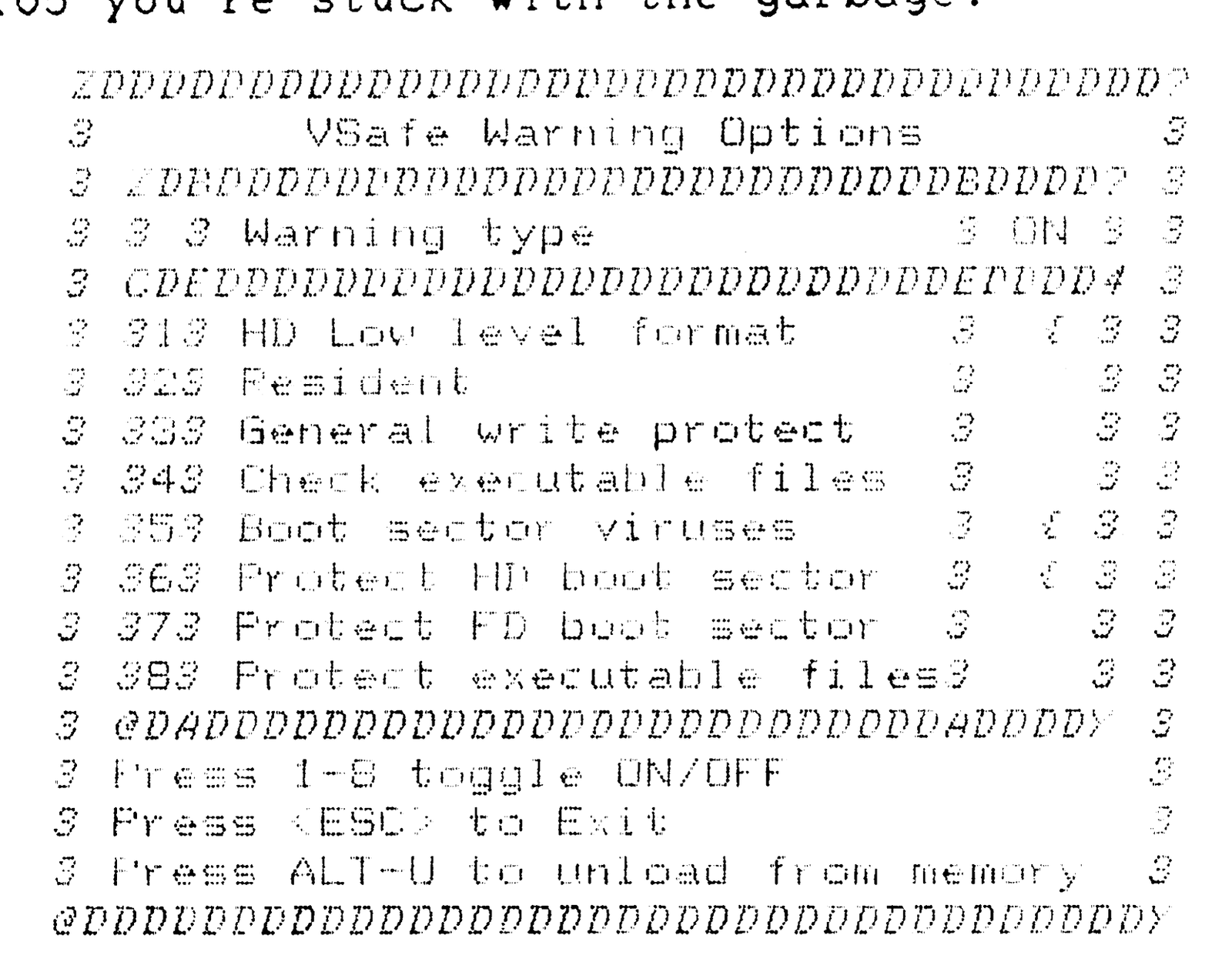
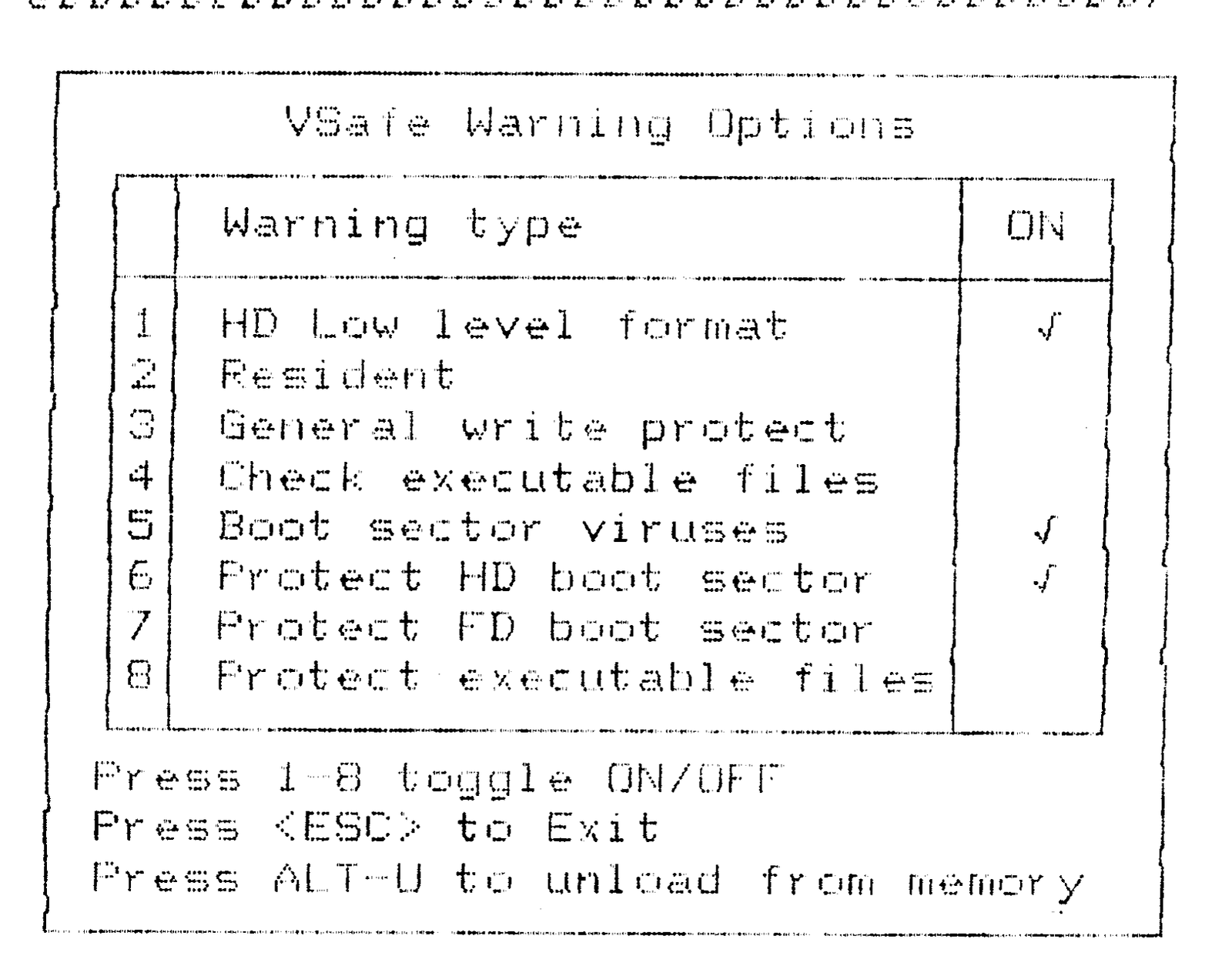
In the last newsletter, Mr Juergen made a comparison between QL and IBM PC screen dumps. In the letter he indicated that the IBM screen dump will sometime print garbage instead of what is shown on the screen. Quite true, but to understand what is going on, you have to know that the IBM is capable of handling the display file in two modes, Text and Graphics, and it is the printer, not the computer, that is at fault for printing the garbage. Lines drawn in a text screen are displayed using what is called the IBM Extended Graphics Set. Most printers these days will support the IBM graphic characters, however, factory settings for the printer usually default to a standard setting that provides ASCII, Italic, and International characters sets, hence the garbage that prints out if you do a screen print on an IBM PC. To get a ‘true’ text dump, you have to set the dip switches on the printer to print the IBM graphics set. Of course, if you have one of the older printers like the Smith Corona Fastext 80 or the Radio Shack DMP105 you’re stuck with the garbage.