
In many games you need to know if something is already in the space where you are about to print another character. Whether you are firing a missile at a target, having PacMan gobble dots, or checking for a dead end in a maze, the method is the same: calculate the new position for your moving object, check that spot on the screen before moving the character, and continue the program according to what is found in that spot. Regardless of which ZX/TS computer you are using, the theory is the same; the techniques, however, are quite different.
Display Files
The display file is the portion of the computer’s memory that keeps track of what is stored on the screen. The location of the TS1000/1500 and ZX81 display file depends on the length of your Basic program. The address of the print position in the display file is stored in addresses 16398-16399. You can find this by:
PEEK 16398+256*PEEK 16399)On the TS2068 the display file has a permanent address, but it is arranged in such a manner that simply PEEKing it will not do you any good. The SCREEN$ command, however, is made especially for checking the display:
SCREEN$(10,15)will return the string that is in the tenth row, fifteenth column. SCREEN$ does have limitations: not all characters will be “recognized.” However, the asterisk is one that registers, so it will be used in our game program.
A Game Application
Let’s set up a simple “Gobbler” game to illustrate how to “look ahead” on the screen.
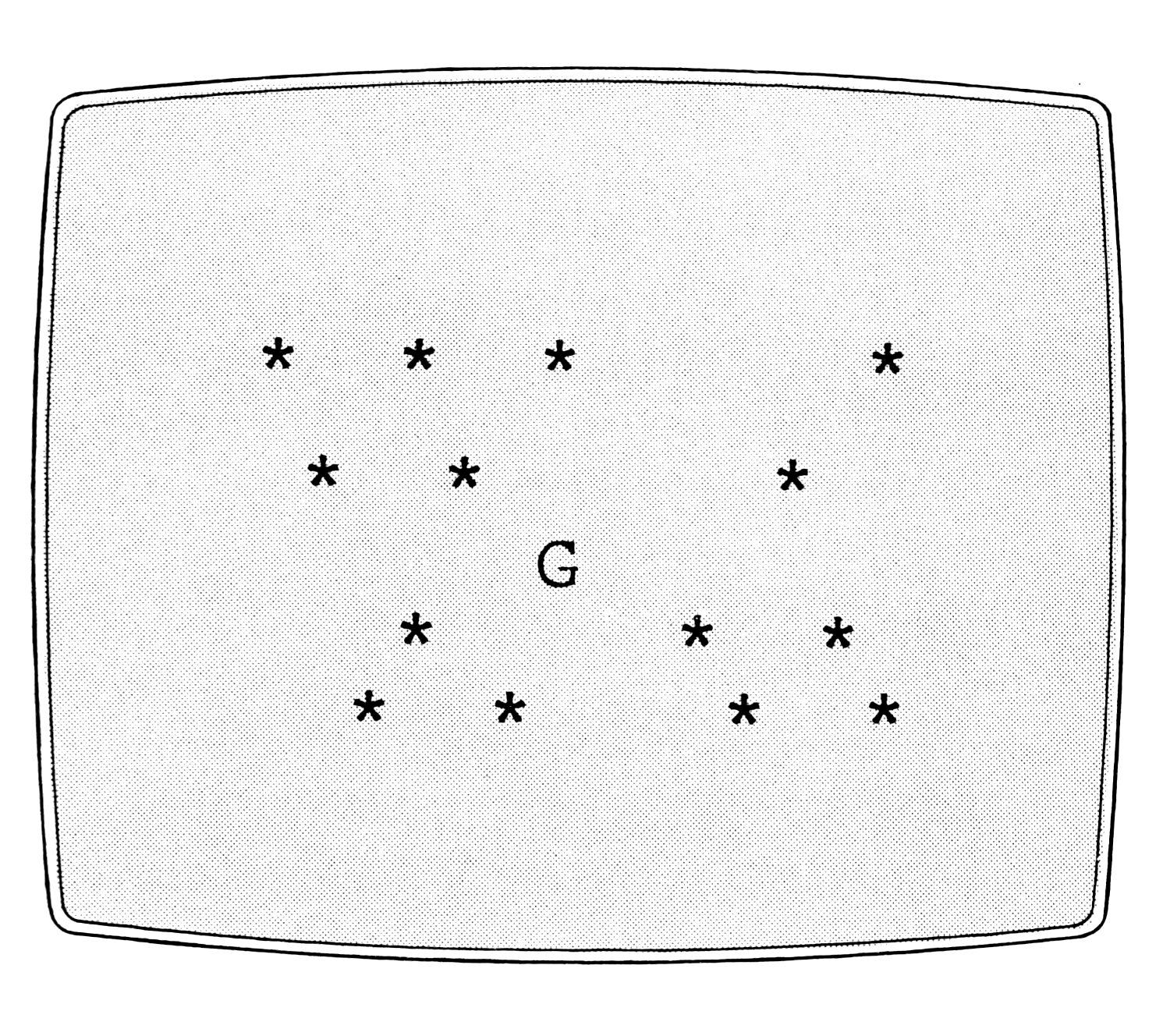
Both programs begin in the same way: 20 asterisks are printed on the screen at random positions and a “G”, representing the gobbler, is printed at the center. The cursor control keys (unshifted) will move the gobbler around; line 50 waits for a key to be pressed.
The new gobbler position must be calculated without changing the variables that store its current position because we will need those coordinates to print a space at the old position to give the illusion of motion. Variables for the new row and column are introduced at lines 60 and 65; the new positions are calculated using the logical AND instead of IF-THENs to make the program shorter. The column number increases if 8 is pressed, decreases if 5 is pressed, and so on.
Listing 1. Gobbler for the TS1000.
 10 FOR A=1 TO 20
 15 LET R=INT (RND*22)
 20 LET C=INT (RND*32)
 25 PRINT AT R,C;"*"
 30 NEXT A
 35 LET R=10
 40 LET C=15
 45 PRINT AT R,C;"G"
 50 IF INKEY$="" THEN GOTO 50
 55 LET M$=INKEY$
 60 LET NR=R+(1 AND M$="6")-(1
AND M$="7")
 65 LET NC=C+(1 AND M$="8")-(1
AND M$="5")
 70 PRINT AT NR,NC;
 75 IF PEEK (PEEK 16398+256*PEE
K 16399)=23 THEN GOSUB 100
 80 PRINT AT R,C;" "
 85 LET R=NR
 90 LET C=NC
 95 GOTO 45
100 FOR A=1 TO 10
105 FAST
110 SLOW
115 NEXT A
120 RETURN
Listing 2. Gobbler for the TS2068.
 10 FOR a=1 TO 20
 20 LET r=INT (RND*22): LET c=I
NT (RND*32)
 30 PRINT AT r,c;"*": NEXT a
 40 LET r=10: LET c=15
 45 PRINT AT r,c;"G"
 50 IF INKEY$="" THEN GO TO 50
 55 LET m$=INKEY$
 60 LET nr=r+(1 AND m$="6")-(1
AND m$="7")
 65 LET nc=c+(1 AND m$="8")-(1
AND m$="5")
 70 PRINT AT r,c;" ": IF SCREEN
$ (nr,nc)="*" THEN BEEP .05,0
 80 LET r=nr: LET c=nc: GO TO 4
5
A Parting of the Ways
When we check what is printed in the newly-calculated position, the two programs lose their similarity.
For the TS1000, it is necessary to move the print position without actually printing anything; this is done at line 70. Once the print position is placed at the new spot, we PEEK there. If the character code for an asterisk (23) is found at the new position, line 75 sends the program to a gobbling subroutine which, by alternating FAST and SLOW, makes the screen shake.
The TS2068 version is much simpler: if the SCREEN$ of the new position is an asterisk, a BEEP is sounded.
The programs differ in another respect. On the TS2068, the gobbler is erased before the check is made. This is simply because, for the best effect, the gobbler should disappear, the tone should sound, and the gobbler reappear, in that order.
Once the gobbler has been erased (line 80 in Listing 1, line 70 in Listing 2), it is reprinted in the new spot by changing the regular row/column values to equal the new row/column values and looping back to line 45.
These programs are simply for demonstration purposes. They need a lot of work to function as real games, e.g., some error trapping to keep the row/column numbers from reaching off-screen values.
Note: Type-in program listings on this website use ZMAKEBAS notation for graphics characters.