
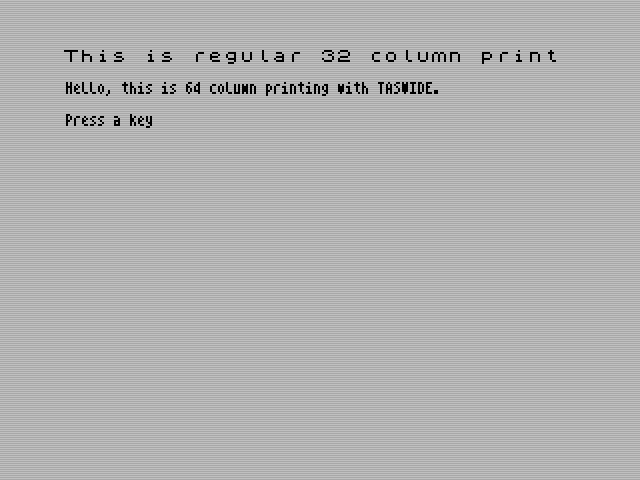
Taswide is a utility which gives output to the screen at 64 characters per line as well as the normal 32 characters per line. Once it is loaded and initialised, PRINT CHR$ 3; switches to 64 columns and PRINT CHR$ 2; back to 32, and the two sizes can be mixed on the screen and within the same PRINT statement. AT, TAB and commas work as usual, but in 64-column mode there are 64 print positions (0–63) and a comma moves to the next quarter of the line instead of the next half. Programs can also be listed at 64 columns, though not edited that way.
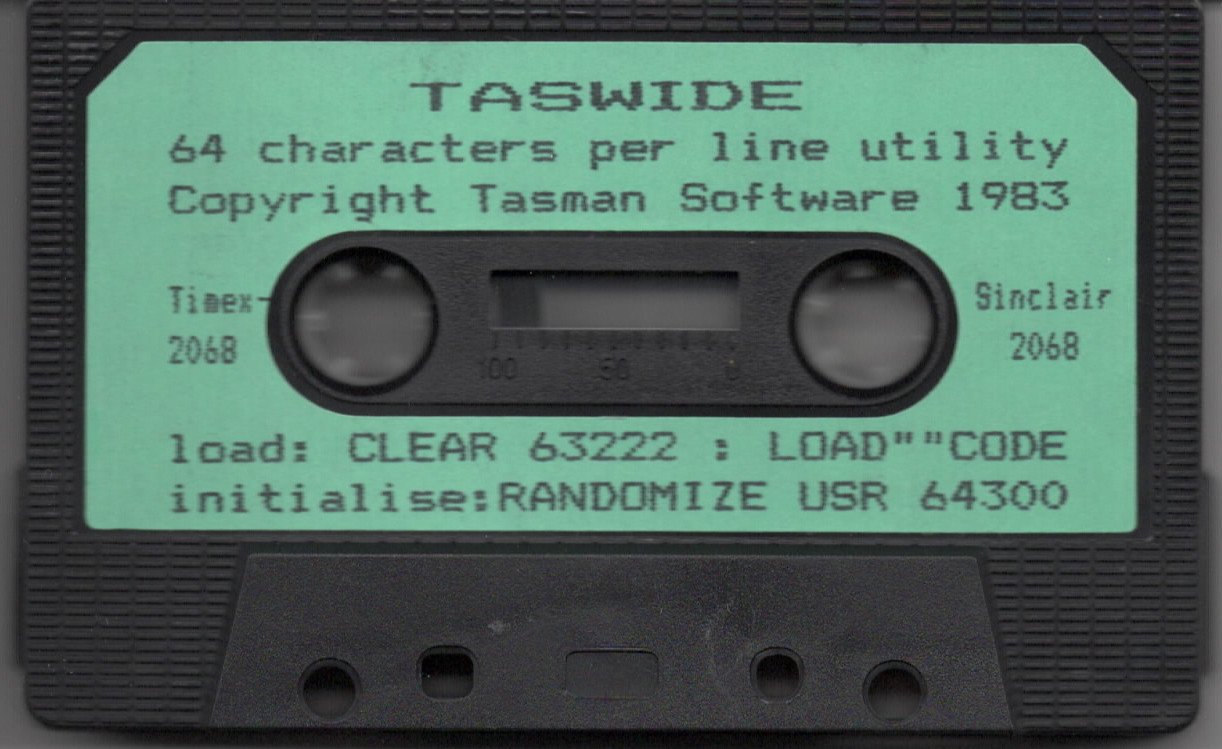
Originally for the Sinclair ZX Spectrum, this tape is labeled for the Timex/Sinclair 2068. The instruction sheet is headed “TASWIDE (C) Tasman Software 1983” and still refers to the Spectrum, with 16K Spectrum addresses in brackets; the tape has the 48K version, saved twice.
Program Analysis
Using It
CLEAR 63222andLOAD "" CODE: the 1,492-byte routine loads at 63223, below the user-defined graphics and leaving room for the Tasman printer interface software. It survivesNEW.RANDOMIZE USR 64300initialises the 64-column generator. This has to be repeated afterCLEAR,CLS,NEW,RUN, an automatic listing, or using AT and TAB in 32-column mode, so programs started withRUNshould include it.- INK, PAPER, FLASH, BRIGHT, INVERSE and the video control codes work, but each affects a full 32-column character cell; OVER cannot be used.
Notable Techniques
- The narrow character set, based at 62976, is four pixels wide, and the four most significant bits of each byte must be zero. The sheet shows how to define a 64-column user-defined graphic by POKEing eight bytes at
62976+144*8onwards. - The routine works through the normal
PRINTchannel, switched by the otherwise unused control codes 2 and 3, so ordinary BASICPRINTstatements need no changes.
Potential Issues
- The instruction sheet’s second page gives the 16K re-initialise address as 30454, which is the
CLEARaddress; elsewhere it is 31532.
Image Gallery
Note: Type-in program listings on this website use ZMAKEBAS notation for graphics characters.