
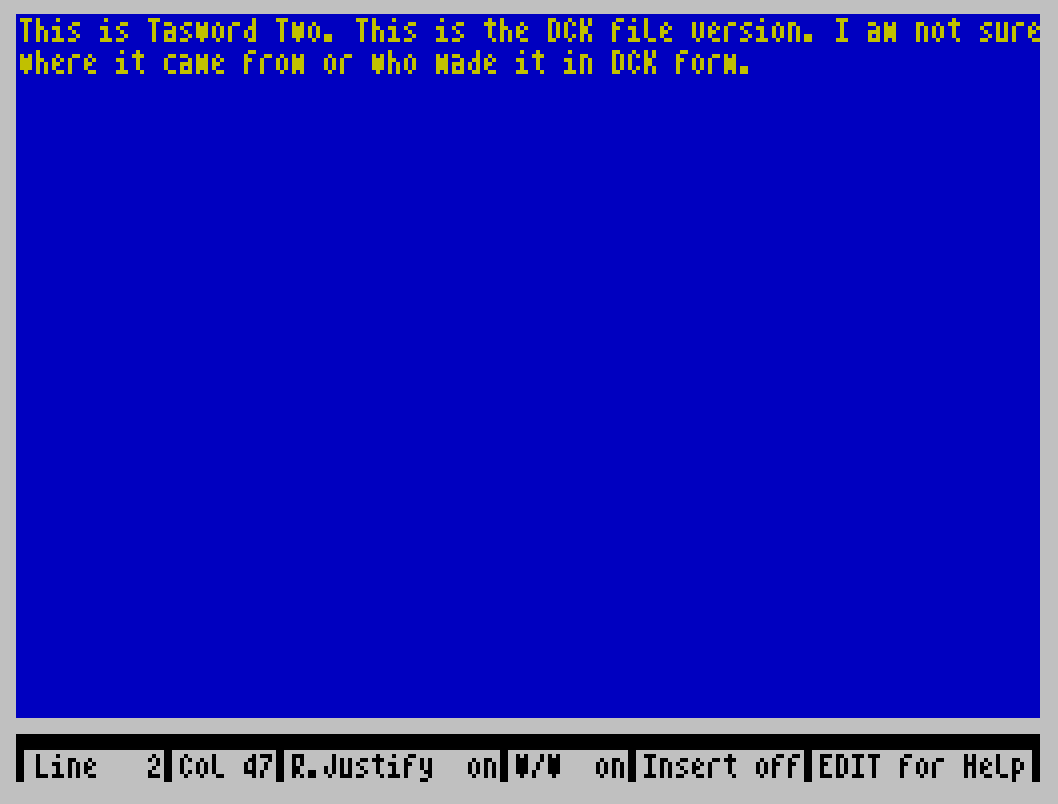
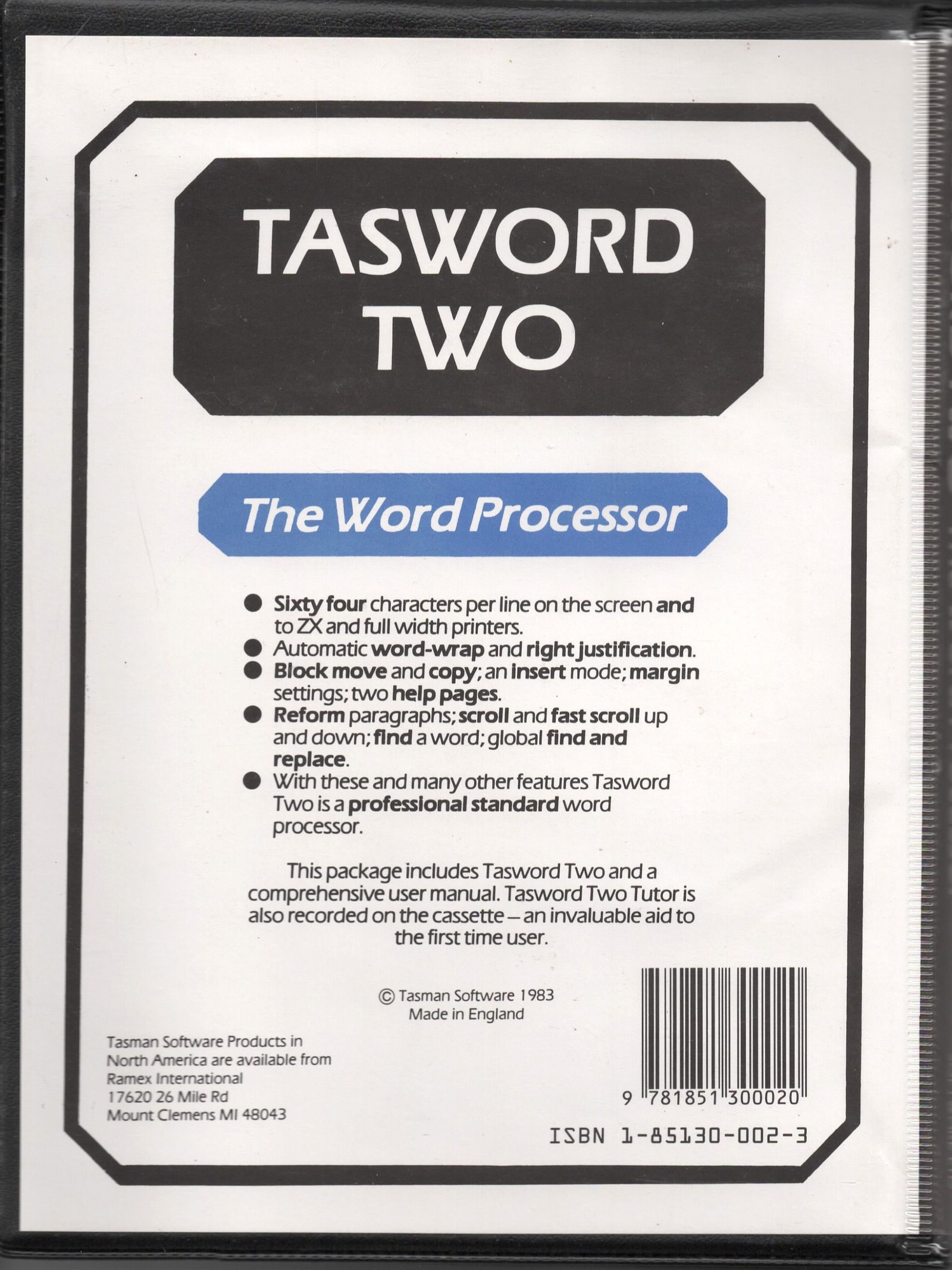
Tasword Two is a word processor from Tasman Software (“© Tasman Software 1983”) that shows text at 64 characters per line. In the editor you type continuously with word-wrap, and the keyboard’s keyword keys give the commands: cursor and word movement, insert and delete of characters and lines, centring a line, moving a line left or right, jumping to the start or end of the text, scrolling, and reforming a paragraph. An extended mode (CAPS SHIFT and SYMBOL SHIFT together) adds right justification on or off, justifying and unjustifying lines, left and right margins, block mark, copy and move, find and replace, insert mode, a large-print marker, changing the window on the text, and clearing the file. Two help pages are always a key away.
STOP returns to a BASIC menu to print, save, load or merge a text file, define printer graphics and printer codes, save a copy of Tasword, or leave to BASIC. Printing has options for line spacing and the range of lines, and graphics characters 128–143 can be set to send printer control codes; the help page lists Epson FX-80 codes for enlarged, condensed, underline, italics, emphasised, double strike, elite and proportional print.
Modified versions are on the site as Tasword with Form Feed (SMUG) and CTAS (Customized Tasword), and Word Processor File Converter converts its files.
Program Analysis
Structure
The tape holds the BASIC program tasword (auto-run at line 15) and 10,751 bytes of machine code at 54784. Line 15 does CLEAR 33279, loads the code and starts the editor with USR 59081; the start of the text is held in the code at 62216. When the editor exits, line 20 rounds the text length up to whole 64-character lines and shows the menu.
- Lines 20–699: menu and key dispatch.
- Lines 200–290: printing; lines 300–430: printer graphics characters and interface codes.
- Lines 700–790: save and verify Tasword; lines 1000–2030: save, verify, load and merge text files as
CODEblocks. - Lines 3000–3060: find and replace; line 4000: the title; lines 6000–6210: a keyboard input routine with its own flashing cursor.
Notable Techniques
- Nearly every number is written as
VAL "…", which saves memory for text at the cost of speed. - The find and replace words are passed to the machine code through the printer buffer at 23296.
- Printer settings (control codes, carriage return, line feed, left margin) are POKEd into the code, so “save tasword” makes a customised copy.
- Merging loads the new file at the end of the text already in memory, using the code’s text-length and limit pointers.
POKE 23609,2sets a short keyboard click.
Image Gallery
Note: Type-in program listings on this website use ZMAKEBAS notation for graphics characters.