
Text Printer is a menu-driven utility that reads machine-code text data stored at memory address 35000 and sends it to either a full-size parallel/serial printer or a Timex/Sinclair 2040 thermal printer. For the full-size printer path, it reads 18 lines of 64-character-wide text per page, printing a header with a page counter. The TS2040 path transposes the text sideways by iterating columns and rows in reverse order, effectively rotating the output 90 degrees to achieve 64-column printing on the narrow thermal roll. A machine-code print driver is expected to reside at address 34000, and a separate machine-code block (785 bytes from address 33000) is saved and loaded alongside the BASIC program. The utility was designed specifically for text data from BYTE POWER Magazine issues (August 1986 through December/January 1987) stored as binary CODE files.
Program Structure
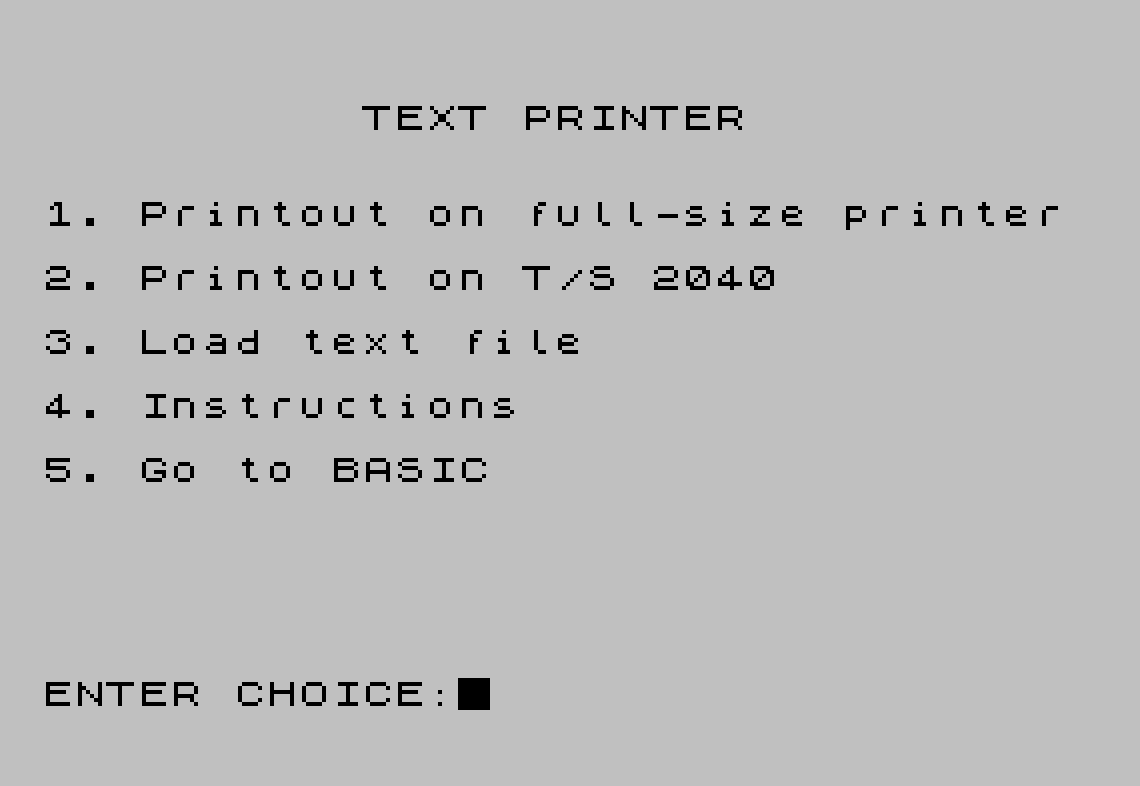
The program is divided into four logical sections accessed via a central menu:
- Lines 80–110: Full-size printer output routine — reads 18 lines × 64 characters per page from address 35000 upward, printing page headers.
- Lines 1005–1080: TS2040 thermal printer routine — transposes text sideways, 64 columns wide, using nested loops that invert row/column order.
- Lines 2000–2060: Main menu — uses
PEEK 23560to read the last key pressed afterPAUSE 0, dispatching on ASCII codes 49–53. - Lines 3000–3070: Paginated instructions screen, split across two
PAUSE 0-gated screens.
Lines 9000 and 9999 form a save/load bootstrap: SAVE "TEXT PRINT" LINE 9000 automates reloading, and SAVE "CODES" CODE 33000,785 preserves the machine-code block.
Machine Code Usage
Two machine-code blocks are involved:
- A print driver expected at address 34000, loaded separately before running the program (not loaded by this BASIC).
- A 785-byte block at address 33000, saved as
"CODES"in line 9999 and called viaRANDOMIZE USR 33768in line 2050 — presumably a tape loader or LOAD helper routine invoked beforeLOAD n$ CODE 35000.
Printer Routines
The full-size printer path (lines 80–110) is straightforward: it steps char through memory in 64-byte strides, assembling each line into a$ with a FOR x=char TO char+63 loop, then LPRINTs it with an 8-space indent. Each page consists of 18 such lines, with a dashed separator and page number printed at the top.
The TS2040 path (lines 1005–1080) performs a 90-degree rotation. The outer loop iterates over 64 column positions (c=0 TO 63) and the inner loop walks 18 rows in reverse (l=17 TO 0 STEP -1), reading PEEK (char+c+l*64). This re-orders a 64×18 block into 64 rows of 18 characters, printing each rotated column as one printer line — effectively printing the text sideways to exploit the 2040’s narrow roll width.
System Variable Manipulation
Lines 1020–1030 and 2010 directly manipulate the system variable pair at addresses 23606–23607, which controls the printer buffer pointer (PRBUFF / PR_CC). Setting both to specific values resets or repositions the printer state. The value a=32744 (line 1010) and the reset pair 0,60 (hex 003C = address 60) are used to point to a custom print buffer or restore the default.
Key BASIC Idioms
PAUSE 0followed byPEEK 23560reads the ASCII value of the last key pressed from the LAST_K system variable — a common polling idiom avoidingINKEY$string comparison.IF PEEK char=0 THEN LET char=char+1(line 80) skips a leading null byte, guarding against off-by-one alignment in the CODE file.IF b$="FREE " OR b$="STICK"in line 1060 uses the TS2068-specific keyword tokens~(FREE) and|(STICK) — these are single-byte tokens that may appear in raw memory and are filtered out, replaced with a space to avoid corrupting printer output.- The
DIM p$(64)at line 1010 creates a 64-character string for the page header, accessed character-by-character asp$(c+1)inside the column loop.
Image Gallery
Source Code
 10 REM TEXT PRINTER
   20 REM RESET 1987 BYTE POWER
   30 REM BY E & K BOISVERT
   40 GO TO 2000
   50 REM LOAD DRIVER AT 34000
   55
   60 REM LOAD BYTE POWER PART I          OR PART II AT 35000
   70
   80 CLS : PRINT AT 10,0;"PRINTING ON FULL-SIZE PRINTER": LET char=35000: LET page=0: IF PEEK char=0 THEN LET char=char+1
   90 IF PEEK char=0 THEN GO TO 2000
   95 LPRINT : LPRINT : LPRINT "        -------------------------------------------------------- Page:";page: LPRINT : LET page=page+1
  100 FOR l=1 TO 18: LET a$="": FOR x=char TO char+63: LET a$=a$+CHR$ (PEEK x): NEXT x: LPRINT "        ";a$: LET char=char+64: NEXT l
  110 LPRINT : LPRINT : LPRINT : GO TO 90
 1005 CLS : PRINT AT 10,0;"PRINTING ON T/S 2040": LET page=0: LET char=35000: IF PEEK char=0 THEN LET char=char+1
 1010 DIM p$(64): LET a=32744: LET p$="PAGE:"+STR$ page
 1020 POKE 23606,a-256*INT (a/256)
 1030 POKE 23607,INT (a/256)
 1040 IF PEEK char=0 THEN POKE 23606,0: POKE 23607,60: GO TO 2000
 1050 FOR c=0 TO 63: LET a$="  "+p$(c+1)+"    ": FOR l=17 TO 0 STEP -1
 1060 LET b$=CHR$ PEEK (char+c+l*64): IF b$="FREE " OR b$="STICK" THEN LET b$=" "
 1065 LET a$=a$+b$: NEXT l: LPRINT a$: NEXT c: LET char=char+1152
 1070 POKE 23606,0: POKE 23607,60: LPRINT ''"--------------------------------"'''
 1080 LET page=page+1: GO TO 1000
 2000 REM MAIN MENU
 2010 POKE 23606,0: POKE 23607,60: CLS : PRINT AT 3,10;"TEXT PRINTER"
 2020 PRINT AT 6,0;"1. Printout on full-size printer"''"2. Printout on T/S 2040"''"3. Load text file"''"4. Instructions"''"5. Go to BASIC"
 2030 PRINT AT 21,0;"ENTER CHOICE: ": PAUSE 0: LET ky=PEEK 23560: IF ky<49 OR ky>53 THEN GO TO 2030
 2040 IF ky=49 THEN GO TO 80
 2045 IF ky=50 THEN GO TO 1000
 2050 IF ky=51 THEN CLS : INPUT "FILE NAME:"; LINE n$: RANDOMIZE USR 33768: LOAD n$CODE 35000: GO TO 2000
 2055 IF ky=52 THEN GO TO 3000
 2060 CLS : STOP
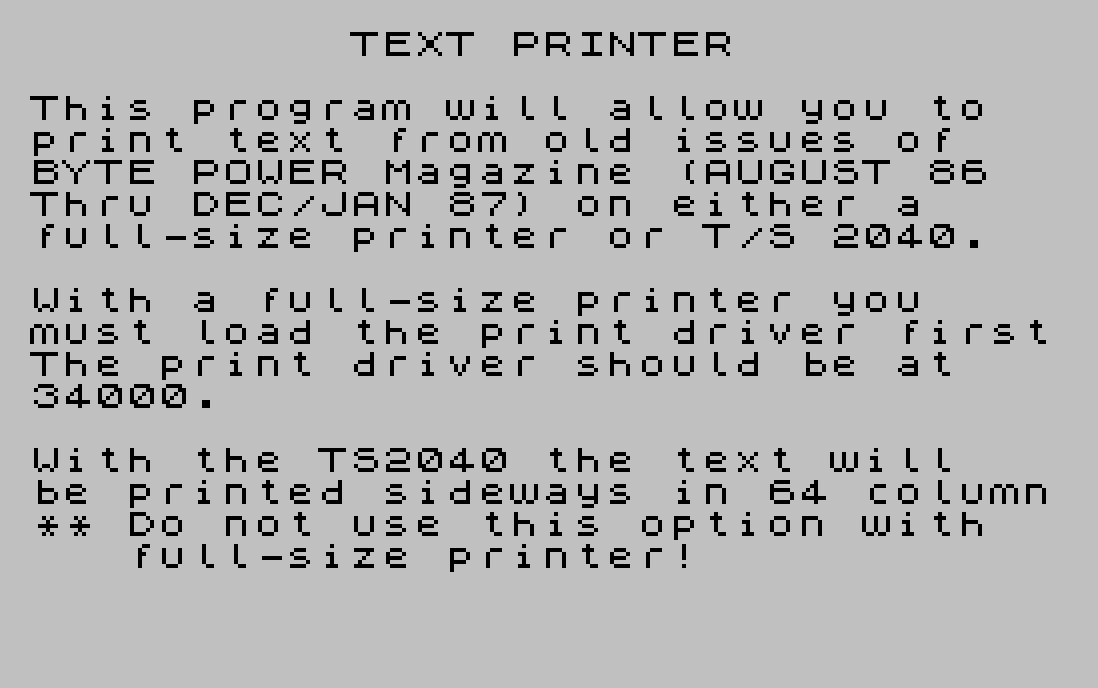
 3000 REM INSTRUCTIONS
 3010 CLS : PRINT AT 2,10;"TEXT PRINTER"
 3020 PRINT AT 4,0;"This program will allow you to  print text from old issues of   BYTE POWER Magazine (AUGUST 86  Thru DEC/JAN 87) on either a    full-size printer or T/S 2040."
 3030 PRINT AT 10,0;"With a full-size printer you    must load the print driver firstThe print driver should be at   34000."
 3040 PRINT AT 15,0;"With the TS2040 the text will   be printed sideways in 64 column** Do not use this option with     full-size printer!"
 3050 PAUSE 0: CLS
 3060 PRINT AT 4,0;"To load a file (PART I or II)   Choose option 3 and input file  name."''"PART I is found right after the first program (BYTE POWER) on   the old cassettes AUG 86-JAN 87 and PART II follows PART I."
 3070 PAUSE 0: GO TO 2000
 9000 LOAD ""CODE : RUN
 9999 SAVE "TEXT PRINT" LINE 9000: SAVE "CODES"CODE 33000,785: VERIFY "": VERIFY ""CODE
Note: Type-in program listings on this website use ZMAKEBAS notation for graphics characters.