
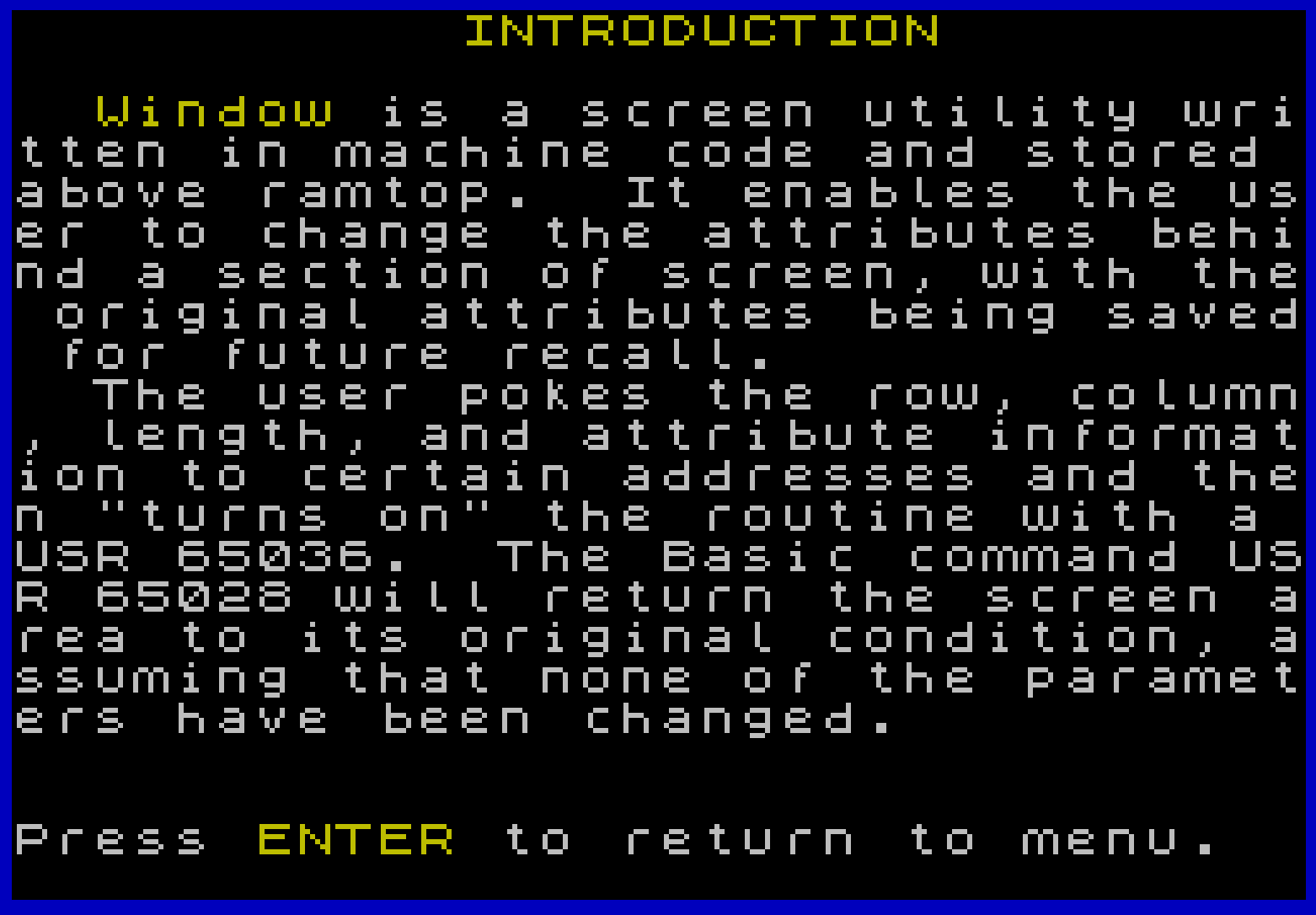
Window is a screen attribute utility whose machine code routine is stored above RAMTOP starting at address 65028. The program provides two USR entry points: USR 65036 loads new attributes onto a user-defined rectangular screen region while saving the originals, and USR 65028 restores those saved attributes. Parameters are communicated by POKEing row, column, length, and attribute values into addresses 65096–65099, with the saved attributes occupying addresses 65111–65367. The BASIC loader at line 9001 decodes a packed hexadecimal string using arithmetic on character codes to POKE the machine code bytes into place. Six UDGs (144–149) are also defined to provide arrow and box graphics used in the menu interface, and the program includes an ON ERR handler in the demonstration section to gracefully recover from out-of-bounds operations.
Machine code USR calls
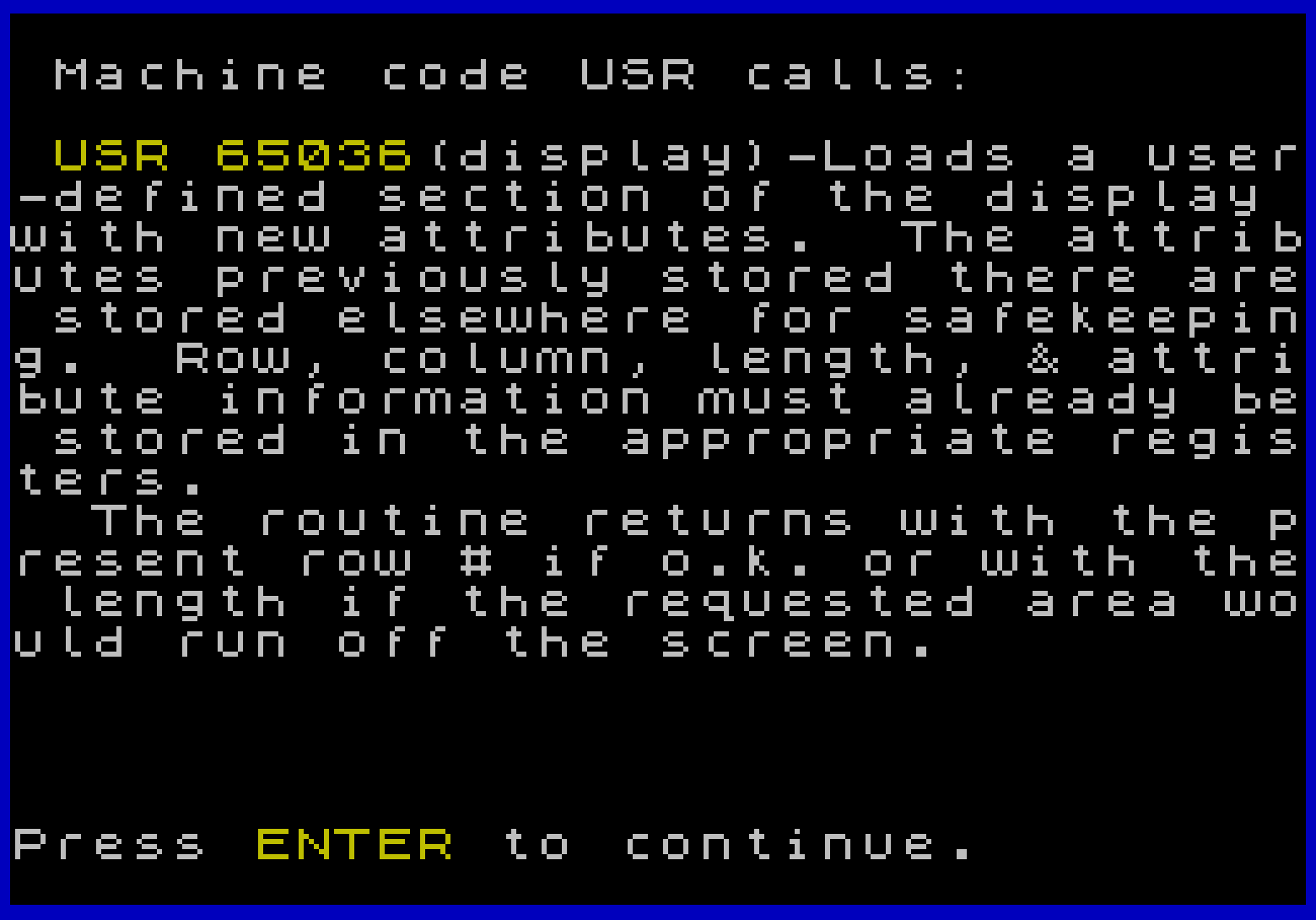
USR 65036 (display): Loads a user-defined section of the display with new attributes. The attributes previously stored there are stored elsewhere for safekeeping. Row, column, length, & attribute information must already be stored in the appropriate registers. The routine returns with the present row # if o.k. or with the length if the requested area would run off the screen.
USR 65028 (normalize): Returns the displayed area to its original attributes. If any of the registers (except attributes) has been changed, then the routine will load back to the new area. As with the display routine the normalize routine will return with the current row # or length depending on whether or not the area fits on the screen.
Register 65099 (attributes) must be loaded in the format the computer uses. POKE 65099,paper*8+ink will do the trick, where INK and PAPER are 0-7. Add 64 for BRIGHT & 128 for FLASH.
Program Analysis
Program Structure
The program is organized into clearly numbered sections accessible from a central menu:
- Lines 1–19: Initialization — defines UDGs, sets variable aliases for key addresses, loads machine code via
GO SUB 9000. - Lines 20–65: Main menu loop with a highlight bar driven by the machine code utility itself.
- Lines 1000–1999: Introduction section (text display).
- Lines 2000–2999: Program details — multi-page explanation with machine code listing and attribute format diagram.
- Lines 3000–3999: Demonstrations — three interactive examples using the Window routine.
- Lines 4000–4999: Modifications section (text and contact information).
- Lines 9000–9002: Machine code loader subroutine.
Machine Code Loading (Lines 9000–9002)
The machine code is stored as a packed hexadecimal string in a DATA statement at line 9002. The loader at line 9001 reads this string and decodes each two-character hex byte using the expression:
(CODE a$(i)-48-7*(a$(i)>"@"))*16+CODE a$(i+1)-48-7*(a$(i+1)>"@")
This converts both decimal digits (0–9) and uppercase hex letters (A–F) to their numeric values by subtracting 48 for digits and an additional 7 for letters, since CODE "A" is 65 and 65−48−7 = 10. Bytes are POKEd sequentially starting at address 65028 (j). The hyphen characters in the data string act as delimiters and are stepped over by iterating with STEP 3.
Note a discrepancy: the BASIC listing at line 9002 encodes the byte at FE37 as 01-01-5B (i.e., LD BC,5B01h), but the assembly listing displayed at line 2256 shows 01-C1-5A (i.e., LD BC,5AC1h). The data string governs actual behavior; the printed mnemonic may contain a typo.
Address Alias Variables (Line 17)
Line 17 assigns short variable names to the key addresses, improving readability and slightly reducing interpretation overhead:
| Variable | Address | Purpose |
|---|---|---|
n | 65028 | USR entry: normalize (restore attributes) |
d | 65036 | USR entry: display (apply new attributes) |
r | 65096 | Register: row |
c | 65097 | Register: column |
l | 65098 | Register: length |
a | 65099 | Register: attribute byte |
Note that a is reused as a loop variable at line 9001 (LET a$=... uses a different variable name, but the numeric a alias for address 65099 is overwritten at line 3001 by POKE a,... expressions in the demo section — however those lines use a correctly as the alias throughout the demo section, relying on the alias set in line 17).
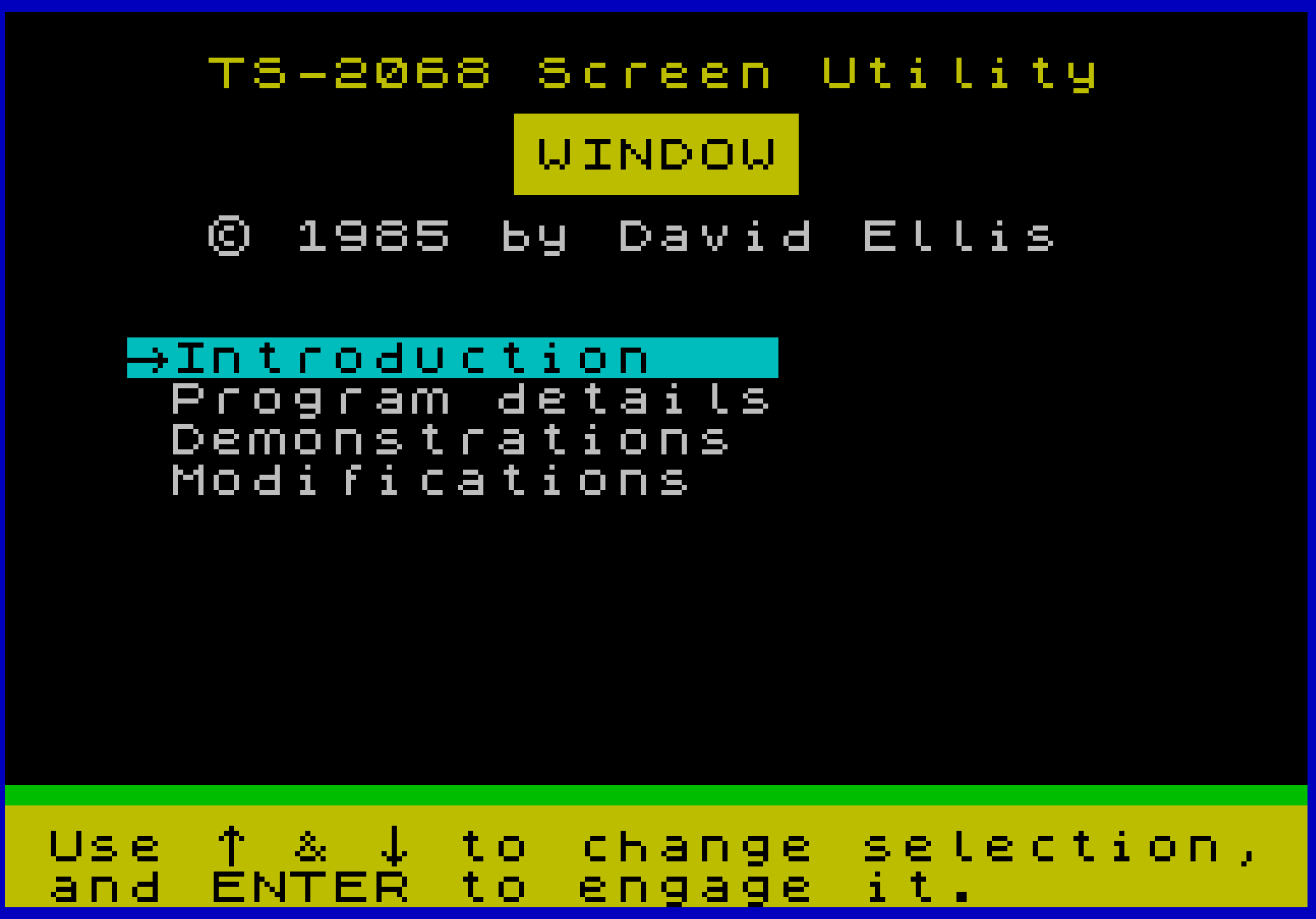
Menu Navigation and Self-Highlighting
The main menu (lines 25–65) uses the Window utility on itself to create a movable highlight bar. The variable x holds the current highlighted row (initialized by USR d at line 31). Cursor keys (key codes 10 = down, 11 = up) move the bar by calling RANDOMIZE USR n to restore the old row, updating r, then calling USR d again. The ENTER key (code 13) dispatches to the appropriate section via GO TO (x-7)*1000, an elegant computed branch that maps row 8→1000, 9→2000, 10→3000, 11→4000.
The delay loop at lines 35–40 (FOR i=1 TO 25: NEXT i followed by waiting for a non-empty INKEY$) provides key debouncing — ensuring the keypress that moved the highlight is not immediately re-read as the selection.
UDG Definitions (Lines 12–16)
Six UDGs (characters 144–149) are defined using READ/DATA and POKE USR CHR$ i+j,n. The UDGs provide:
\a(144): Left-pointing arrow\b(145): Right-pointing arrow\c(146): Up-pointing arrow\d(147): Down-pointing arrow\e(148): Box/border character\f(149): Small diamond/blob
These are used extensively in the menu display text and in the demonstration sequences at lines 3145 and 3160.
Demonstration Sequences (Lines 3000–3190)
Three demonstrations exercise the Window routine:
- Spiral/logo effect (lines 3005–3040): Nested loops apply progressively inward attribute bands, creating a spiral highlight effect around “TIMEX 2068”. An
ON ERR GO TO 3041guard at line 3001 protects against out-of-range POKE values;POKE 23659,0disables the error scroll prompt. - Random attribute examples (lines 3045–3110): Repeatedly selects random row, column, length, ink, and paper values, applies them via
USR d, and displays the parameters. ENTER applies the next example; the down arrow proceeds to the next demo. - Bombs Away (lines 3145–3155): Fills the screen with UDG
\echaracters, then sweeps a single-cell Window highlight across every column and row sequentially, creating a scanning effect. - Goblin seek (lines 3160–3190): Hides a UDG goblin (
\f) among a screen of UDG\echaracters using OVER 1, then lets the user move a 1×1 attribute window with cursor keys to locate it. UsesPEEK candPEEK rto read current position back from the registers.
Notable Techniques and Idioms
RANDOMIZE USR nandRANDOMIZE USR dare used instead ofLET x=USR ...in performance-sensitive loops where the return value is not needed, avoiding the overhead of variable assignment.- The attribute byte format is clearly documented:
PAPER*8 + INK, with bit 6 for BRIGHT and bit 7 for FLASH, matching the hardware attribute cell format directly. - Color name lookup at line 3051 uses a fixed-width string
c$with 7-character fields, indexed asc$(ink*7+1 TO ink*7+7)— a compact color-name table technique. POKE 23659,0at line 3001 suppresses the “scroll?” prompt, andPOKE 23659,2at line 3040/3041 restores it.- The multi-page machine code listing in section 2000 uses
\cand\dUDG arrows as navigation indicators in the headings, consistent with the rest of the UI.
Bugs and Anomalies
- Line 2176: The mnemonic
PUCH BCis a typo forPUSH BCin the displayed listing. - Line 2256 vs. line 9002: The displayed assembly shows
LD BC,5AC1hbut the data string encodes01-01-5B(LD BC,5B01h). One of these contains an error; the POKEd bytes define actual behavior. - Lines 2085–2100: The navigation logic checks variable
owhich was set at line 2052 during the previous screen’s keypress, not freshly read — the loop at 2085 waits for a key but never re-readsobefore the checks at 2090–2100, making it impossible to navigate backward from this screen using\cunless the previous key code happened to be 11. - Line 3160:
RANDOMIZE(with no argument) is used to seed the random number generator before placing the goblin; this is intentional but means the goblin’s position varies each run.
Image Gallery
Source Code
    1 REM ***********************
    2 REM
    3 REM    TS-2068 Utility
    4 REM
    5 REM        WINDOW
    6 REM
    7 REM  \* 1985 by David Ellis
    8 REM
    9 REM ***********************
   10 REM Initialization
   11 BORDER 1: PAPER 0: INK 7: CLEAR 65000: PRINT AT 8,9;"Initializing"''TAB 9;"Please wait"
   12 FOR i=144 TO 149: FOR j=0 TO 7: READ n: POKE USR CHR$ i+j,n: NEXT j: NEXT i
   13 DATA 0,0,4,2,255,2,4,0: DATA 0,0,32,64,255,64,32,0
   14 DATA 8,28,42,8,8,8,8,8: DATA 8,8,8,8,8,42,28,8
   16 DATA 255,129,129,129,129,129,129,255: DATA 0,0,24,60,60,36,0,0
   17 LET n=65028: LET d=65036: LET r=65096: LET c=65097: LET l=65098: LET a=65099
   18 POKE r,0: POKE c,0: POKE l,32: POKE a,48
   19 GO SUB 9000
   20 REM main program
   21 CLS
   25 PRINT AT 1,5;"TS-2068 Screen Utility"'TAB 12;"\:'\''\''\''\''\''\''\':"'TAB 12;"\: WINDOW\ :"'TAB 12;"\:.\..\..\..\..\..\..\.:"'TAB 5;"\* 1985 by David Ellis"'''"   \aIntroduction"'"   \aProgram details"'"   \aDemonstrations"'"   \aModifications";AT 19,0;"\''\''\''\''\''\''\''\''\''\''\''\''\''\''\''\''\''\''\''\''\''\''\''\''\''\''\''\''\''\''\''\'' Use \c & \d to change selection,  and ENTER to engage it.        "
   30 POKE r,8: POKE c,3: POKE l,16: POKE a,40
   31 LET x=USR d
   35 FOR i=1 TO 25: NEXT i
   40 IF INKEY$="" THEN GO TO 40
   45 LET o=CODE INKEY$
   50 IF o=10 AND x<11 THEN RANDOMIZE USR n: POKE r,x+1: LET x=USR d: GO TO 35
   55 IF o=11 AND x>8 THEN RANDOMIZE USR n: POKE r,x-1: LET x=USR d: GO TO 35
   60 IF o=13 THEN GO TO (x-7)*1000
   65 GO TO 40
 1000 REM Introduction
 1010 CLS : PRINT TAB 11;"INTRODUCTION"''
 1020 PRINT "  Window is a screen utility written in machine code and stored above ramtop.  It enables the user to change the attributes behind a section of screen, with the original attributes being saved for future recall."
 1030 PRINT "  The user pokes the row, column, length, and attribute information to certain addresses and then ";"""turns on""";" the routine with a USR 65036.  The Basic command USR 65028 will return the screen area to its original condition, assuming that none of the parameters have been changed."
 1035 PRINT AT 20,0;"Press ENTER to return to menu."
 1040 IF INKEY$="" THEN GO TO 1040
 1050 GO TO 20
 1999 STOP
 2000 REM Program details
 2010 CLS : PRINT 'TAB 8; PAPER 1;"Program details": PAUSE 120
 2020 CLS : PRINT AT 1,1;"Machine code USR calls:"''" USR 65036(display)-Loads a user-defined section of the display with new attributes.  The attributes previously stored there are stored elsewhere for safekeeping.  Row, column, length, & attribute information must already be stored in the appropriate registers."
 2025 PRINT "  The routine returns with the present row # if o.k. or with the length if the requested area would run off the screen."
 2027 PRINT AT 20,0;"Press ENTER to continue."
 2030 IF INKEY$="" THEN GO TO 2030
 2032 LET o=CODE INKEY$
 2034 IF o=13 THEN GO TO 2040
 2036 GO TO 2030
 2040 CLS : PRINT AT 2,1;"USR 65028(normalize)-Returns the displayed area to its original attributes.  If any of the registers (except attributes) has been changed, then the routine will load back to the new area."
 2045 PRINT "  As with the display routine the normalize routine will return with the current row # or length depending on whether or not the area fits on the screen."
 2047 PRINT AT 20,0;"Press Enter to continue or \c to back up a screen"
 2050 IF INKEY$="" THEN GO TO 2050
 2052 LET o=CODE INKEY$
 2054 IF o=11 THEN GO TO 2020
 2056 IF o=13 THEN GO TO 2060
 2058 GO TO 2050
 2060 CLS : PRINT AT 1,0;"Register   Name      Range": PLOT 0,159: DRAW 255,0:
 2069 PRINT AT 3,0;"65028-"'TAB 7;"Program"'"65095-"
 2070 PRINT "65096      row       0-21"
 2071 PRINT "65097      column    0-255"
 2072 PRINT "65098      length    1-255"
 2073 PRINT "65099      attr      0-255"
 2074 PRINT "65100-"'TAB 7;"Unused"'"65110-"
 2075 PRINT "65111-"'TAB 7;"Holds original attributes65367-"
 2076 PRINT AT 20,0;"Press ENTER to continue or \c to back up a screen"
 2080 PLOT 47,131: DRAW 0,16: PLOT 47,75: DRAW 0,16: PLOT 47,51: DRAW 0,16: PLOT 48,59: DRAW 6,0: PLOT 48,83: DRAW 6,0: PLOT 48,139: DRAW 6,0
 2085 IF INKEY$="" THEN GO TO 2085
 2090 IF o=13 THEN GO TO 2110
 2095 IF o=11 THEN GO TO 2040
 2100 GO TO 2085
 2110 CLS : PRINT AT 1,1;"Register 65099(attributes) must be loaded in the format the computer uses."''TAB 4;" 7  6  5  4  3  2  1  0 "''TAB 12;"paper";TAB 22;"ink"
 2111 PRINT TAB 9;"bright"'TAB 6;"flash"
 2115 PLOT 32,136: DRAW 192,0: PLOT 32,127: DRAW 192,0
 2116 FOR i=32 TO 224 STEP 24: PLOT i,135: DRAW 0,-7: NEXT i
 2117 PLOT 153,125: DRAW 0,-3: DRAW 70,0: DRAW 0,3
 2118 PLOT 151,125: DRAW 0,-3: DRAW -70,0: DRAW 0,3
 2119 PLOT 115,121: DRAW 0,-2: PLOT 187,121: DRAW 0,-2: PLOT 67,125: DRAW 0,-17: DRAW 4,0: PLOT 43,125: DRAW 0,-25: DRAW 4,0
 2120 PLOT 33,142: DRAW 0,-4: DRAW 2,0: DRAW 0,2: DRAW -2,0: PLOT 38,142: PLOT 38,140: DRAW 0,-2: PLOT 42,141: DRAW 0,-3: PLOT 41,140: DRAW 2,0
 2125 PRINT '"The line: POKE 65099,paper*8+ink with: paper(0-7)"'"       ink(0-7)"
 2126 PRINT "will do the trick."'"Add 64 for BRIGHT "'" & 128 for FLASH "
 2130 PRINT AT 20,0;"Press ENTER to continue or \c to back up"
 2135 IF INKEY$="" THEN GO TO 2135
 2140 LET o=CODE INKEY$
 2145 IF o=13 THEN GO TO 2160
 2150 IF o=11 THEN GO TO 2060
 2155 GO TO 2135
 2160 CLS : PRINT TAB 5;"MACHINE CODE LISTING     \c\d"''"LOC  HEX CODE  LABEL MNEMONICS"'': PLOT 0,151: DRAW 255,0
 2170 PRINT "FE04 CD20FE    NORM  CALL FIND"
 2171 PRINT "FE07 EB              EX HL,DE"
 2172 PRINT "FE08 EDB0            LDIR"
 2173 PRINT "FE0A 4F              LD C,A"
 2174 PRINT "FE0B C9              RET"
 2175 PRINT "FE0C CD20FE    DISP  CALL FIND"
 2176 PRINT "FE0F C5              PUCH BC"
 2177 PRINT "FE10 EDB0            LDIR"
 2178 PRINT "FE12 C1              POP BC"
 2179 PRINT "FE13 A7              AND A"
 2180 PRINT "FE14 ED42            SBC HL,BC"
 2181 PRINT "FE16 41              LD B,C"
 2182 PRINT "FE17 4F              LD C,A"
 2183 PRINT "FE18 3A4BFE          LD A,(ATTR)"
 2184 PRINT "FE1B 77              LD (HL),A"
 2185 PRINT "FE1C 23              INC HL"
 2186 PRINT "FE1D 10FC            DJNZ, FE1B"
 2187 PRINT "FE1F C9              RET"
 2190 IF INKEY$="" THEN GO TO 2190
 2200 LET O=CODE INKEY$
 2210 IF O=11 THEN GO TO 2110
 2215 IF O=10 THEN GO TO 2230
 2220 GO TO 2190
 2230 CLS : PRINT TAB 5;"MACHINE CODE LISTING cont\c\d"''"LOC  HEX CODE  LABEL MNEMONICS"'': PLOT 0,151: DRAW 255,0
 2240 PRINT "FE20 ED5B48FE  FIND  LD DE,(ROW)"
 2241 PRINT "FE24 7B              LD A,E"
 2242 PRINT "FE25 2616            LD H,16h"
 2243 PRINT "FE27 87              ADD A,A"
 2244 PRINT "FE28 87              ADD A,A"
 2245 PRINT "FE29 87              ADD A,A"
 2246 PRINT "FE2A 6F              LD L,A"
 2247 PRINT "FE2B 29              ADD HL,HL"
 2248 PRINT "FE2C 29              ADD HL,HL"
 2249 PRINT "FE2D 4A              LD C,D"
 2250 PRINT "FE2E 0600            LD B,00h"
 2251 PRINT "FE30 09              ADD HL,BC"
 2252 PRINT "FE31 E5              PUSH HL"
 2253 PRINT "FE32 3A4AFE          LD A,(LEN)"
 2254 PRINT "FE35 4F              LD C,A"
 2255 PRINT "FE36 09              ADD HL,BC"
 2256 PRINT "FE37 01C15A          LD BC,5AC1h"
 2257 PRINT "FE3A A7              AND A"
 2260 IF INKEY$="" THEN GO TO 2260
 2265 LET O=CODE INKEY$
 2270 IF O=11 THEN GO TO 2160
 2275 IF O=10 THEN GO TO 2290
 2280 GO TO 2260
 2290 CLS : PRINT TAB 5;"MACHINE CODE LISTING cont\c\d"''"LOC  HEX CODE  LABEL MNEMONICS"'': PLOT 0,151: DRAW 255,0
 2300 PRINT "FE3B ED42            SBC HL,BC"
 2301 PRINT "FE3D E1              POP HL"
 2302 PRINT "FE3E 0600            LD B,00h"
 2303 PRINT "FE40 4F              LD C,A"
 2304 PRINT "FE41 7B              LD A,E"
 2305 PRINT "FE42 1157FE          LD DE,FE57h"
 2306 PRINT "FE45 D8              RET C"
 2307 PRINT "FE46 E1              POP HL"
 2308 PRINT "FE47 C9              RET"
 2309 PRINT AT 20,0;"Press ENTER to return to main menu or \c to back up"
 2310 IF INKEY$="" THEN GO TO 2310
 2315 LET O=CODE INKEY$
 2320 IF O=11 THEN GO TO 2230
 2325 IF o=13 THEN GO TO 20
 2330 GO TO 2310
 2999 STOP
 3000 REM Demonstrations
 3001 CLS : ON ERR GO TO 3041: POKE 23659,0
 3005 PRINT AT 11,11;"TIMEX 2068"
 3010 FOR j=0 TO 10: POKE a,8*(j+(-8 AND j>7))
 3015 POKE c,j: POKE l,32-2*j
 3020 FOR i=j TO 22-j: POKE r,i
 3025 RANDOMIZE USR d: NEXT i: NEXT j
 3030 PRINT AT 11,16;"\ :": POKE r,11: POKE c,11: POKE l,6: POKE a,135: RANDOMIZE USR d
 3035 POKE c,17: POKE l,4: POKE a,184: RANDOMIZE USR d
 3040 FOR I=1 TO 400: NEXT I: POKE 23659,2
 3041 POKE 23659,2: ON ERR RESET
 3045 CLS : FOR I=32 TO 164: PRINT CHR$ I;" ";: NEXT I
 3050 PRINT AT 14,11;"EXAMPLES";'"Press ENTER for next example or \d to continue with  the program";AT 19,0;"   ROW:","  INK:","COLUMN:","PAPER:","LENGTH:","ATTRIBUTES:"
 3051 LET c$="Black  Blue   Red    MagentaGreen  Cyan   Yellow White  "
 3055 RANDOMIZE 0
 3060 POKE r,INT (RND*9)
 3061 POKE c,INT (RND*32)
 3062 POKE l,INT (RND*255+1)
 3063 LET ink=INT (RND*8): LET i$="-"+c$(ink*7+1 TO ink*7+7)
 3064 LET paper=INT (RND*8): IF paper=ink THEN GO TO 3064
 3065 LET p$="-"+c$(paper*7+1 TO paper*7+7)
 3066 POKE a,paper*8+ink
 3070 LET x=USR d
 3075 PRINT AT 19,8;PEEK r;AT 19,23;ink;i$;AT 20,8;PEEK c;" ";;AT 20,23;paper;p$;AT 21,8;PEEK l;"  ";AT 21,28;PEEK a;"  "
 3090 IF INKEY$="" THEN GO TO 3090
 3095 LET o=CODE INKEY$
 3100 IF o=13 THEN LET x=USR n: GO TO 3060
 3105 IF o=10 THEN LET x=USR n: GO TO 3145
 3110 GO TO 3090
 3145 CLS : LET i$="\d\d\d\d\d\d\d\d\d\d\d\d\d\d\d\d\d\d\d\d\d\d\d\d\d\d\d\d\d\d\d\d": INK 0: FOR i=1 TO 21: PRINT i$;: NEXT i: PRINT "********************************": INK 7: PRINT AT 10,11;"BOMBS AWAY"
 3150 POKE a,7: POKE l,1: POKE c,0: POKE r,0: RANDOMIZE USR d
 3153 FOR j=0 TO 31: POKE c,j
 3155 FOR i=0 TO 21: RANDOMIZE USR n: POKE r,i: RANDOMIZE USR d: NEXT i: NEXT j: PAUSE 120
 3160 CLS : RANDOMIZE : INK 0: FOR i=1 TO 20: PRINT "\e\e\e\e\e\e\e\e\e\e\e\e\e\e\e\e\e\e\e\e\e\e\e\e\e\e\e\e\e\e\e\e";: NEXT i: PRINT AT INT (RND*20),INT (RND*32); OVER 1;"\f";AT 20,0; INK 7;"Seek out the goblin-Use \a\b\c\d to move window, ENTER to stop": INK 7
 3165 POKE a,7: POKE r,0: POKE c,0: POKE l,1: LET x=USR d
 3170 IF INKEY$="" THEN GO TO 3170
 3175 LET o=CODE INKEY$
 3180 IF o=8 AND PEEK c>0 THEN RANDOMIZE USR n: POKE c,PEEK c-1: RANDOMIZE USR d: GO TO 3170
 3182 IF o=9 AND PEEK c<31 THEN RANDOMIZE USR n: POKE c,PEEK c+1: RANDOMIZE USR d: GO TO 3170
 3184 IF o=10 AND PEEK r<19 THEN RANDOMIZE USR n: POKE r,PEEK r+1: RANDOMIZE USR d: GO TO 3170
 3186 IF o=11 AND PEEK r>0 THEN RANDOMIZE USR n: POKE r,PEEK r-1: RANDOMIZE USR d: GO TO 3170
 3188 IF o=13 THEN GO TO 20
 3190 GO TO 3170
 3999 STOP
 4000 REM Modifications
 4010 CLS : PRINT TAB 10;"MODIFICATIONS"''"  Short machine code routines to speed up scrolling can be written in just ahead of the main program.  Such routines could replace the BASIC sequence: RANDOMIZE USR 65028: POKE 65096,PEEK 65096+/-1: RANDOMIZE USR 65036."
 4015 PRINT "  If you have any questions I can be reached at:"''" David Ellis"'" 8532 N. Lamar Blvd."'" Apt. #E239"'" Austin, Tx 78753"'"Ph:(512) 835-9416"
 4020 PRINT AT 20,0;"Press ENTER to return to menu."
 4030 IF INKEY$="" THEN GO TO 4030
 4040 GO TO 20
 4999 STOP
 8999 STOP
 9000 REM Window loader
 9001 LET j=65028: READ a$: FOR i=1 TO LEN a$ STEP 3: POKE j,(CODE a$(i)-48-7*(a$(i)>"@"))*16+CODE a$(i+1)-48-7*(a$(i+1)>"@"): LET j=j+1: NEXT i: LET a$="": RETURN
 9002 DATA "CD-20-FE EB ED-B0 4F C9 CD-20-FE C5 ED-B0 C1 A7 ED-42 41 4F 3A-4B-FE 77 23 10-FC C9 ED-5B-48-FE 7B 26-16 87 87 87 6F 29 29 4A 06-00 09 E5 3A-4A-FE 4F 09 01-01-5B A7 ED-42 E1 06-00 4F 7B 11-57-FE D8 E1 C9 "
Note: Type-in program listings on this website use ZMAKEBAS notation for graphics characters.