Dear Scott,
I just thought I would drop you a short note to say that your publication is one the finest. I look forward to receiving each issue. It’s frustrating sometimes when the issue is late but being co-editor of a users group newsletter (KEYBOARDS, TASBAM UUsers Group, ST. Petersburg FL) I know what your up against getting each issue out on time. Keep up the good work.
I would like to comment on a letter in issue no. 14, from Barry E. Henley…referring to the A&J Micro-drive and a routine for verifying a program or data saved under a variable name such as A$. Barry’s routine went like this:
1 LET A$="@1,game"
2 SAVE A$
3 let A$(3)="@"
4  VERIFY A$(3 TO )
Much to my dismay, this did not work. The problem is that in line 1, A$ is defined as “@1,game” and the program is saved. Then in line 3 A$is redefined (a$(3) was a “,” now defined as “@”) then the verify is called. Verify will stop with “R TAPE LOADING ERROR” because of redefining the variable A$.
The correct syntax is:
1 LET A$="@1,game"
2 SAVE A$
3 VERIFY A$(1)+A$(4 TO )
Please share this information with you readers.
Thanks, Frank Leta, TASBAM, P.O.Box 644, Safety Harbor, Florida 33572
Consider it shared Frank. R.D.
Dear Mr. Duncan,
I thought you might like to tell your readers that Jameco, 1355 Shoreway Rd., Belmont CA 94002, (415)592-8097, is having a tremendous sale on IC chips. In particular, the company is selling 64K RAMs, the ones used for TS memory boards, at over 75% off! Their 4164-200ns chips are $1.11/pc, andtheir 4164-150ns are $1.21/pc!! They only have about 100,000 left, so we-all had better hurry before Radio Shack buys them up and sells them at a 200% profit!
Jameco requires a minimum order of $10.00, S&H are 5% of order, $1.00 minimum.Insurance is $1.50.
Cordially, Gary Insley
Dear Rick Duncan,
I’d like to start by telling you guys what a great job you’re doing! I’ve enjoyed your magazine immensely and have used so much of the information. I wait and watch the mail for the next packed issue of T.S.H. like a hungry dog! When you get behind and send one issue for two months, I’m very hard to live with. Keep up the good work, guys. The support, hints and new product info for the great little $15 computer is very, very much appreciated!!!
I was licking the flap on a letter to you, when the issue #13 arrived. I was asking if Gordon Young was going to be back in action soon. I had ordered from him (first of March) an author’s copy of his outstanding WORM program, and haven’t received it. We, in our little group had each entered the WORM and pulled out some hair, debugging the “CRASH IN MID TEXT” gremlin. I thought that a clean copy would help and that we must have done something wrong. In the Feb/March issue you said he had been ill. We hope he is well very soon and will write some more good stuff.
Anyhow, thanks to Mr. Allen Wolach for the WORM enhancements (Issue 13). The added REM statements appear to be the solution. I think Allen should get the wonder award for his ingenious additions.
Speaking of the WORM, (you may print any of this if you like) for those of you using ASCII printers with Gordon Young’s outstanding WORM word processor program, here is how to change WORM to include the punctuations, exclamation mark(!) and apostrophe(‘).
To accomplish this, we’ll lose the use of the “>” greater than and the “<” less than signs, but who needs-em? They’re about as useful as a membrane keyboard when entering text. If you’re using the Timex 2040 printer, these changes, of course, won’t apply.
The Sinclair / ASCII equivalents for exclamation mark and apostrophe are “[?]” inverse question and “[,]” inverse comma, respectively. All we need do is insert their codes into the right place in REM statement 3. This will nul the greater than “>” sign on the M key, in P (punctuation) mode and give us apostrophe on the comma key in the punctuation mode. The period and (shift) comma will still be active. The “<” less than sign on the N key will become the exclamation mark in the punctuation mode.
Load and run the WORM, then break into the program and key directly in the following:
POKE 17856,154
POKE 17857,143
POKE 17874,27
GOTO 10        to return to the menu.
That’s it, make (SAVE) a new copy and you’ve got a new WORM.
If there is any T.S. user who doesn’t have the WORM and wants a word processor program, get it! It has to be the most useful program ever written for the TS 1000. A good printer, key board conversion and monitor and you’ve got a very useful system. (Back issues 5, 6, 7, 9 and now 13). Hats off to Gordon Young!
P.S. Is there any one out there in T.S.H. land who can figure a way to the WORM’s cursor to blink so it won’t get lost in the text? That’s about the last improvement the WORM needs, besides a dictionary.
Thanks again to T.S.H. staff and contributing authors. When do we get cartoons?
Till next time, Neal Paddison,
[address omitted]
Sheesh! Some people are never satisfied. Seriously Neal, thanks for the nice letter and the helpful hints. Sorry for the long wait again.
Dear Duncans,
A few months back I enjoyed the series on Gordon Young’s word processor “WORM”, which I am now using with a used centronics printer. Now I see in your April issue (No. 13) an article by Allen Wolach about “WORM ENHANCEMENTS”, particularly the part about not right-justifying the text. Unfortunately, his modification won’t work with the printer and interface I use. So I made the following change in my program to accomplish the same end. Perhaps other readers may be able to use this idea.
In the immediate mode, POKE these addresses:
18197,195
18198,129
18199,71
What this does is cause the program to jump past the routine that actually does the right-justifying and continue with the routine that moves the text to the buffer to be printed. To return to the original method, POKE:
18197,6
18198,0
18198,33
I actually included a menu option to perform these POKEs for me so that I can choose mid-program to change format. I must say I enjoy using my Sinclair as a typewriter. Gordon Young’s offering has been a welcome addition to my program library.
Keep up the good work!
Sincerely yours,
Jack Frost
Dear TS Horizons,
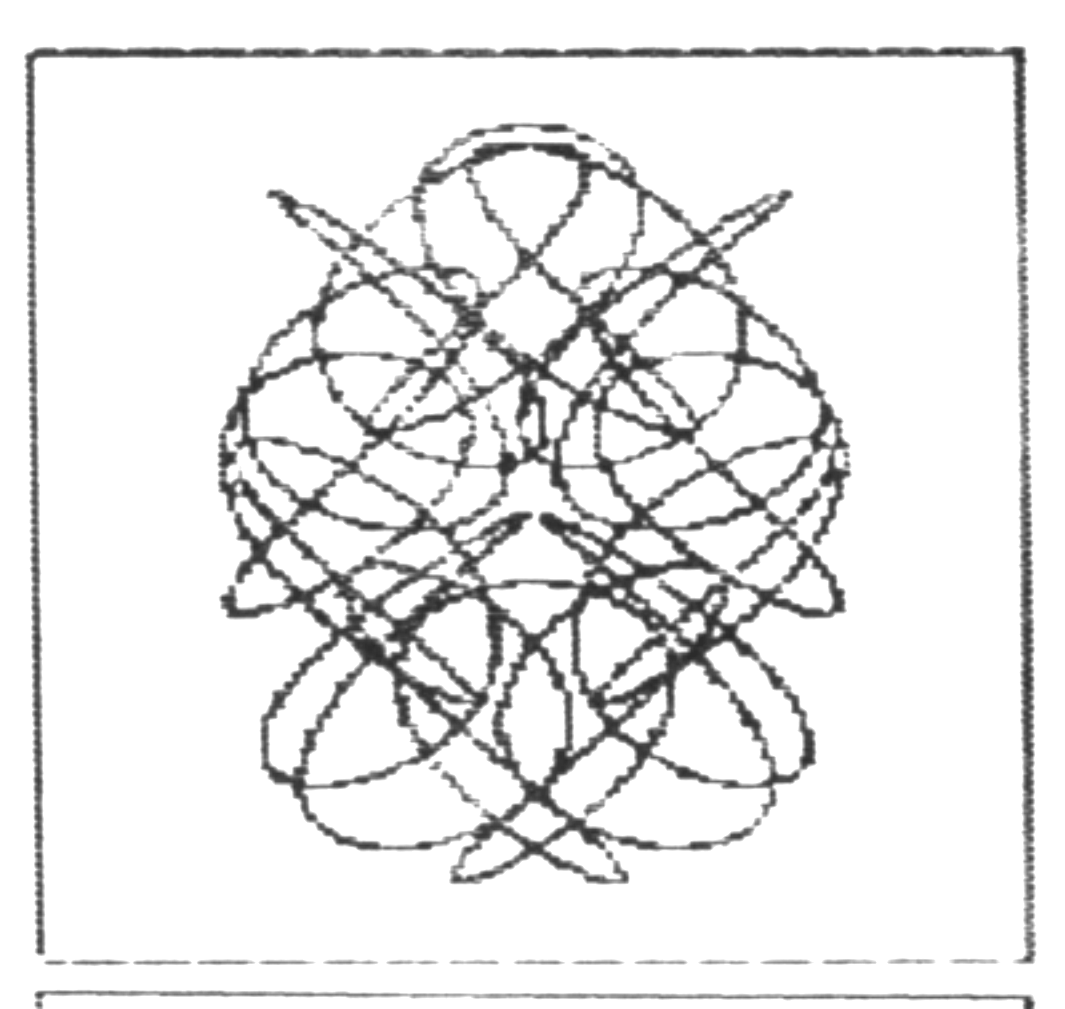
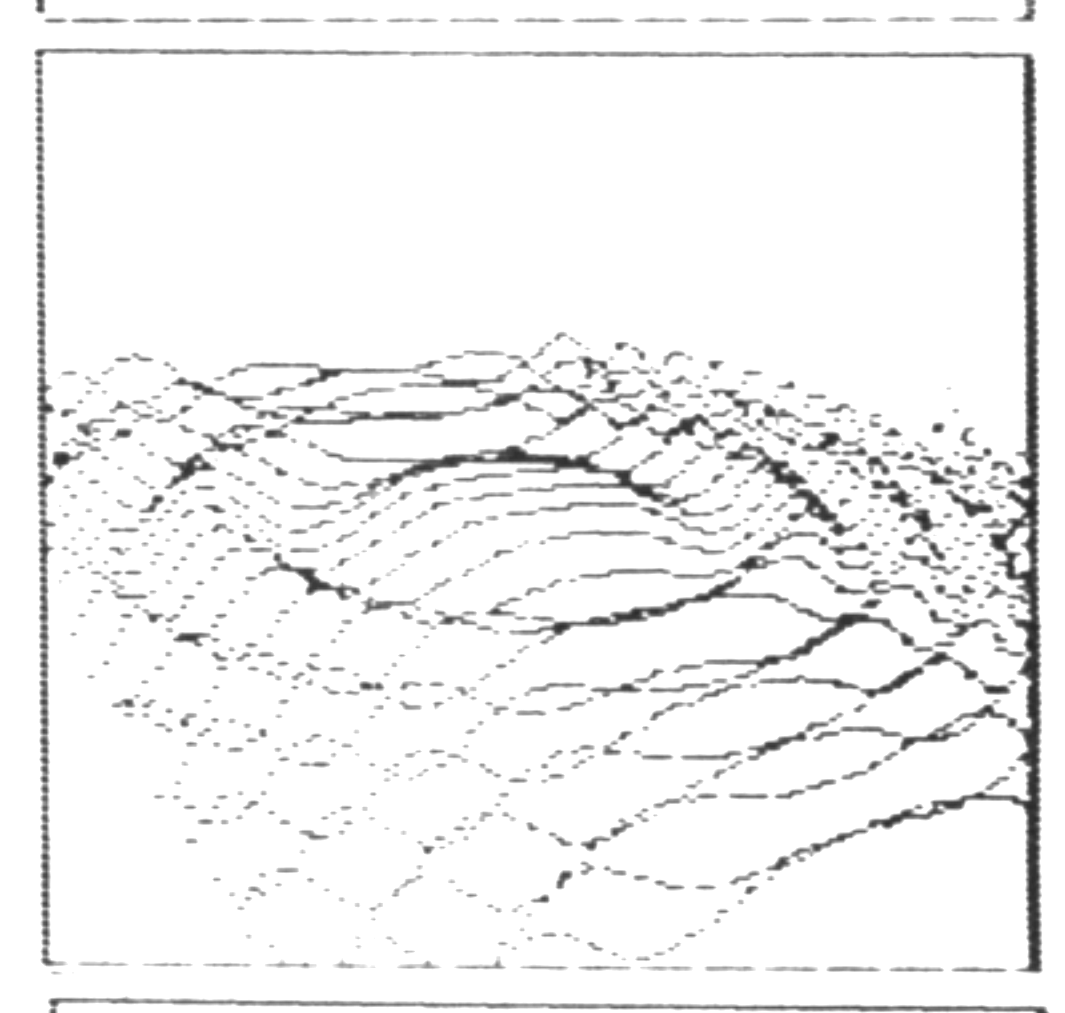
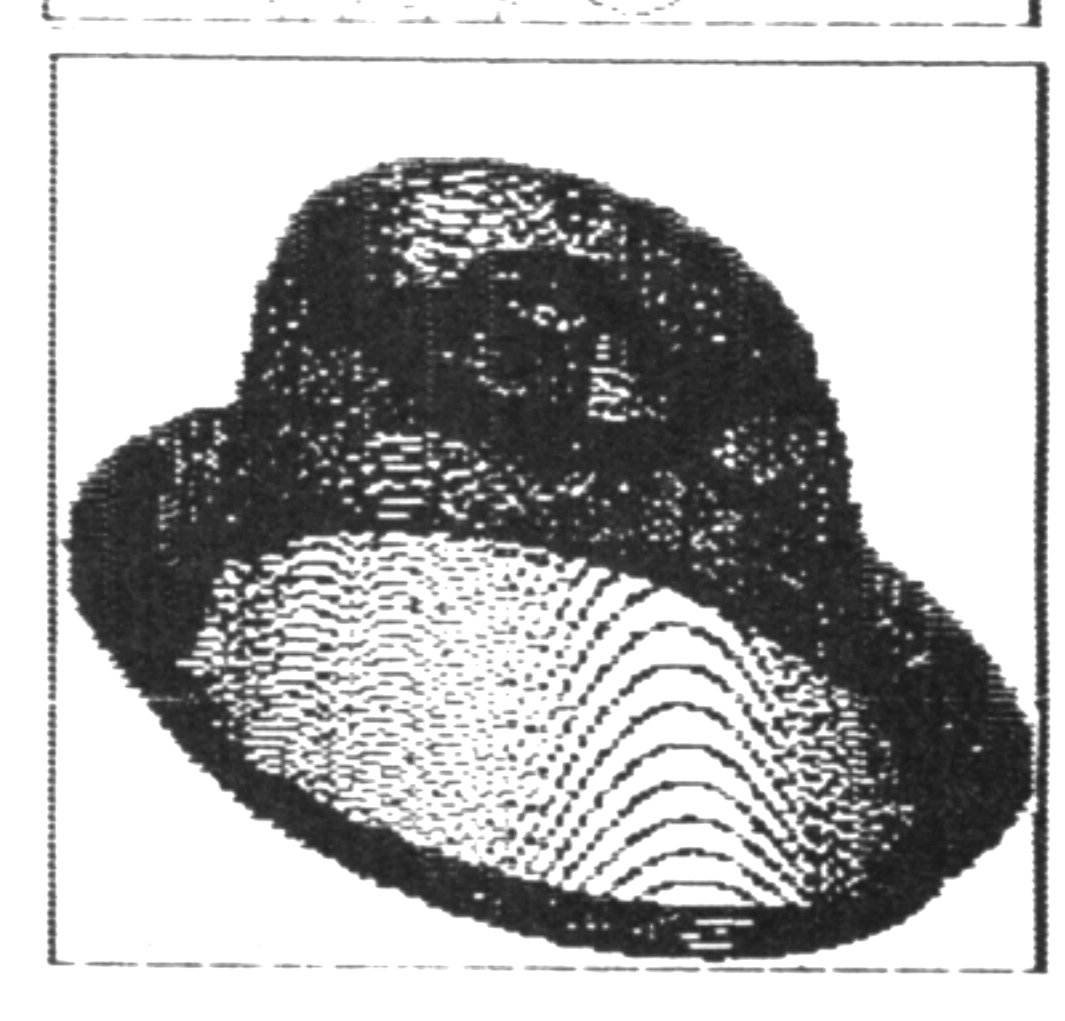
I have received a sample & demo of CALLISTO SOFTWARE‘s new ZX Hi-RES, a software Hi-Res for the standard ZX/TX machine. ZXHR has very nice 128*192 plotting (derived from 256*192 input), upper & lower case onscreen, and a comprehensive toolkit of fast graphics routines built in, including Draw, Ellipse, Triangle, Box, Quadrilateral, Fill, Plot, Invert, Copy, 3D shape rotation, and 40 Fill patterns.
Enclosed are copies of some neat stuff I’ve printed out using ZXHR. The 3D plane figures were actually approximated piecemeal using the Draw function. The Hi Res Hat (see TSH #13, p. 8-9) and the Circular Waves were done using the Plot function.
Not too shabby for a ZX81, eh!
Best regards,
Peter McMullin, [address omitted]