
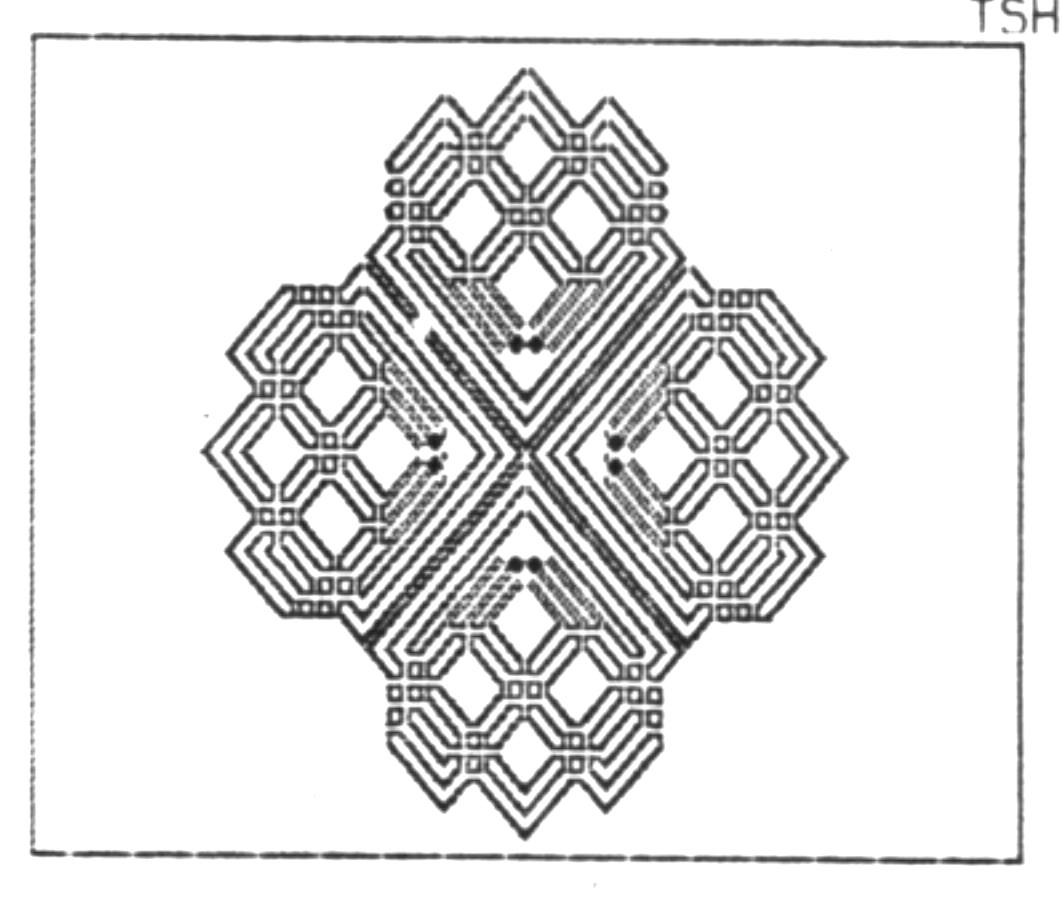
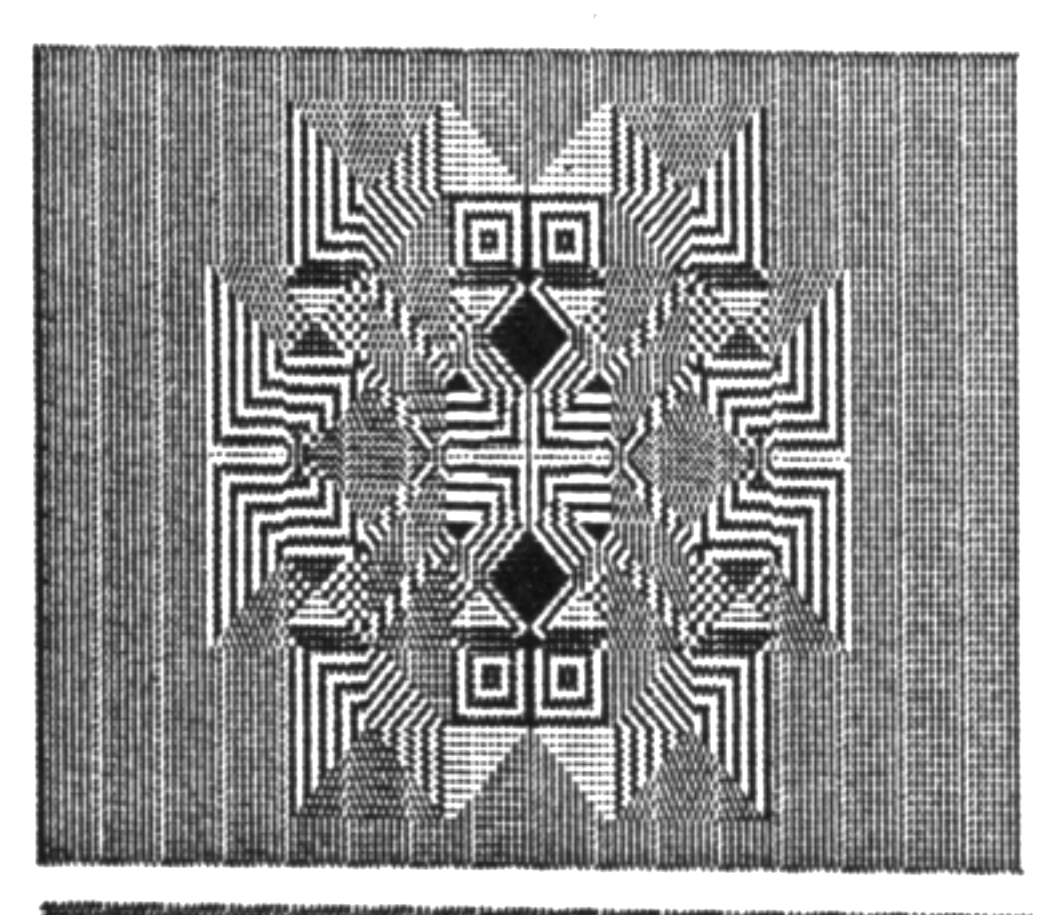
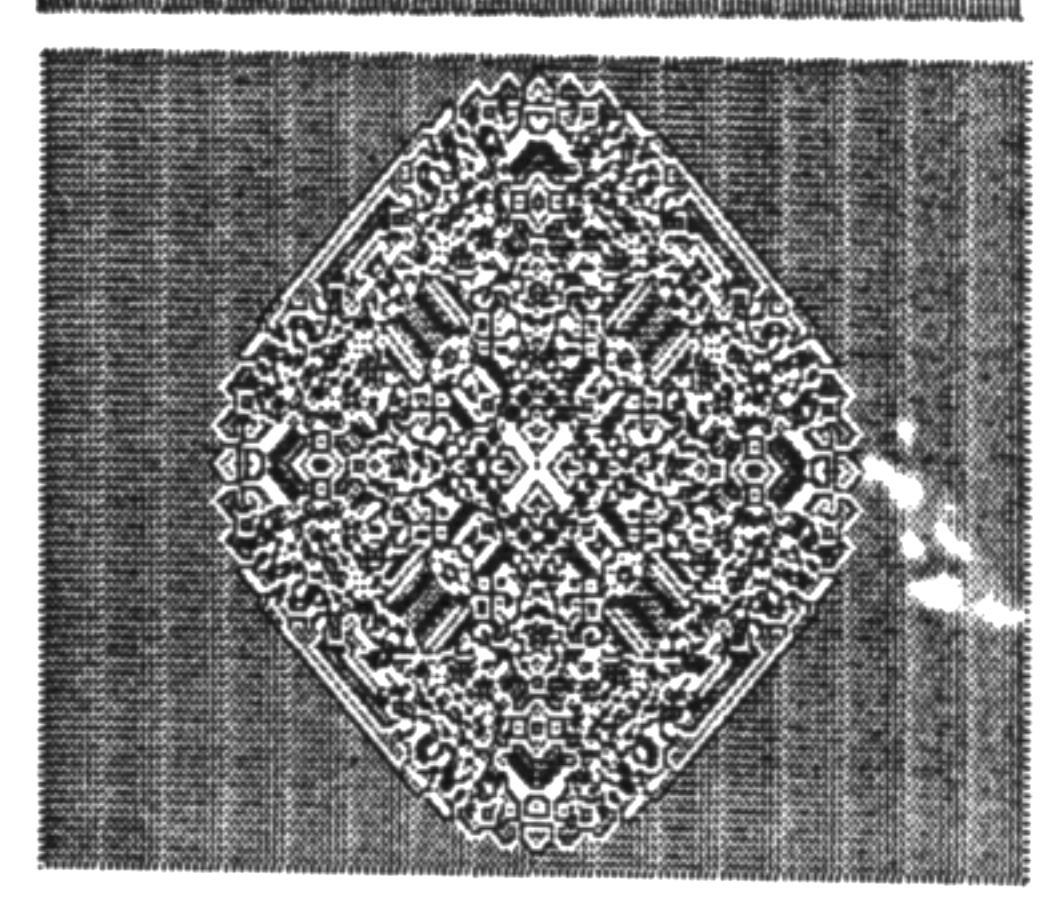
“Clover” creates a variety of geometric designs, based on a fairly simple principle. If you plot several points around a circle and at each point, draw a square, a diamond or other shape, the TS 2068 will create a design. Each time you increase the plotted points by 2, a different design forms. My program is designed to create a variety of shapes. A second part of the program, by drawing vertical and horizontal lines through the picture, actually makes four different pictures, the last one switching the paper and ink colors. I discovered these things more or less by accident, while combining part of two programs.
   5 REM  CLOVER
   6 REM   B. BUSH MAR 84
 500 REM
 542 BRIGHT 1: LET L=6
 545 CLS : OVER 1: RANDOMIZE 0
 546 LET A1=INT (RND*8)
 547 IF A1=3 OR A1=4 OR A1=5 THEN GO TO 546
 548 PAPER A1
 550 INK 9: BORDER RND*7
 551 LET U=INT (RND*3)+1
 552 REM SET U = 1 OR 2 OR 3
 553 LET R=INT (RND*35)+5
 555 CLS : LET B=2
 560 LET G=100: LET V=42
 565 LET W=0
 566 LET F=INT (RND*6)+1
 567 DRAW 0,175: DRAW 255,0: DRAW 0,-175: DRAW -255,0
 570 REM           MAIN ROUTINE
 580 FOR T=1 TO L
 585 LET V=42
 590 LET A=T/(L/2)*PI
 595 LET X=127+42*COS A
 600 LET Y=87+42*SIN A
 605 FOR V=R TO 42 STEP F
 606 IF U<3 THEN GO TO 610
 607 FOR V=42 TO 42
 610 PLOT X,Y+V: DRAW V,-V,W: DRAW -V,-V,W: DRAW -V,V,W: DRAW V,V,W
 615 IF U=2 THEN PLOT X,Y+V: DRAW V,0: DRAW 0,-2*V: DRAW 2*-V,0: DRAW 0,2*V: DRAW V,0
 616 LET V=V+1: PLOT X,Y+V: DRAW V,-V,W: DRAW -V,-V,W: DRAW -V,V,W: DRAW V,V,W
 617 IF U=2 THEN PLOT X,Y+V: DRAW V,0: DRAW 0,-2*V: DRAW 2*-V,0: DRAW 0,2*V: DRAW V,0
 620 NEXT V
 625 NEXT T: PAUSE G:
 630 LET L=L+2
 635 REM          FILL LINES
 640 INK 9: FOR J=1 TO 255 STEP B: PLOT J,0: DRAW 0,175: NEXT J
 645 PAUSE G
 650 FOR J=175 TO 1 STEP -B: PLOT 0,J: DRAW 255,0: NEXT J
 655 PAUSE G
 660 FOR J=255 TO 1 STEP -B: PLOT J,0: DRAW 0,175: NEXT J
 665 PAUSE G
 670 FOR J=0 TO 175 STEP B: PLOT 0,J: DRAW 255,0: NEXT J
 680 PAUSE 150: GO TO 545
There are some changes you can make to alter the program further.
Line 552: By changing this line to LET U=1, you can bypass the random number and get similar designs each time. To see what is affected follow U through the program.
Line 542 sets the variable L. This can start as low as 4. The program will start at 4 plotted positions, and increase by 2 each time. Use even numbers or designs will be non-symetrical. When the number gets higher, the drawing slows down.
Line 595: If you change the number 42 to as high as 80, you will get designs which are more rectangular in form.
Line 560: G determines the length of the PAUSE. If you wanted to print some of the designs, make this number higher, so that you can stop the program before it changes. TSH
Media
Note: Type-in program listings on this website use ZMAKEBAS notation for graphics characters.