BANNER, GREETING CARD, and SIGN DESIGNER are programs that give us the chance to be a little creative, and make even more constructive use of your 2068.
After spending much time with all three programs, I have come up with a few suggestions to make your final product even MORE impressive.
- First, try putting graphics in random spots on your greeting card or design, instead of just the four corners or the middle.
- Next, always be on the lookout for ideas for new graphics. I did, and I now have over 75 different ones besides the original 22 that come with the programs. I am sharing some of them with you each month here in TS HORIZONS. If you have some favorites you’ve designed, send them to me at:
Bill Ferrebee
MOUNTAINEER SOFTWARE
749 Hill St. #6
Parkersburg WV 26104
We might print yours in a future issue!
- The most important tip I can give you is to use COLOR. This can give your final product pizzazz, and it is not hard to do. There are 3 ways to use color:
1) Colored Paper
2) Colored Ribbons
3) Colored Markers
Colored paper is available in continuous form-feed from many office supply stores. You can also order it from the paper supplier for PRINT SHOP for IBM and Apple:
PIXELLITE COMPUTER PRODUCTS, INC.
5221 Central Ave., Suite 205
Richmond Ca 94804
1-800-643-0800
Colored ribbons are available in a variety of colors (Red, Blue, Green, Purple, Brown, and Yellow) for all of the printers supported by the DESIGNER program series. A good source for the ribbons is:
PRINTER RIBBON SUPPLY
P.O. Box 920145
Norcross GA 30092
1-800-438-7745
(Mention this article when you call.)
The next suggestion is the easiest and most economical. When you design your product, use “outline” letters. Then simply color them in with brightly colored felt tip markers. (Be sure to stay in the lines!) Many times you can buy an assortment of 24 or 48 different markers for under $5.00.
- My final suggestion is…experiment! Don’t be afraid to try something new. It’s only paper and who knows, you might become the next Hallmark!
[From T-S Horizons No. 20, p19.]
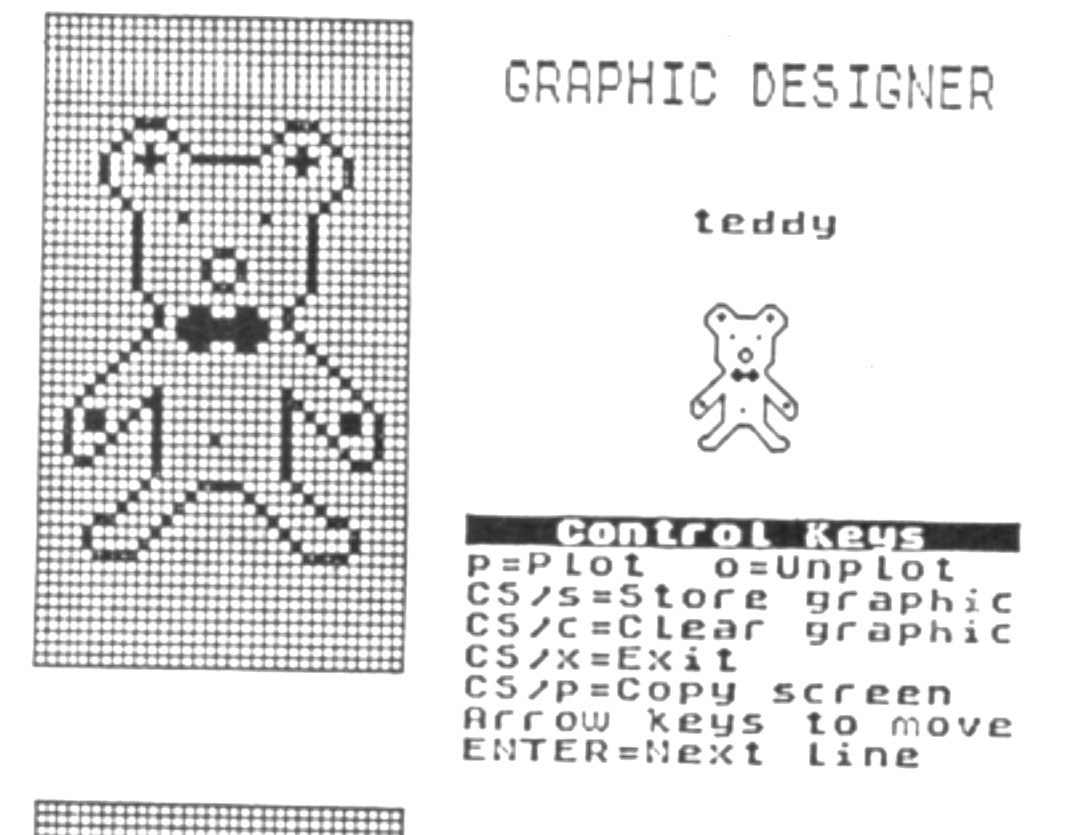
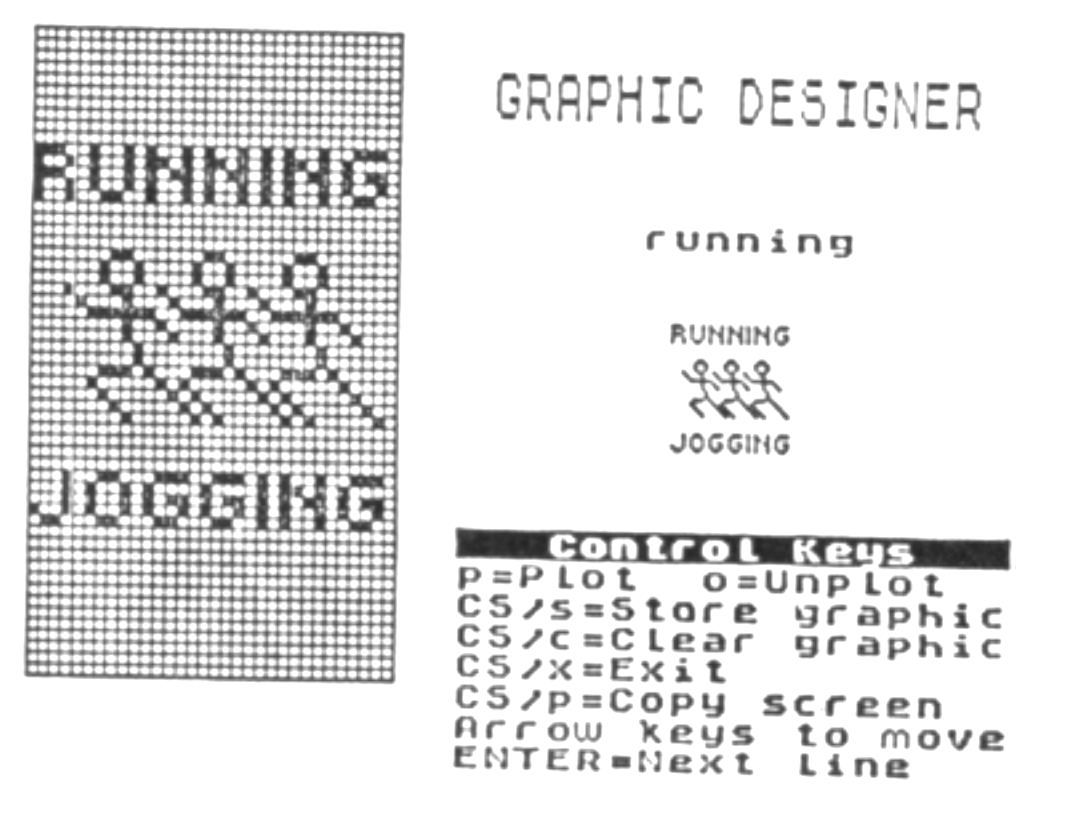
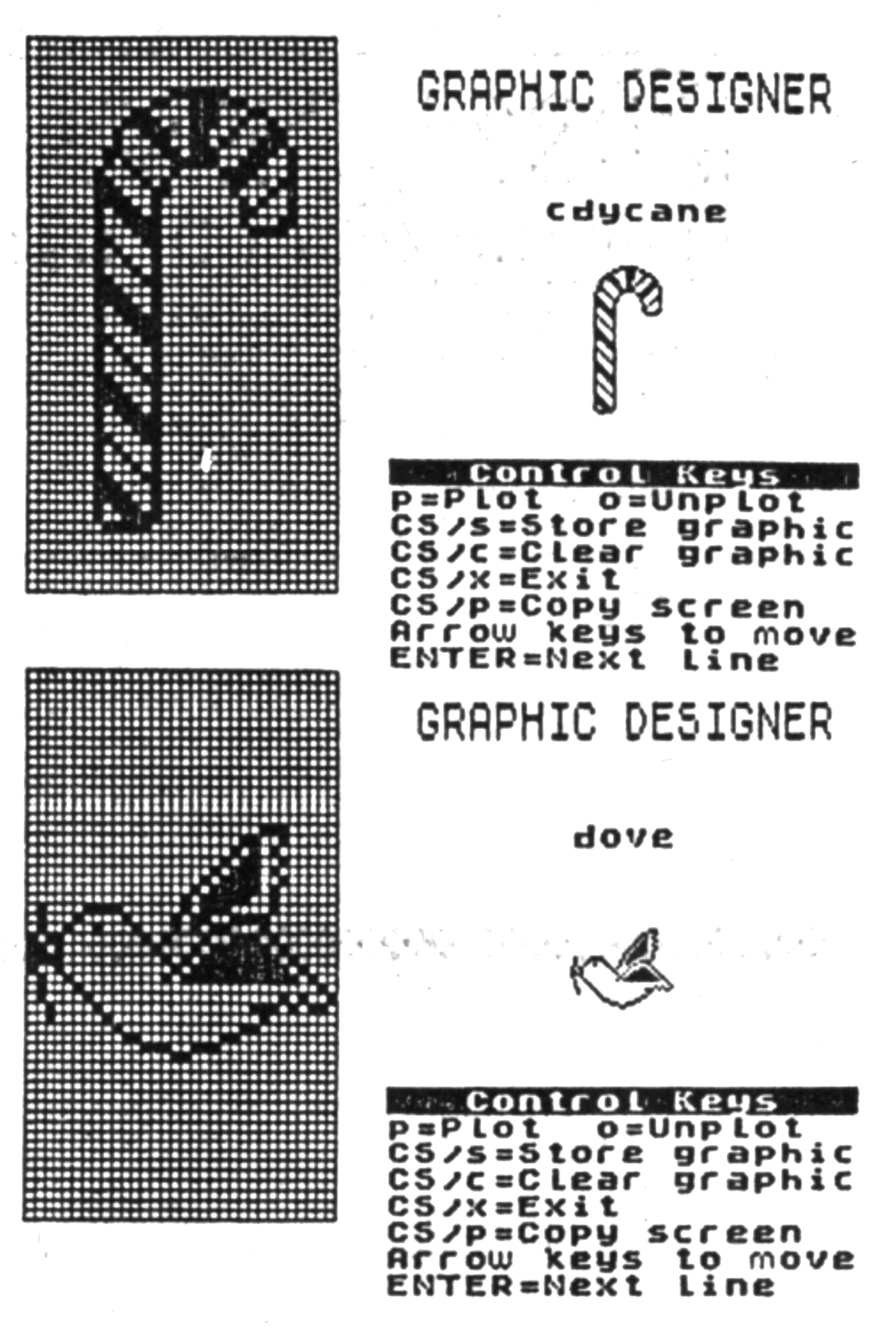
Here are the last of Bill Ferebee’s graphic designs he submitted for his reviews in issues 18 and 19 of TS Horizons. The programs reviewed are Sign Designer, Banner Designer, and Greeting Card Designer.