
ITEM: ZX-GR 64K RAM
FROM: MINNY ELECTRONICS INC.
7332 DOUGLAS DRIVE
BROOKLYN PARK, MN 55443
PRICE: $149.95 + 5.95 Shipping
Although great looks aren’t a feature of the ZX-GR, the unit is well-built and stable. I had no problems with wobble as I did with the Timex 16K RAM pack. The edge connector is attached to the unit by way of a 3 inch ribbon cable which adds to the stability of the unit.
Actually, like all “64K” RAM packs, the ZX-GR is only 56k, 48 of which is useable for basic programming. The other 8k is located in the unused 8-16k block of memory, which can be used for machine language programming or data tables. When using the ZX-GR with another hardware unit which requires the 8-16K block of memory, you must flip the switch on the front of the unit to the left. If you wish to use this block of memory, make sure the switch is in the correct position.
To get the full use of available memory, you must move RAM TOP to its highest position. You should do this when you first power up the computer, with the following commands:
POKE 16388,255
POKE 16389,255
NEW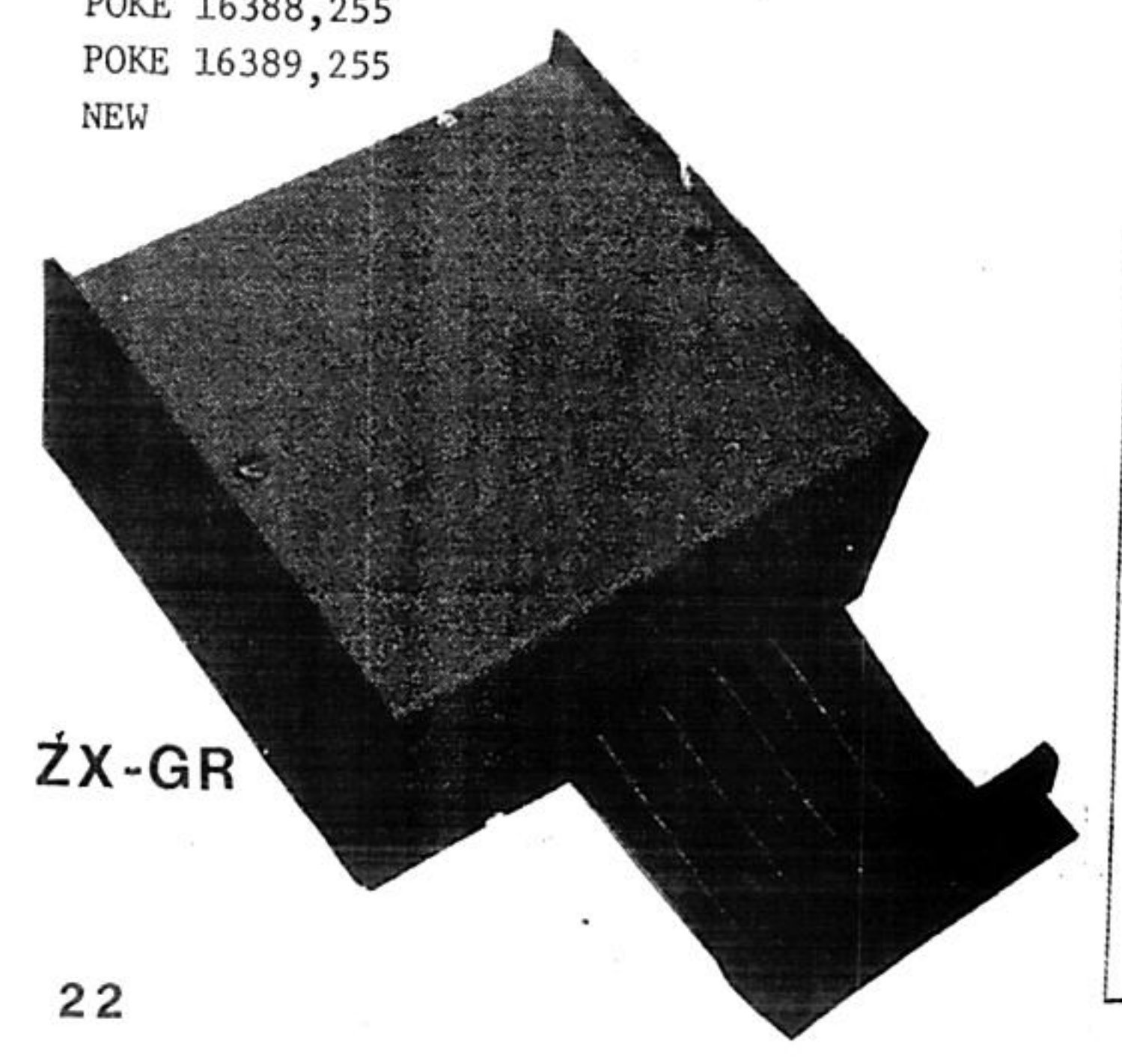
This sets RAM TOP to 65535.
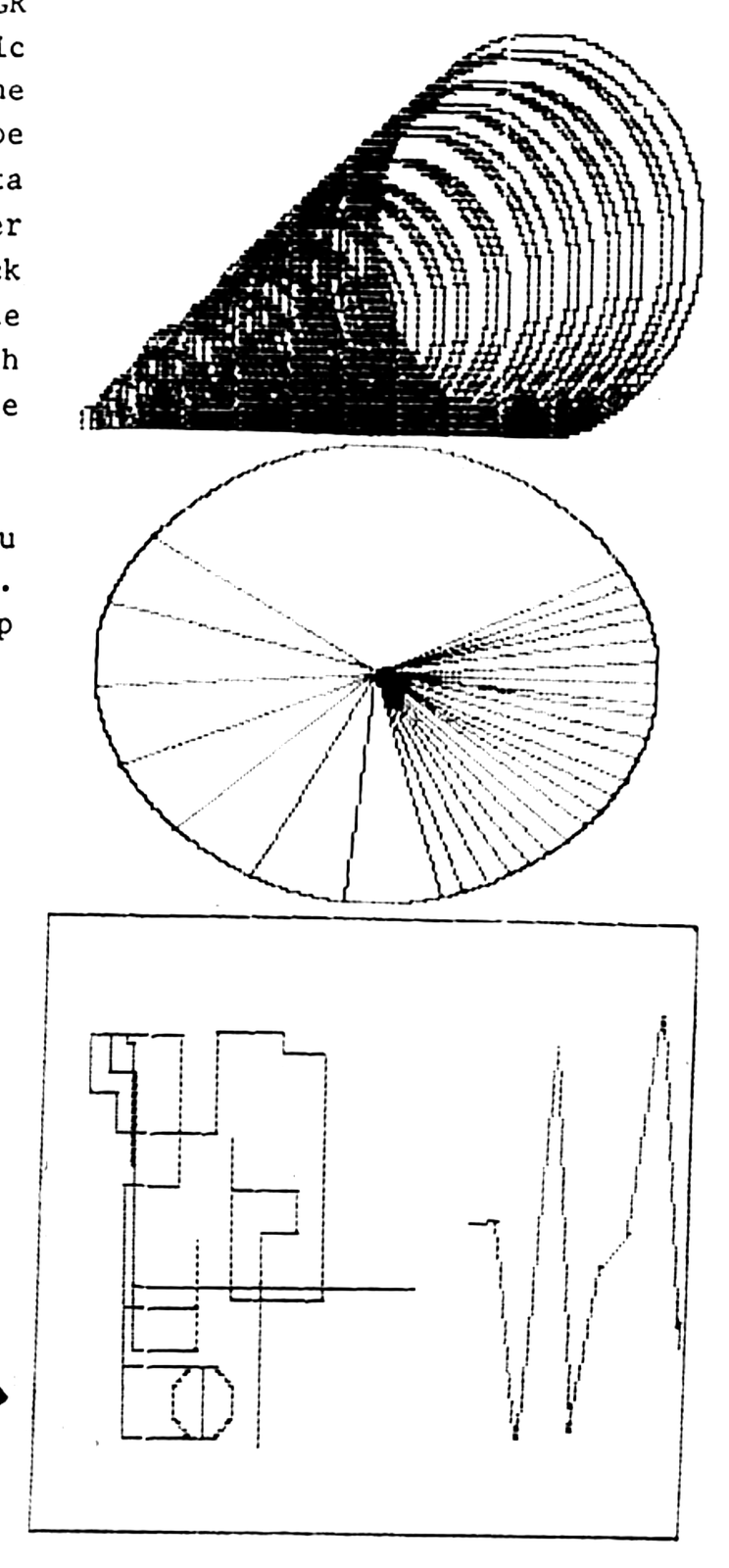
The manual which comes with the ZX-GR is a brief 10 page leaflet which not only covers the unit but also the hi-res graphics program which comes with the ZX-GR. The graphics program to say the least is fantastic. All the Hi-resolution comes from the software, the only hardware being the extra memory, which is essential for it to work. When the graphics program is loaded, it will self-start. The demo program draws such things as a pie chart, a graph, and a three dimensional-looking funnel, all of which can be printed on the Timex printer by pressing the “Z” key and return while the demo program is running. The program has 5 main screens and 14 sprites. A Sprite is a 32 x 32-pixel figure which can be created by the user and moved all about the screen. It can merge two of the 5 main screens to form one. Also, I must mention the drawing routines included, such as circle drawing, line drawing, and even rectangle drawing, all of which are very fast. Another added feature is the ability to save individually any of the five screens on tape and load them back at will. After watching the demo program you can create your own pictures on one of the 5 screens. Pictures are drawn by moving the cursor, which leaves a thin line behind it, around with the unshifted arrow keys. Angle lines can also be drawn with the R, T, Y, U keys. One of the most fascinating things you can do is to scroll a drawing up the screen by pressing the “B” key. When the picture reaches the top of the screen it wraps around to the bottom. The same is true when drawing a line into the side of the screen; it will wrap around to the other side of the screen.
Over all the unit and program perform well and can make a great addition to your computer. Although the price of the ZX-GR is somewhat higher than other 64k RAM packs, the added graphics program may justify the price. Also we understand that this is the only 64k RAM pack available that can be used with the TS 1500.
One last note: you might consider the purchase of a fast load program to cut down on the long loading times. Be sure to get one that is relocatable, so you can move it into the 8 to 16k block of memory.